It happens to all of us sometimes: You added or modified an entry on your calendar but then you changed your mind. You can undo what you just did.
The undo option
- Undo: After each change to the calendar, an undo button is available. It allows undoing the last change. It will hover for a few seconds and disappear automatically.


Delete confirmation
To prevent the accidental deletion of events on your calendar, Teamup also provides delete confirmation:
When a user deletes an event, a dialog window will open and prompt for a confirmation:
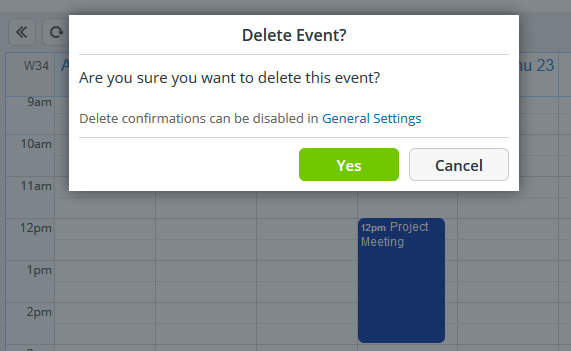
This confirmation requirement ensures that the user is fully aware of the deletion before it is executed.
Delete confirmation is an optional feature. It can be enabled or disabled by the calendar administrator.