Every day, we deal with a huge amount of information. How does all that information impact your workflow? It’s good practice to capture all the incoming information in one place: the inbox or “in-tray” as the champions of Getting Things Done call it. But we still have to sort, organize, and figure out what to do with it all.
If we just throw all the information in a big pile, it can easily become a mess. It’s time-consuming to go through a whole list of questions at a later time about every piece of information. (Is it important? Confidential? Urgent? Relevant to a project? Needed by someone else? Necessary for reference?)
Our brain power is often insufficient to track, use, and recover the specific info when we need it. Context is the key to truly getting organized.
Context tell us what the information is about, who needs it, when and where it’s relevant. When we capture information, assigning a context makes it easy to track, retrieve, and use the information when it’s needed.
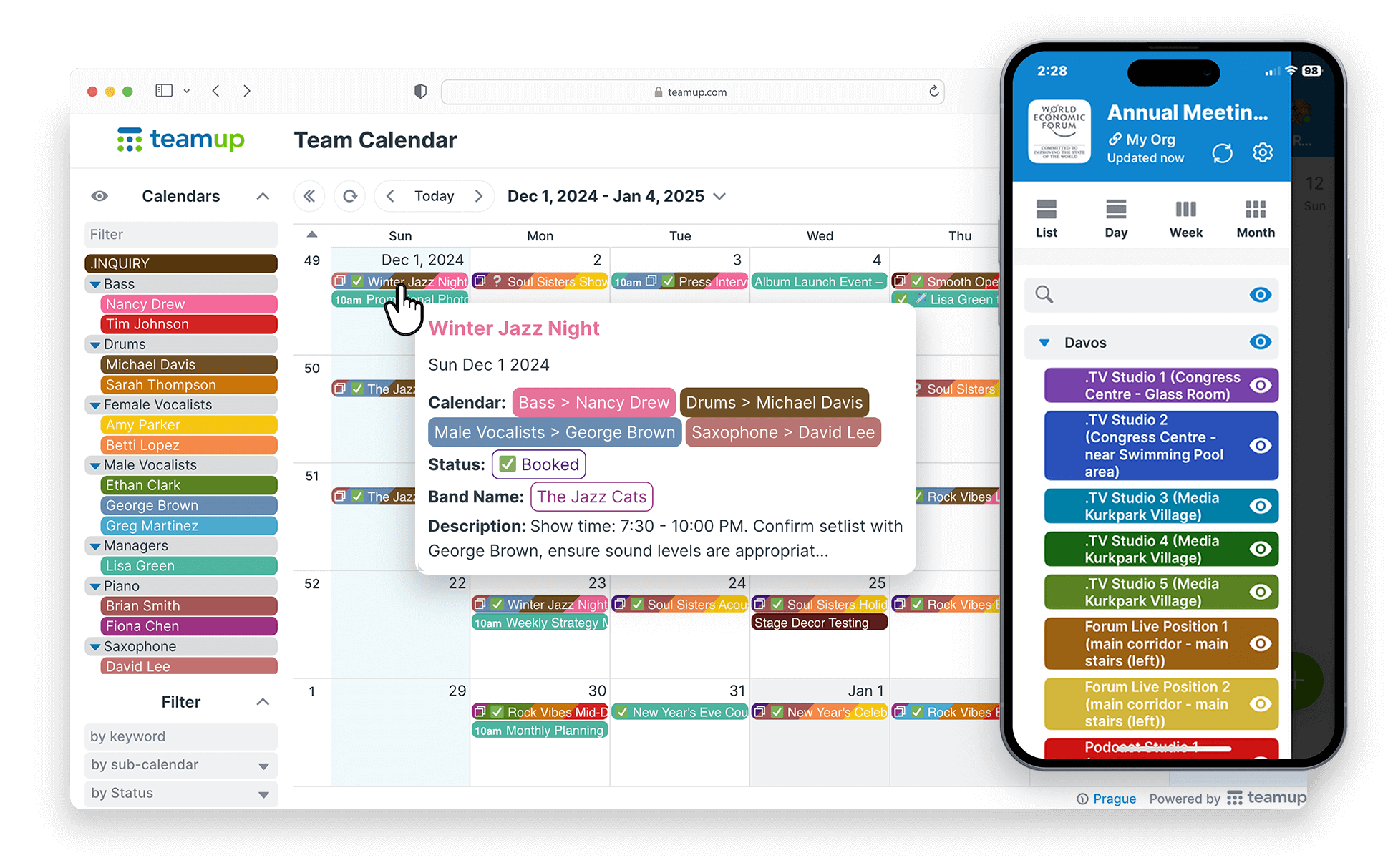
It’s easy with Teamup: Create a custom field and assign a context to what you capture, the moment you capture it. A good example is assigning a project name, such as “project delta.”
A Teamup calendar in Table view is another system to extend our brains and it is even more reliable: The context field, such as a job #, is displayed in its own sortable column.
Sort information by context easily–even if you can’t remember the job # or project name, you can scan and sort in Table view. This way you get only the ones you specifically tagged with the context without the noise coming with a simple keyword search that may pull in results with the keyword in another text field.
Examples of context:
- customer
- project
- idea
- location
- job
- industry
- country
- research field
- topic
- department
- campaign or incentive
- vision or mission.
Teamup makes it easy to tag the context for each piece of information. Add one or more custom fields to capture the relevant context. It could be a project name, a customer ID, a work site, a job type, anything that can be tracked. Once you tag the context, you can easily filter the information for the context you need in the moment you need it.