If you’re feeling stressed by family life, you’re not alone. With technological advances and cultural changes, we have more options. That’s great, but with more options comes more complexity. Every decision you make — and you make thousands in a day — costs energy and willpower. But if you opt out of decision making, and quit managing the complexity, you get chaos. Missed communication, scheduling conflicts, and last-minute frenzy don’t create a peaceful family life, that’s for sure.
How Teamup can simplify family life
Every family is different, of course. I’ll share some ways I use Teamup with my family; apply these concepts in your own way to manage your unique family life.
Coordinating the family schedule with Teamup
For a family with several kids, there’s a lot to keep track of.
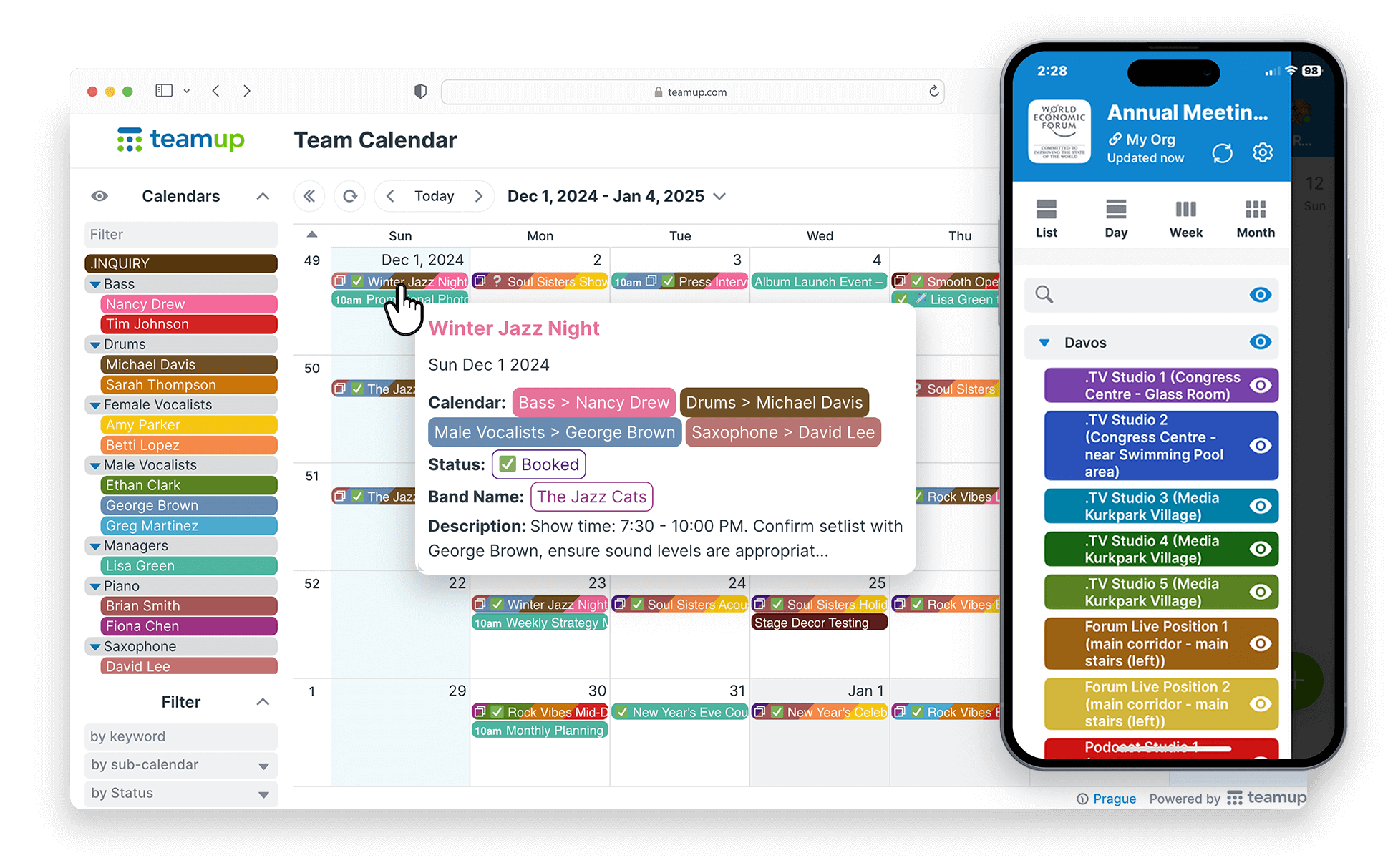
One approach is to create a central Family calendar with a sub-calendar for each family member. You can add more for work, other schedules, or a calendar you share with extended family.
A separate calendar for each person or activity keeps things manageable. Toggle each one on or off to see only what you need. You can also share only what’s relevant. For example, kids may want to see travel plans but not work deadlines.
Use as many or as few sub-calendars as fits your life, and group them into folders if you like. If one area needs a lot of scheduling, it often helps to give it its own sub-calendar.
Using different permissions
For a family calendar, add everyone as account-based users. Give parents administrator or modify permission. Give each kid add-only permission for their own sub-calendar and read-only permission for the main family calendar.
With the right permissions in place, everyone sees what they need, shares their plans, and avoids scheduling conflicts. (Of course, if your kids add “go out for ice cream” to every open night on their sub-calendar, some conflict may be unavoidable!)
Keeping track of school and activities
If you’ve created a sub-calendar for each member of your family, keeping track of school will get much easier. Imagine seeing that a project is due the week before, instead of the night before!
Everything on the school calendar — starting and ending dates, half-days, field trips, school events, etc. — can go onto your Teamup calendar. No more last-minute surprises. Individual assignments, from homework to project due dates to tests, can go on the individual’s sub-calendar.
Older kids can add their own items via the Teamup app or a browser if they have study group, an extra rehearsal, or need a ride somewhere. It’s a much better method for managing school scheduling than crumpled notes and last-minute text messages.
Here’s how to use a shared calendar to manage one common family chore: planning meals.
Step 2: Assign each meal to a person so everyone knows who’s in charge of what. Delegating meals means sharing the load.
Step 3: Attach the right information — a photo, grocery list, recipe, or link — to each meal. Then anyone can step in when needed. If one person is running late, someone else can take over dinner with everything right on their phone.
You can use the same approach for any household area you want to share and delegate: planning, cooking, cleaning, yard work, laundry, errands, and so on. A shared calendar is an all-in-one system: schedule, upload key information, assign, and share.
Even finances are easier to manage: Schedule recurring due dates for bills, payment reminders, and important financial activities such as gathering documents for tax preparation. Use a shared calendar for more fun financial incentives. Keep track of how you’re paying off debt, accumulating savings, or building up that travel fund. The more complex your financial situation, the more detailed you can be: you can create specific sub-calendars, add users with specific permissions, upload attachments, and keep detailed notes. You can also clearly assign who’s in charge of doing what (and when!).
A Teamup calendar as a family center
A shared calendar won’t make your kids remember their manners or give you more hours in the day. But it can reduce the chaos of family life. Get all the information in one central place that each family member can access in the way they prefer, via the web or using the mobile app for iOS or Android.
How could your family life benefit from a Teamup shared calendar?