Calendar Access, Product Tips
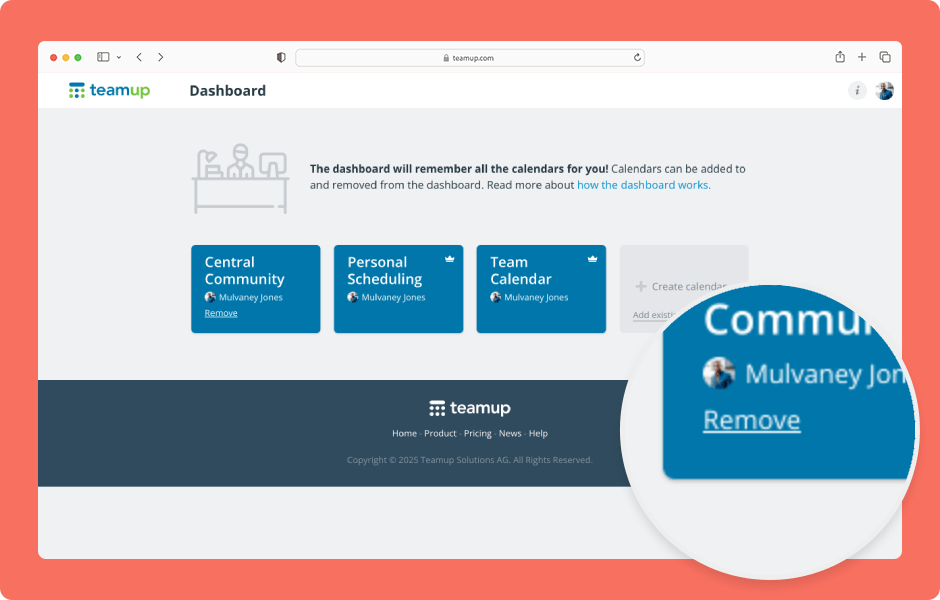
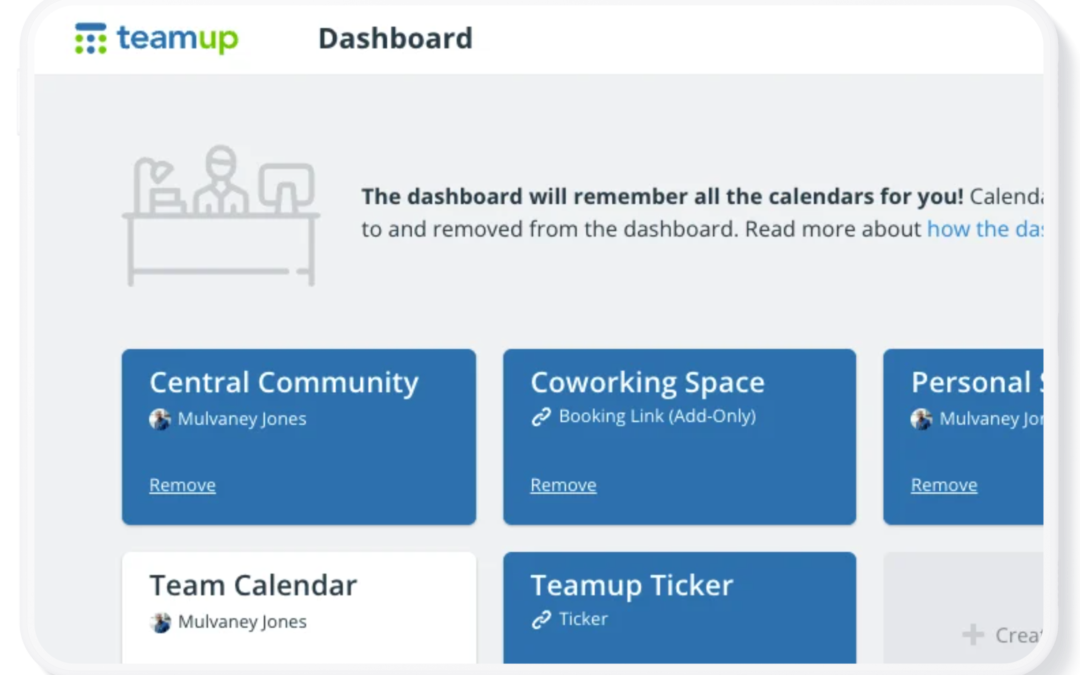
Your Teamup Calendar can be accessed in any browser, and on mobile devices through the Teamup app (iOS, Android) or a mobile browser. If you created the calendar If you created the Teamup calendar, it’s been added automatically to your dashboard with...
Calendar Access, Product Tips
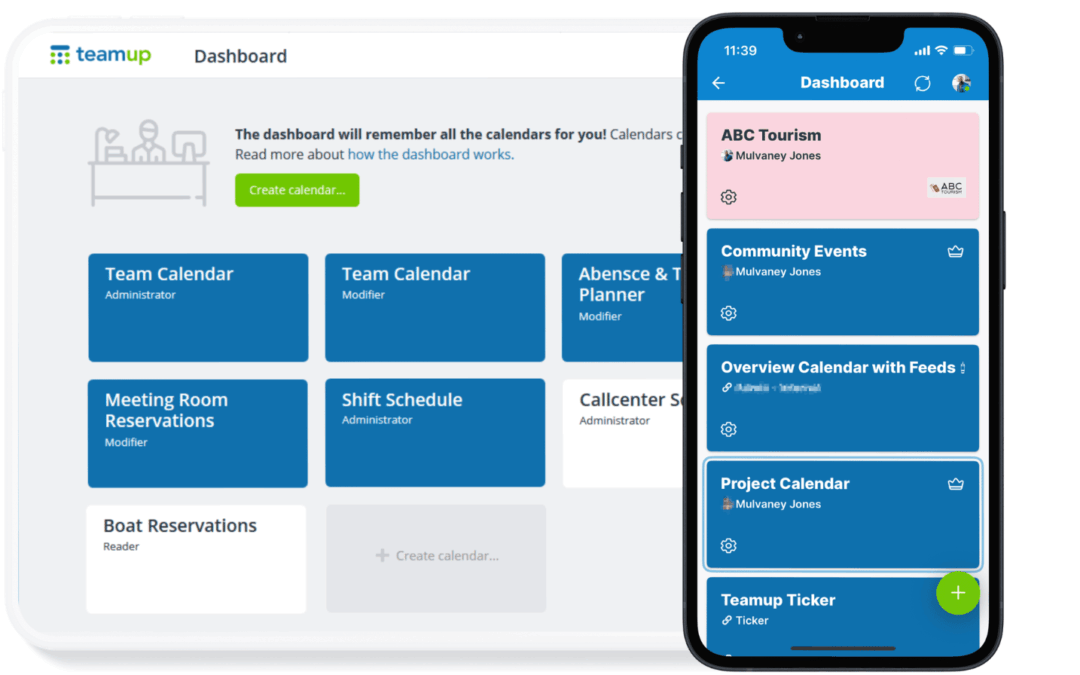
If you have a Teamup user account, you already have a calendar dashboard. A calendar dashboard provides one convenient, secure place to access all the calendars you have created or been invited to access. Here’s how it works. What is a Teamup user account? A...
Calendar Access, Featured, Product Tips
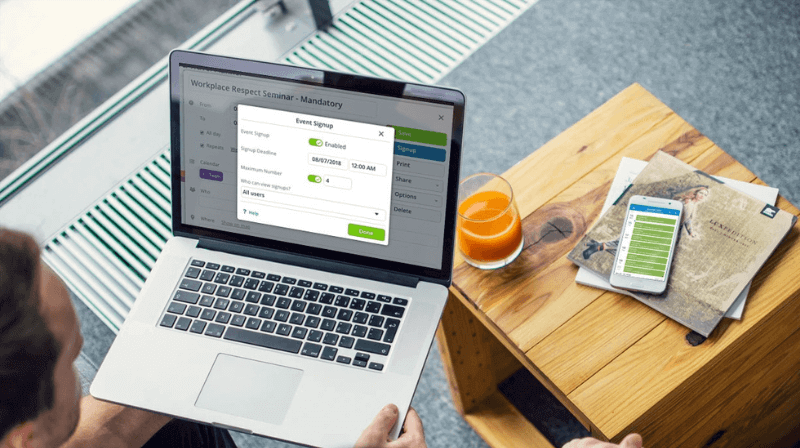
A Teamup user account is your personal login, tied to your e-mail address and password. Teamup user accounts provide better security and unlock the most powerful Teamup experience, including a personal calendar dashboard, syncing across devices, event reminders, and...