Calendar Access, Product Tips
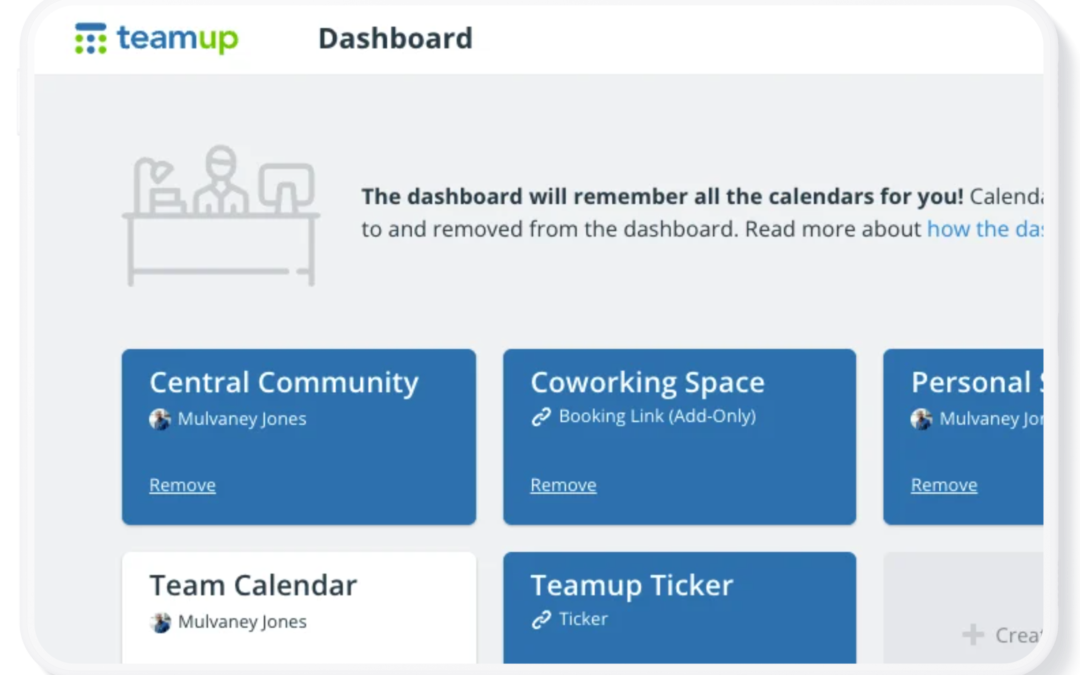
Your Teamup Calendar can be accessed in any browser, and on mobile devices through the Teamup app (iOS, Android) or a mobile browser. If you created the calendar If you created the Teamup calendar, it’s been added automatically to your dashboard with...
Calendar Access, Product Tips
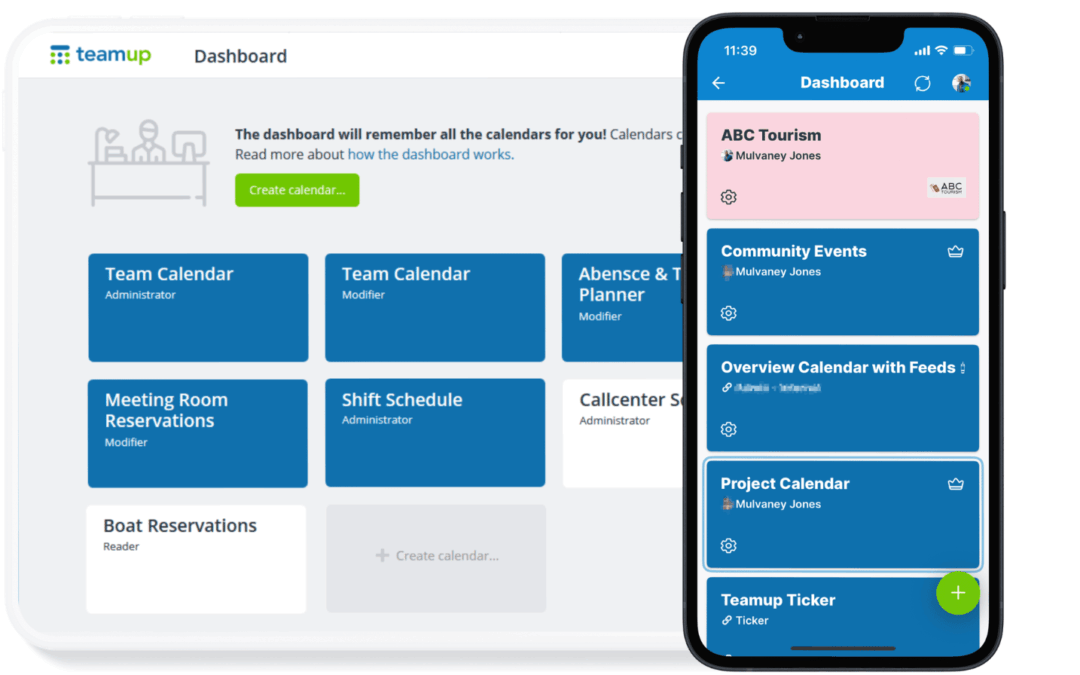
If you have a Teamup user account, you already have a calendar dashboard. A calendar dashboard provides one convenient, secure place to access all the calendars you have created or been invited to access. Here’s how it works. What is a Teamup user account? A...
Product Tips, Share Events
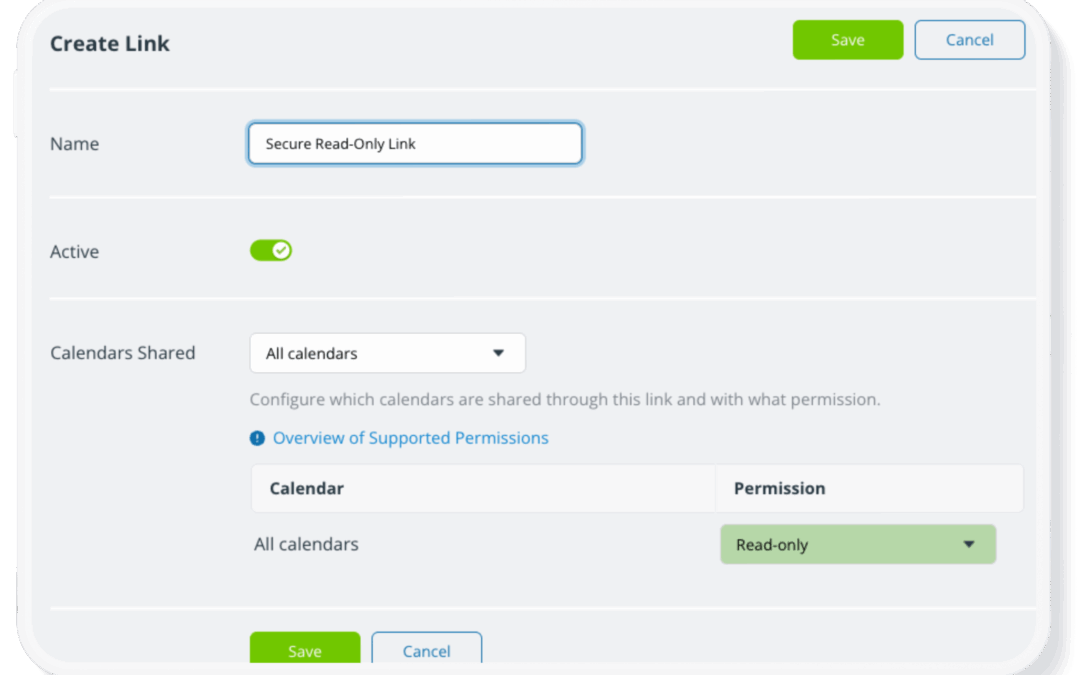
With a Teamup calendar, you can share your calendar securely with others by adding users via email. This sets up the most secure form of calendar access, tied to a verified individual and protected by login. In some cases, you may need to provide calendar access more...
Calendar Access, Product Tips
On many calendars used for team planning, shift scheduling, and work assignments, it’s common to have one sub-calendar for each team member, so that all jobs and events related to the team member are assigned to their dedicated sub-calendar. 🏢 A sub-calendar is...
Calendar Access, Product Tips
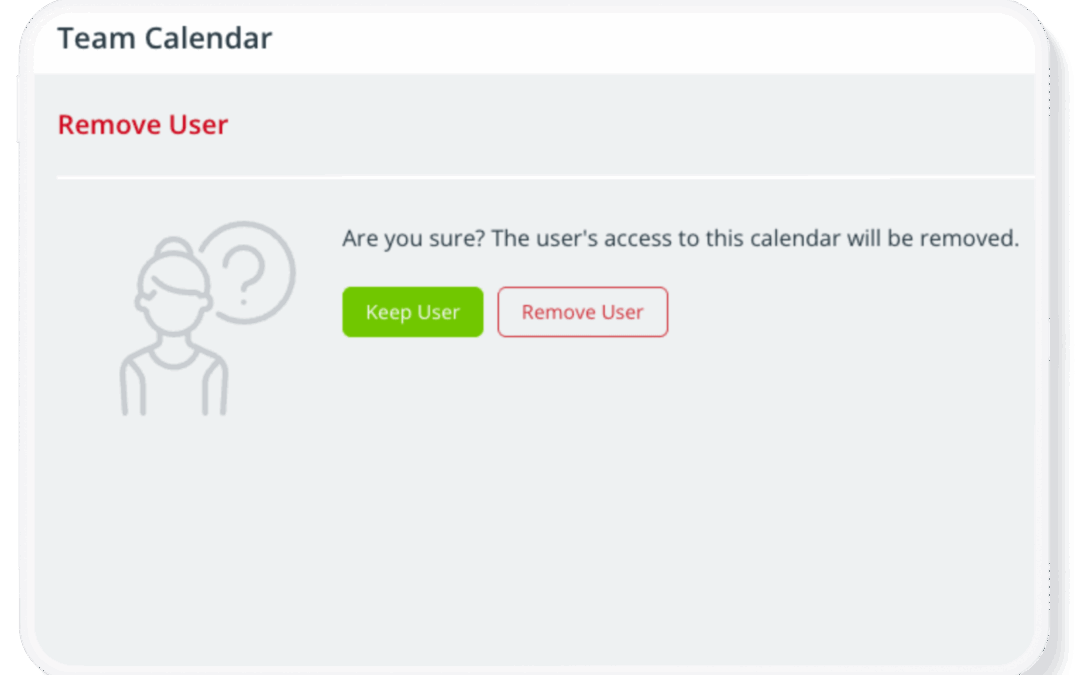
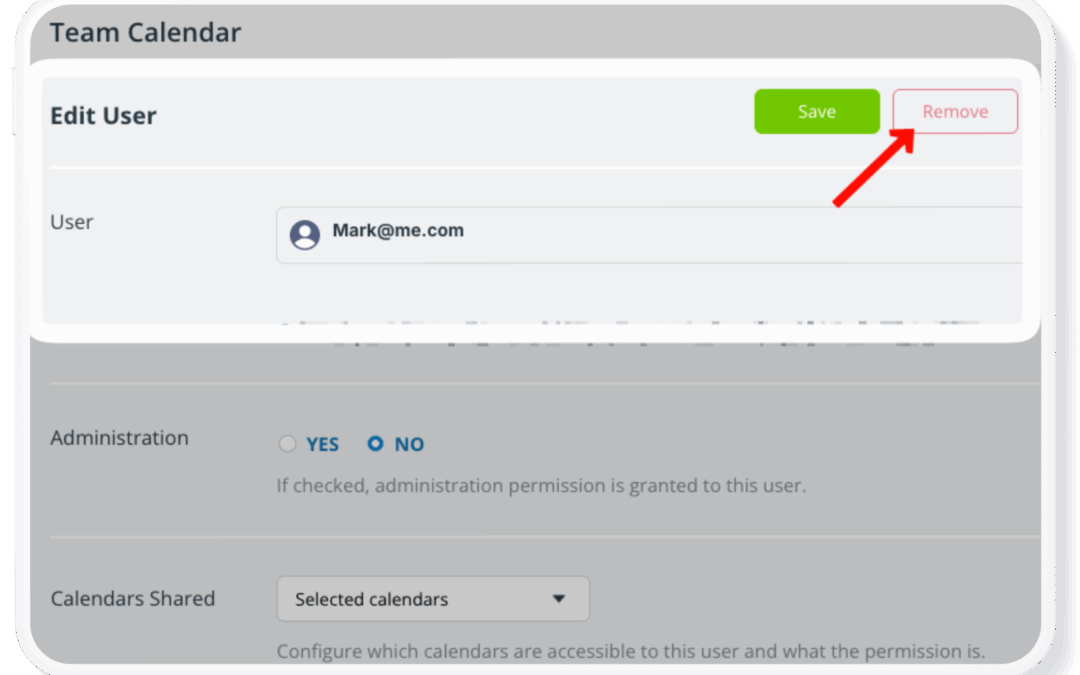
When an employee leaves your business, or a group member exits an organization, it’s important to keep the calendar secure and operational. Here’s how. When an employee leaves, there are important steps to take to prevent disruption and protect sensitive...
