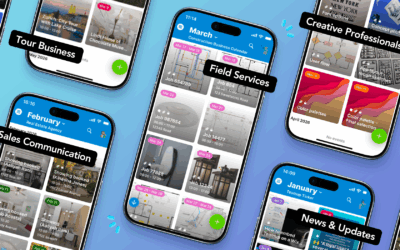
What’s new in January 2026: Once again, hundreds of media professionals attending the WEF Annual Meeting in Davos were able to efficiently book interview rooms and TV rotations on Teamup. Learn how to share a beautiful visual events calendar with guests. Let Teamup help with complex conference schedules or tracking compliance and training needs. Check out new interactive demos and power tips, plus get free calendar printables for the upcoming week, month, and quarter.
Highlights
Media bookings for WEF
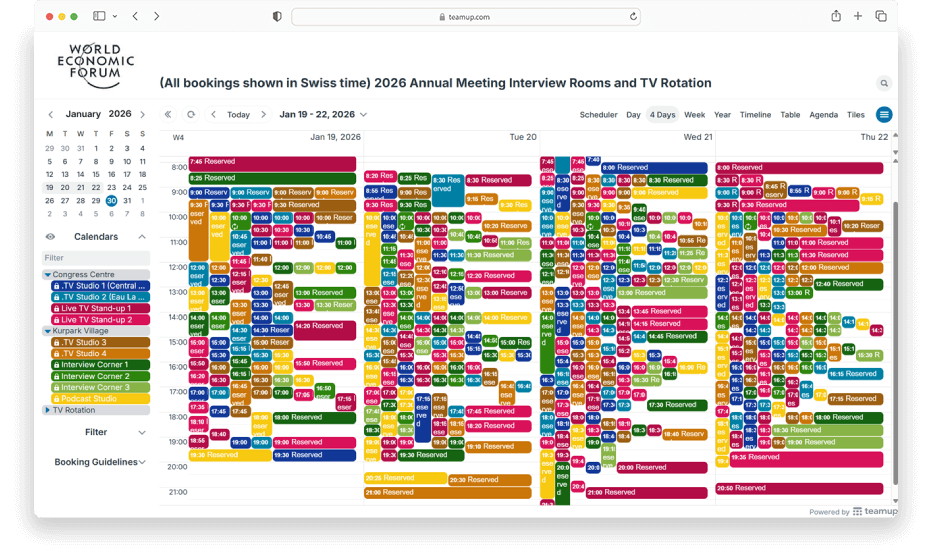
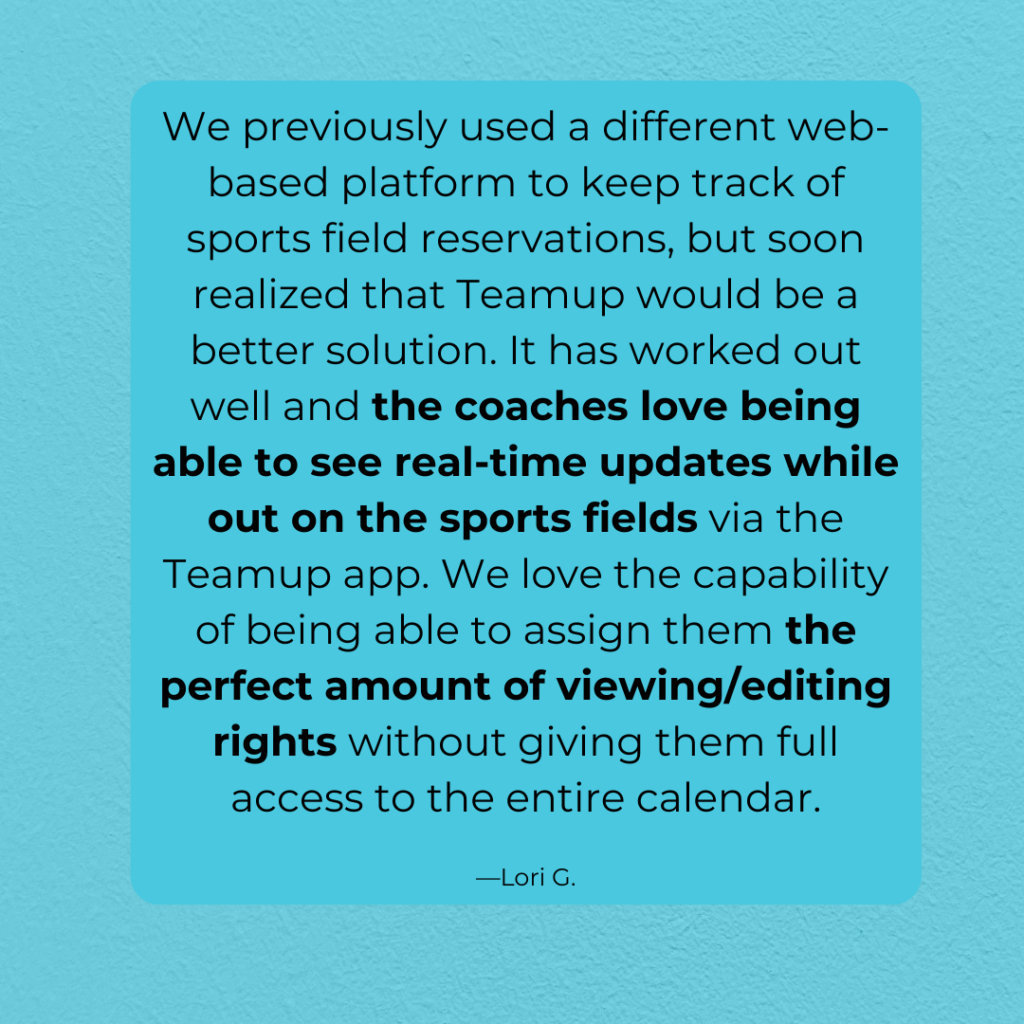
The media room booking operation at the World Economic Forum has been powered by Teamup since 2017. For this year’s WEF mega event with a record-breaking number of attendees, 750+ bookings were made during a packed 5-day period. Media professionals were able to access the booking calendar on a phone or any web browser to check availability and make reservations. Color-coded calendars and built-in filters made it easy to navigate the busy calendar. Customized calendar access for each organization kept things secure: Booking details were kept confidential, visible only to the professionals within each organization.
Learn more: World Economic Forum Media Booking Calendar

Share a visual calendar
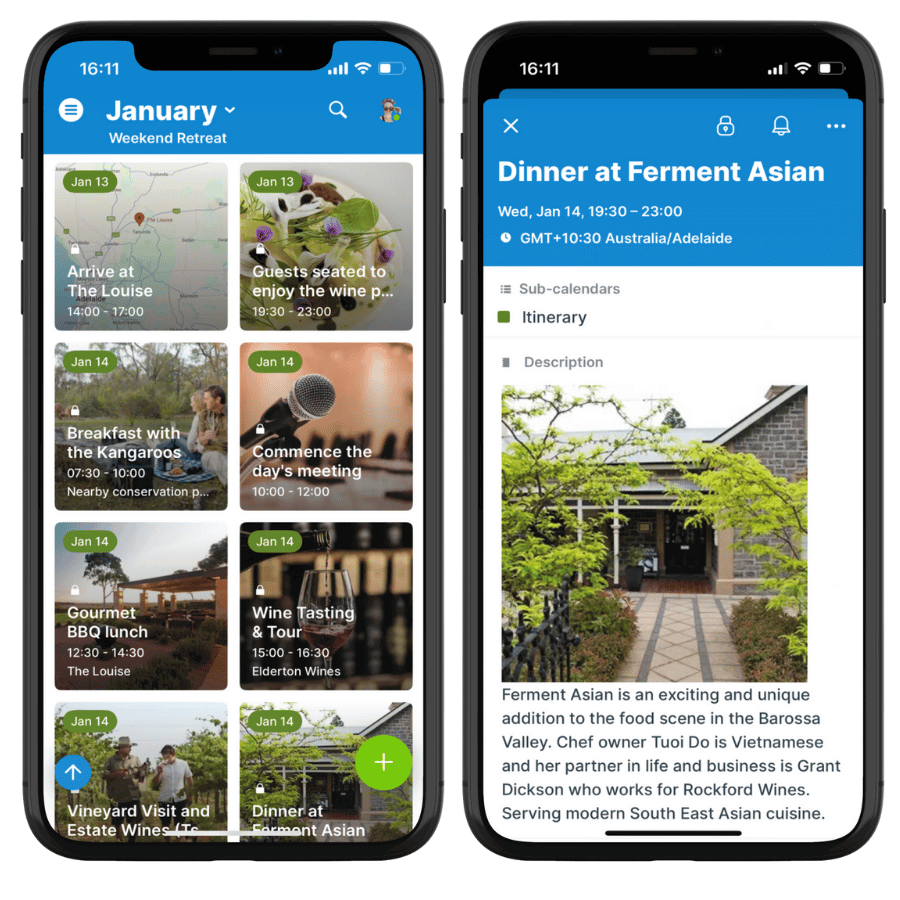
Teamup’s unique Tiles view is now available on our mobile app (iOS, Android). Use it to share a beautifully arranged, visual calendar of events with guests. Whether it’s a weekend retreat, a corporate conference, or a team offsite, guests will enjoy the visual layout. You’ll enjoy the advantage of sharing all the event details in one secure place, with easy updates and real-time syncing for everyone.
Read more: Share a visual calendar of events
Use cases and stories
Schedule a complex conference
The challenge: Keeping all teams and stakeholders coordinated while planning a multi-day conference with multiple tracks, speakers, and session options.
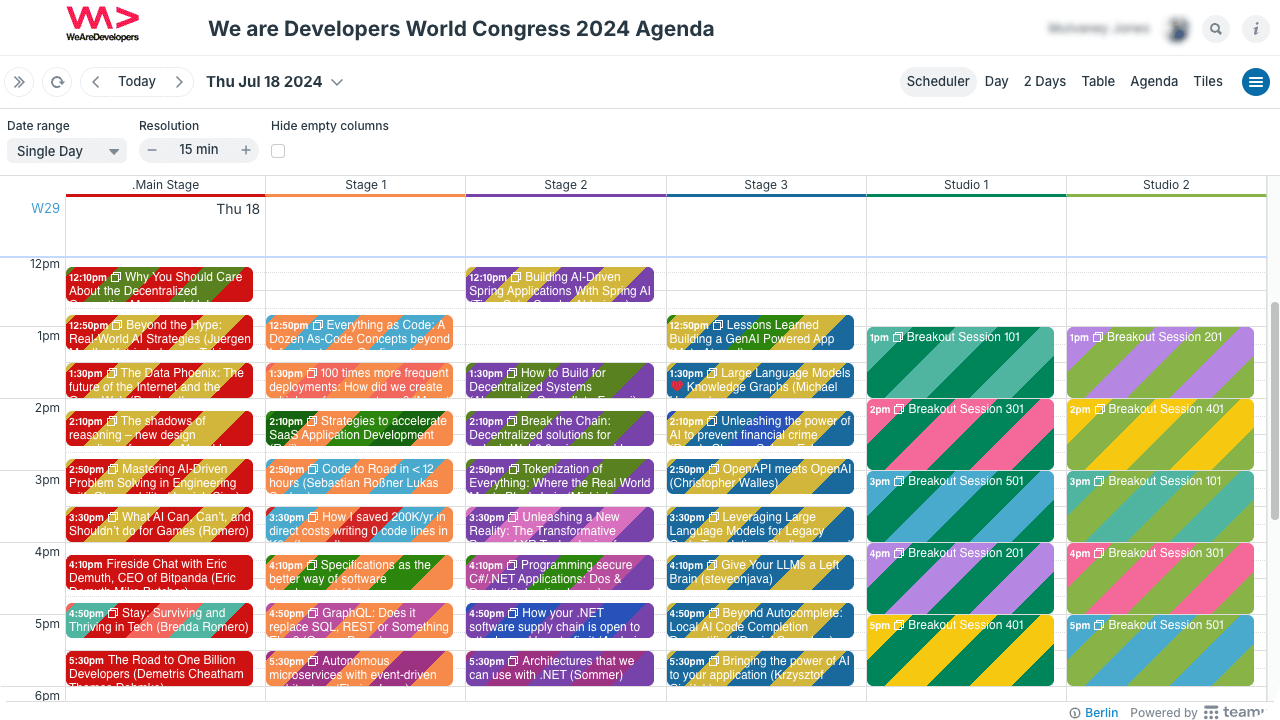
The Teamup solution: A unified conference scheduling calendar provides full visibility, prevents conflicts, and simplifies coordination as plans evolve.
Read more: Coordinate a complex conference schedule
Manage compliance efficiently
The need: Make training programs and compliance-related dates easily accessible to all relevant stakeholders to minimize time and resources required to communicate the information.
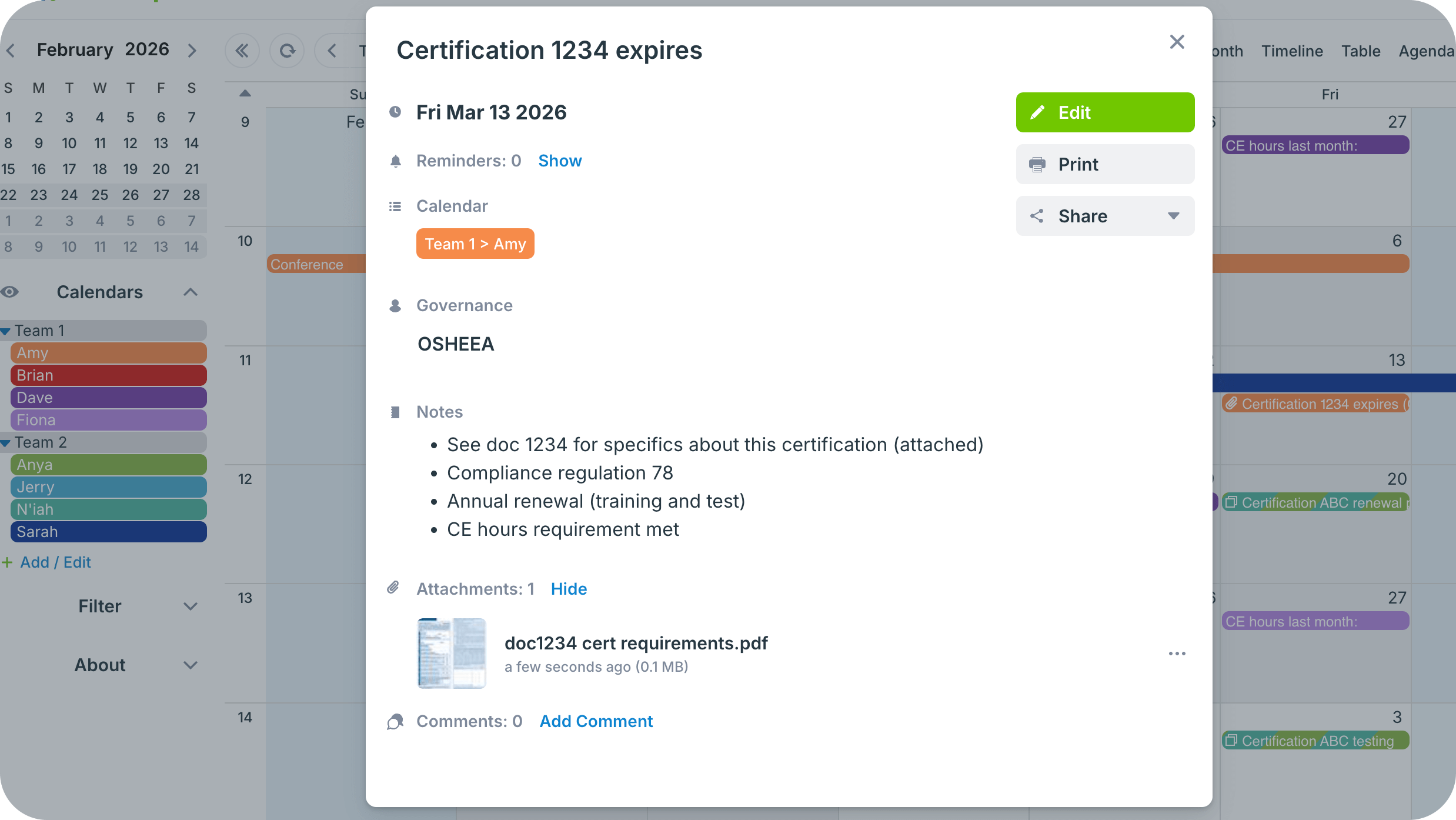
The Teamup solution: A simple calendar to publish training events and important dates for compliance with options for employees to filter by roles or departments.
Read more: Manage training and compliance efficiently
Interactive demos and power tips
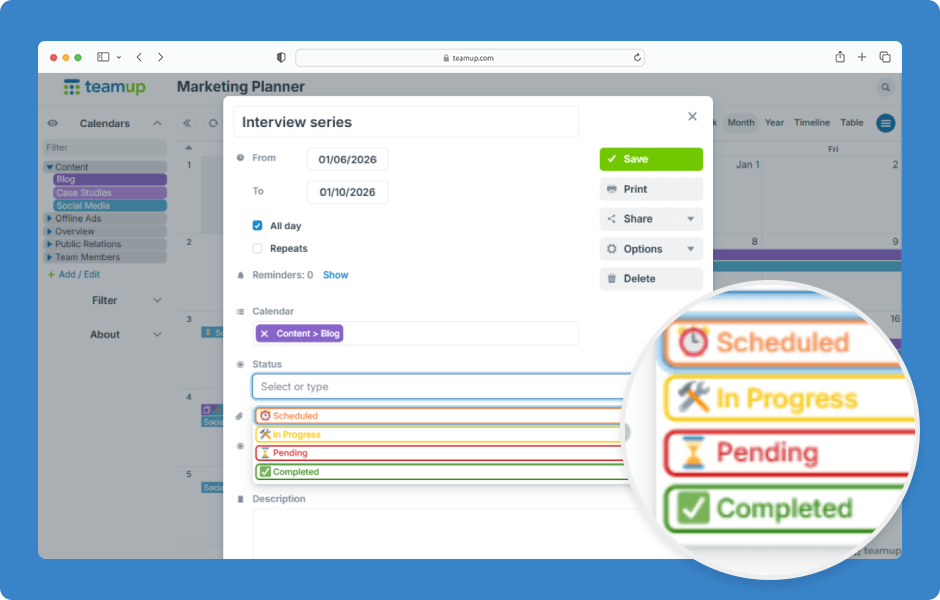
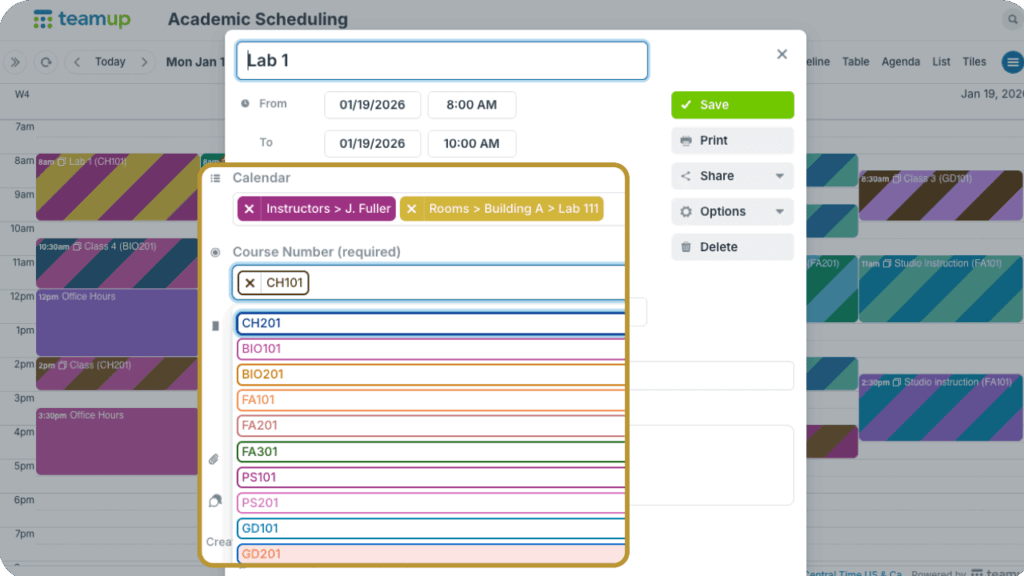
Create a custom choice field
Use custom choice fields to capture structured information consistently. They can be single choice or multiple choice. ▶️ Click to view the demo.
Sub-calendars vs custom fields
Not sure whether to add more sub-calendars or create custom fields to organize different parts of scheduling? Here’s a helpful guide.
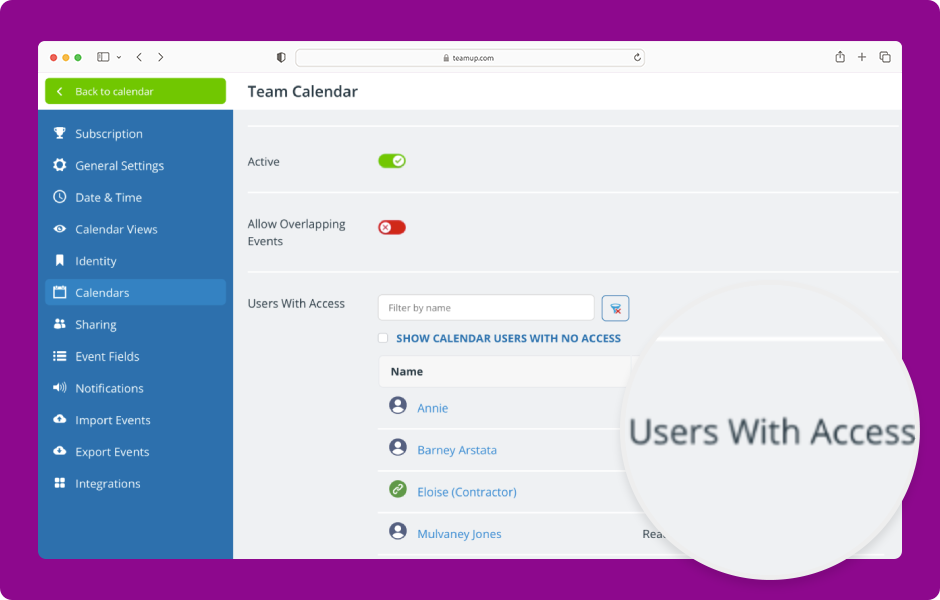
Review who can access sub-calendars
If you’re creating, archiving, or reorganizing sub-calendars, take a moment to review who has access and make changes if needed. ▶️ Click to view the demo.
Free calendar printables
February 2026 printables
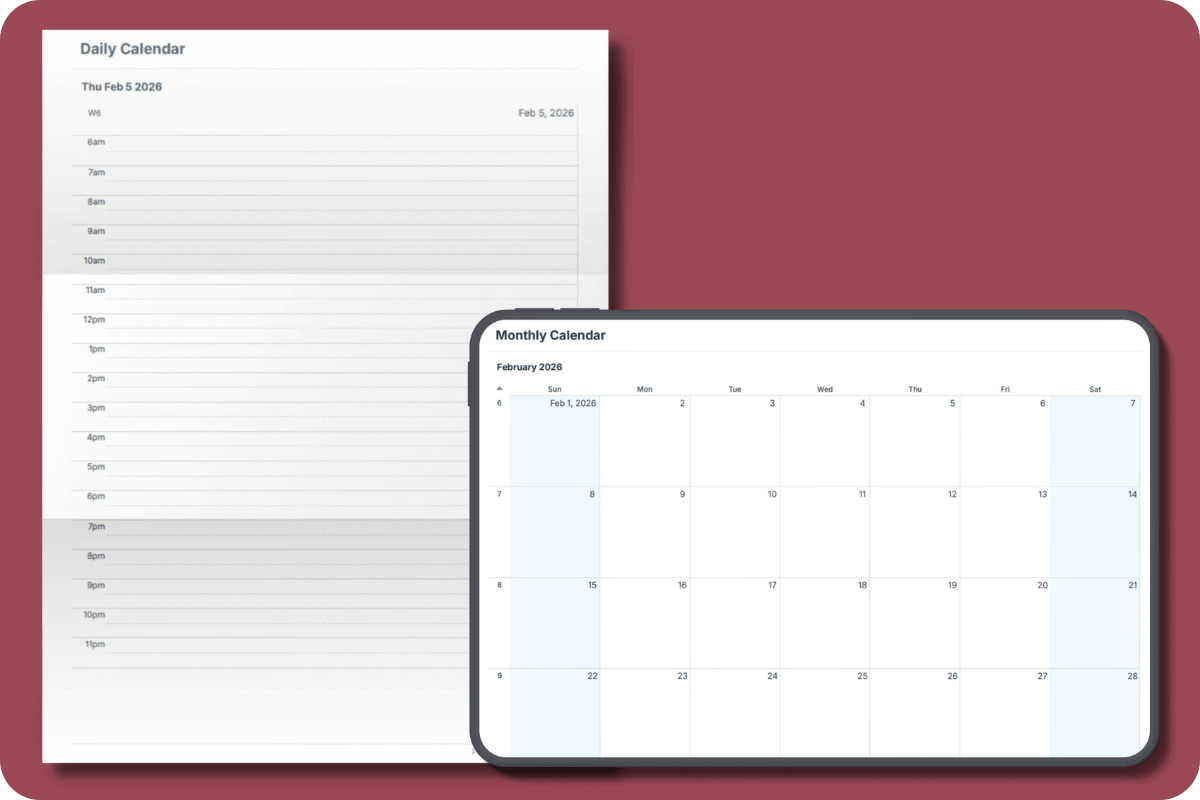
Click to open and download or print free calendar printables for the upcoming month and quarter:
- Daily blank planners for February 2026
- Weekly blank calendars for February 2026: W6, W7, W8, W9
- Monthly blank calendar for February 2026
- Quarterly blank planner for February – April 2026
Need a big view of the whole year? Get a 2026 yearly calendar to print (several formats available).
Create a custom printable calendar
Or create your own custom blank calendars: Go to Teamup’s Printables page and scroll to the Create a Customized Blank Calendar section. Use the printable widget to create your own custom calendar printables.
See more Teamup tips from January. New tickers are added daily, so don’t forget to check in regularly or subscribe via RSS. Make sure to subscribe to our newsletter for highlights and news delivered to your inbox.