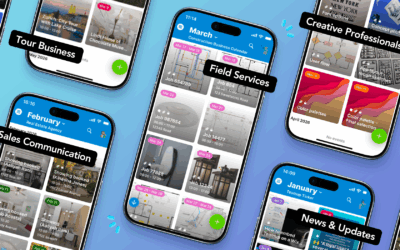
What’s new with Teamup, February 2026: Find out how a vibrant city coordinates events across 60+ parks. Bring visual scheduling to the field with Tiles view on the Teamup app, plus create an organized, visual property showing schedule for real estate clients. Get your free calendar printables in the format you like best, and check out this month’s new demos and power tip to make the most of Teamup.
Highlights
Coordinating events across 60+ parks
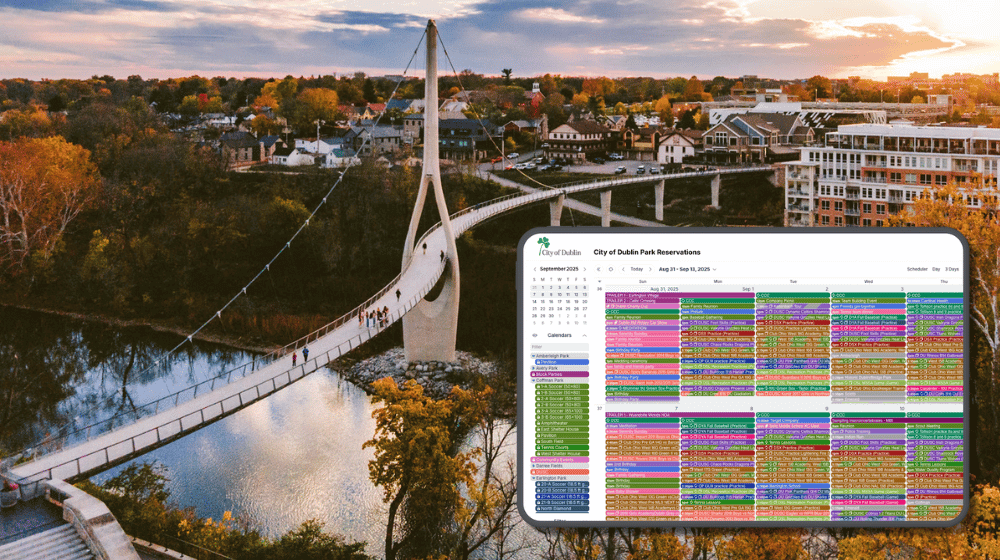
Read the story: Coordinating Events, Maintenance, and Sports for 60+ Parks

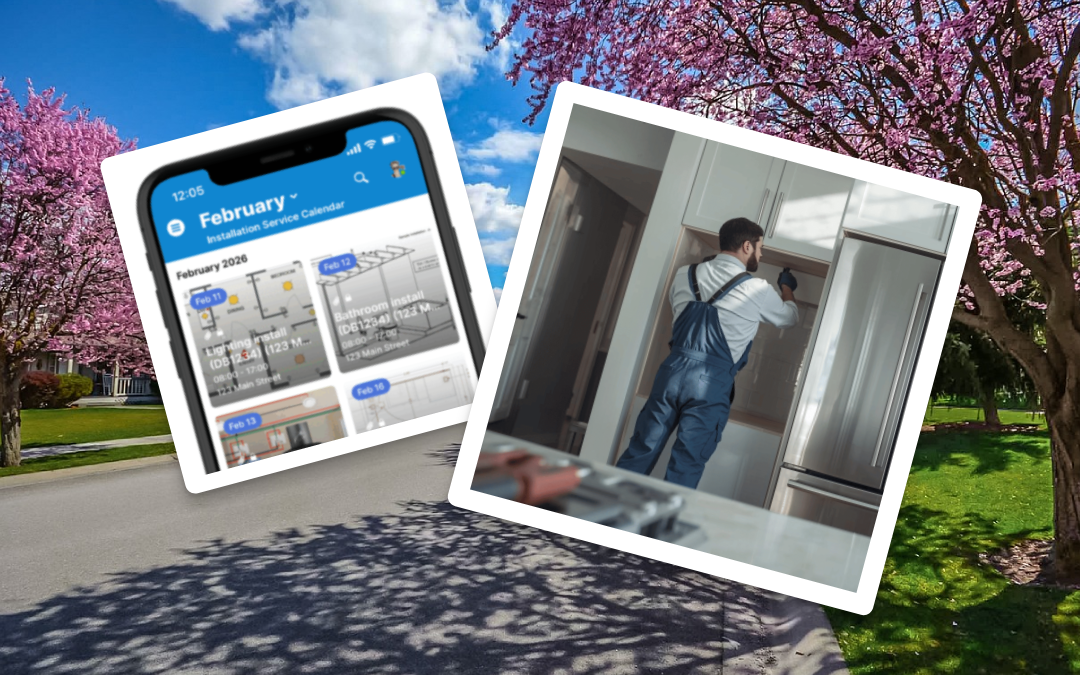
Bringing visual schedules to the field

Learn more: Visual Install and Delivery Scheduling for Field Techs

Use cases and stories
Share a visual schedule of property showings
The need: Real estate agents often line up multiple property tours for clients. They need a clear, polished schedule of showings to share with clients that highlights each property and makes it easy to scan what’s next on the day’s agenda of property tours.
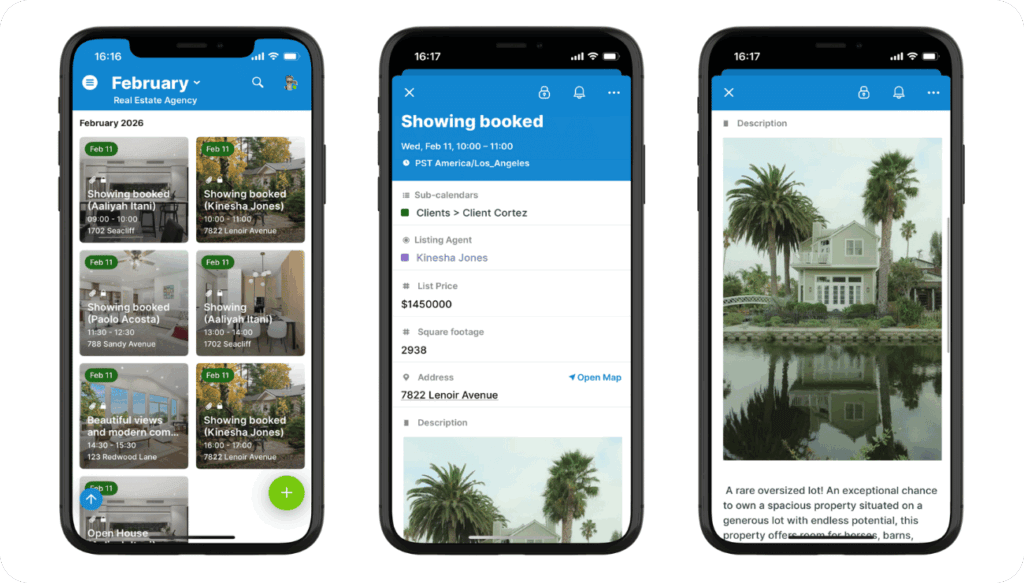
The Teamup solution: Tiles view on the Teamup app turns a standard calendar into a visual itinerary, showing property photos and availability in a format clients can understand instantly.
Read more: Share a Visual Real Estate Showing Schedule with Clients
Manage music school scheduling
The need: One clear overview of what’s happening across multiple teacher schedules, with all lesson details kept organized and easy to access whenever needed.
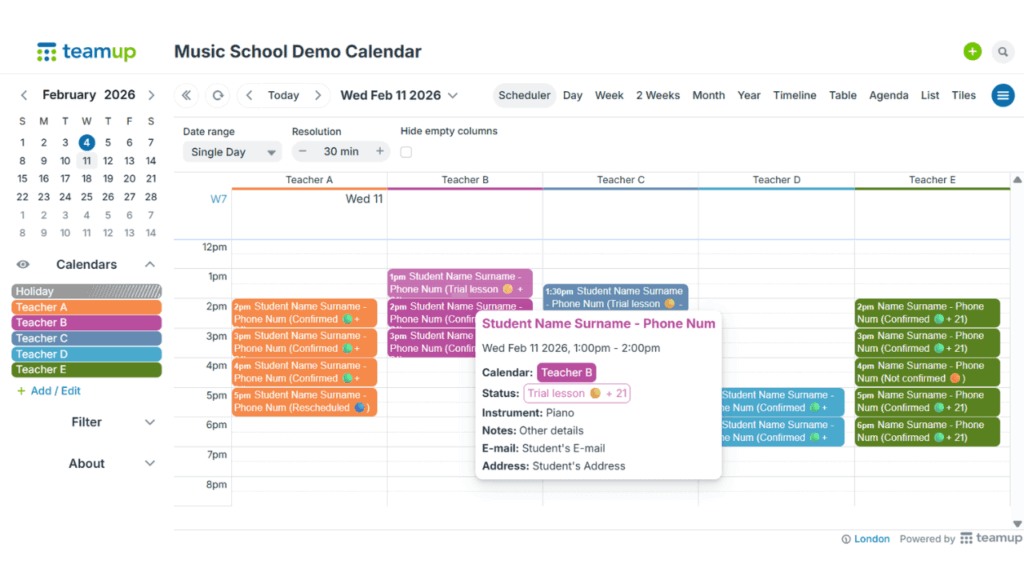
Click to enlarge:
The Teamup solution: Keep everything in one shared calendar: You can instantly see who’s teaching when, avoid scheduling conflicts, and update lessons efficiently as plans change. Each teacher gets the right level of access, so that they can see just what matters to them. At the same time, you can track teaching hours and billable lessons for smoother admin and reporting.
Read more: A complete overview of music school teaching schedules
Manage HOA clubhouse reservations
The need: Let residents see clubhouse availability clearly and request or reserve time without constant email exchanges or exposing private resident details.
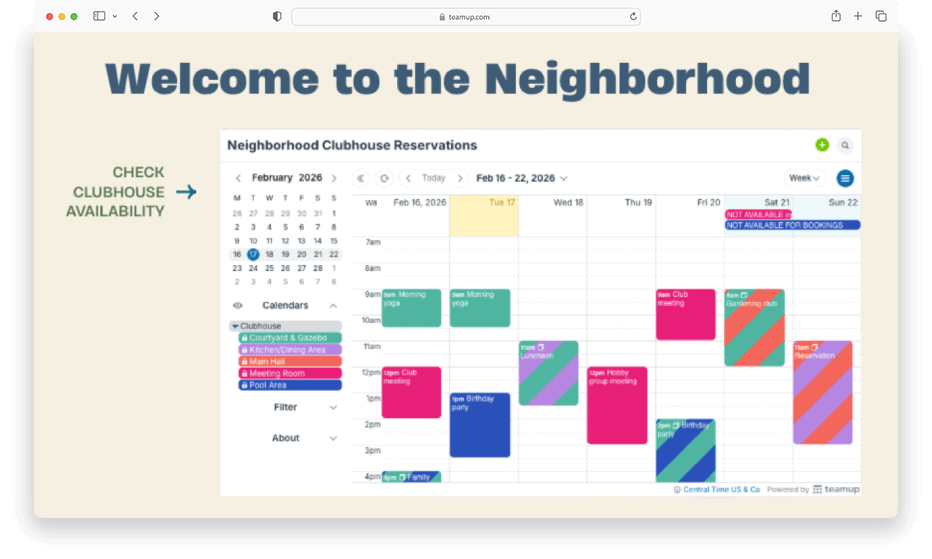
The Teamup solution: Use a secure Teamup calendar to display real-time room availability and either manage booking requests centrally or allow structured self-booking with controlled permissions.
Read more: Managing HOA Clubhouse Reservations with a Shared Calendar

Interactive demos and power tips
Add images and attach files to events
Adding inline images and attaching files and documents can make your calendar more interesting and useful. ▶️ Click to view the demo.
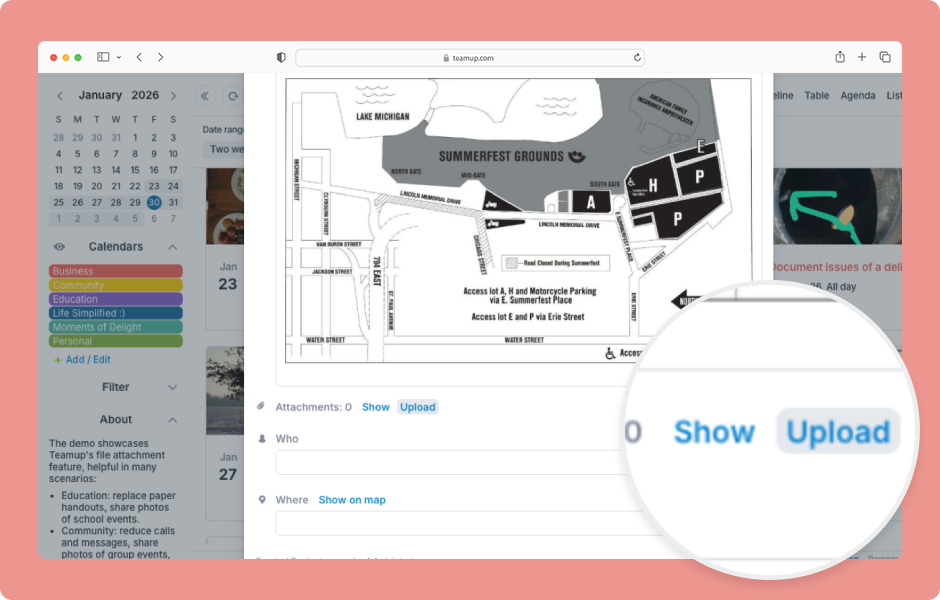
Preview attachments on the Teamup app
The Attachments field allows you to upload multiple images and files. All attachments are kept in an organized list that can be collapsed or expanded. On the Teamup app, you can preview images and files in the Attachments field. 📱 See how it works.
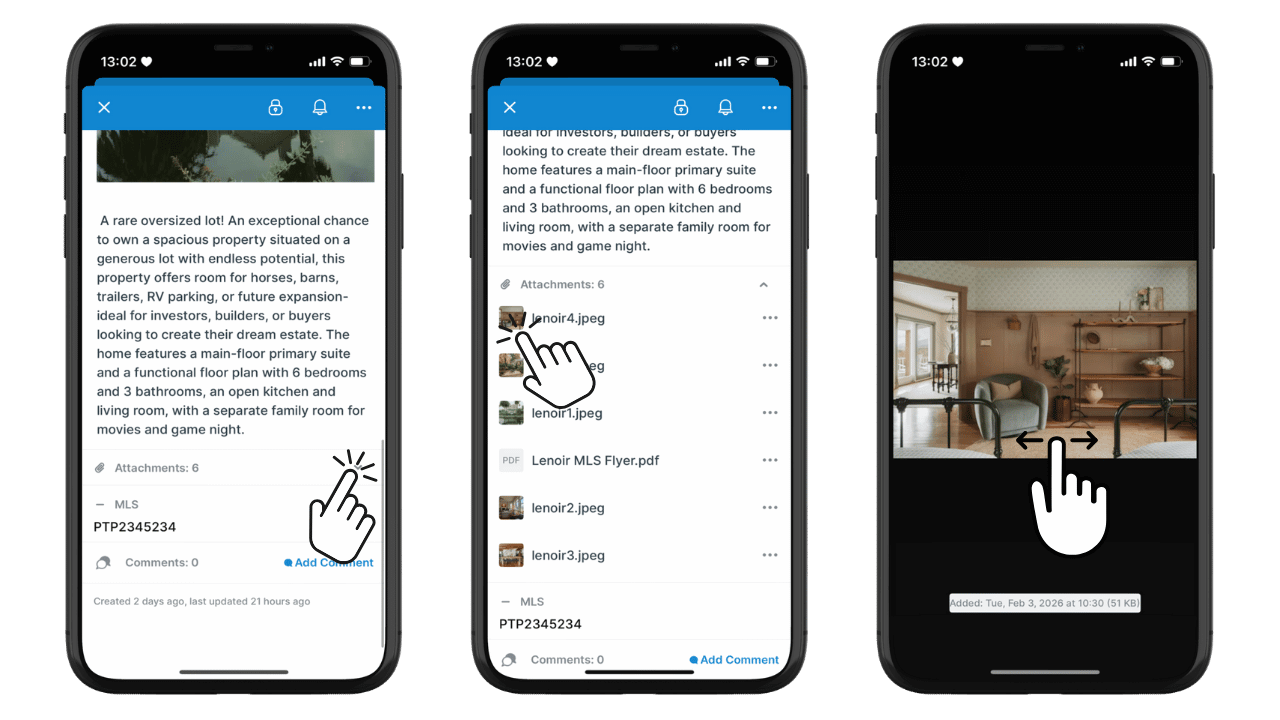
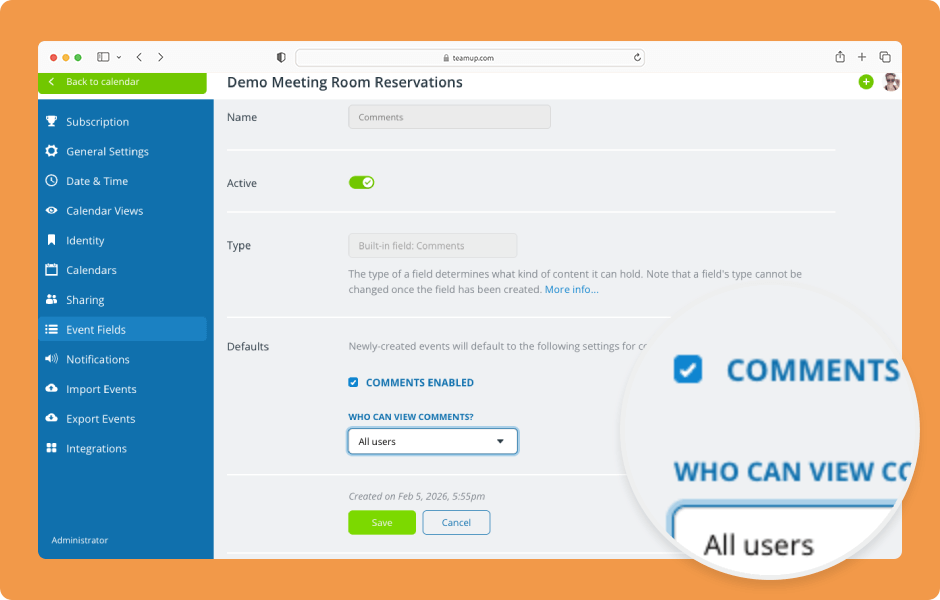
Configure and manage event comments
Event comments can serve many purposes: discussion of event details, monitoring progress on a project, obtaining feedback, or saving internal notes. Administrators can configure the default settings. Users with modify access can manage event comments on individual events. ▶️ Click to view the demo.
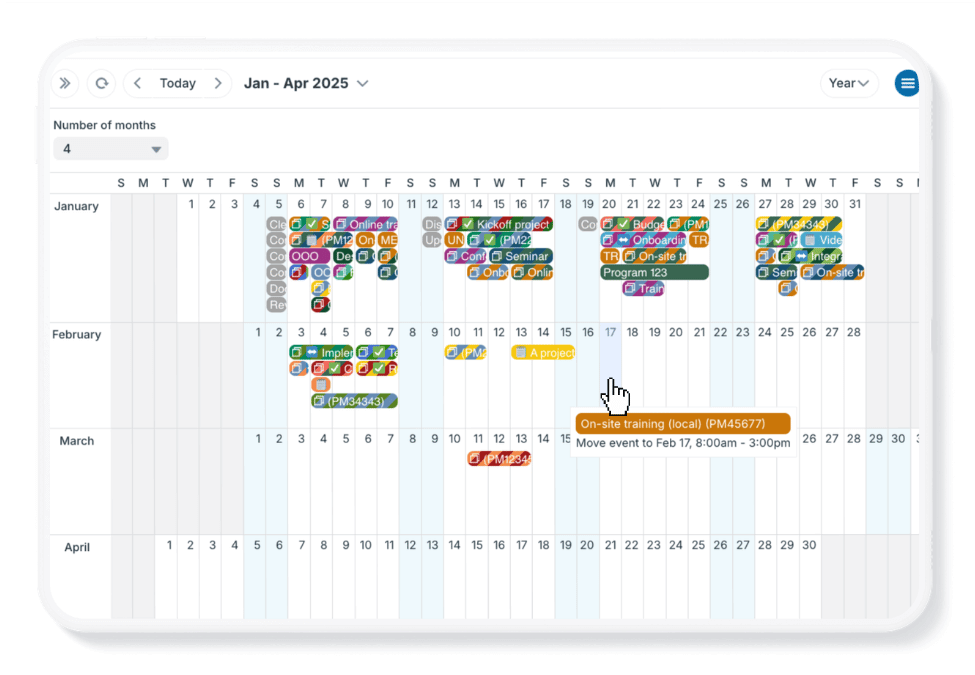
How to quickly reschedule multiple events
If you need to move multiple calendar events to different dates, the typical method of editing events is slow. Here are two methods that are faster when you need to reschedule a larger number of events. 👉 Check it out.

Free calendar printables
March 2026 printables

Click to open and download or print free calendar printables for the upcoming month and quarter:
- Daily blank planners for March 2026
- Weekly blank calendars for March 2026: W10, W11, W12, W13, W14
- Monthly blank calendar for March 2026
- Quarterly blank planner for March – May 2026
Need a big view of the whole year? Get a 2026 yearly calendar to print (several formats available).
Create a custom printable calendar
Or create your own custom blank calendars: Go to Teamup’s Printables page and scroll to the Create a Customized Blank Calendar section. Use the printable widget to create your own custom calendar printables.
See more Teamup tips from January. New tickers are added daily, so don’t forget to check in regularly or subscribe via RSS. Make sure to subscribe to our newsletter for highlights and news delivered to your inbox.