
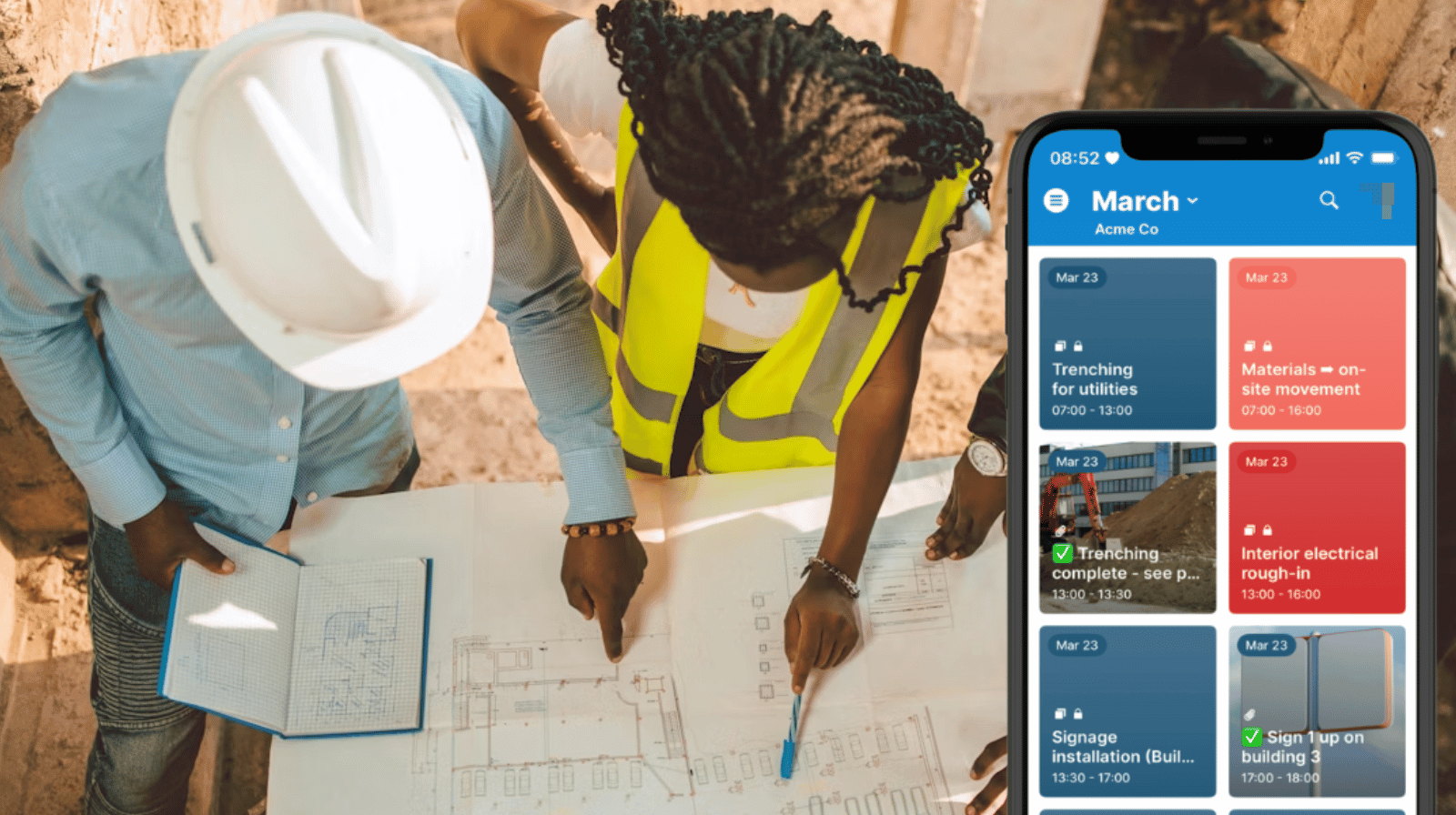
On a construction project, progress isn’t linear. Work moves forward in some areas while other parts slow down or change direction. Site managers and supervisors see these shifts as they happen, but without a shared system, that day-to-day reality doesn’t always carry through to the broader project view.
The need: Site supervisors and crew leaders need a simple way to record real-time progress and issues directly from the construction site, so project managers can stay informed without chasing updates.
The Teamup solution: A shared construction calendar where site teams log updates as events, giving project managers a live, structured view of progress, delays, and issues across all active jobs.
What happens when site updates are not clearly shared
On most projects, updates do get communicated. But they’re spread across conversations, quick messages, and informal check-ins. And they may roll in at the end of the day instead of being shared immediately. That makes sense: Everyone at the site is busy handling tasks, coordinating teams, doing the work. They don’t have time to stop and type up a long email or open the laptop to update a task status in the system. So updates wait until there’s time to deal with them, or they get sent in fragments that provide some of the information but not all of it.
From the project manager’s perspective, these brief communication delays can lead to more significant issues. Timing adjustments happen later than they should. Small issues that could have been handled early turn into larger coordination problems because they weren’t visible at the right time.
A shared calendar for real-time site visibility and coordination
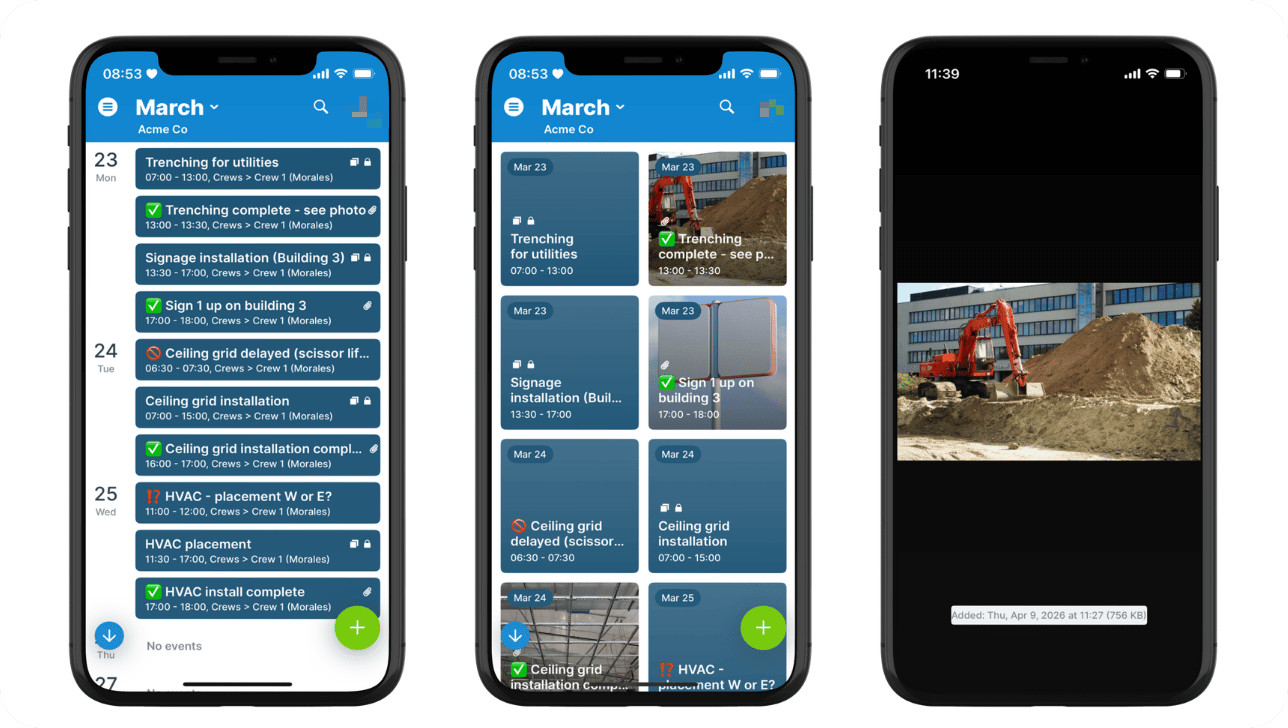
Click to enlarge: On-site updates keep everyone synced. Custom fields with emojis show status at a glance; uploaded photos are highlighted in Tiles view.
With a shared Teamup calendar, updates don’t live in separate conversations. They become part of the working schedule itself.
Site supervisors and managers add updates directly to the calendar as work progresses. A delay is logged on the affected task. A milestone is marked complete. An issue is recorded with notes and photos. Each update is tied to a specific time, phase, or activity, so it fits naturally into the project timeline.
Because everything is in one place, each role can work from the same current view:
- Site supervisors document what’s happening on the ground as it happens, without needing to send separate updates.
- Team leaders keep track of activity across crews and adjust upcoming work when conditions change.
- Project managers see progress unfold across sites and phases, with clear visibility into timing, delays, and potential risks.
The calendar becomes a live operational view of the project and updates are visible immediately, to everyone. Dependencies are easier to manage because the project manager can make quick adjustments in real-time, rather than reacting hours later.
How to set it up
Mini-guide
- Set up the project calendar: Create sub-calendars for each phase, crew, and/or job type depending on what works best.
- Use color-coding and folders to keep it all organized.
- Add custom fields for status, issue type, or priority to standardize updates.
- 👉 See how to get combined visibility of multiple projects in one calendar.
- Give site supervisors and crew leaders modify-my-events access to the relevant sub-calendars for their role.
- The modify-my-events permission allows them to add and modify their own events, but they can’t change events added by others.
- Provide read-only access to sub-calendars they need to view but not add events to (e.g. other crew schedules, site deliveries).
- Optional: Enable comments for all users so they can add photos and notes to any event, even if they don’t have edit access for that event.
- Supervisors & crew leads can use the Teamup app to quickly share updates, notes, and photos of what’s happening on-site.
- Project managers can set up notifications to get an alert for changes (e.g. new events, comments) on the calendar.
Fewer delays, better decisions, clearer communication
When updates happen directly in the calendar, the schedule becomes a live reflection of the job site. Site teams don’t need to wait on sending updates until they’re back in the office. Project managers don’t need to chase information. The calendar is accessible to everyone, and it’s easy to quickly capture notes or share updates. Everyone stays synced and issues are visible early, when there’s still time to adjust.
The result is a more responsive operation. And that’s important, because construction projects don’t slow down to wait for updates. When site supervisors and team leaders can log progress and issues as they happen, project managers gain immediate visibility into what’s changing and why.
Give it a try: Create a Teamup calendar to keep site updates, progress tracking, and project oversight aligned in one place.
Related resources
- Use a shared calendar to manage construction site deliveries
- Use a shared calendar to schedule construction equipment usage
- Simplify management with a combined multi-project calendar
- Set up customized calendar access for construction teams
- Use event comments for secure, real-time field updates


