Scheduling recurring meetings can quickly become a complex puzzle, especially when schedules don’t follow simple daily, weekly, or monthly patterns. Many teams and projects face scenarios that go beyond standard repetitions: Meetings or events that occur every few...
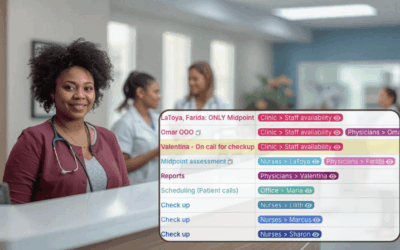
When Spreadsheets Can’t Scale for Large Staff Schedules
Spreadsheets slow down large team scheduling. Learn how sub-calendars and filters in Teamup make updates fast, simple, and scalable.
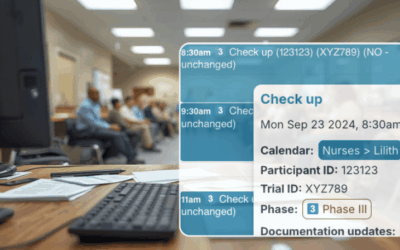
Show Event Information in Titles to Get Clarity Fast
Customize event titles to include key details like location or job type, so you can scan your calendar and see what matters at a glance.
Protect Customer Data While Managing Field Crew Schedules
Keep your team organized without exposing private details. Learn how to manage schedules securely with visibility control and custom access.
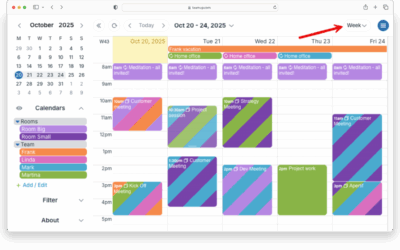
See Only Weekdays On Your Calendar
Set up a weekday-only view in Teamup to hide weekends and keep your work calendar clean and focused.
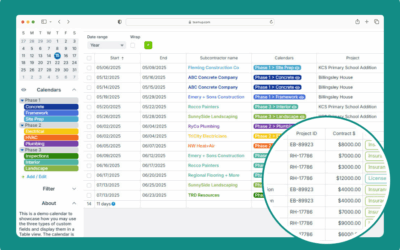
Using Table View
Interactive demo: Use Table view to display calendar events in a spreadsheet-like format. Adjust and sort by columns, filter events, see sums.
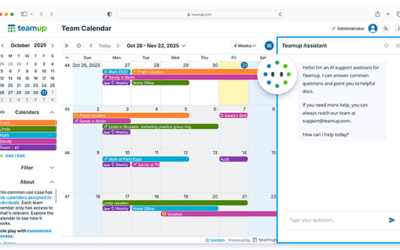
New: AI Support Assistant (Beta)
Try our beta AI support assistant in your calendar for easy access to answers and helpful resources.
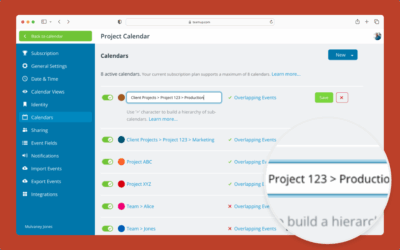
Create and Organize Sub-Calendars
Create and organize new sub-calendars (individual calendars within your master calendar) with folders and color-coding.
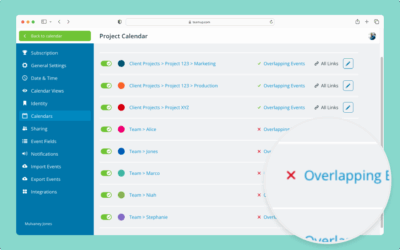
Automatically Prevent Overlapping Events
Avoid scheduling conflicts by preventing overlapping events with Teamup’s simple settings for sub-calendars.
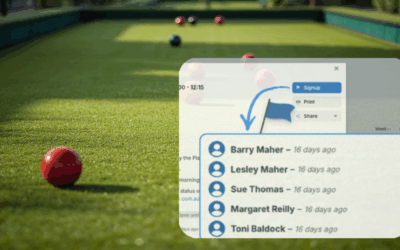
An Easier Way to Coordinate Bowls Club Events
Bowls clubs serve as hubs for competition and social play, but scheduling takes a lot of time and burns out volunteers. A centralized calendar brings clarity and simplifies coordination.
Make Event Promotion Easier with Event Pages
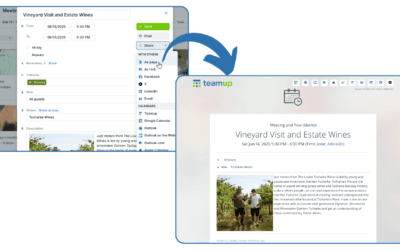
With Teamup, it’s easy to promote events with event pages. Save time and avoid mistakes while promoting events on any platform.
Generate PDF Reports in Table view
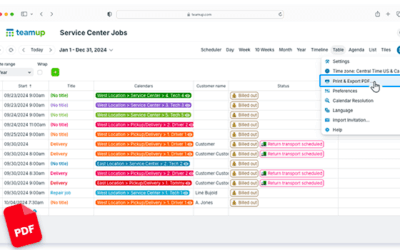
Table view gives you the ability to work in a spreadsheet-like view. Filter events, then generate a PDF: It’s an easy way to create and share reports quickly.