
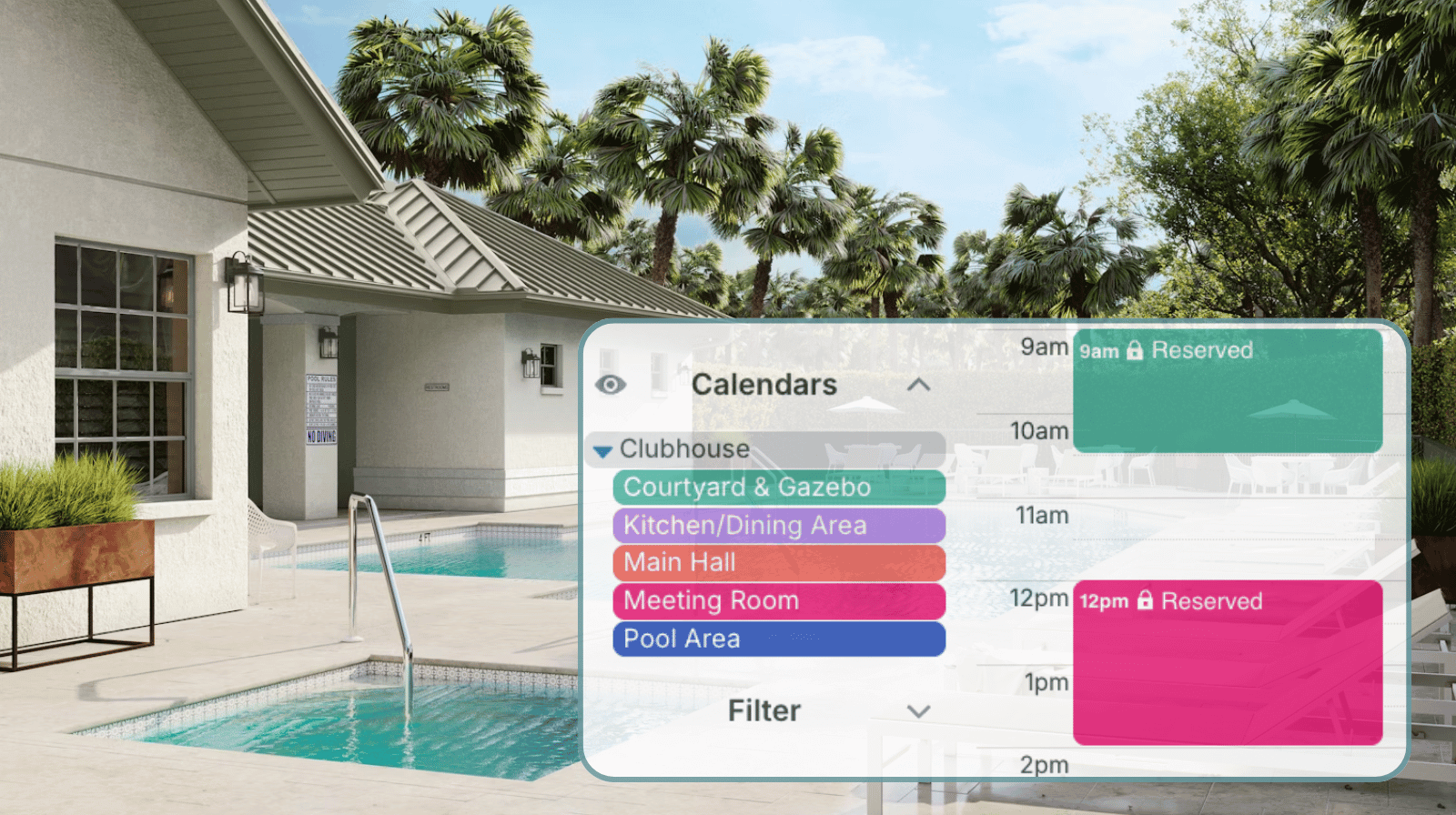
In many neighborhoods, the HOA manages a shared clubhouse or community center that residents can reserve for birthday parties, meetings, or small events. The demand is steady, especially on weekends. Without a clear system, availability questions turn into back-and-forth emails and phone calls. A structured, secure booking calendar makes availability visible and, if appropriate, allows residents to reserve space themselves.
The Teamup solution: Use a secure Teamup calendar to display real-time room availability and either manage booking requests centrally or allow structured self-booking with controlled permissions.
When availability lives in someone’s inbox
For HOA members tasked with managing the shared clubhouse, fielding resident queries can take up a lot of time without a clear system in place. Space availability often sits in a spreadsheet, a paper calendar, or one board member’s inbox. Residents have to call or email to find out if the clubhouse is open for their desired time. Each request needs someone to check the schedule and reply manually. If the open times don’t match what a resident needs, there’s a resulting back-and-forth process to find an available time that will work.
Because the system depends on one person checking and replying, small gaps in communication lead to confusion and double-bookings:
- A board member may confirm a date by email but forget to immediately update the master spreadsheet. Another request for the same time slot arrives before the booking is formally recorded.
- Or a resident is told a date appears open, only for someone else to reserve it before the first request is finalized.
Untangling these overlaps takes more time and can create frustration within the community. A shared, visible system removes the frustration by replacing bottlenecks and guesswork with clarity.
Option 1: Show availability with an embedded, read-only calendar
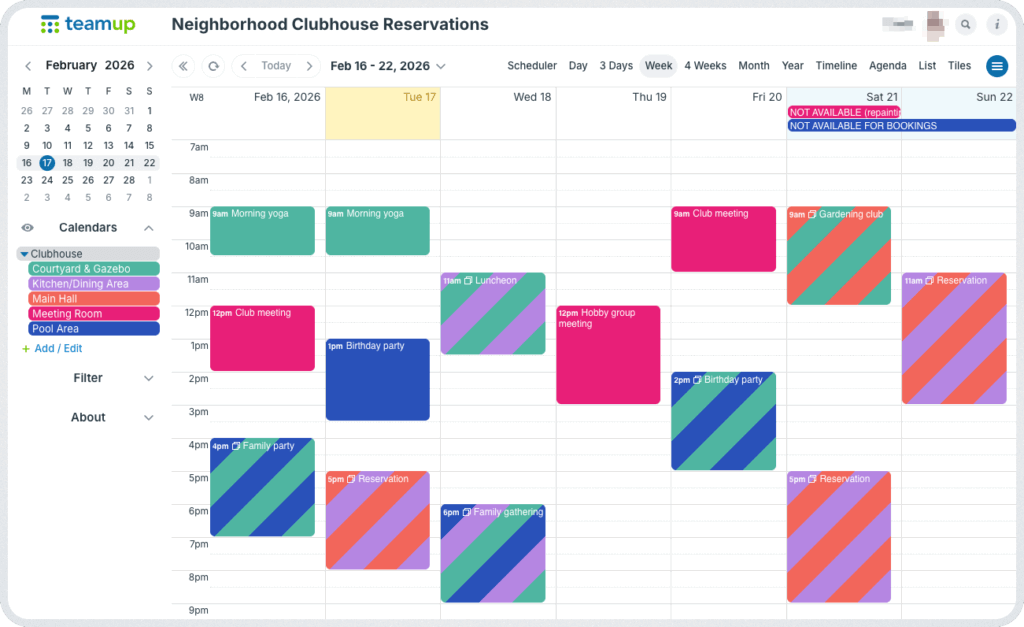
Click to enlarge: A single calendar for neighborhood reservations keeps everything organized and easy to manage.
For many HOAs, the simplest improvement is transparency. Instead of emailing the manager to ask what’s open, residents can check space availability themselves.
With Teamup, you can create a calendar dedicated to the clubhouse and any other shared spaces or resources. For each bookable resource, add a separate sub-calendar. If one larger space has multiple smaller spaces that can be booked independently (e.g. the Clubhouse includes Main Hall, Meeting Room, and Pool Area), create a separate sub-calendar for each bookable space. Organizing in folders with color-coding creates a clear visual picture of availability. Each sub-calendar can be set to prevent overlapping events, so double-bookings are stopped automatically.
To give residents access to the calendar, embed that calendar directly on the HOA website or resident portal. If needed, you can also directly share a read-only link with residents.
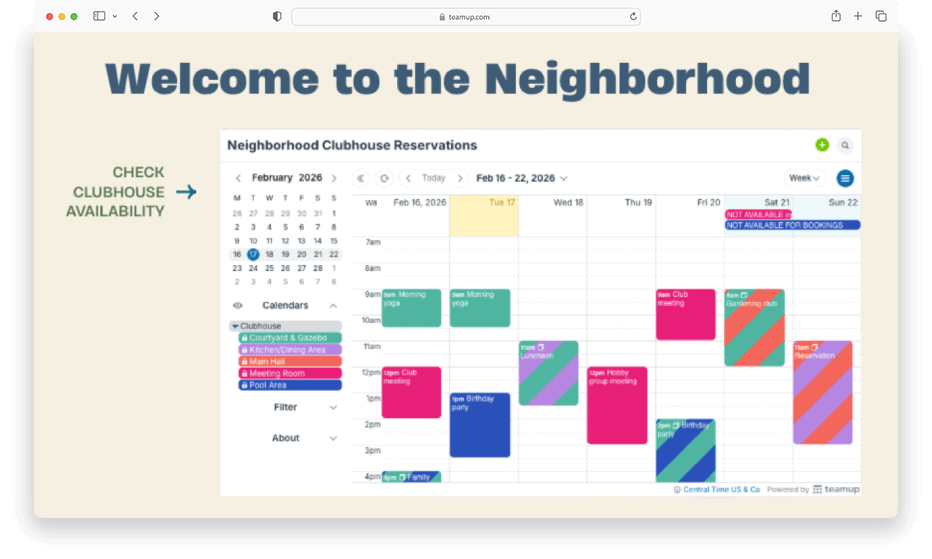
Click to enlarge: An embedded clubhouse calendar shows availability for neighborhood residents to check anytime.
Residents can view open and reserved time slots, switch between month, week, or list views, and check availability before submitting a reservation request. The HOA still controls bookings. Residents do not edit events. They simply see what’s open. Once they’ve confirmed availability, they can submit their reservation request for review and approval.
Mini-guide: Set up a read-only availability calendar
- Create a Teamup calendar.
- Add sub-calendars for each reservable space.
- Use color-coding and folders for clear visual organization.
- Set each sub-calendar to prevent overlapping bookings.
- Create a read-only, no details calendar link.
- Use the Embed Wizard to place the calendar on the HOA website or portal.
- Add all approved bookings to the calendar. Residents will see only “Reserved” events, without any details about the booking.
- Direct residents to check availability before submitting a reservation request.
This system eliminates repetitive “Is it available?” emails, manual availability checks, and confusion about current bookings. The calendar becomes the single source of truth for availability. It’s an efficient, transparent setup that works well for larger communities where centralized approval is important.
Option 2: Allow structured self-booking for smaller neighborhoods
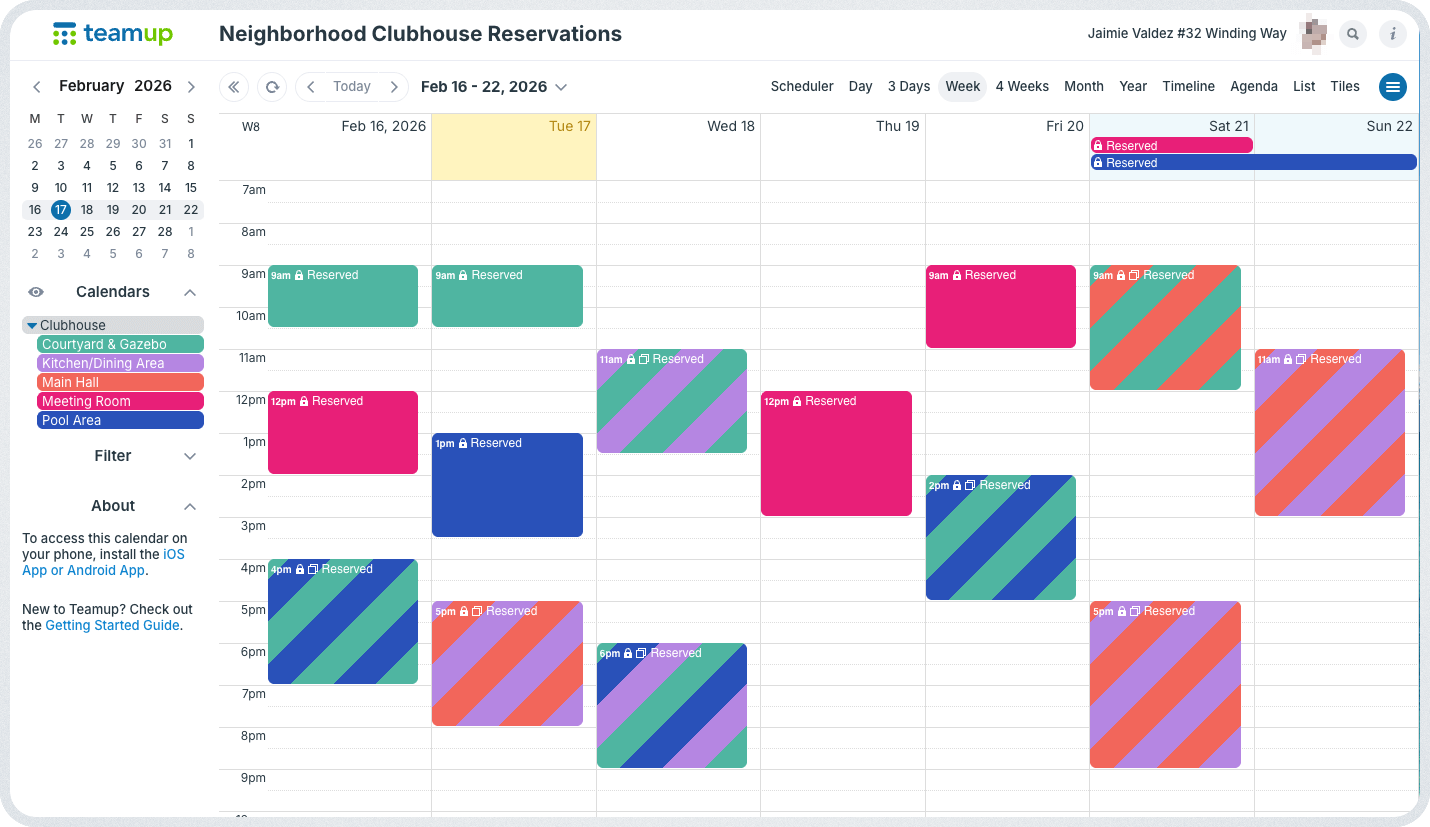
Click to enlarge: A resident’s customized self-booking access shows all reservations only as Reserved.
In a smaller HOA with fewer households, the board may decide to allow residents to book the clubhouse directly. In this case, each household can be given their own customized access to the calendar, with Modify my events, No details permission.
This means residents can create their own booking events, but they cannot edit or delete anyone else’s bookings, and they cannot see private details about other residents’ events. They’ll see that a time slot is blocked, but not the event description or personal information.
Because the calendar updates in real time, bookings are visible immediately so residents can see open time slots (or reservations) for each space, without a delay between booking and updated availability. With calendars set to disallow overlapping events, double-bookings are prevented automatically.
Mini-guide: Set up structured self-booking
- Create the Clubhouse calendar with sub-calendars for each space.
- Set each sub-calendar to prevent overlapping bookings.
- Use color-coding and folders for clear visual organization.
- Add each household’s primary contact as a user with Modify my events, no details permission.
- Residents can view the calendar to check availability. Bookings already made will show only as Reserved.
- To add their own bookings, they simply create an event on the appropriate sub-calendar for the date/time needed.
- They can download the Teamup app to check availability and submit bookings on mobile.
The customized access permissions prevent accidental changes to someone else’s reservation or oversharing of personal event details, while eliminating administrative bottlenecks for every single booking. This approach works best in smaller communities where setting up customized access for each household is manageable.
One system, clear boundaries
Without structure, neighborhood clubhouse scheduling creates unnecessary friction: Repetitive availability emails, manual tracking in spreadsheets, a lot of administrative work, risk of double bookings, and exposure of personal resident information. A secure Teamup booking calendar solves these problems in two flexible ways: show availability publicly with read-only access, or allow controlled self-booking with limited permissions.
In both cases, availability is visible in real time, the HOA maintains oversight, personal details stay protected, and the clubhouse schedule stays organized in one place.
Simplify HOA clubhouse scheduling
Whether your HOA prefers centralized approval or limited self-booking, a structured calendar reduces confusion and administrative work. Residents can see what’s available before making plans. Bookings stay organized. Private information remains private.
Set up a secure Teamup booking calendar for your neighborhood clubhouse and make scheduling easier for everyone in your community.
Related resources
- See a real example of an embedded calendar showing shared-space availability
- Embed a Teamup calendar on your website
- Understanding Modify my events permission
- How teams can set up a shared self-booking calendar
- Automatically prevent overlapping bookings on shared calendars


