Interactive Demos, Organize Teams
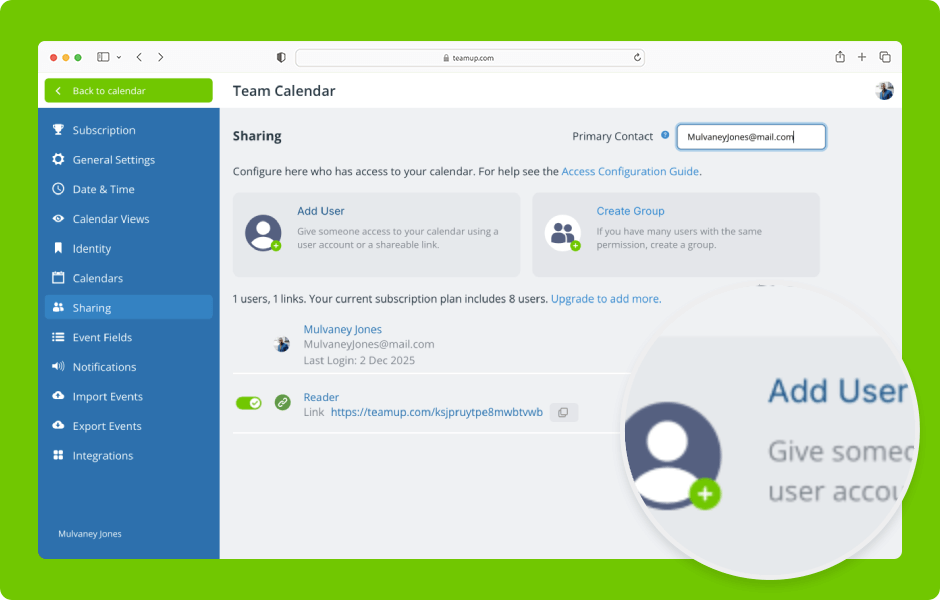
Set up secure, customized access by selecting which sub-calendars to share and assigning the appropriate permission levels. ENLARGE DEMO Access level required: Administrator Add a user by email Open Teamup in a browser. Click the blue menu (top right). Select...
Interactive Demos, Product Tips
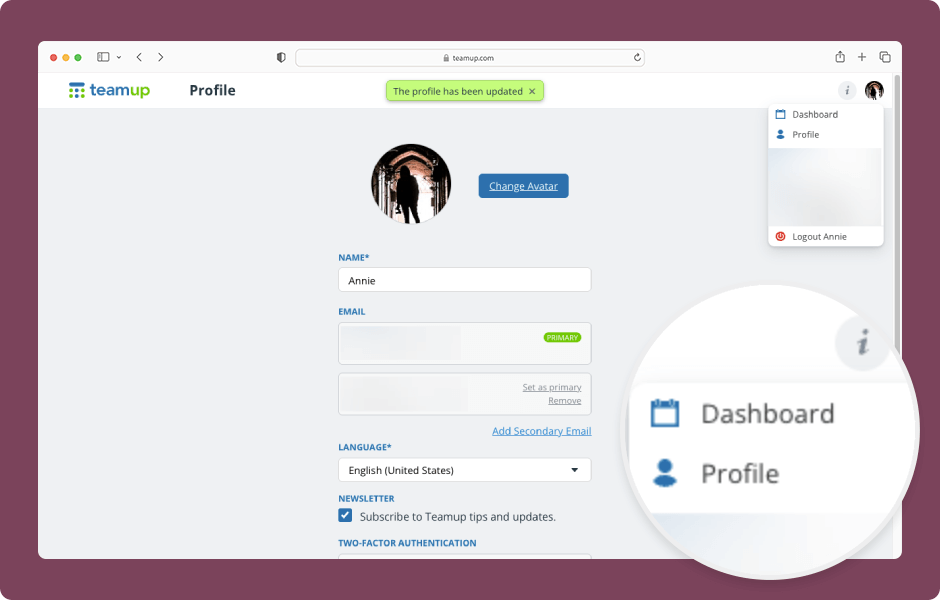
You can change the user name, profile picture, and other settings for your Teamup user account. You’ll need to do this in a browser (not the Teamup app). ENLARGE DEMO Open Teamup in a browser. Make sure you are logged into your user account. Click your...
Information Visibility, Product Updates
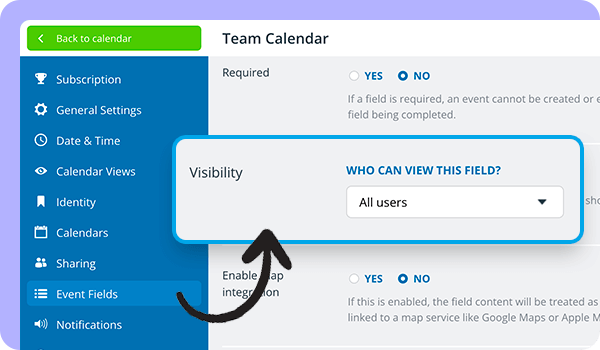
Our latest update expands the option to control visibility for event fields. Now you can set the visibility level for all event fields except the Title and Calendar fields. About visibility control The calendar administrator can configure visibility control for event...