Calendar Access, Product Tips
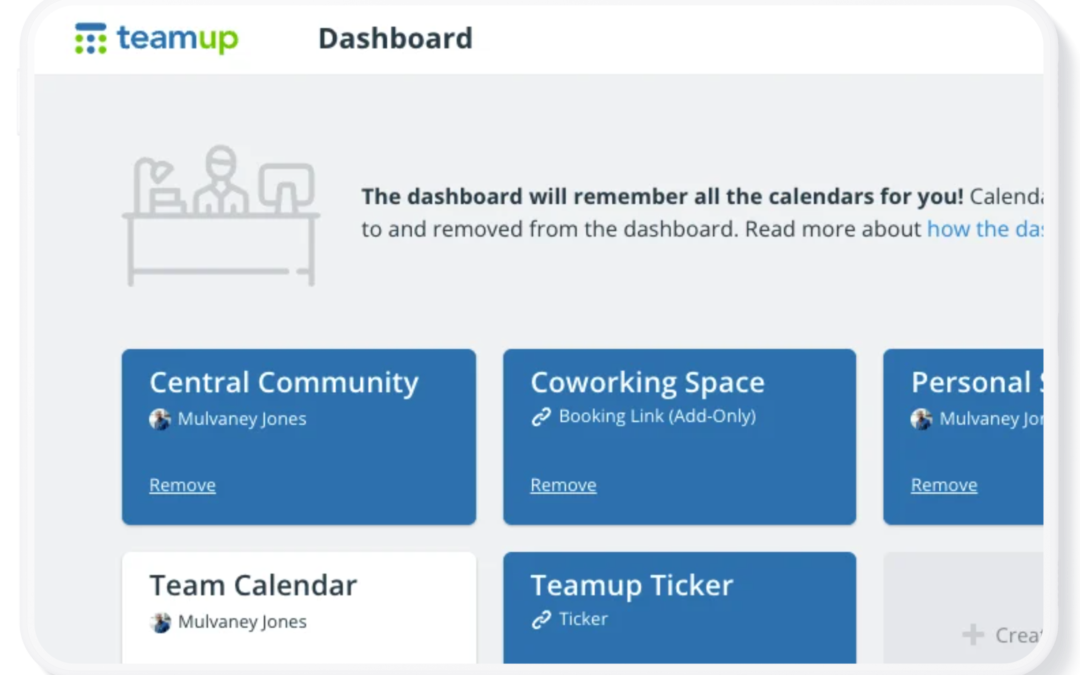
Your Teamup Calendar can be accessed in any browser, and on mobile devices through the Teamup app (iOS, Android) or a mobile browser. If you created the calendar If you created the Teamup calendar, it’s been added automatically to your dashboard with...
Calendar Access, Product Tips
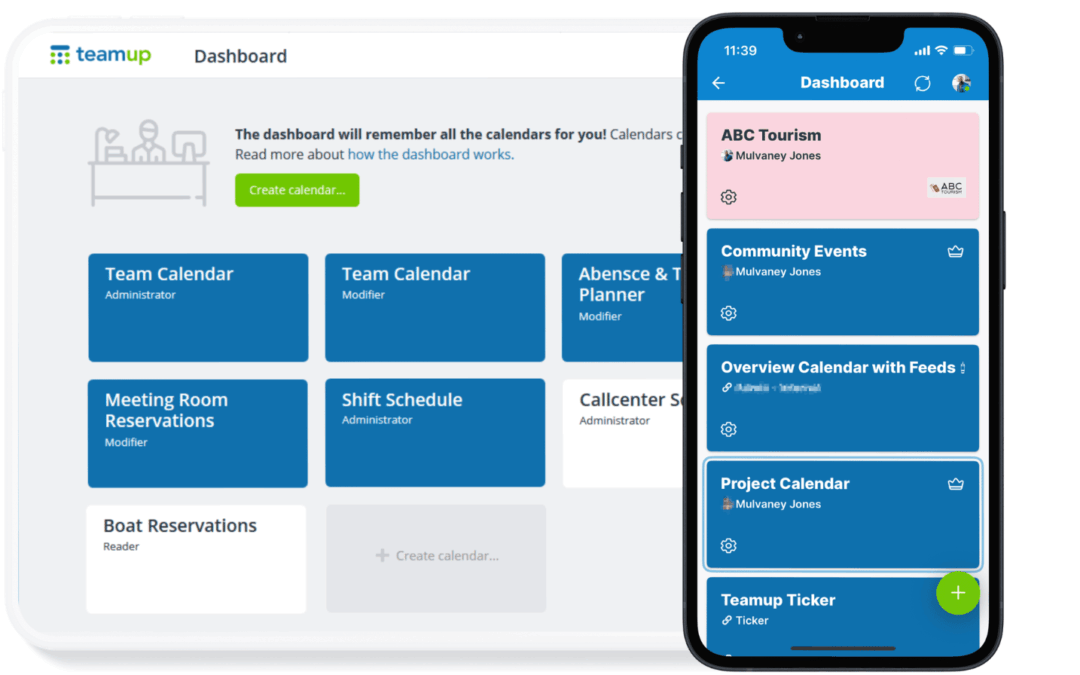
If you have a Teamup user account, you already have a calendar dashboard. A calendar dashboard provides one convenient, secure place to access all the calendars you have created or been invited to access. Here’s how it works. What is a Teamup user account? A...

Featured, Information Visibility, Share Events
Creating a workout program is only part of the coaching process. Clients also need a simple way to follow the program between sessions, review assignments, and stay connected to their trainer. When workout plans are delivered through PDFs, emails, or messages,...
Calendar Access, Product Tips
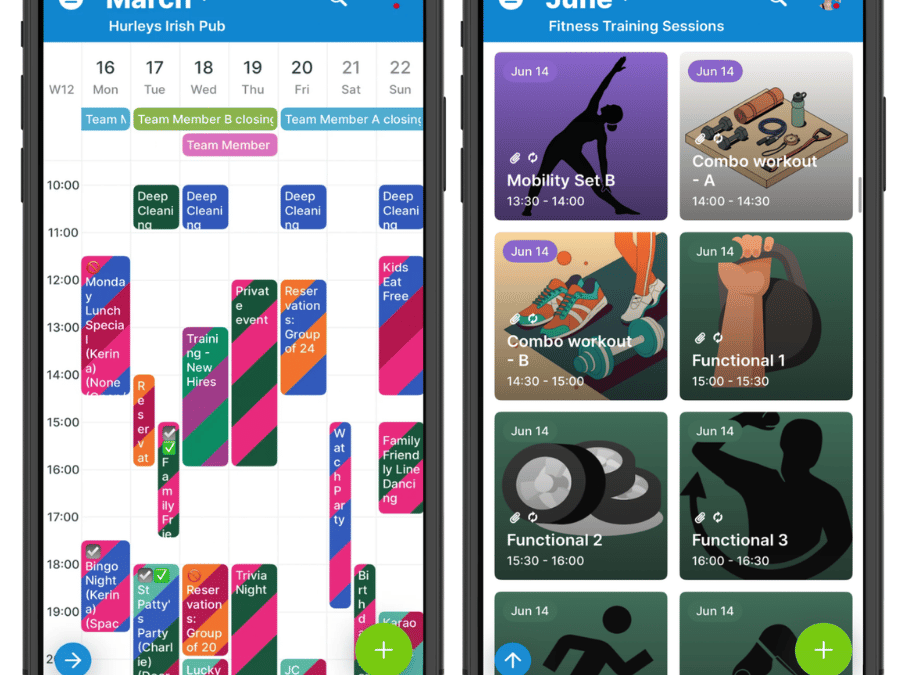
With Teamup mobile apps, you can access your calendar even if you can’t connect to the Internet. Even if you have connectivity issues with your device, are away from wifi, or are on a plane, you can still work with your calendar. Offline access to your calendar On...

Featured, Information Visibility, Manage Availability
For physicians and on-call clinic staff, the biggest scheduling problem is often uncertainty. Coverage assignments change, shifts get swapped, and availability updates happen throughout the day. If providers have to rely on texts, emails, or calls to confirm...
