Featured, Information Visibility, Product Tips, Working with Events
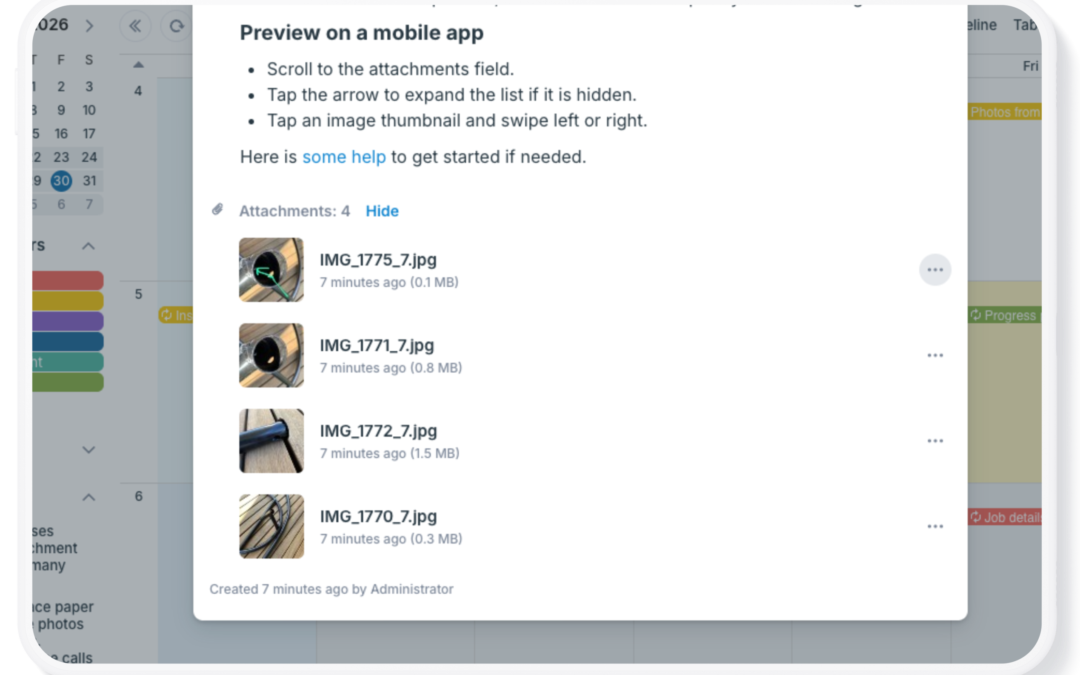
Calendar events often need more than a title, date, and time. Events might include photos, contracts, maps, agendas, work orders, checklists, presentations, and other supporting documents. Teamup makes it simple to keep files and images linked to the event so...
Construction, Field Services, Information Visibility
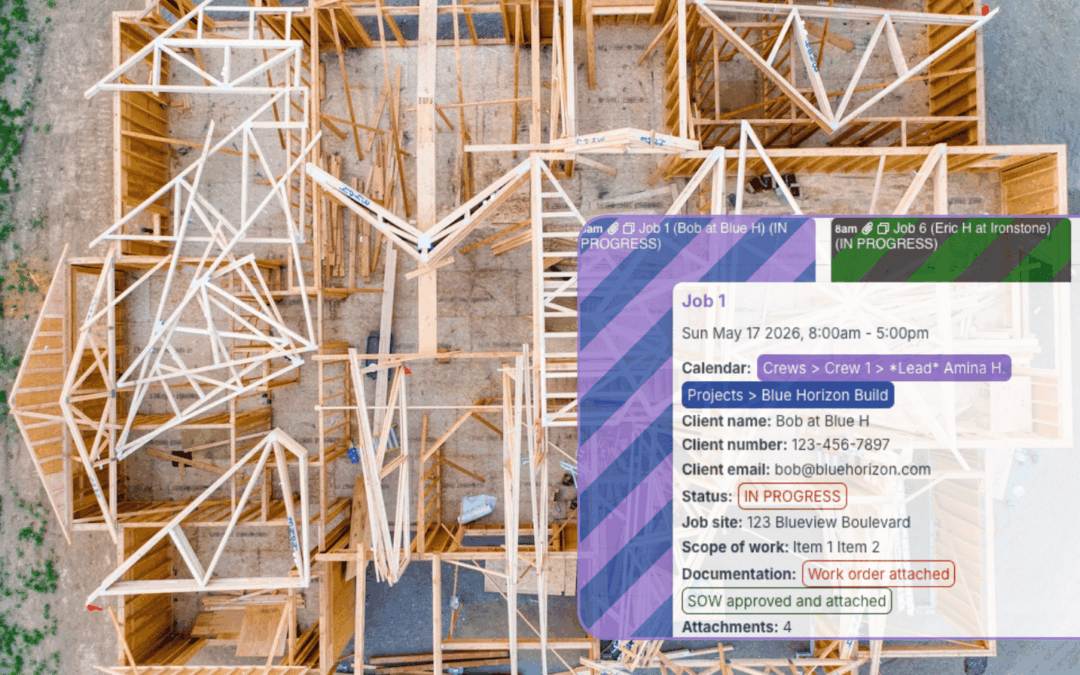
Construction projects generate a constant flow of information: schedules, permits, site notes, inspection details, work orders, photos, material updates, subcontractor communication, and customer requests. The challenge is making sure everyone, from office staff to...
Calendar Visualization, Featured, Product Tips
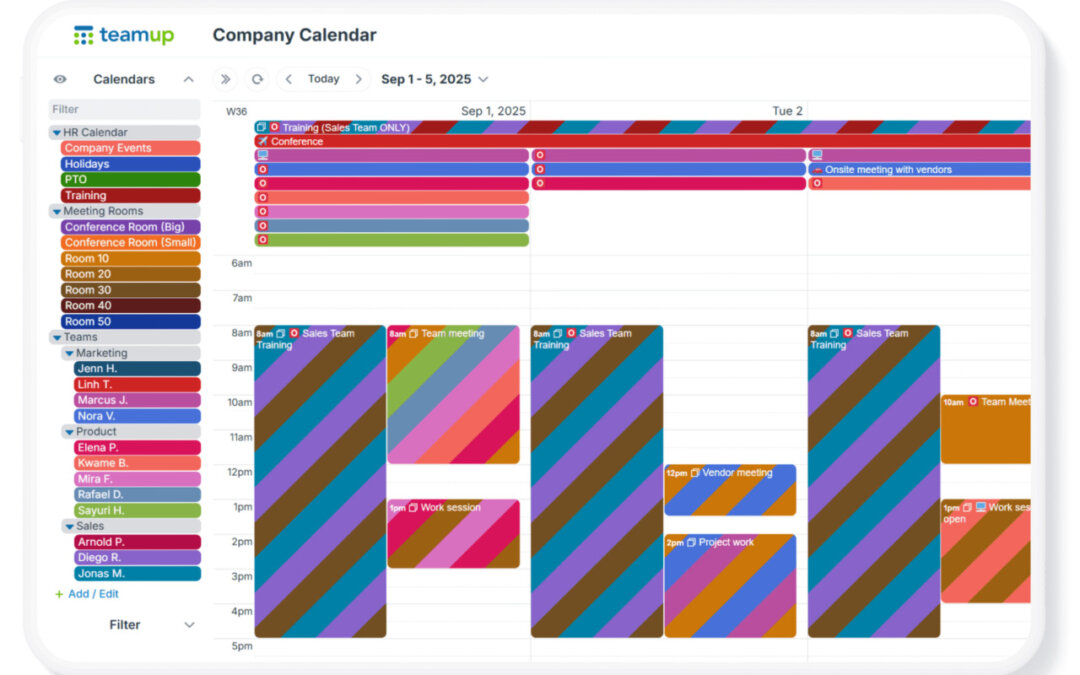
When you create a Teamup calendar, you’re creating a master calendar. That master calendar can contain many sub-calendars. Typically, a bigger or more complex organization (or project) means you’ll need more sub-calendars. Also, as teams grow, scheduling...
Interactive Demos, Product Tips
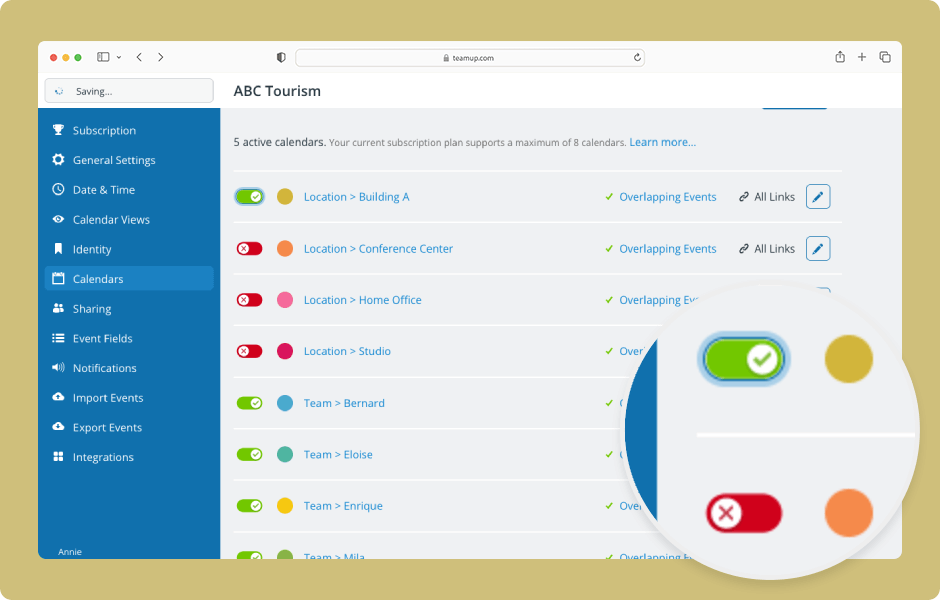
The data on deactivated sub-calendars or event fields is not lost, only archived. To access it, reactivate the sub-calendar or field. ENLARGE DEMO Access level required: Administrator Open your calendar in a browser and click the blue menu (top right). Select...