Featured, Organize Teams, Product Tips, Ticker
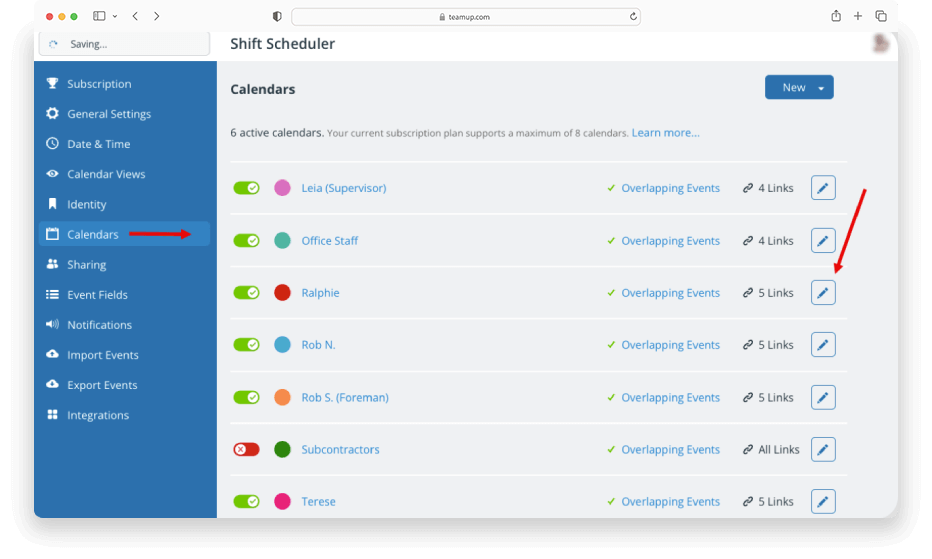
Sub-calendars can represent people, resources, projects, areas, anything you like. Whenever needed, you can re-assign a particular sub-calendar to a different person, resource, or area: A staff member leaves the company. Instead of creating a new calendar for the...
Featured, Product Updates
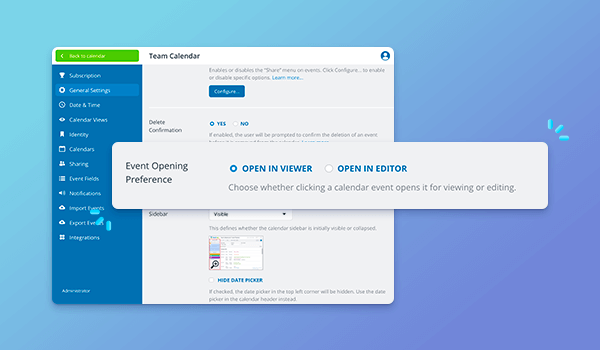
There’s a new option for how events open for users with modify permission. Previously, for users with modify-level access, events would open directly in the event editor. Now, events first open in the read-only event viewer. Users can click the Edit button to...
Interactive Demos, Product Tips
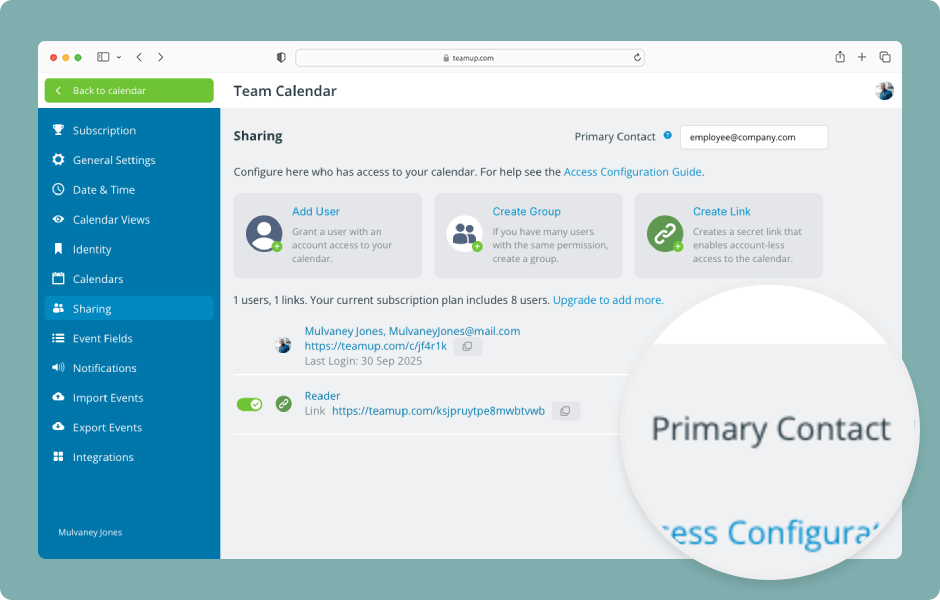
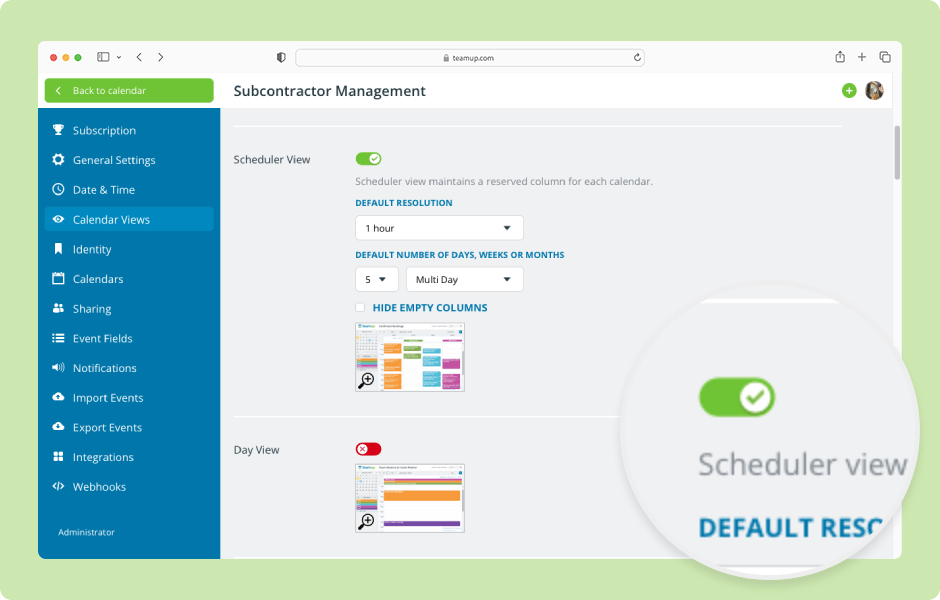
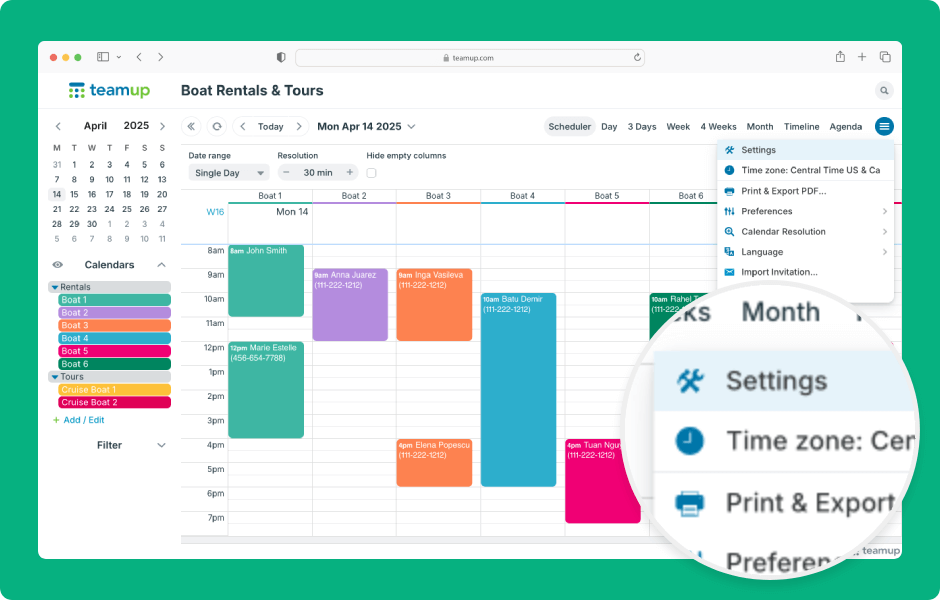
Teamup calendar settings are the control center of the calendar, where the calendar administrator can create sub-calendars, manage users, and configure settings. Settings are accessible only in a browser (not in the Teamup app). Here’s how to access and use...