
Switch Your Billing Cycle (Yearly or Monthly)

Switch Your Billing Cycle (Yearly or Monthly)

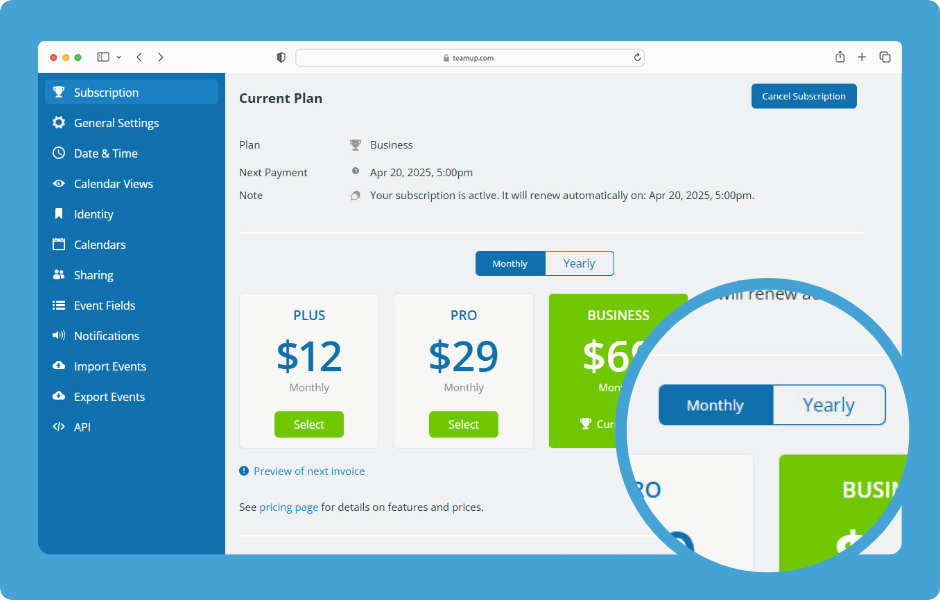
If your Teamup calendar has a paid plan, you can pick a monthly or yearly billing cycle. The calendar admin can change from yearly to monthly or vice versa in the calendar settings. Switch from yearly to monthly billing ENLARGE DEMO Switch your Teamup billing cycle...
Update Billing Details or Payment Method

Update Billing Details or Payment Method

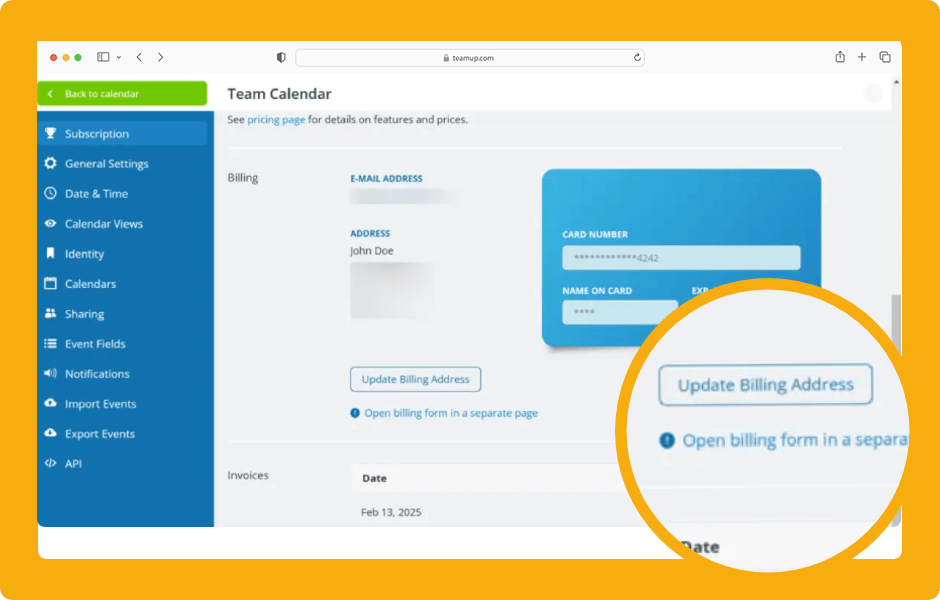
Payment information and billing history is always available in the calendar settings. The calendar administrator can update the email address for the billing contact, update the billing address, update your payment method, and view or download invoices. ENLARGE DEMO...
Cancel a Calendar Subscription

Cancel a Calendar Subscription

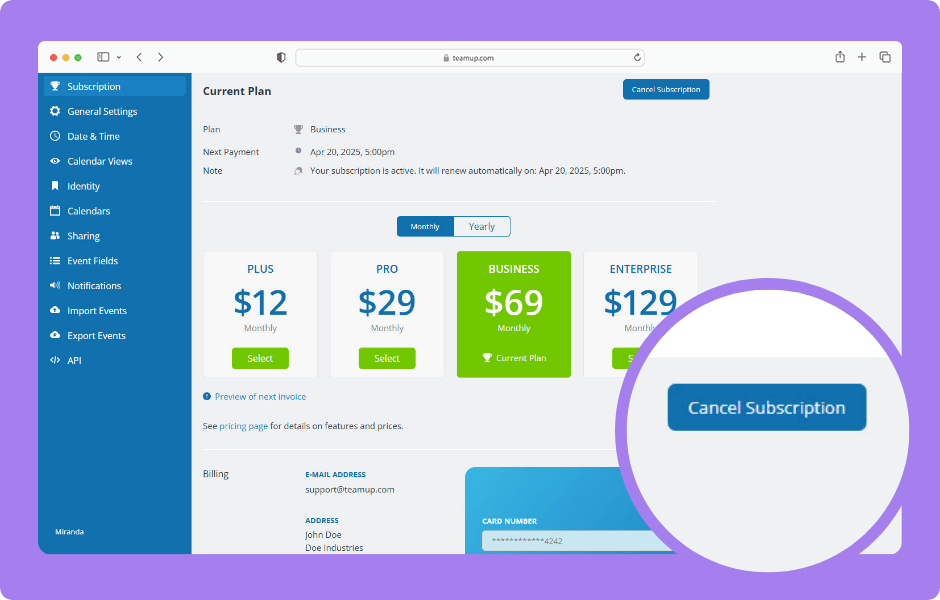
Teamup’s subscription plans are not based on user accounts, which is always free for anyone. Instead, they are calendar-based. Each subscription plan is bound to a specific calendar. Each plan must be cancelled within the respective calendar. The calendar...
Access Billing History and Download Invoices

Access Billing History and Download Invoices

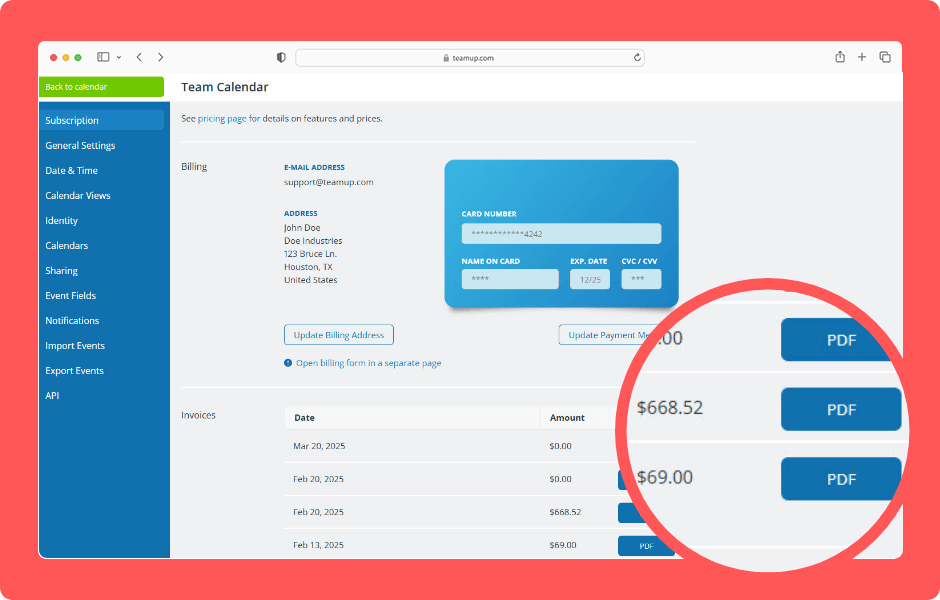
Payment information and billing history is always available in the calendar settings. The calendar administrator can view subscription information, see billing history, and download invoices. To change the information shown on invoices, update the billing contact...
WordPress Cookie Notice by Real Cookie Banner