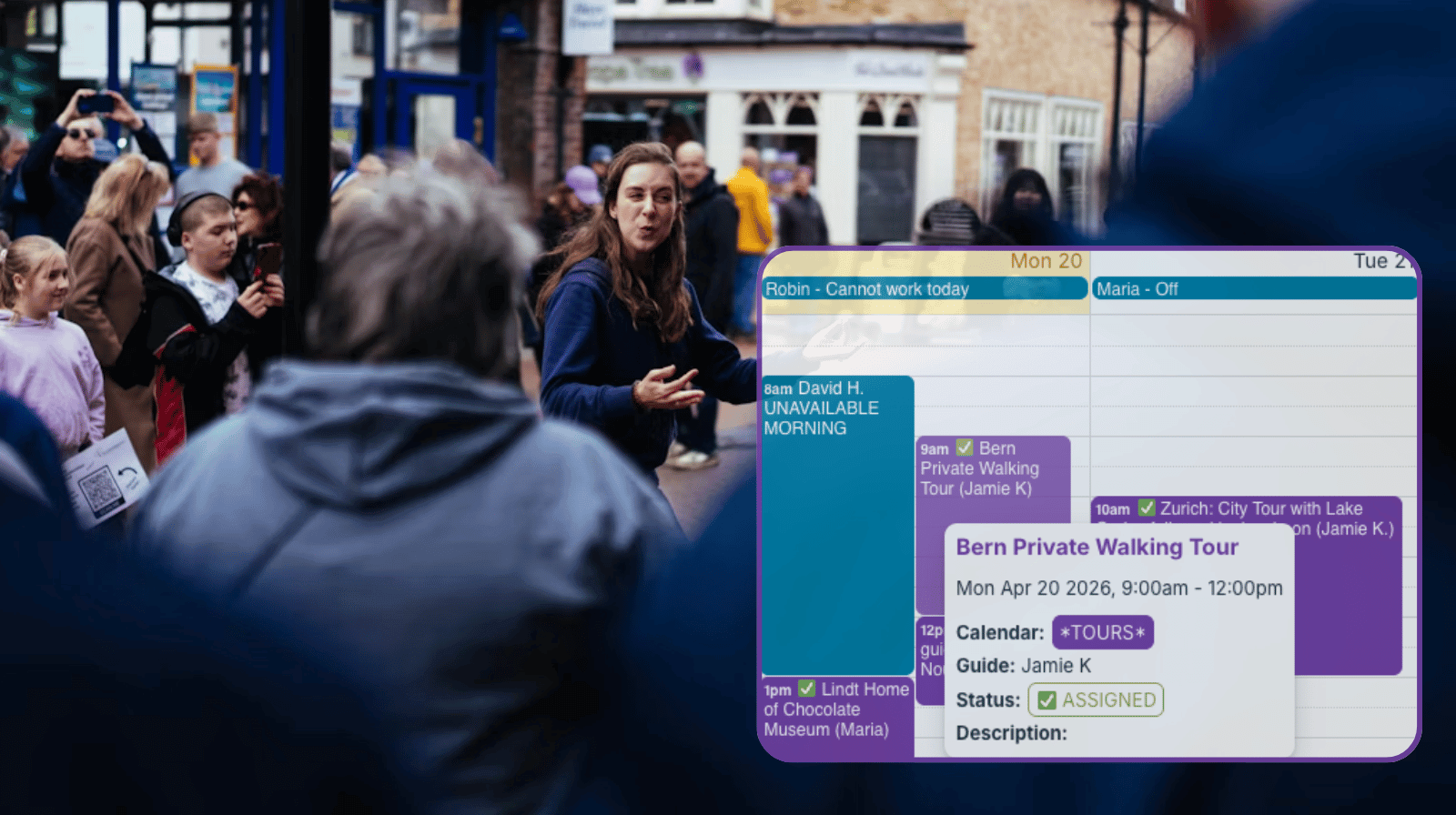
Tour operators need a quick way to see which guides are available and assign tours without juggling messages or spreadsheets. A simple shared calendar keeps availability and assignments in one place, making daily coordination much easier.
The need: Tour operators need a clear, updated view of guide availability so they can quickly assign tours without double-booking.
The Teamup solution: A simple, free shared calendar where everything lives: guide availability and tour assignments. Operators can see who’s available and quickly assign tours. Guides can update their own availability and see their assigned tours.
Need: Clear guide availability for tour scheduling
Tour operations require a clear and up-to-date view of guide availability to assign tours and keep the schedule on track.
But relying on emails, texts, or informal communication to share availability can lead to outdated or inconsistent information. And incomplete information can lead to conflicts, missed opportunities, or uneven workloads. Then there’s confusion instead of clarity, and what should be a simple task — assign each tour to an available guide — ends up taking more time and communication than it should.
What’s needed: A shared calendar where guides can update their own availability, tours can be assigned, and everyone can stay updated on the schedule. With Teamup, it’s easy to set up and it’s free.
Solution: A shared calendar for tours and guides
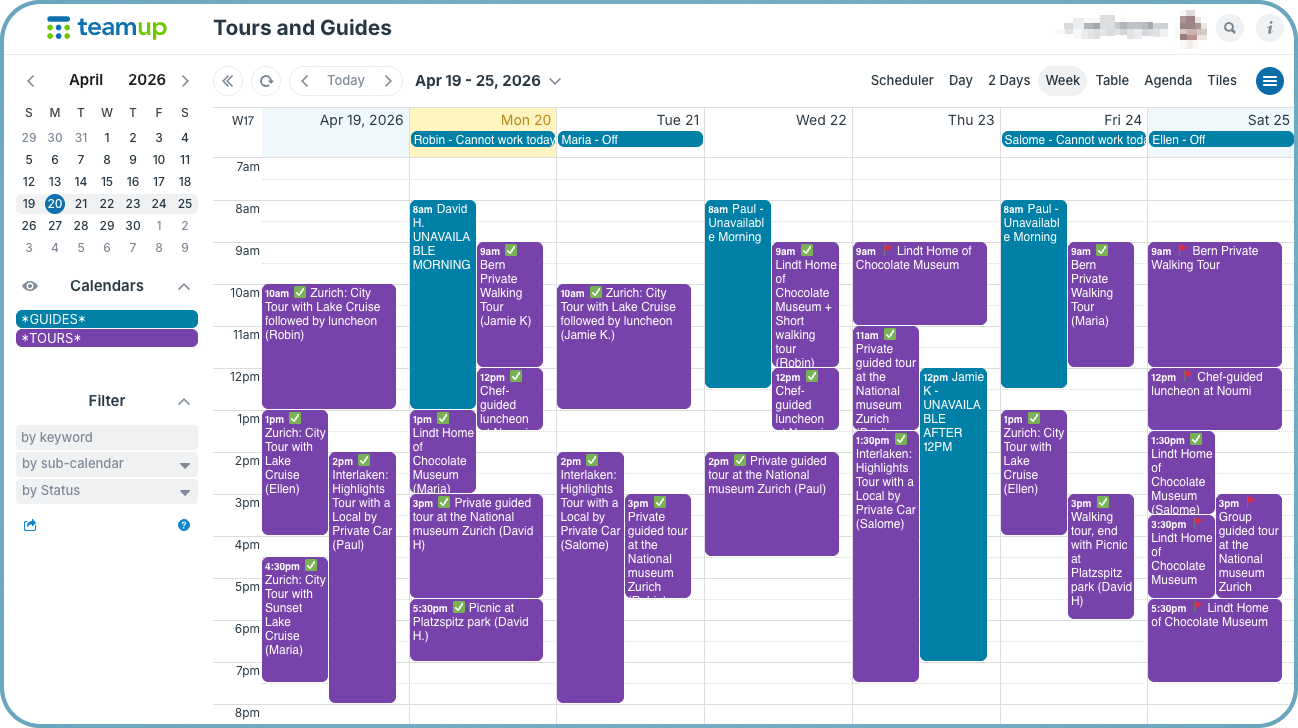
Click to enlarge: See guide availability and scheduled tours all in one place. Simple, clear, no confusion.
A simple setup keeps things straightforward and eliminates confusion. One calendar holds all the information, with a sub-calendar for tours and another for guide availability. Guides can update their own schedules, and the operator can instantly see who is free and assign tours accordingly. There’s no extra system to manage, and everything stays clear and up to date.
How to set it up
⚙️ Mini-guide
- Create one Teamup calendar (the free plan works for this setup).
- Add two sub-calendars: Tours and Guides.
- The tour operator gets full modify access to both sub-calendars so they can manage all tours and assign guides.
- Create a shareable calendar link for guides with customized permissions:
- Add-only access to the Guides calendar so each guide can add events for their own availability to the calendar.
- Read-only access to the Tours calendar so they can see their assigned tours.
- Optionally: Create a custom choice field to track whether each tour has been assigned or not. This makes it easy to filter tours and see which ones still need a guide assigned.
- With the Teamup app, guides can check their schedule, see assigned tours, and update availability on mobile.
Results: Simpler tour planning with clear guide availability
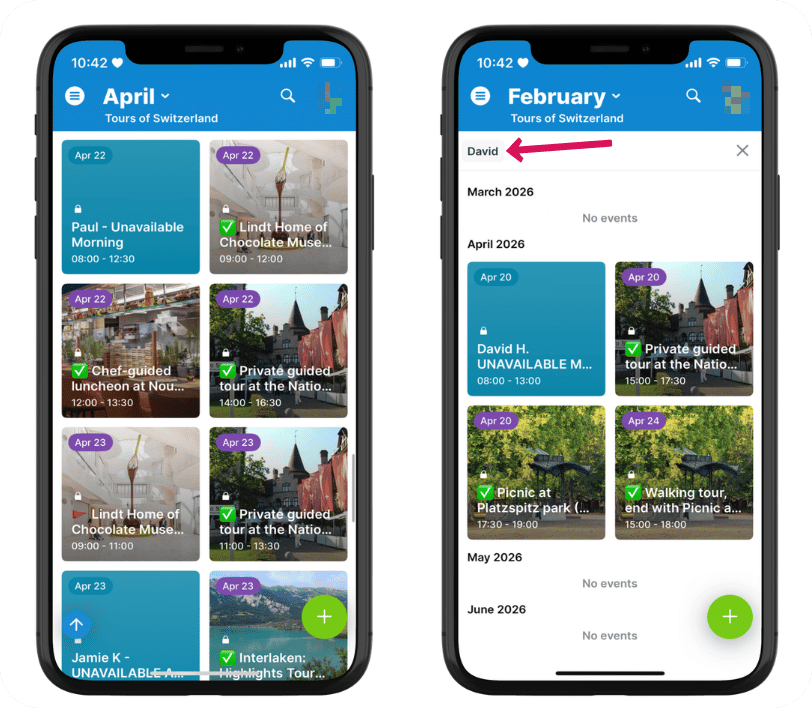
Click to enlarge: Guides can access the calendar on the Teamup app to update their availability and see their assigned tours.
With availability and tours in one place, the operator can make assignments quickly and confidently. Guides update their own schedules, so availability stays current without extra coordination. There’s no need to check multiple messages or confirm details repeatedly.
The result is a simple, reliable system that keeps tour operations running smoothly. Create your own free Teamup calendar and try this setup for easier tour operations today.