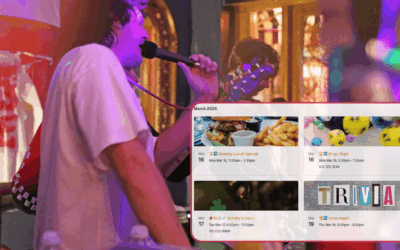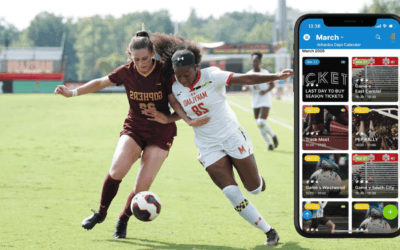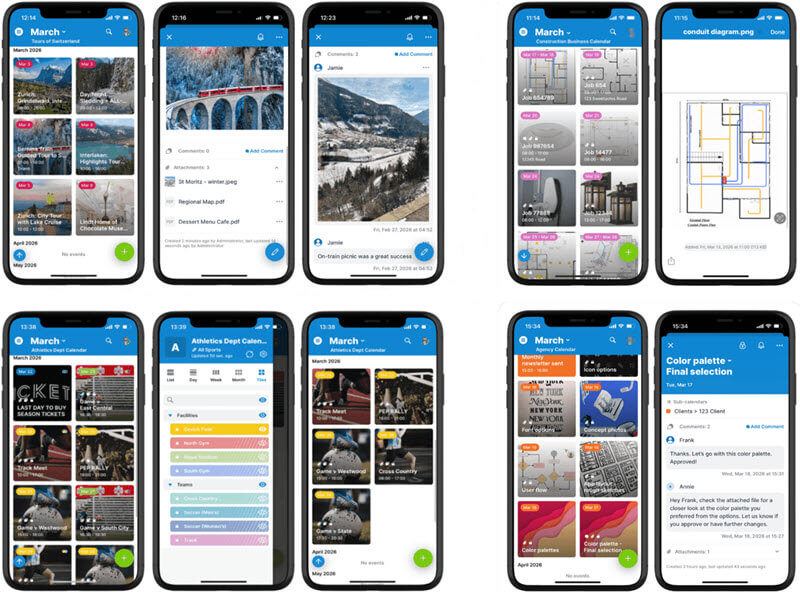
With the introduction of Tiles view, Teamup is expanding what a calendar can do. By displaying images uploaded to events, Tiles view turns your calendar into a more visual and intuitive space. It’s easier to see key information and get jobs done. Now this feature isn’t just on the web: It’s available on the Teamup mobile apps too, opening up new ways to work more efficiently and communicate visually.
A picture really is worth a thousand words, even in a calendar.
When you add images to your events and switch to Tiles view, you get a quick, visual overview of what’s coming up. Each event gets its tile displayed with a highlighted image, which could be a photo of a kitchen for an installer, a scenic highlight for a tour guide, or a design asset ready for review. This approach makes it easier to connect tasks with their real-world context and quickly understand what’s happening at a glance.
Sharing the calendar with others is more engaging, too. Tiles view helps draw attention, provide quick understanding, tell a story, and provide more clarity.
What makes Tiles view different?
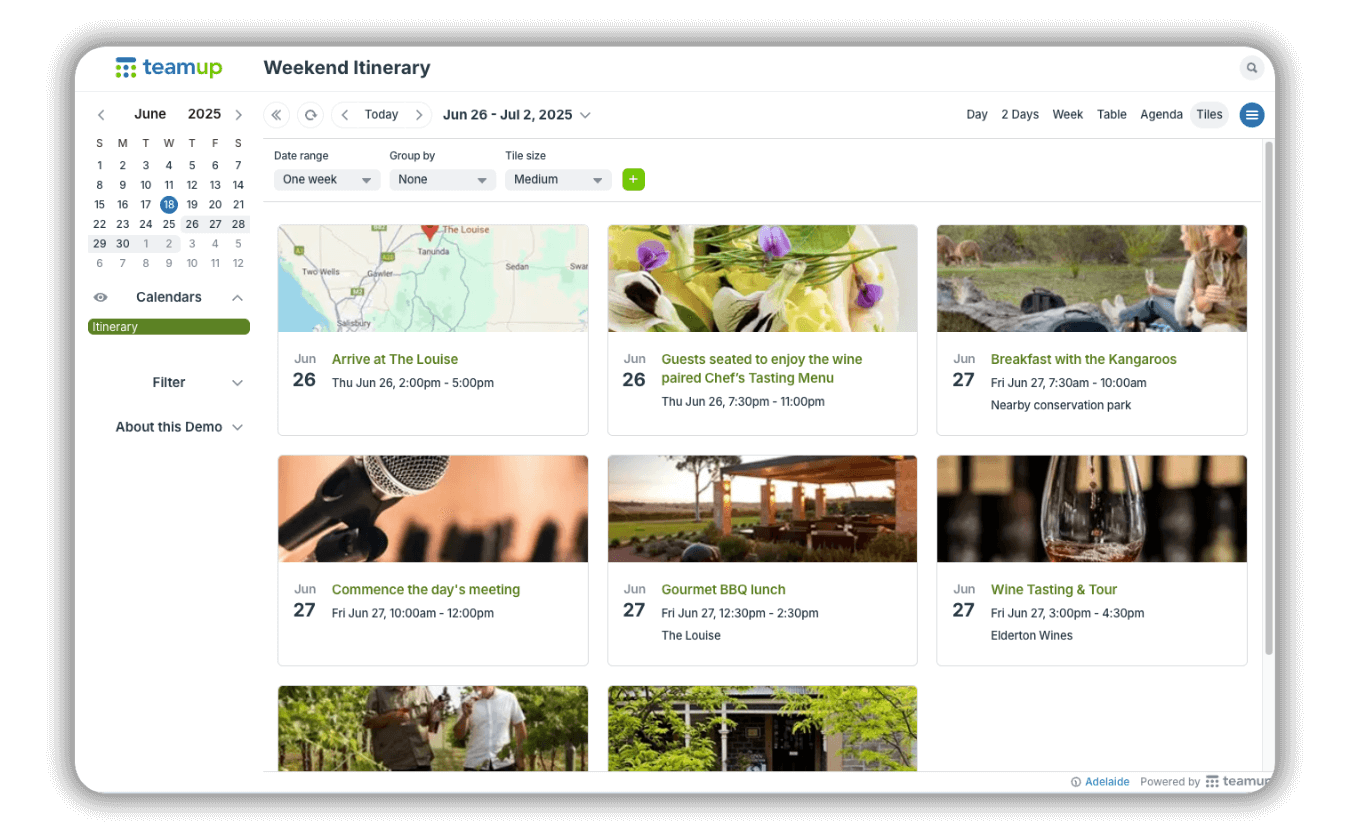
In Tiles view, each event appears as its own tile in a clean, scrollable grid. Instead of text-heavy rows or tiny event boxes surrounded by blank space, viewers see a visually rich display that feels more like browsing a gallery than checking a schedule.
If an image is added to the event (in the Description or Attachments), it’s used as the cover image for the event tile. If the event doesn’t have an image, Tiles view will show a bold, colorful header based on the sub-calendar color, so everything still looks polished and organized.
Each tile highlights the essentials (date, time, and title) while inviting viewers to click or tap for more details.
Flexible display options

Small tiles allow more events on the screen with a clean visual highlight.
On a browser, you can adjust tile sizes to fit your needs:
- Small tiles let you display more events at once. It’s ideal for packed schedules like conference agendas.
- Medium tiles strike a balance between overview and detail.
- Large tiles showcase bigger images and include event descriptions alongside them—perfect when visuals matter most.
On an embedded calendar, these options let you choose the best display of the events you’re sharing.
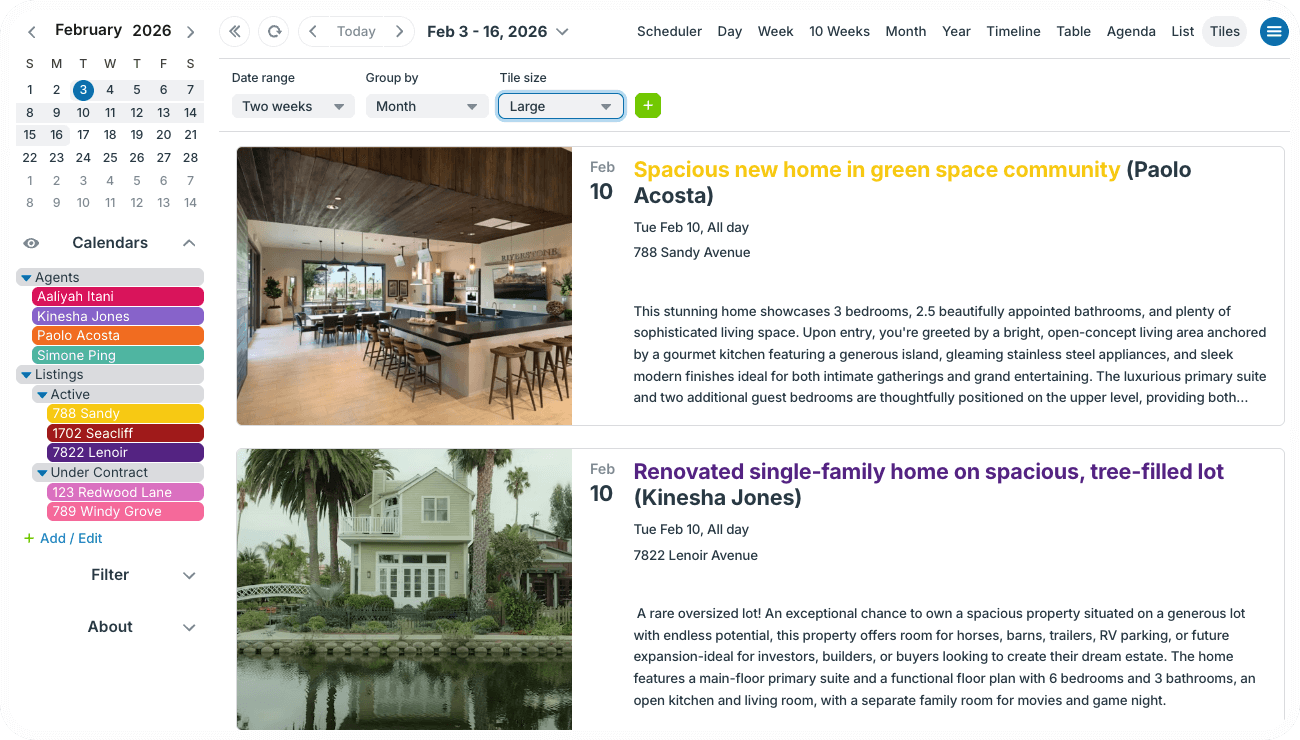
Large tiles show an expanded image with the event description included.
Visual clarity on the go
Tiles view isn’t just for promoting events or improving visual appeal. It also helps teams work smarter in the field and keeps everyone connected and updated with clear visual information.
Tiles view for tour businesses
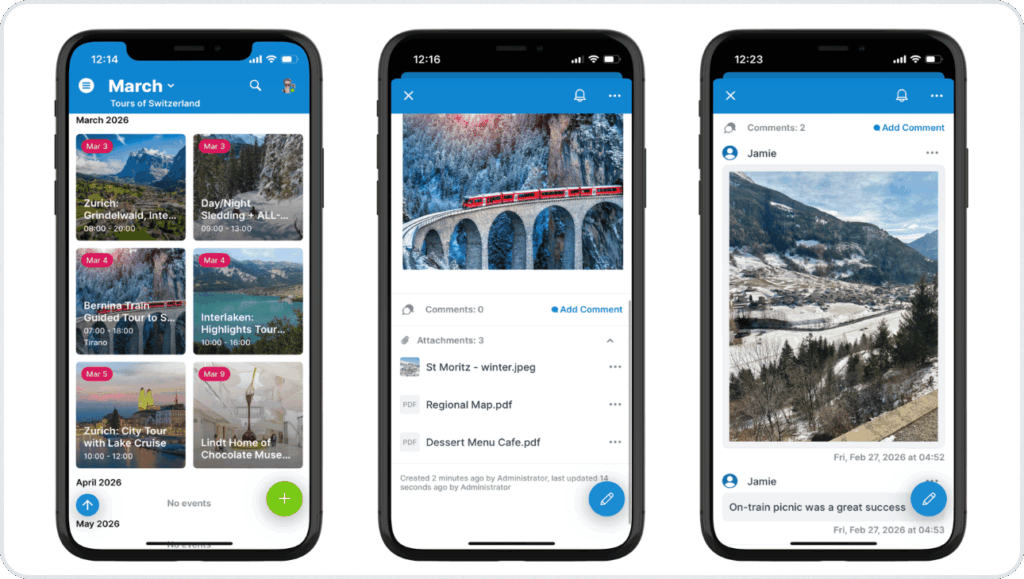
With Tiles view, each event or tour is shown as a visual tile. Guides can scan to get quick visual cues of upcoming moments, open an event to see their notes and attached documents, and capture notes or photos quickly in a comment. It’s easy to use on mobile, and everything stays organized for future reference. 🔗 Get more details.
Tiles view for field services
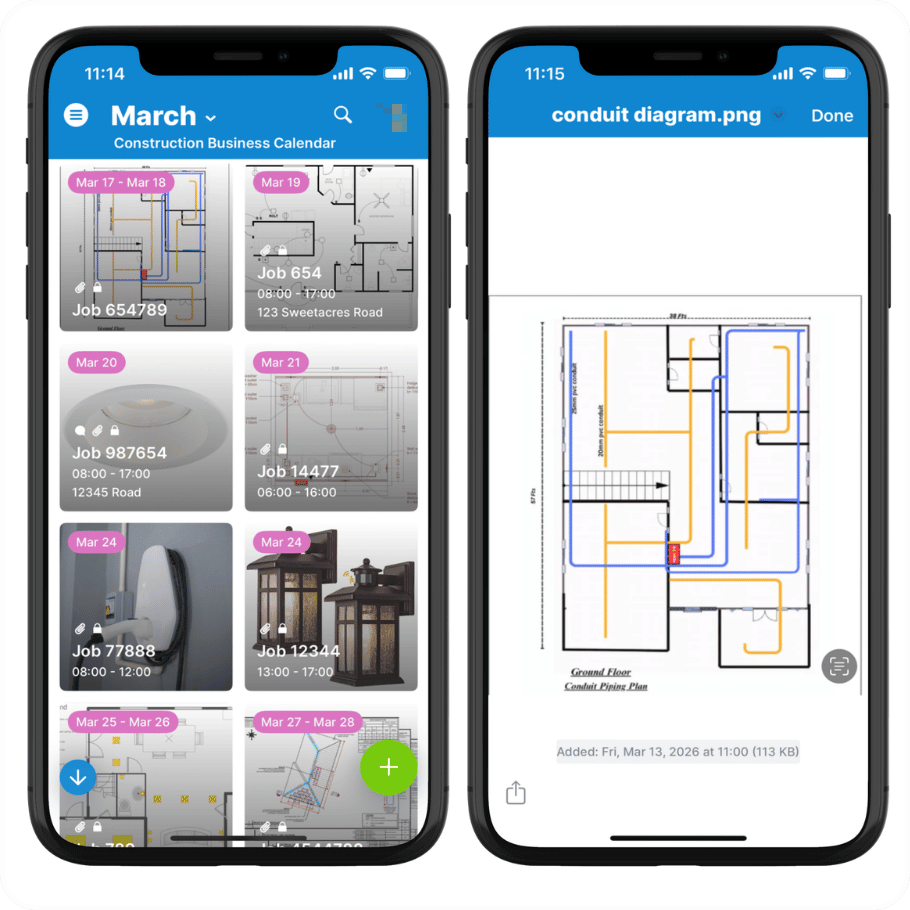
For deliveries, installs, or other on-site jobs, crew members can quickly scan events, view images, and understand what’s expected before they begin. With everything accessible on mobile, it’s easy to see what the work should look like and review the details on the spot. 🔗 Get more details.
Tiles view for creative professionals
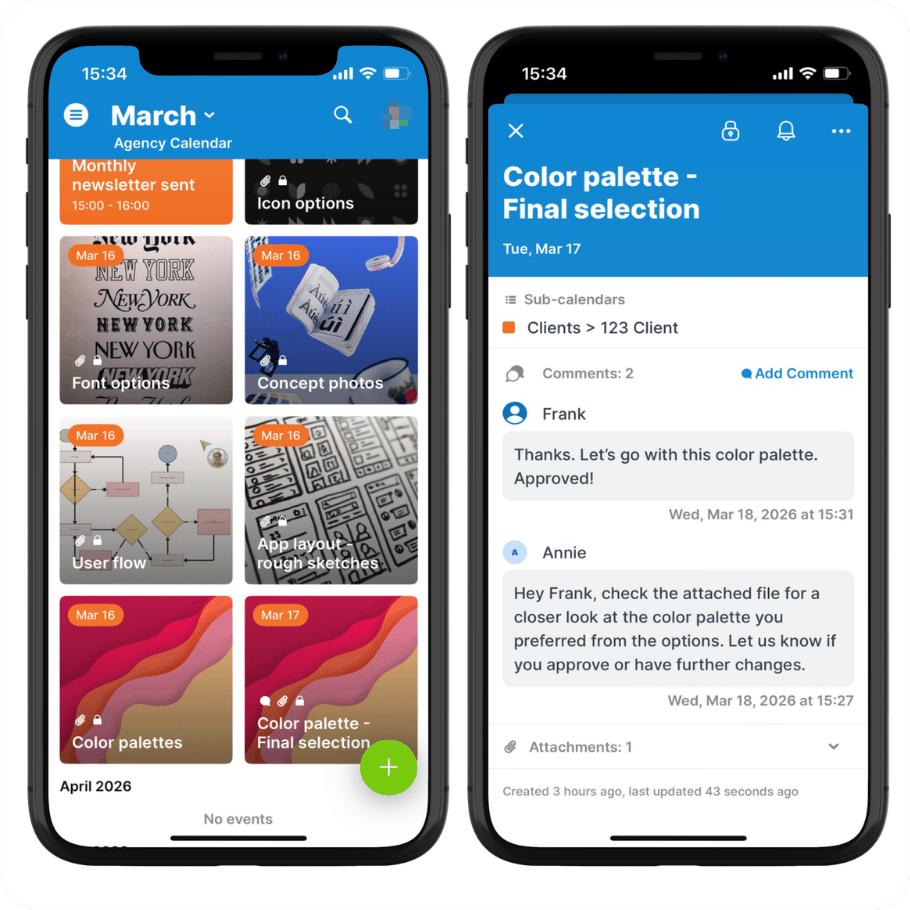 Creative agencies can use a shared calendar where design deliverables appear as visual events. Clients receive secure read-only access to a curated calendar view showing concepts, versions, and milestones in an attractive Tiles layout. 🔗 Get more details.
Tiles view for sports events
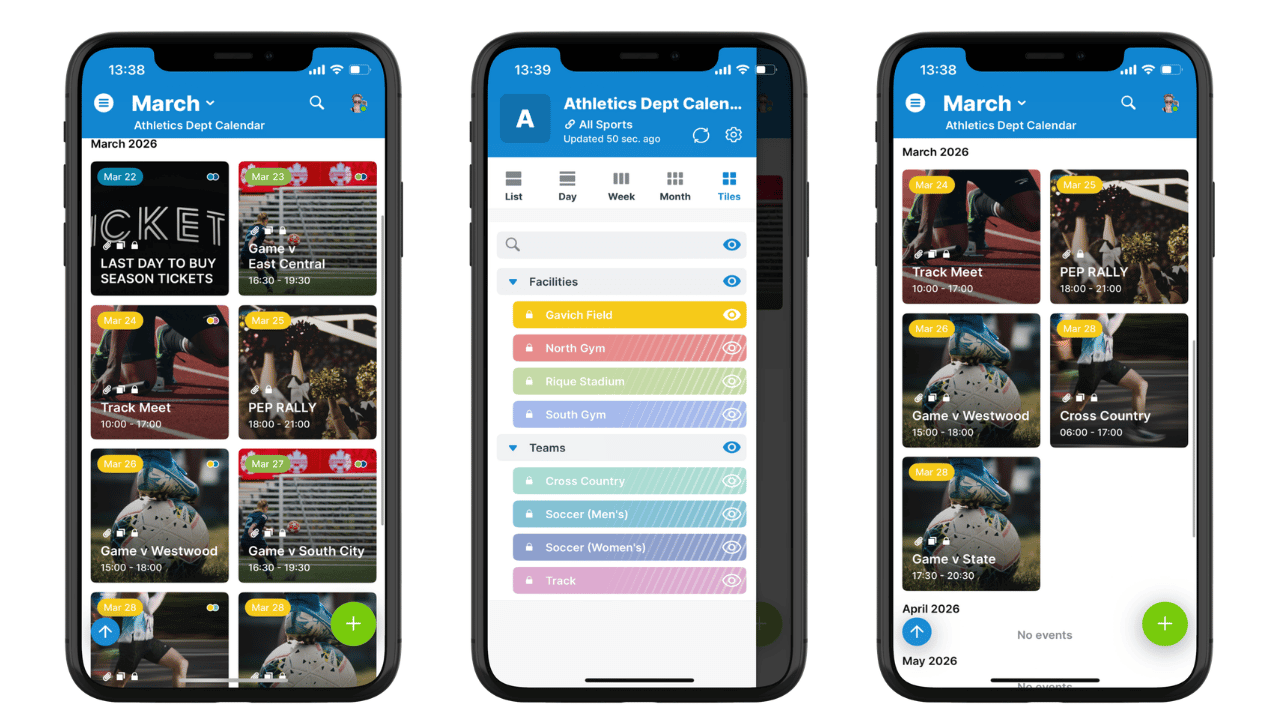
Athletic departments can publish a visual schedule of events that automatically updates wherever it is shared. Students, fans, and parents can access a secure, public-facing calendar that contains all the event information in an appealing layout. 🔗 Get more details.
Tiles view for sales communication
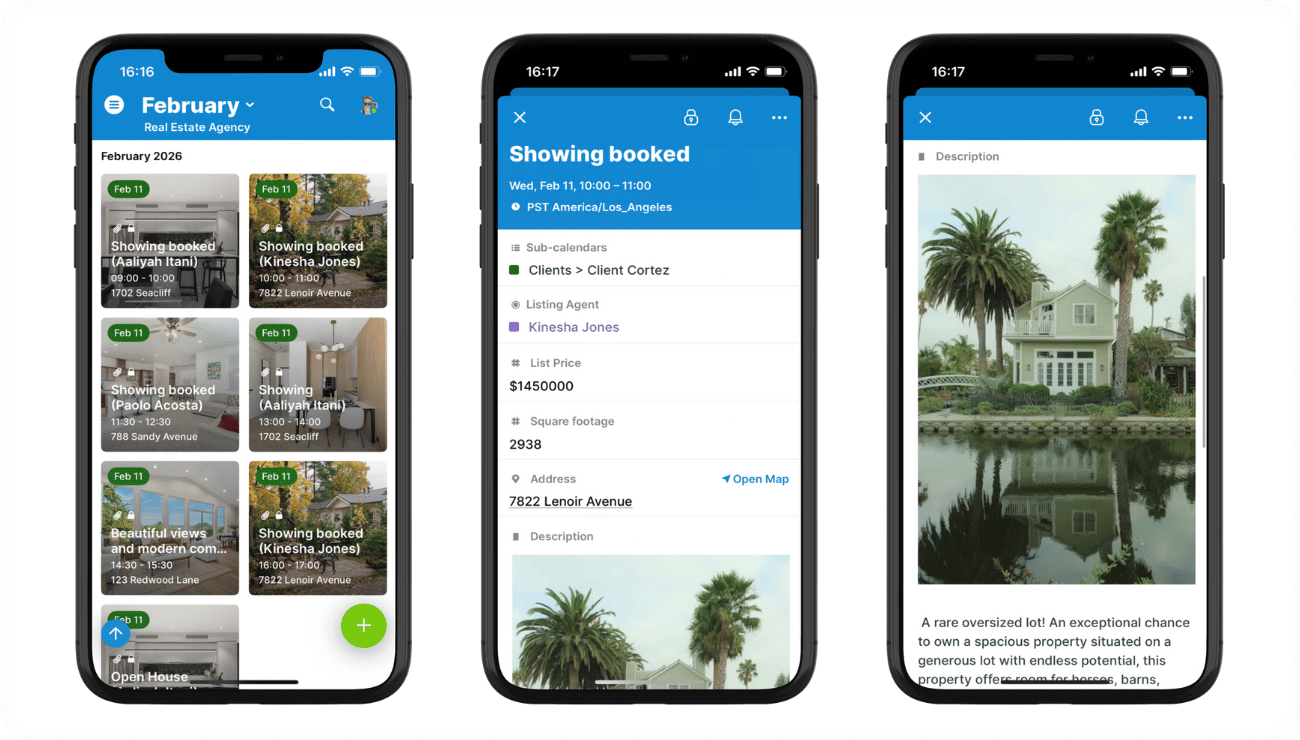
Tiles view on the Teamup app turns a standard calendar into a visual itinerary, showing property photos and availability in a format clients can understand instantly. 🔗 Get more details.
Tiles view for news and updates
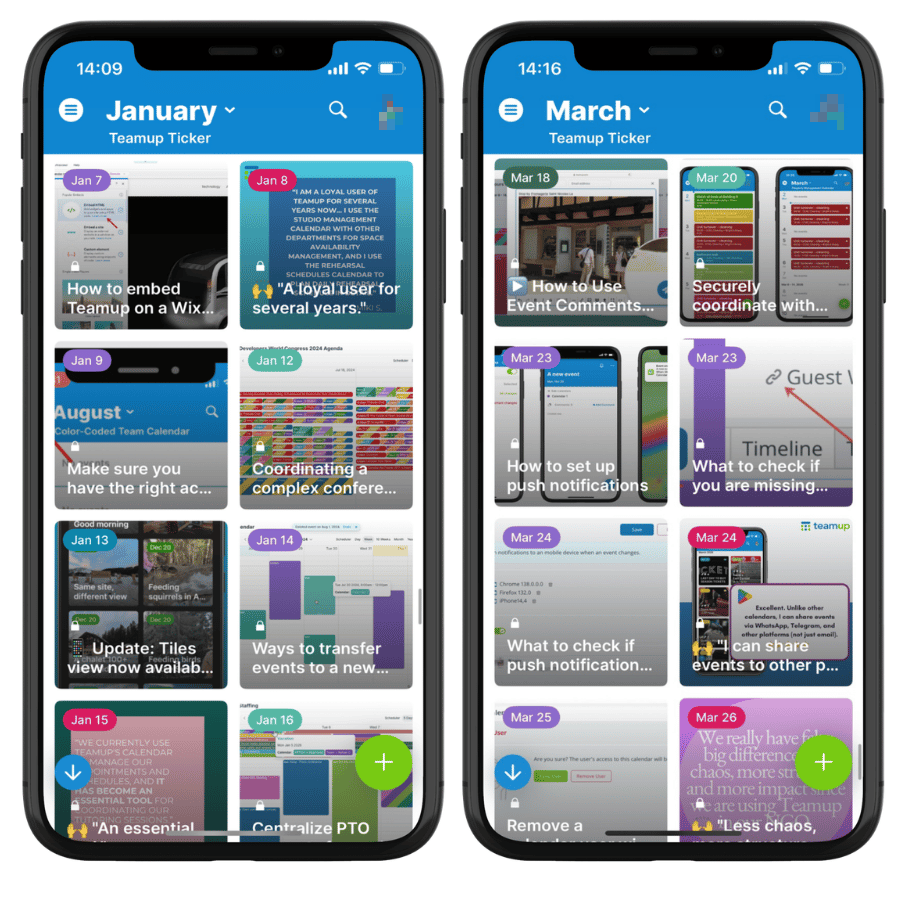
Share news items and product updates, feedback, and tips in a user-friendly format that’s interesting and appealing. 🔗 Check out the Teamup Ticker for a live example.
Get inspired with Tiles view
Tiles view isn’t just attractive; it’s also practical. It works seamlessly on both mobile and desktop, making it easy for viewers to browse, explore, and stay informed wherever they are.
Check out these use cases for more:
- Provide clear visual instructions for subcontractors.
- Sync with delivery and install crew in the field.
- Set up a shared real estate listing calendar.
- Share a visual showing schedule for clients.
- Use it as a visual, mobile information portal for tour guides.
- Give conference attendees a visual, synced agenda on mobile.
- Keep guests updated on weekend events and activity options.
- Share design concepts and deliverables with clients.
- Publish a visual calendar of athletic events.
- Promote special events right on a restaurant website.