See Only Weekdays On Your Calendar

See Only Weekdays On Your Calendar

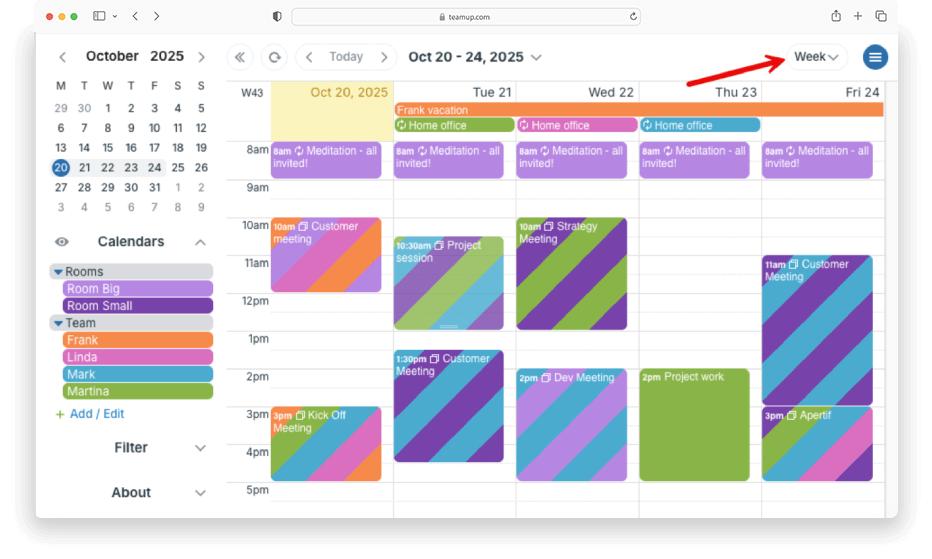
If you use your calendar for work on weekdays only, there’s no need to see empty weekends. You can adjust Teamup to get a calendar view that shows only weekdays. No wasted calendar space and your work schedule stays clean and focused. This setup is especially handy if...
Let Team Members Know Who Else Is On the Job

Let Team Members Know Who Else Is On the Job

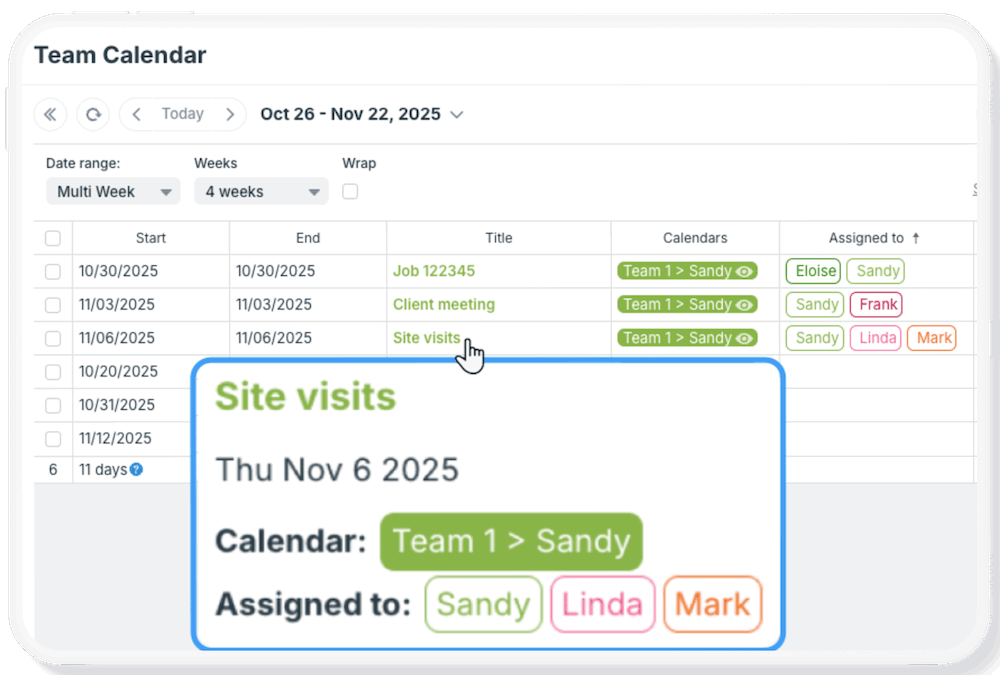
A common calendar setup: Each team member has their own calendar, and that’s where their jobs or assignments are added. They can see only their own calendar, so they can’t see what’s been assigned to another team member. This is a good setup that...
See All Repeating Events in Table View

See All Repeating Events in Table View

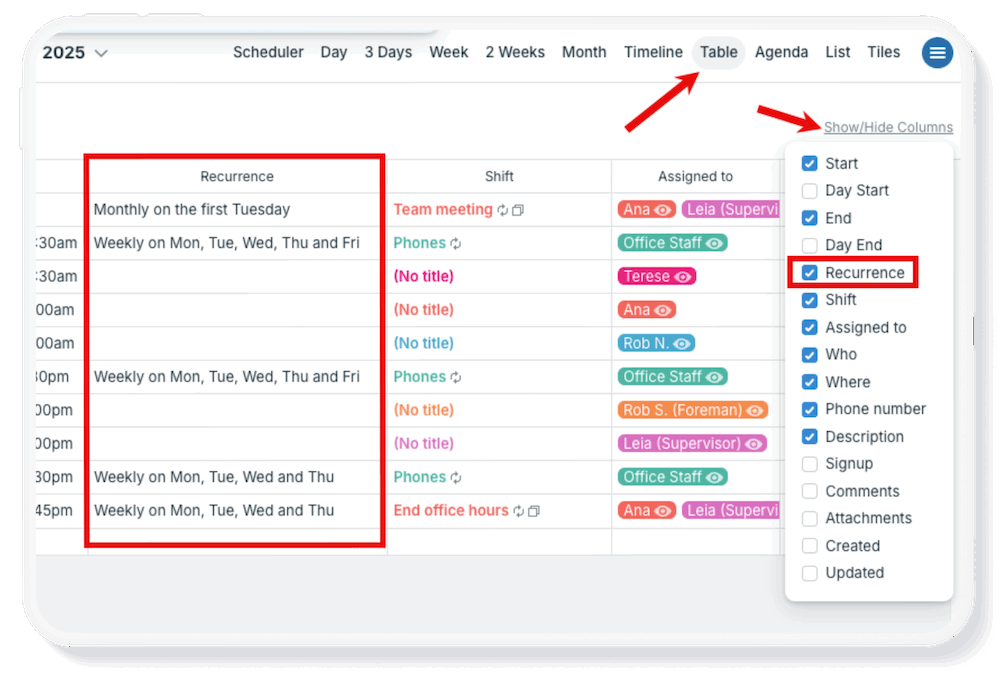
If you manage ongoing meetings or repeating tasks, it’s helpful to see them all in one place. With Table view, you can easily review and organize every recurring event on your calendar: Check weekly standups and plan for holiday gaps. Review recurring deadlines to...
Using Table View

Using Table View

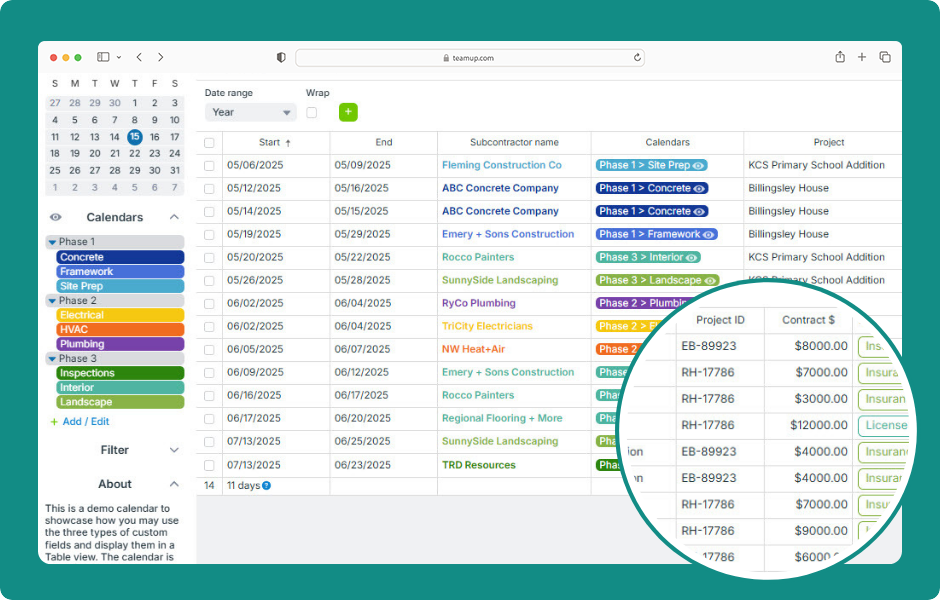
Table view (browser only) provides a spreadsheet-like tabular view of calendar events. Each event field is shown in its own column (including custom fields) and each event in its own row. Like all the other calendar views, events can be filtered and sorted by various...
WordPress Cookie Notice by Real Cookie Banner