Interactive Demos, Share Events
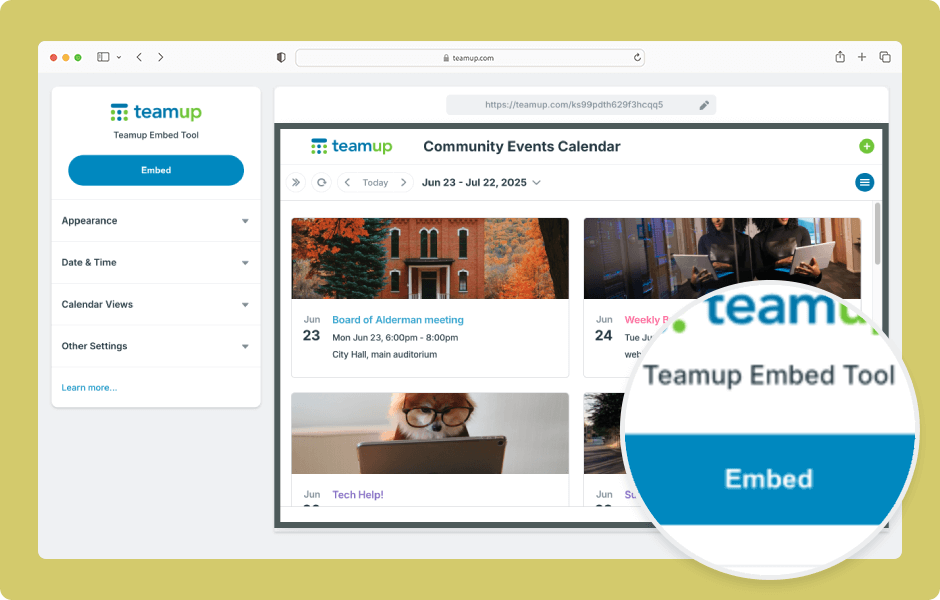
Teamup’s embedding tool makes it easy to embed a Teamup calendar in a website. Adjust the options for a customized look and feel. ENLARGE DEMO Open Teamup in a browser. Go to Settings > Sharing. Create a secure (read-only) link to use for the embedded calendar:...

Product Tips, Working with Events
Many types of jobs and tasks involve numerical data, from hours to pricing to part numbers or project IDs. While these numbers need to be captured, it’s often not appropriate to share them with every single person involved in the job. Here’s how you can...
Interactive Demos, Product Tips
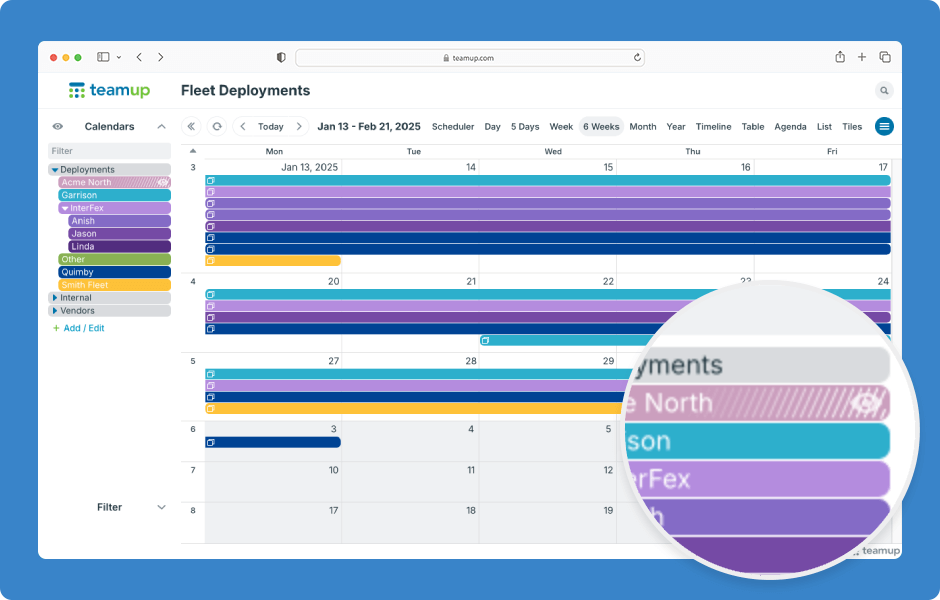
You can toggle sub-calendar visibility to show or hide their events. Sub-calendars that are toggled “off” have white lines on their title bar, so you can see at a glance which sub-calendars hidden and which are currently shown. ENLARGE DEMO How to toggle...
Interactive Demos, Product Tips, Working with Events
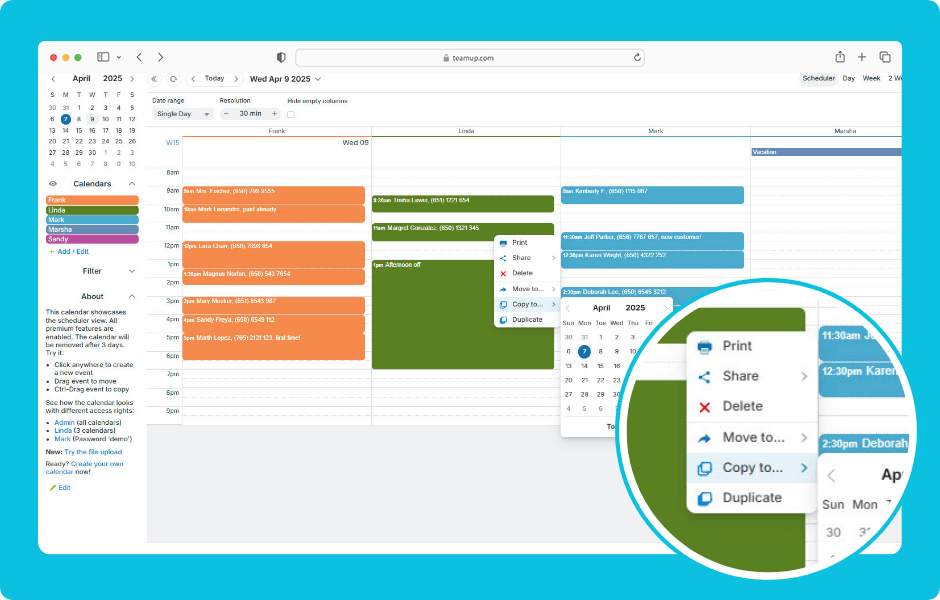
You can copy an event to a different date/time or duplicate an event to a different sub-calendar. You can also duplicate events on the Teamup app. ENLARGE DEMO When using Teamup in a browser: Right-click an event to open the context menu. To copy an event: Click Copy...
Featured, Interactive Demos, Product Tips
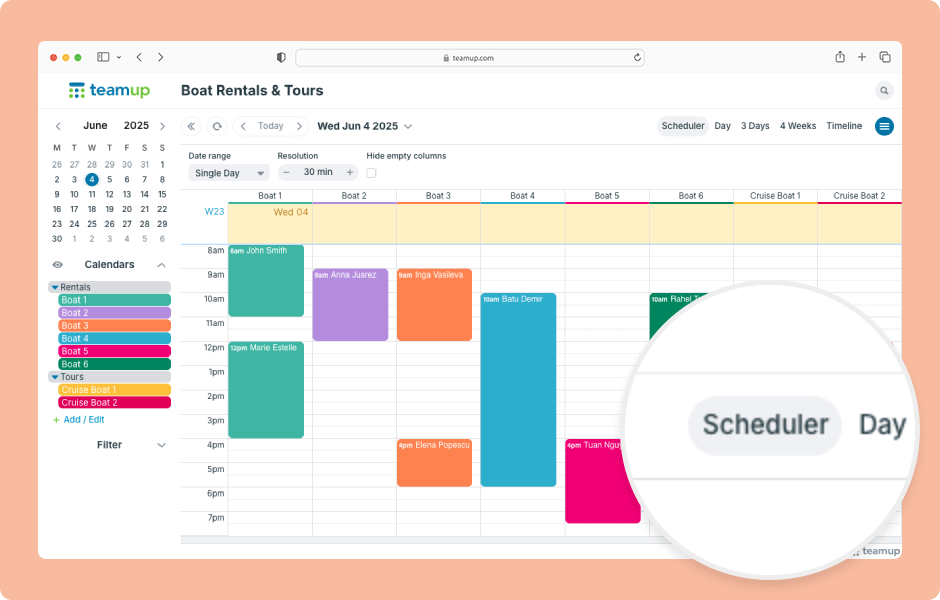
Teamup has 12 unique calendar views, suitable for different planning and scheduling needs. When you open Teamup in a browser, it will open with the default calendar view. Choosing the most appropriate default calendar view makes your calendar more user-friendly by...
