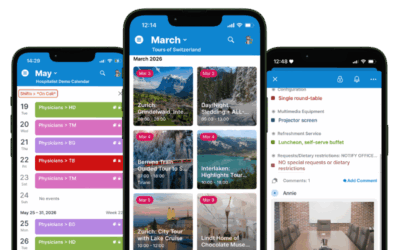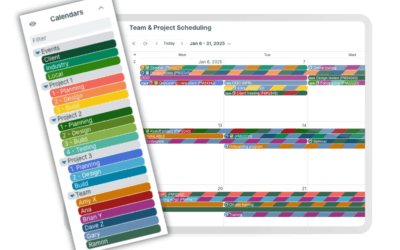
For Teamup’s September monthly roundup, we’re sharing insights to help you color-code your calendar like a pro for visual scheduling that makes work easier. Plus, find out how Teamup can help with service job and technician scheduling, gather up a few power tips and print blank calendar printables for the months ahead.
Highlights
Color-coding like a pro
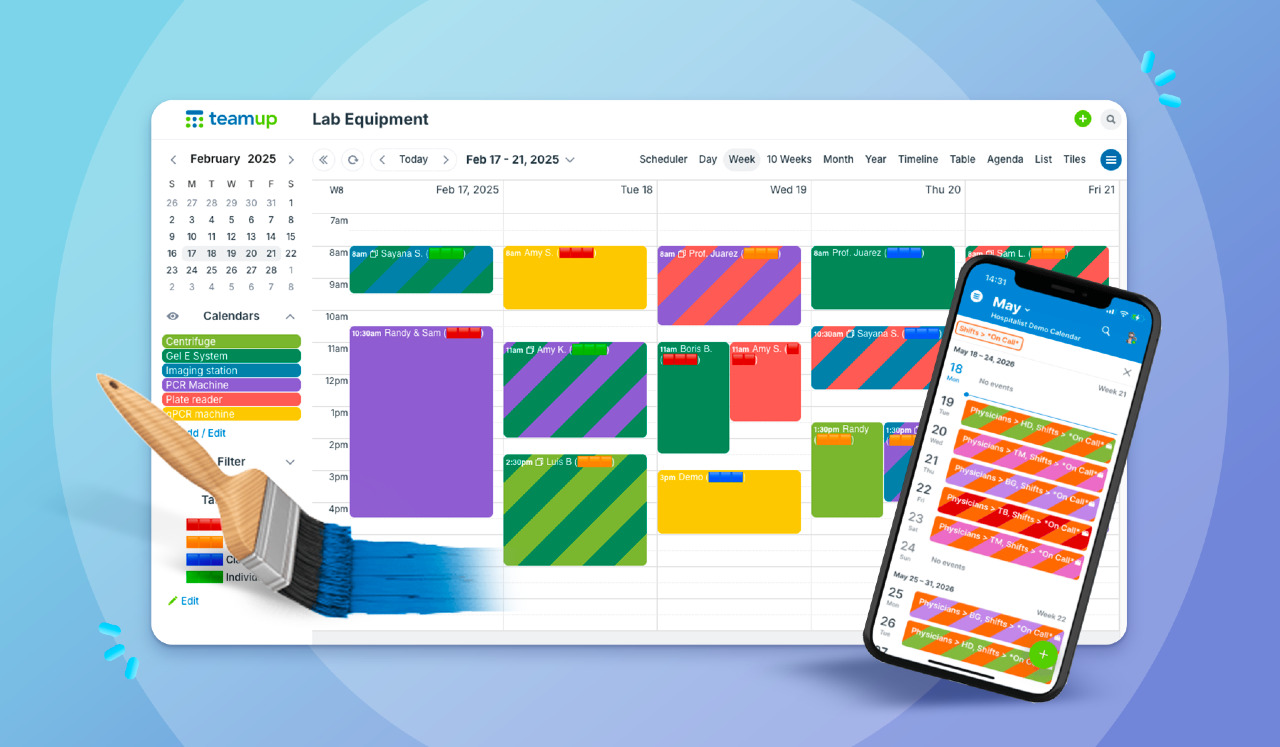
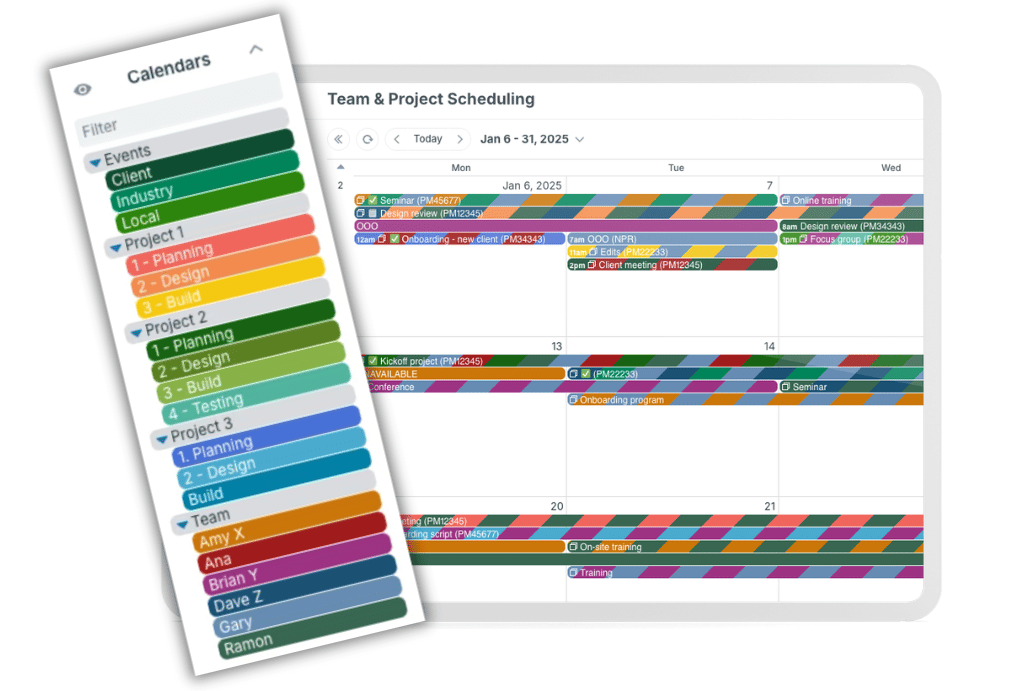
When you color-code your calendar, you gain visual cues that can increase your efficiency. Your brain can quickly identify events based on color, at a glance. Plus, using colors creates a more appealing calendar look, whether you prefer a bright rainbow of organization or a more restrained, minimal look. Learn how to color-code your calendar like a pro, so every event carries a clear visual signal for faster understanding and easier decisions.
Read more: How to Color-Code Your Calendar Like a Pro

Use cases + stories
A better way to schedule service jobs
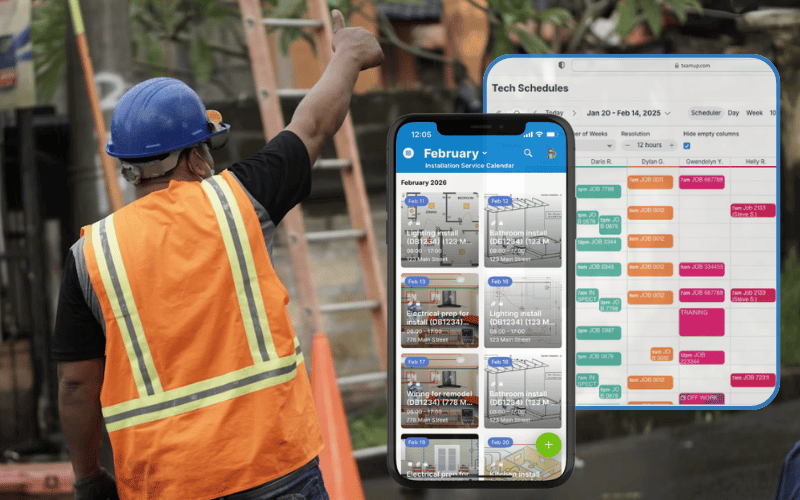
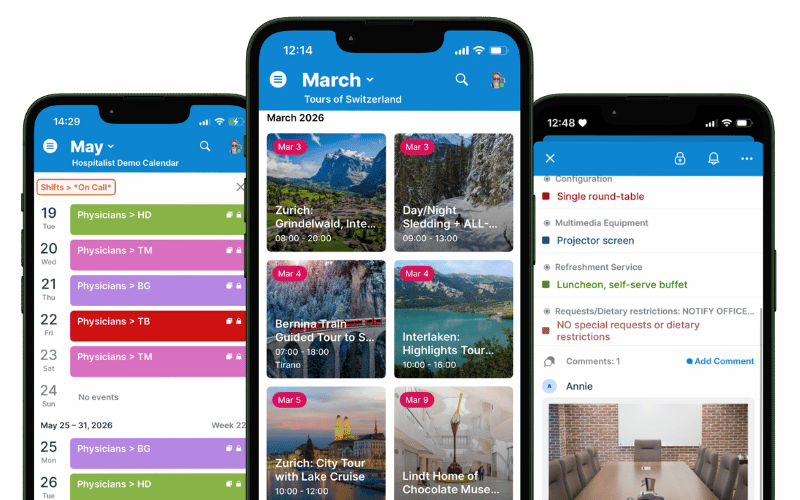
Service teams have a lot to track: who is going where, what each job needs, and what’s changing at the last minute. If details are separated in different tools, updates can get delayed or missed, which means crews lost valuable time. Teamup puts all your service jobs on one visual calendar that stays synced and secure. Office staff can assign work, control who sees what, and keep job details current. Techs in the field see updated jobs and have all the info they need. Here’s an overview of how Teamup brings it all together with linked guides for more in-depth explanation and setup help.
Read more: A Better Way to Schedule Service Jobs and Technicians
Selective cross-team information sharing
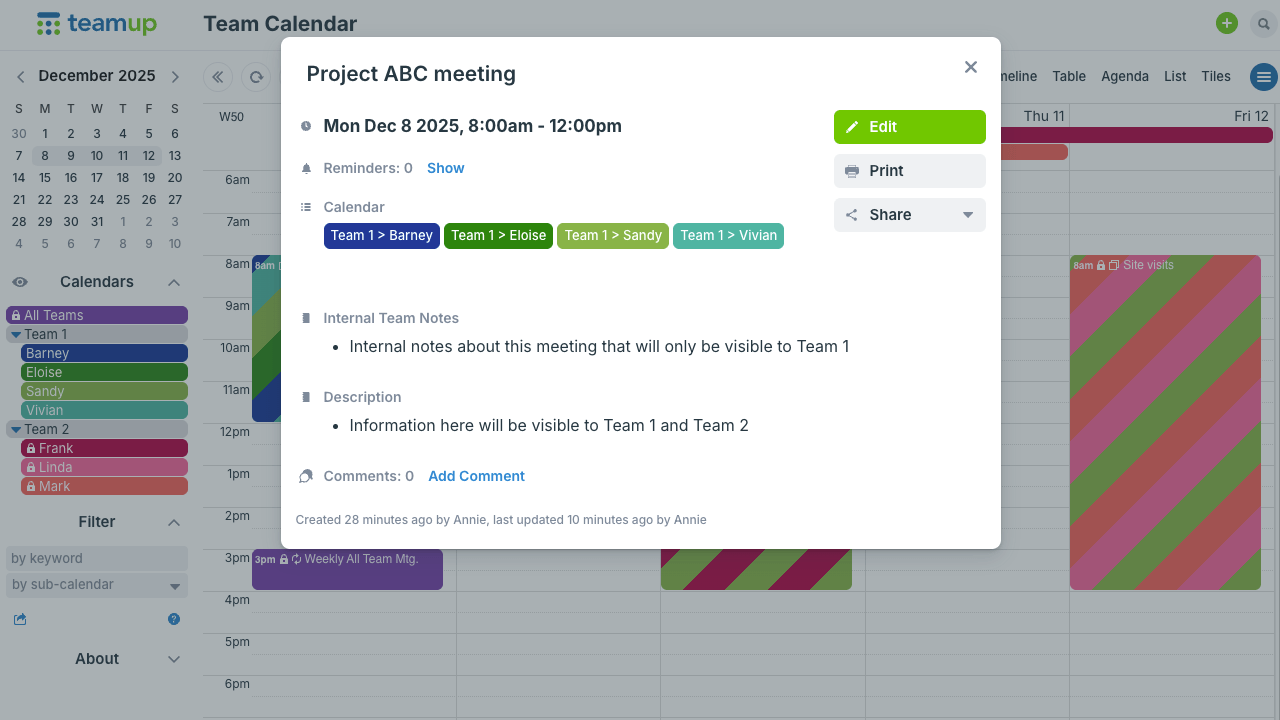
In large departments, multiple teams run on different rhythms: project planning, meetings, reviews, field activities, and more. Each team is responsible for, and focused on, its own scheduling. But the department manager needs to see all of them together. Teams need a reliable way to categorize what goes on the calendar, and capture and organize all the details for each event, task, or meeting. Managers need quick, understandable visibility of milestones, resource use, and project progress. Most calendars can’t provide the needed structure for flexible organization along with high-level views. Good news: Teamup can.
Read more: Get Cross-Team Visibility with the Right Amount of Information Sharing

Interactive demos + power tips
Master calendar vs sub-calendars
A master calendar is the whole calendar. Sub-calendars are the individual calendars inside it. Sub-calendars can be added, organized, and adjusted as a team or organization grows. They can be deactivated or reassigned when projects end or roles change. That flexible structure makes Teamup easy to customize and scale. 🔗 Learn more
Split one master calendar into two
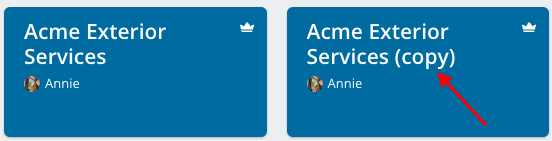
For many organizations a single master calendar, even with many sub-calendars, is not the right fit. Multiple master calendars work better, for example, when an organization has separate locations, and each location needs a separate, independently managed calendar. If you started with one master calendar and now want to use two separate master calendars, here’s how to “split” that calendar and import needed data to the new secondary master calendar. 🔗 Learn more
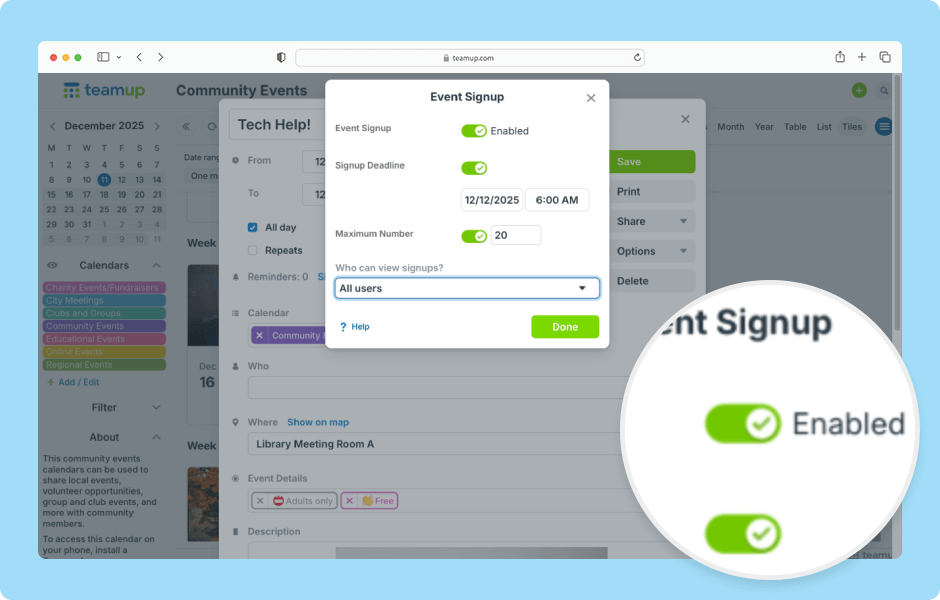
How to use event signups
With Teamup Calendar, you can add signups to any event. If signups are enabled, calendar users can sign up for an event with their name and email address. The event organizer(s) can easily see who has signed up. The event signups feature is fully functional on the Teamup app as well as in a browser. ▶️ Watch the demo

Free calendar printables
October 2026 printables
Click to open, download, and print our free calendar printables for the upcoming month and quarter:
- Daily blank planners for October 2026.
- Weekly blank calendars for October 2026.
- Monthly blank calendar for September 2026.
- Custom 3-month blank planner for October-December 2026.
- Quarterly planner for Q4: Weeks or Months.
- Need a big view of the whole year? Print a 2026 yearly calendar (several formats available).
Create a custom printable calendar
Or create your own custom blank calendars: Go to Teamup’s Printables page and scroll to the Create a Customized Blank Calendar section. Use the printable widget to create your own custom calendar printables.
Check in for more Teamup news and tips, updated regularly. Or subscribe via RSS. Sign up for our newsletter to get monthly highlights delivered to your inbox.