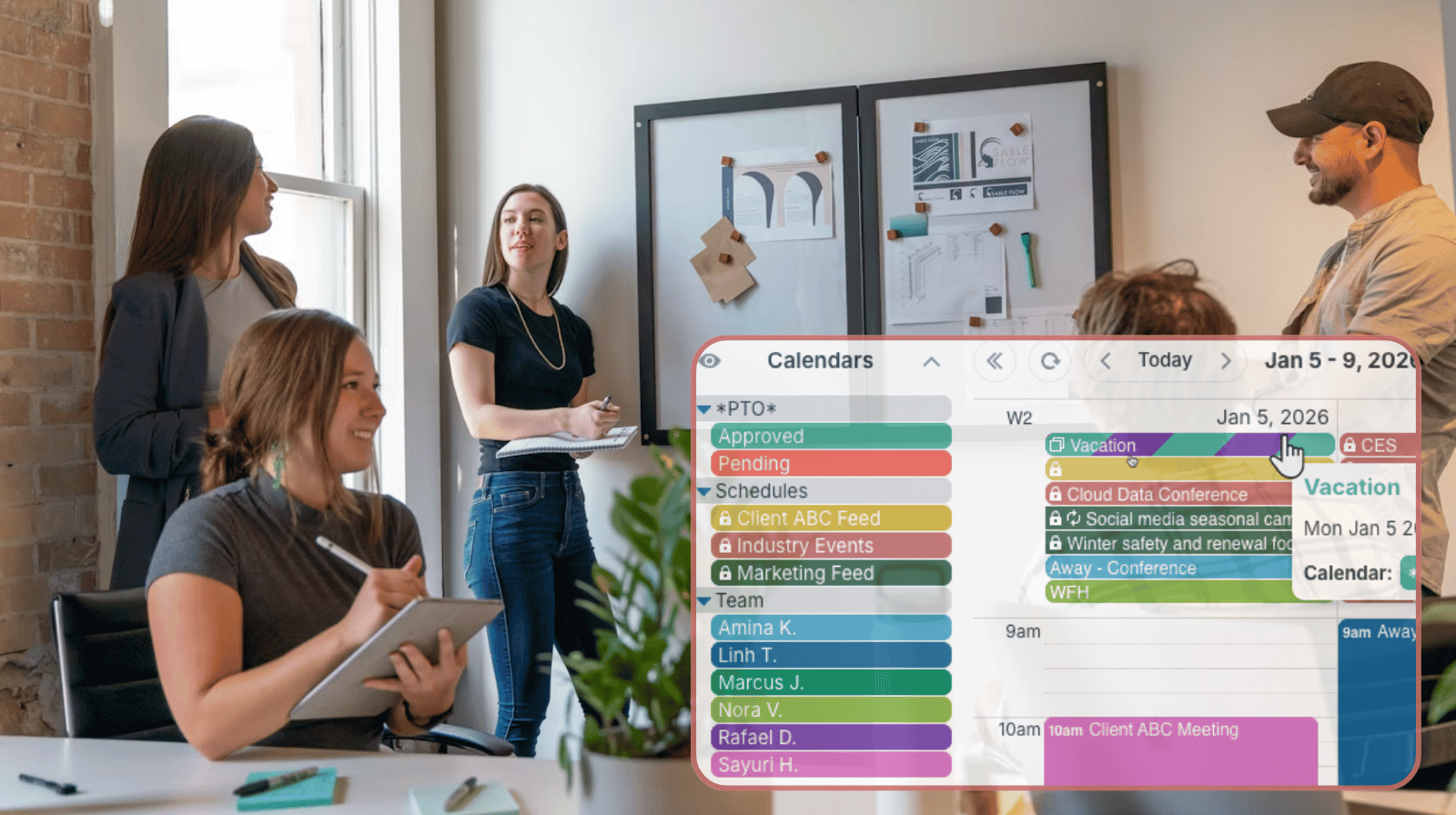
Keeping employee availability up to date is often more difficult than building the schedule itself. Instead of collecting availability through emails, texts, or spreadsheets, organizations can let each person maintain their own schedule in one shared calendar. Managers retain complete schedule visibility of the whole team.
The need: Ensure accurate availability and PTO information without manually gathering updates from every employee or volunteer.
The Teamup solution: Teamup allows each person to update their own availability on a shared calendar while managers maintain a centralized, real-time scheduling overview.
Efficient + visible availability management
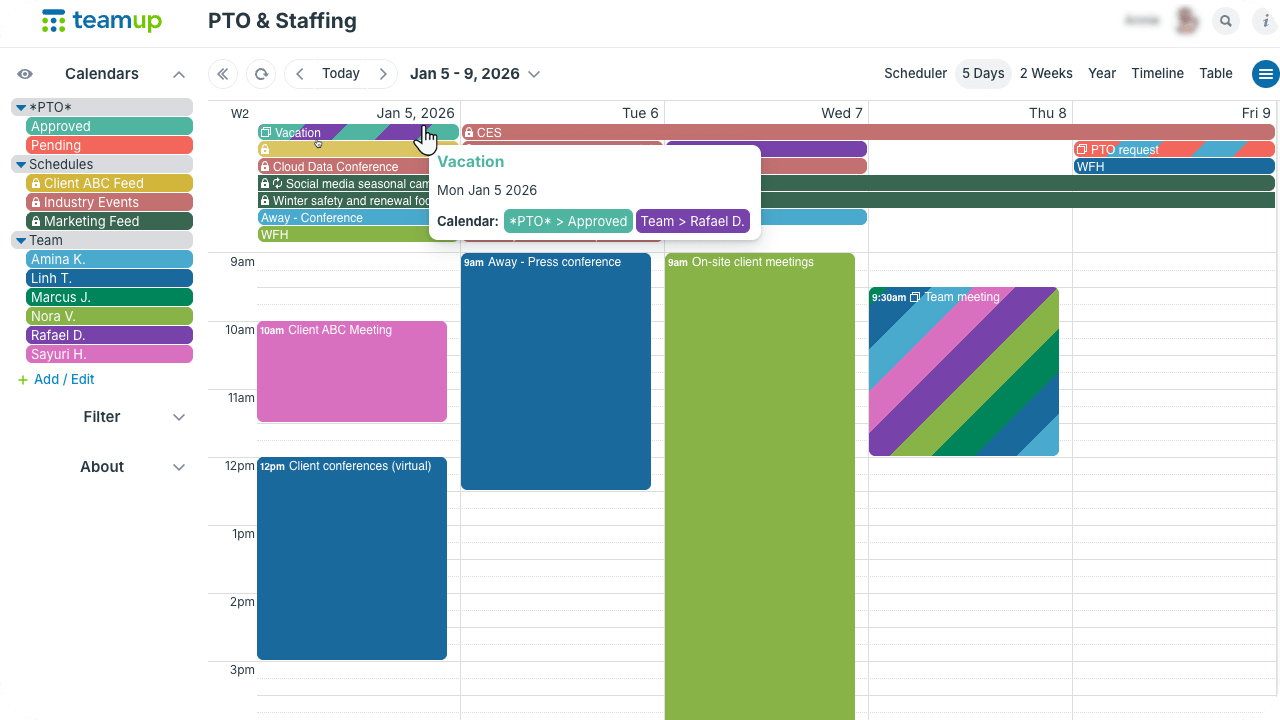
Delegate scheduling without losing oversight with a centralized calendar where employees can submit PTO requests and update availability.
Many managers and coordinators find themselves juggling a whole collection of schedules. It’s tedious and time-consuming to communicate about each person’s availability, and then have to transfer that information into a calendar.
Streamline the process by letting people enter and update their own availability.
All they have to do is create an event on their own sub-calendar: a PTO request, a meeting, open hours, scheduled client sessions, etc. It’s a secure system with Teamup’s customized access permissions: Each individual gets customized access to view only the sub-calendars they should, with granular permissions that let them view-only, add-only, or modify events as appropriate. Managers, supervisors, or coordinators maintain complete visibility over the entire schedule, able to see each person’s availability (with real-time updates) in one centralized calendar.
Delegate availability management
Each employee or volunteer gets customized access with permissions set so they can only add/update events on their own sub-calendar. Depending on their role, they can:
- Add PTO requests.
- Record available working hours.
- Enter client appointments.
- Block unavailable dates.
- Update changes as plans evolve.
If needed, they can have read-only access to other calendars as well, to view availability and schedule joint projects or meetings with their colleagues.
Maintain full schedule visibility
Supervisors and schedulers have a clear, up-to-date overview of availability for all team members.
Every availability update, PTO request, shift preference, or scheduled commitment is visible on one shared calendar. Managers can switch views and easily hide or show specific individuals or entire teams, depending on whose availability they need to see. There’s no need to compare spreadsheets or chase updates. Since everyone uses the same calendar for availability updates, staffing decisions are faster. Scheduling conflicts are easier to spot, and can be handled right away to avoid staff coverage issues.
How to set it up
⚙️ Mini-guide
- Create a calendar for each team member. Color-coding makes it easy to spot who’s been assigned a task or responsibility.
- Organize in folders by team, group, department, or area.This keeps calendars organized and easy to work with, even with multiple teams.
- Prevent schedule conflicts by configuring sub-calendars to automatically disallow overlapping events. This setting prevents double-booking individuals.
- Set up customized access by adding each person as a user with modify-my-events access to their own sub-calendar and read-only access to other calendars they need to see.
Simple, accurate availability tracking
When employees maintain their own availability, everyone benefits. Managers spend less time collecting updates, schedules stay accurate, and staffing decisions become easier because the latest information is always available in one place. Instead of chasing availability across emails and spreadsheets, teams can focus on building schedules that work.
Create your own Teamup calendar today and see how self-managed availability simplifies scheduling for everyone.
Related resources
Letting each person update their own availability in a shared calendar is a simpler, more efficient way to manage scheduling. See how it works in different scenarios:
-
- For tour guides with fluctuating availability and work schedules.
- For on-call clinical staff who need to stay synced on mobile.
- For hybrid teams coordinating remote and in-office days.
- For centralized vacation tracking to ensure staff coverage.
- See also: Explicitly Available vs. Explicitly Unavailable