Teamup offers a free (basic) subscription level. You can create a Teamup master calendar for free and continue using it for free as long as needed. If you need more from Teamup, you can upgrade to a paid subscription plan. Each master calendar must have its own subscription plan, which is managed within that calendar’s settings by the administrator.
How subscription plans work
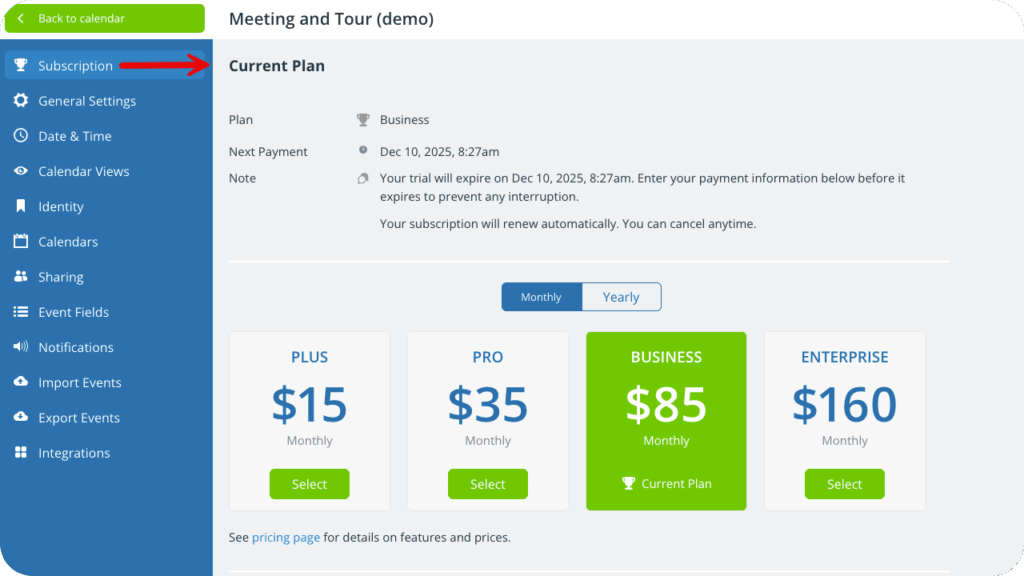
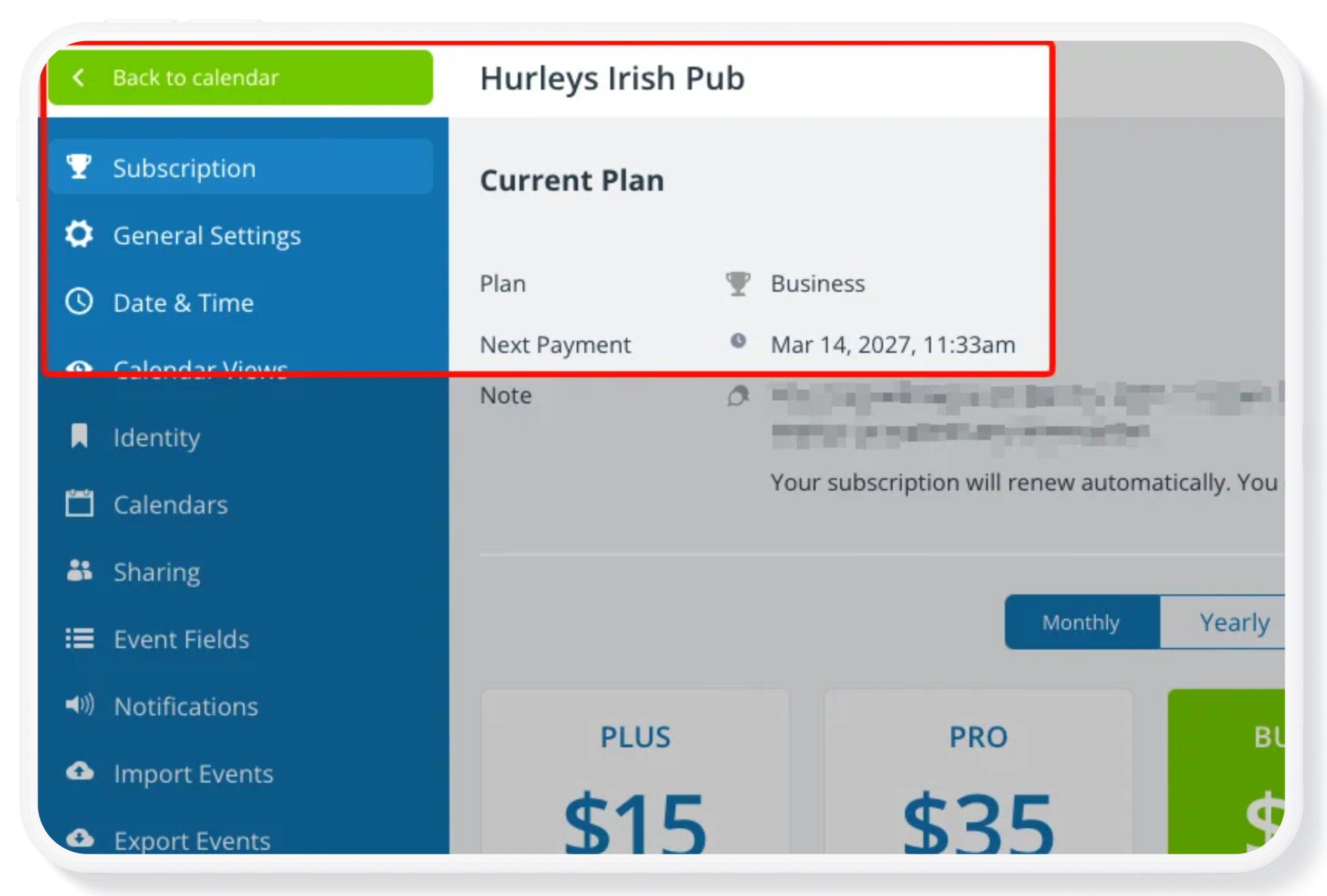
Click to enlarge: This Business subscription plan applies to the “Meeting and Tour” master calendar and is managed in that calendar’s settings by the administrator.
Each subscription level includes a different amount of sub-calendars, custom fields, users, file storage, historical data, and access to certain features. See our comparison chart for a full breakdown of each subscription level. Choose the plan that seems like the best fit for your needs, based on how the calendar is used. You can always upgrade to a higher level, or cancel the subscription.
Subscription plans are calendar-based
- Each master calendar has its own subscription.
- A subscription is associated with a calendar, not with a user account.
- Subscriptions can be managed within the respective calendar’s settings by the calendar administrator.
- You can have multiple Teamup calendars, on different subscription plans.
Master calendars are managed separately
- An upgrade made in a calendar’s Settings > Subscription is only applied to the specific calendar which is being upgraded.
- Pricing is based on the features available to one master calendar, not one account.
- For multiple master calendars to be upgraded to a paid subscription plan, you’d need to upgrade each one separately.
If your organization needs centralized administration and consolidated billing for multiple master calendars, please contact us about setting up an organization account.
Benefits of calendar-based subscription plans
Calendar-based administration, including subscriptions and calendar access permissions, allows centralized management. It’s better for broader collaboration among individual users who share the use of the calendar. It’s also a better method when there is organizational change, e.g. a new calendar administrator takes over. The subscription plan remains tied to the specific master calendar, rather than to a specific person who administrated the calendar. So the calendar administration can be handed over as needed without disruption, allowing for smoother and more secure organizational operations.
For individuals, a Teamup user account is your personal login, tied to your e-mail address and password. Teamup user accounts provide better security and unlock the most powerful Teamup experience, including a personal calendar dashboard, syncing across devices, event reminders, and customized notifications. A user account is free and offers benefits for both calendar administrators and individual users. With a user account, you can have access to multiple master calendars. If your access to one calendar is removed, this does not affect your account overall or your access to other calendars.