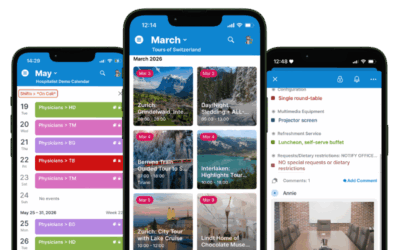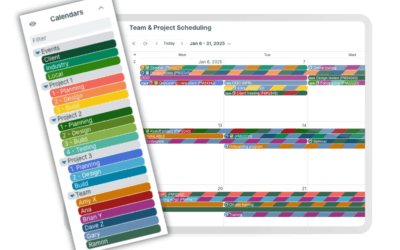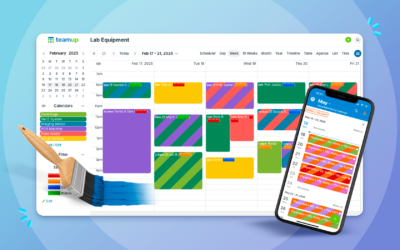
Complex scheduling often means tracking many details for each event. Locations, resources, teams, phases, and event types can all be important. Keeping this information organized and easy to use can be tough in many standard calendars, which don’t provide options and flexibility to track all the key details. With Teamup, you can combine sub-calendars and custom fields for a clear, flexible, unique calendar structure that works the way you need it to.
Building a structure
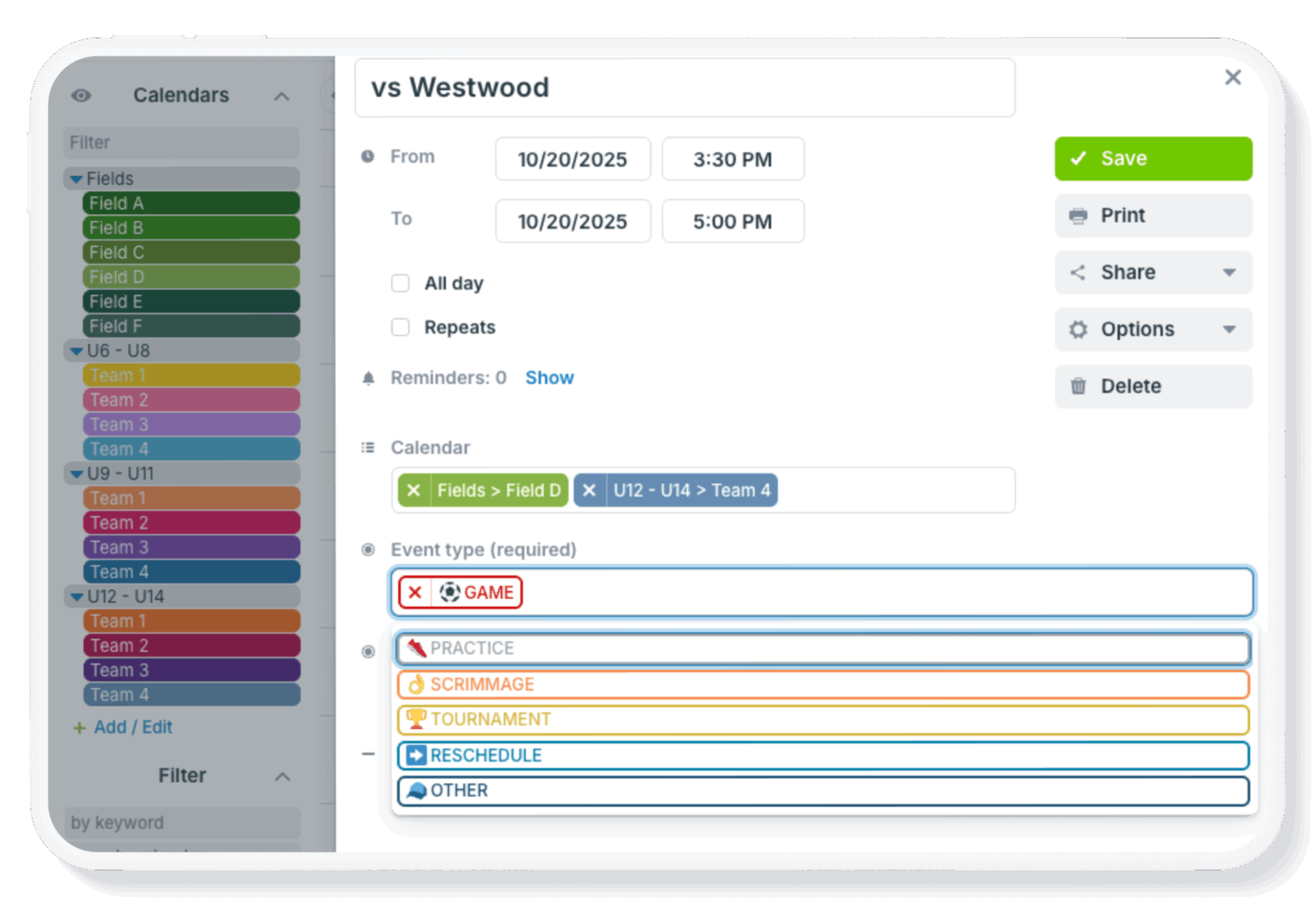
One effective way to create a clear, user-friendly calendar structure is to combine sub-calendars with custom choice fields. Together, they create a flexible and intuitive calendar setup.
Sub-calendars: Vertical columns
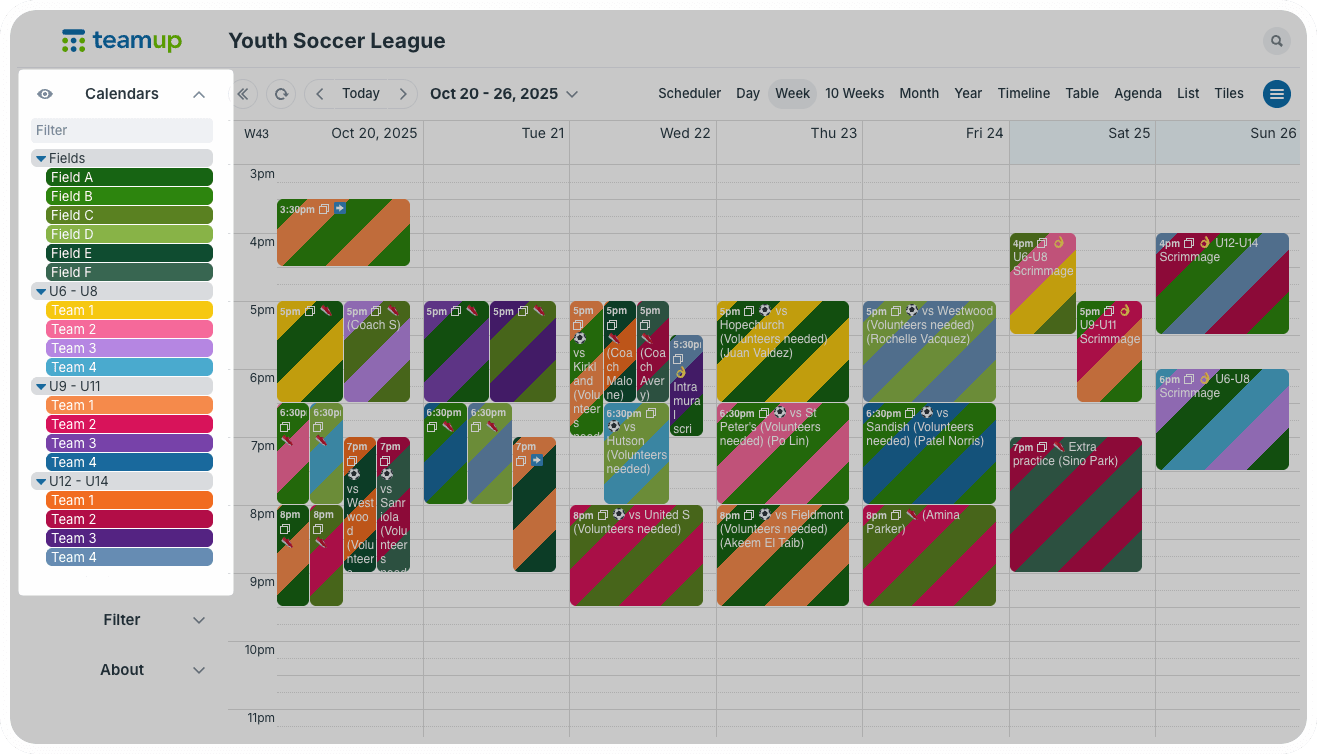
Sub-calendars form the base of a calendar’s structure. They define main categories and clearly separate events. However, using only sub-calendars can lead to an overwhelming list that’s hard to navigate and manage.Think of sub-calendars as the pillars of a structure, standing vertically. You want enough that the structure is well-supported, but not so many that you can’t navigate in it.
Choice fields: Horizontal beams
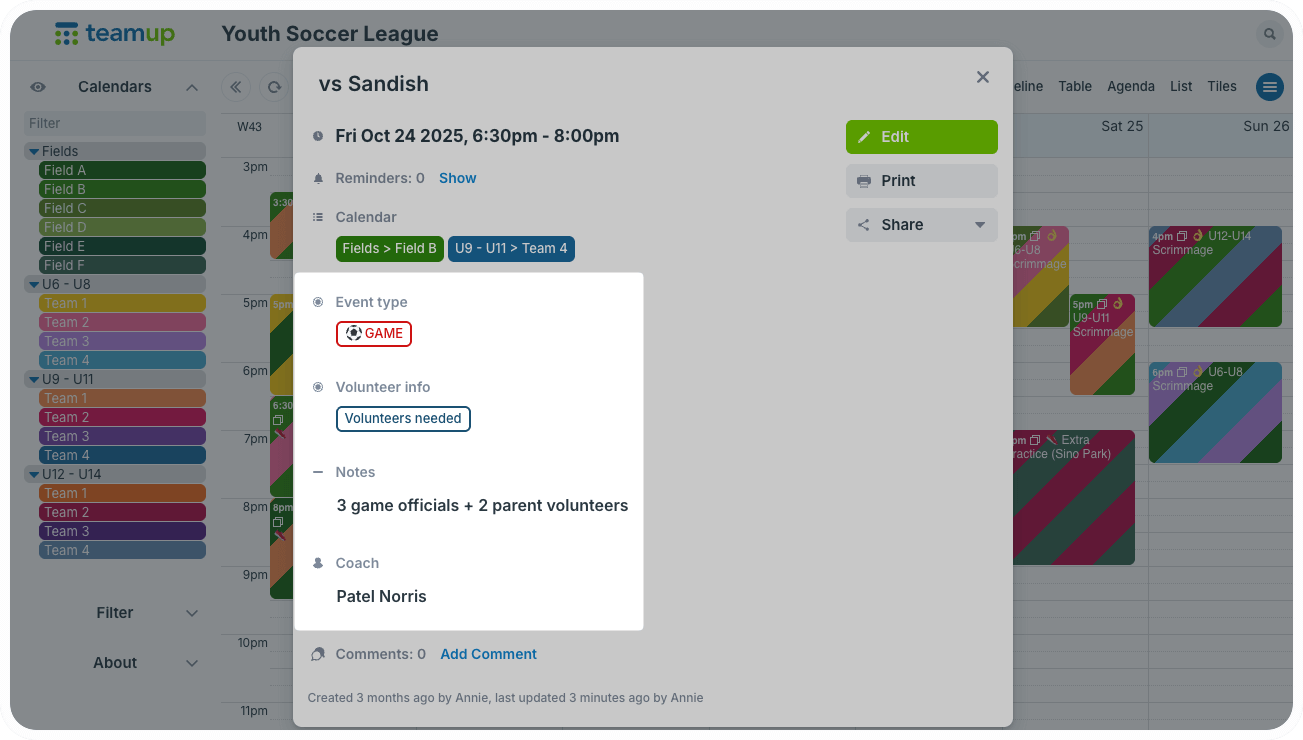
Custom choice fields add a horizontal layer to the calendar structure. Think of choice fields like beams that extend across the space, connecting a row of pillars.
How do choice fields connect these sub-calendar pillars? A sub-calendar puts an event in a certain categorical box. A choice field gives an event a certain state or characteristic that can carry across all categories.
What sub-calendars support
Select which categories each person can access
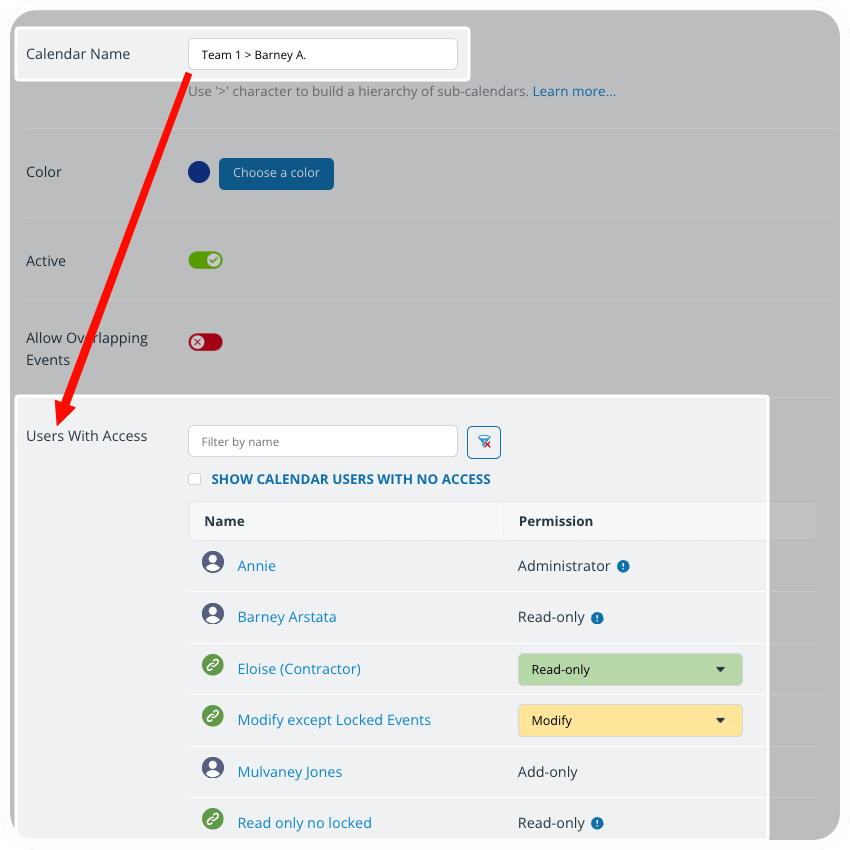
Access control is built into sub-calendars. When adding a user, you’ll choose which sub-calendars they can access and the permission level assigned. When you want to limit visibility for a category according to each individual’s role, a sub-calendar is the right choice. For example, to set up a shift calendar where each staff member sees only their own assigned shifts, you’d create one sub-calendar for each staff member. Then you can give each staff member access to only their own sub-calendar.
Prevent double-booking automatically
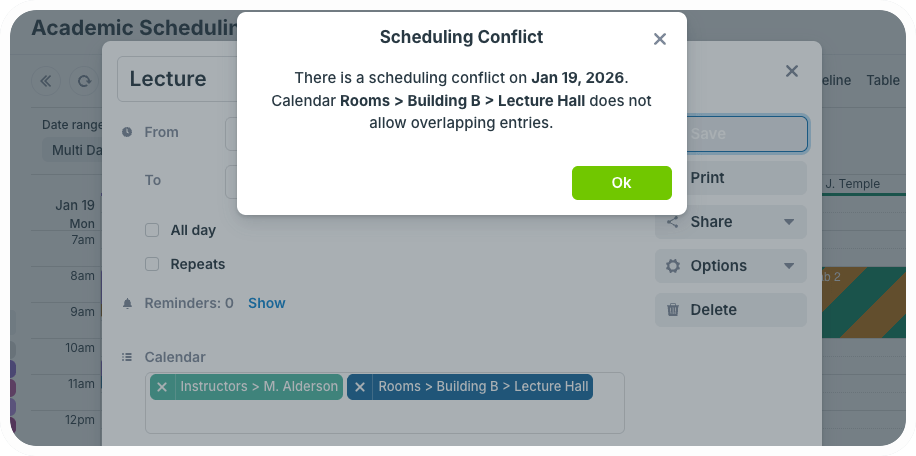
Ideally, a calendar helps you prevent scheduling conflicts before they happen. Sub-calendars have a setting that automatically prevents overlapping events. When you’re managing availability for shared spaces or resources, you’ll want to use this feature to keep conflicting reservations from ever happening. It’s also perfect in situations where you want to avoid double-booking people. No more missed conflicts that cause problems later.
What choice fields support
Change the status without changing the category
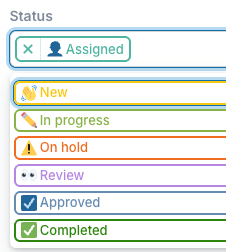
You can select the choice field option for an event no matter which sub-calendar category it’s in, or even if it’s assigned to multiple sub-calendars. And you can adjust which choice field option is selected as needed, without removing the event from its assigned sub-calendar(s).
This is great for details like task status or project phase: These “states” change regularly but do not necessarily change an event’s owner or parent category.
Label and track across categories
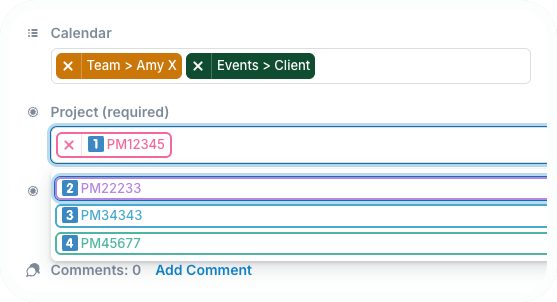
Choice fields are also great for characteristics that remain consistent even as an event’s category changes. For example, events might need to stay attached to the same Client Name or Project ID, even as they move from one team member to another.
Ensure consistent information capture
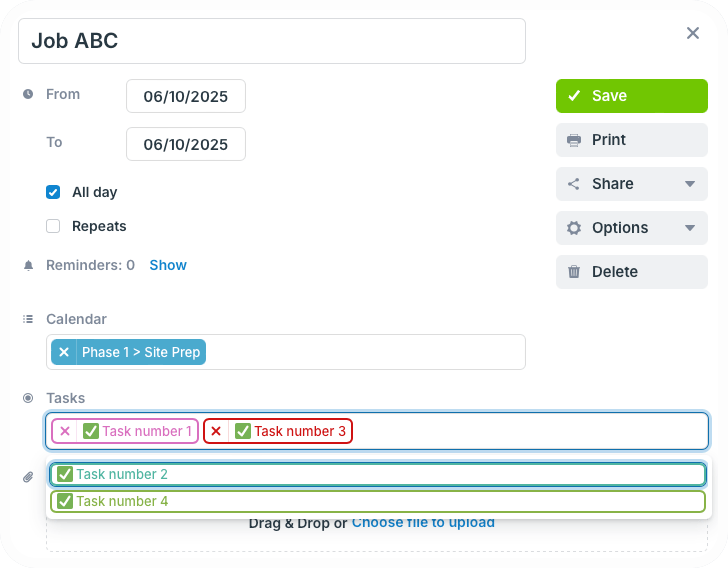
Choice fields have predetermined options, rather than manual text input. So if there’s something that needs to be noted in a consistent way, such as workflow steps or equipment type, choice field eliminates confusing entries that aren’t quite right. Instead of typing in the information, users simply choose from the options. And each choice field has a built-in filter for easily sorting events by one or more options. You can also make any custom field required to ensure it won’t be skipped.
Related resources
Give it a try with a live demo calendar to explore how Teamup could work for your organization.