Interactive Demos, Product Tips
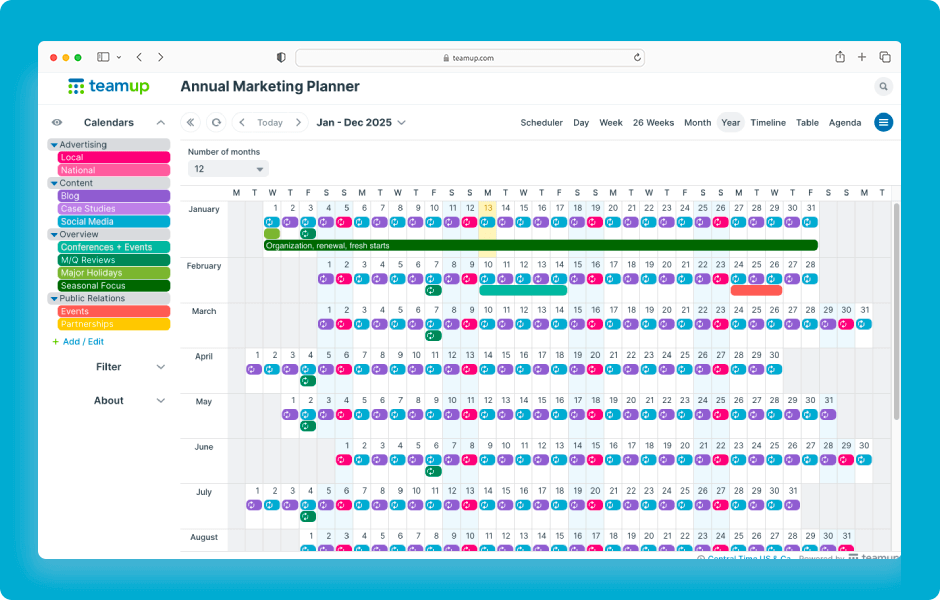
To quickly reschedule events in Teamup, drag and drop the event where you want to reschedule it. To make this efficient, first switch to a calendar view that fits the time frame you need. For example, to reschedule events across months, use Year view. To reschedule...
Interactive Demos, Product Tips
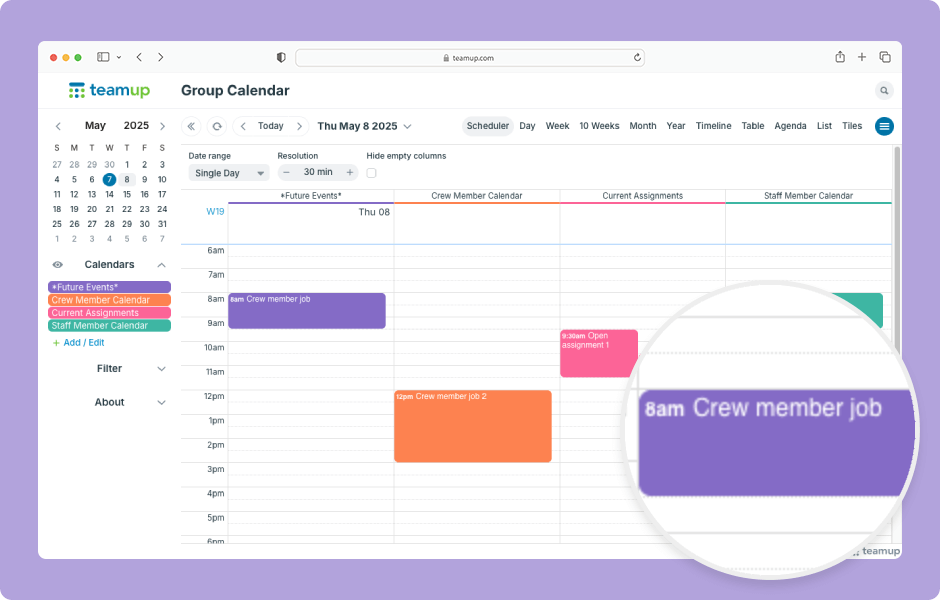
In Scheduler view and Timeline view, you can drag and drop events to quickly assign them to a different sub-calendar. ENLARGE DEMO Open Teamup in a browser. In Scheduler view: Click and hold the mouse button on an event. Drag the event to a different column and...
Featured, Manage Availability, Schedule Work
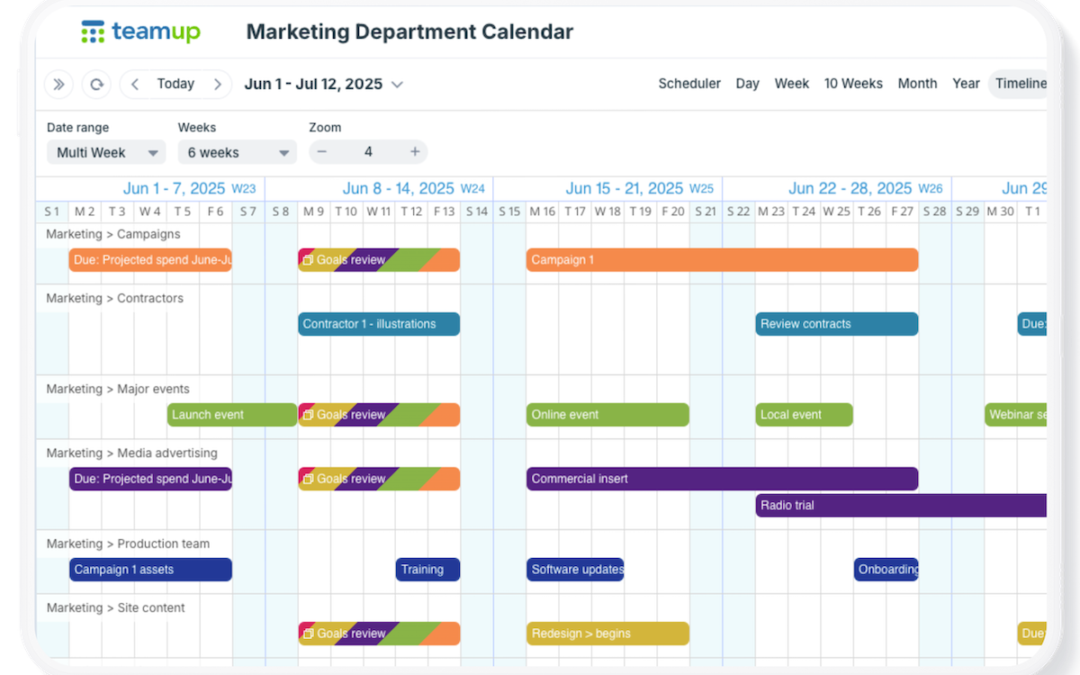
When you’re planning long-term, it’s important to see the big picture. Many calendars make this difficult, forcing you to jump between months or use separate tools just to plan ahead. Teamup makes it easy with flexible calendar views that give you a clear,...
Interactive Demos, Product Tips
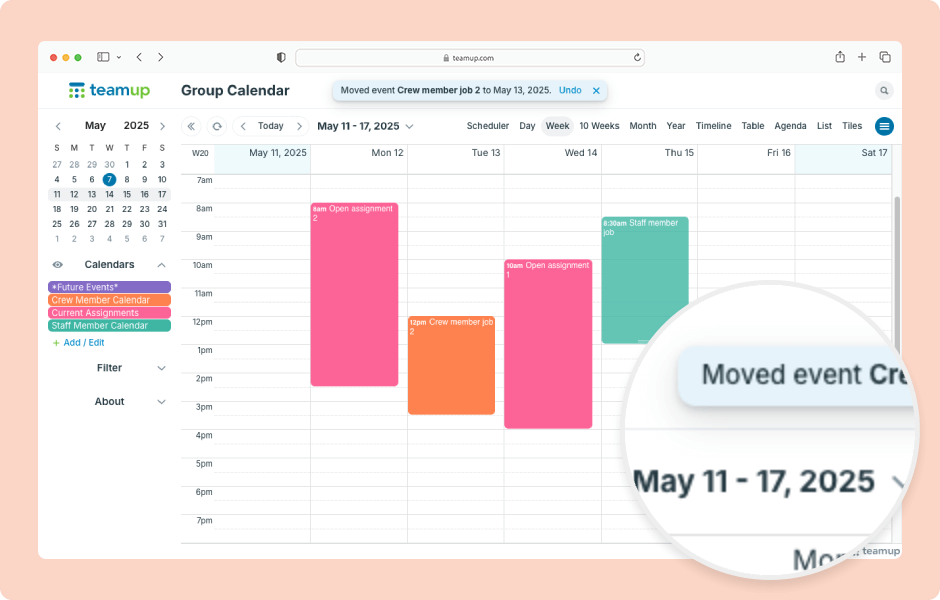
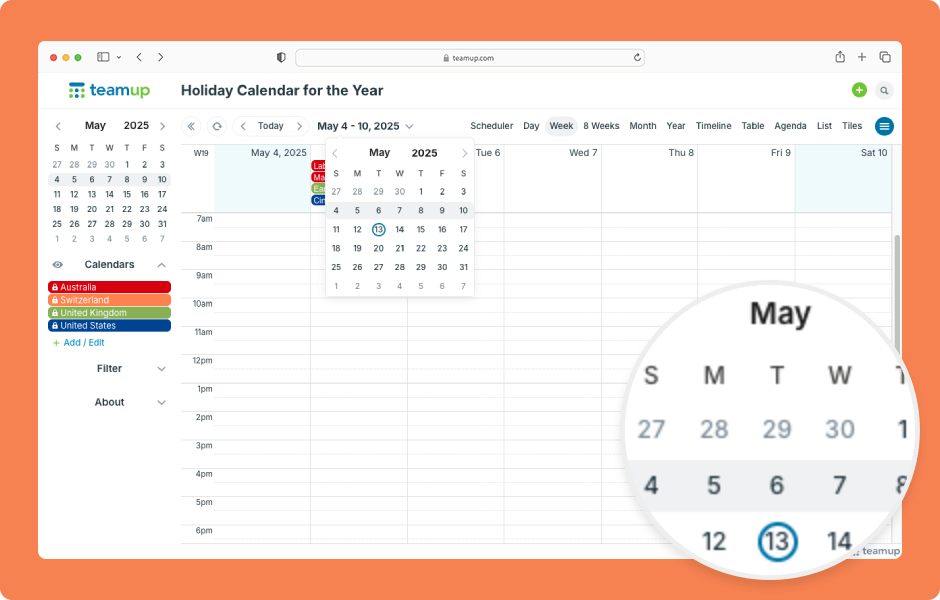
Navigating date ranges or getting to a specific date is fast and easy on Teamup. You can quickly move forward or back over date ranges or jump to a specific date. ENLARGE DEMO Move over date ranges with the arrows next to the Today button: Click the left arrow to move...