
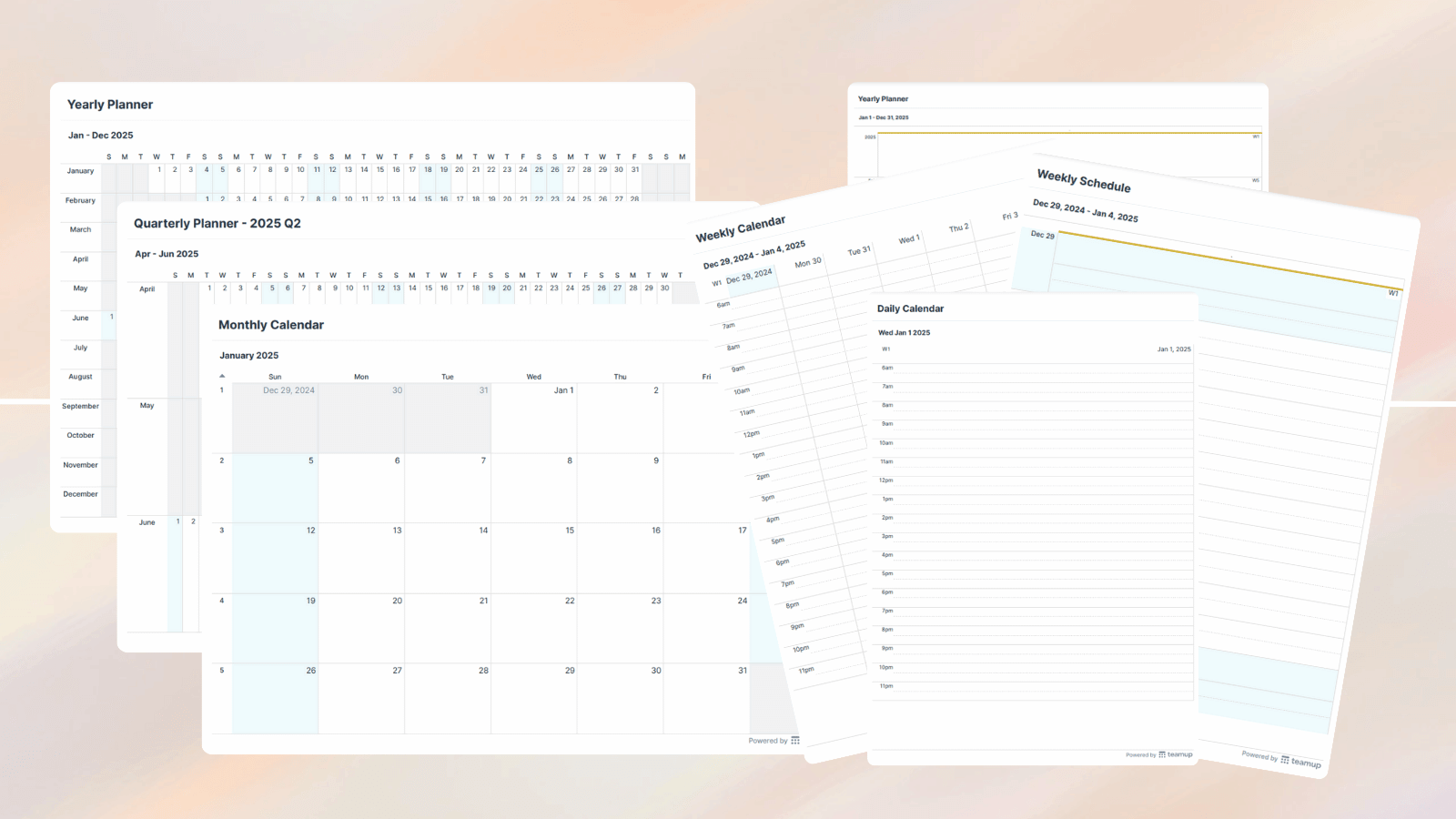
Free Printable 2025 Blank Calendars and Planners

As we come to the beginning of another year, we’re happy to bring you a new collection of blank calendars and printables. These 2025 free blank printables will help you stay organized and set your priorities. You can choose from a variety of formats that we’ve already created to make things easy. Just download and print. We’ve also set up a widget so you can create your own customized blank printable calendars and planners.

Year at a glance: 2025 blank annual calendar
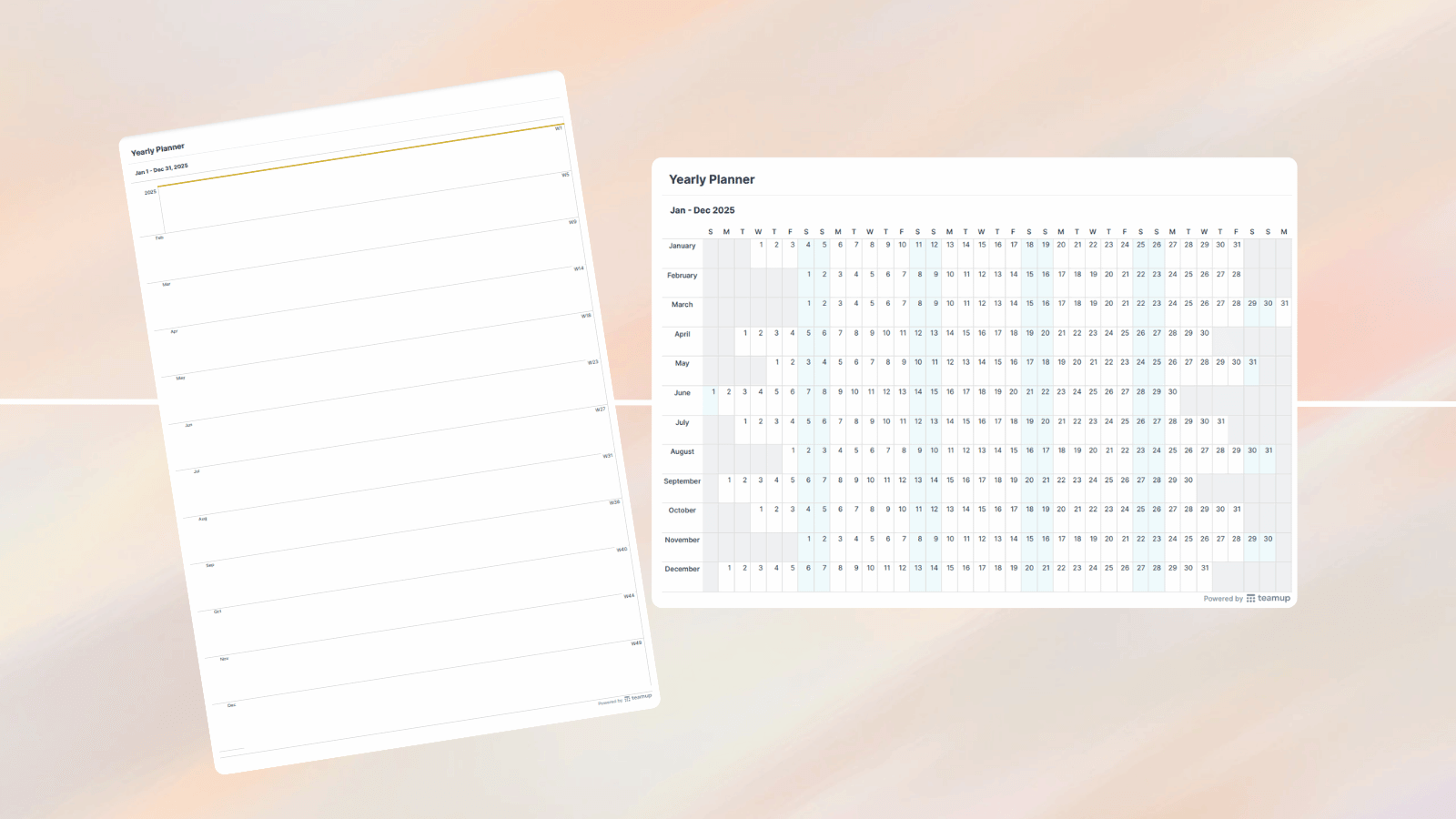
Start with the big picture. Our 2025 yearly blank calendar shows the whole year ahead on one page. A year-at-a-glance printable calendar helps you keep track of birthdays, holidays, travel plans, and major events in 2025. Download in landscape or portrait format, then use on a tablet or print paper copies. We’ve also created a simpler monthly planner for 2025, which is great for setting setting priorities, noting major events, or identifying focus projects for each month of the year.

Quarterly printable calendars for 2025
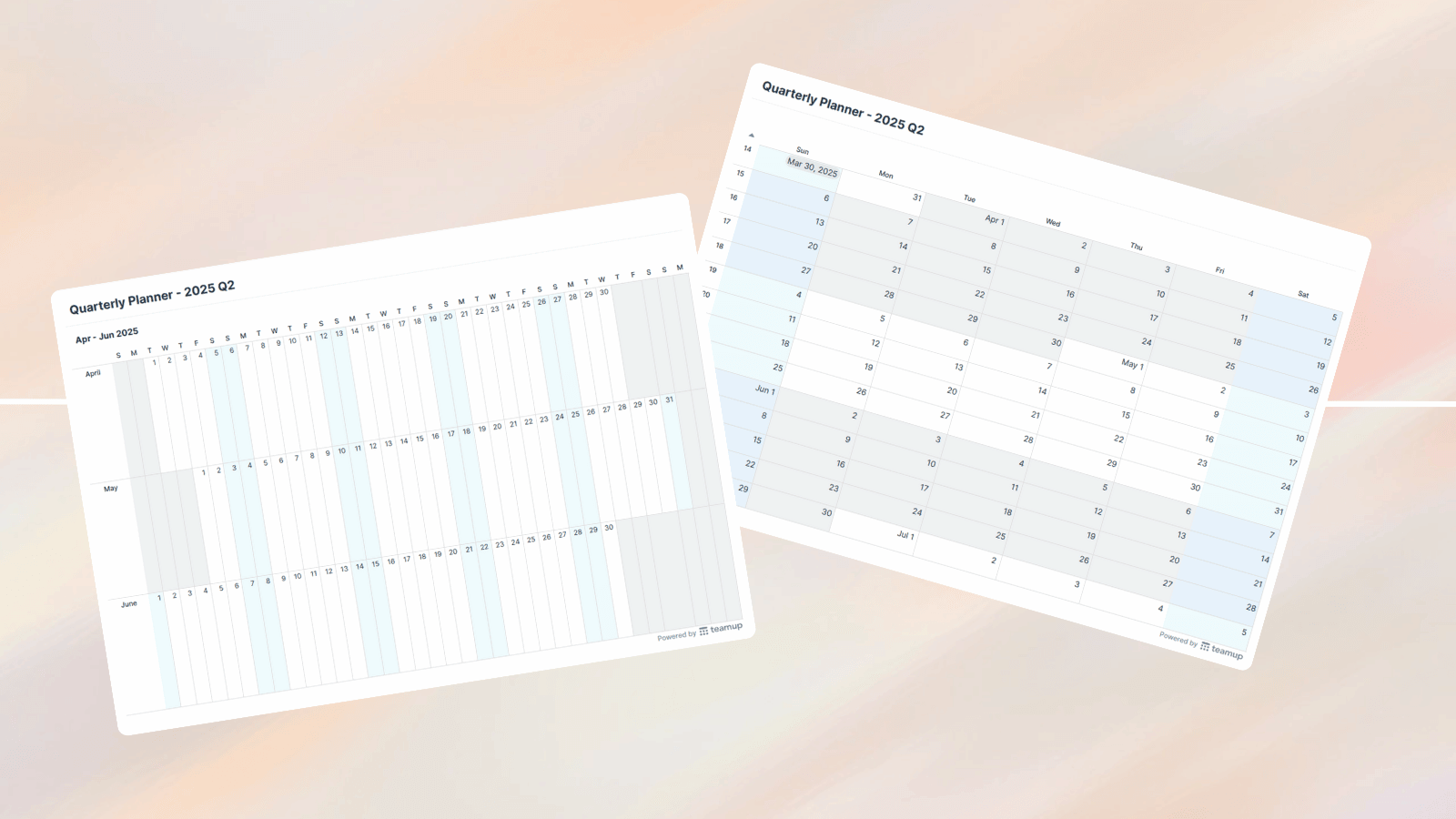
You’ll also find a pre-made quarterly calendar collection for 2025. Each printable calendar shows three months on a page, organized by months or week so you can choose the view that works best for your planning.

Monthly and weekly printable 2025 calendars
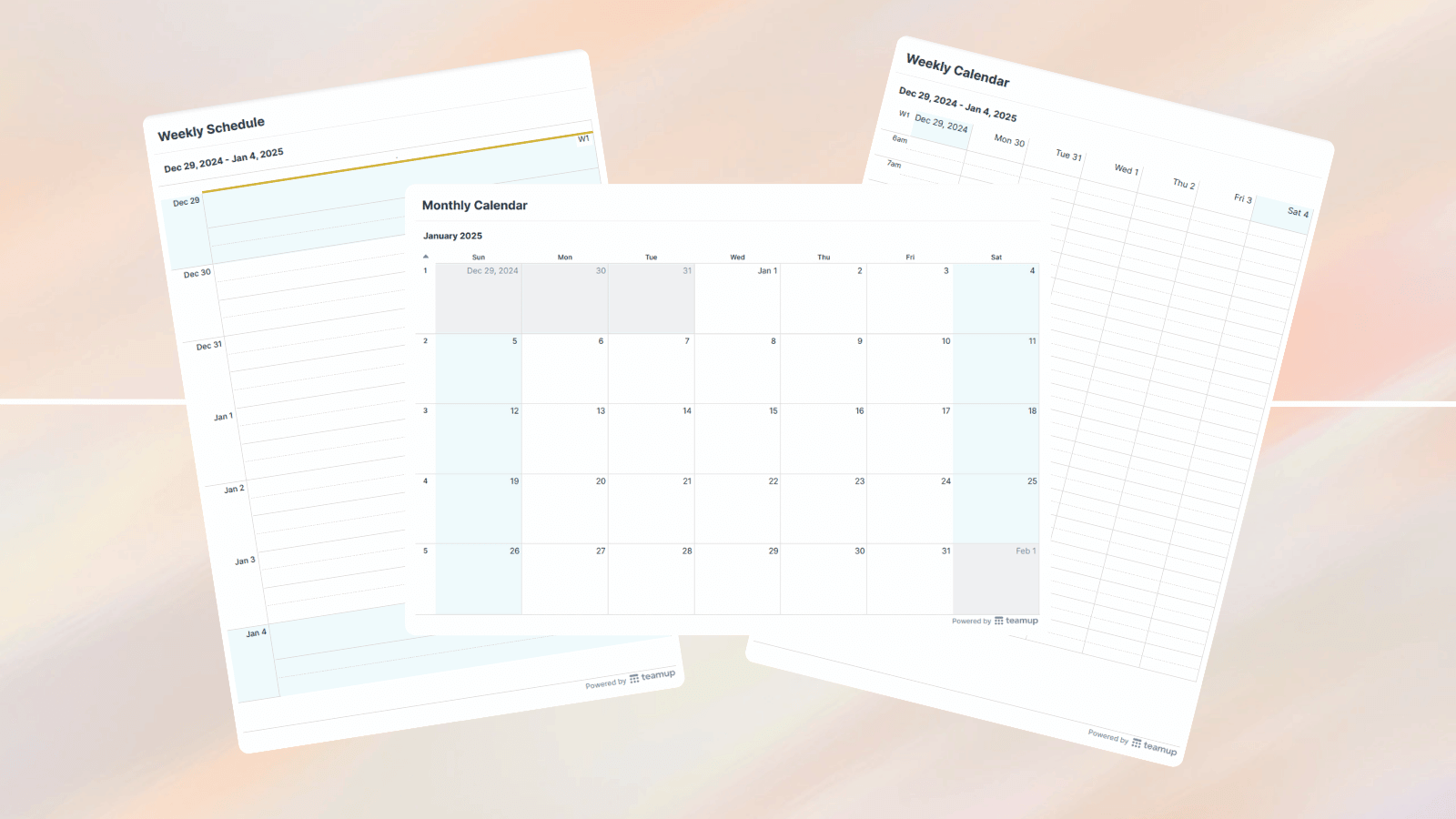
Download and print a spacious calendar view for each month of 2025. For more detailed planning, we’ve provided weekly printable calendars and planners for each week of 2025 as well. The weekly printables come in two formats. There’s a weekly planner format which provides a roomy area for each day of the week, great for taking notes. And there’s a weekly calendar format, which displays each day with a time grid.

Printable blank daily calendars for 2025
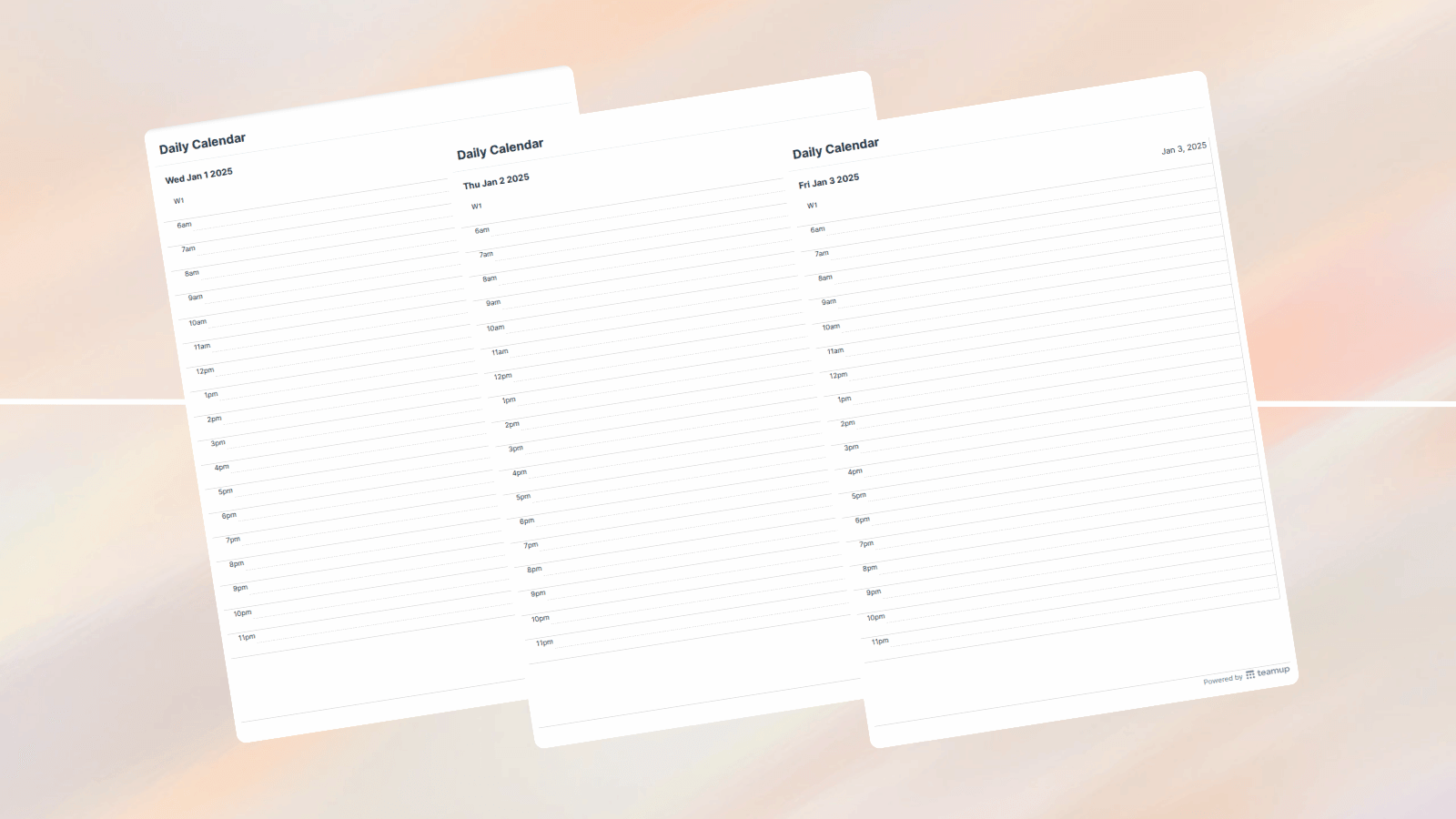
Finally, there’s a set of daily 2025 calendars, blank and ready to print. The daily calendar printables are grouped by month, so it’s easy to download each month’s set of daily planners and print them out. Or, if you only want to print certain days, download the whole month’s PDF collection and then print the selected days you need out of that set.

If you want a blank printable calendar that’s a little different than our premade collection, no problem. Look for our helpful printable calendar widget below the premade printable options. You can set the starting date and other options, then create and print your own customized blank calendar.

Here’s to an organized and joyful 2025

Having things in order makes for calmer days and a better focus on what matters. We hope this collection of free 2025 blank printable calendars will be helpful for an organized and joyful year.


Color-Coding for Smarter Scheduling: A Cleaning Service’s Story

Color-Coding for Smarter Scheduling: A Cleaning Service’s Story

Client projects rarely stay within one team. A single delivery often spans multiple departments, each using its own tools and processes. Design creates concepts and assets in their design tools, development tracks build work in a sprint board, QA manages testing in their own environment, and customer success coordinates onboarding on a separate timeline.

Each team is doing solid work. But no one sees the whole project as it moves forward. As a result, project managers spend time chasing updates from every department and trying to piece together what’s happening. With Teamup, project managers can create a unified calendar structure to coordinate complex, multi-department client projects with full transparency, fewer surprises, and smoother delivery.

Why cross-team visibility matters

When every department tracks its work in its own system, the overall project timeline becomes fragmented. This leads to issues such as:

Work stalling because a dependent task hasn’t started yet
Shared people or resources getting double-booked
Milestones drifting without early warning

Project managers constantly need to update status between teams just to keep everyone aligned. But with a shared timeline, everyone can easily see: Who is doing what, when their part starts, which tasks depend on others, when handoffs occur, which deadlines are at risk. With one shared calendar, the full delivery timeline is visible at a glance, improving coordination and efficiency across all teams.

A combined project calendar with departmental sub-calendars

In Teamup, you can build a unified project calendar that keeps everything visible while giving each department the appropriate access permissions. Each department works in its own sub-calendar and manages its own updates, while the full project rolls up into one timeline for the project manager.

Click to enlarge: A Teamup project calendar showing color-coded sub-calendars per department

For a closer look at how access levels and information visibility across internal teams, see how to Get Cross-Team Visibility with the Right Amount of Information Sharing.

The benefits of a unified project calendar
For project managers
Gain the oversight they need without chasing updates.
Easily spot delays, conflicts, or bottlenecks.
Share filtered, read-only views with clients and stakeholders.
For departments
See how their own schedule fits into the bigger project timeline.
Improve collaboration across teams with clearer, shared context.
Facilitate handoffs by having visibility into upstream and downstream work.
For leadership
Gain a high-level view of how the project is progressing across departments.
Spot broader risks and capacity constraints earlier.
Enable clearer, more reliable long-range planning.
Example: A cross-department project timeline in a shared calendar

Many client projects follow a sequence such as Design, Development, QA, Customer handoff, and Launch. In a unified shared calendar, the entire sequence becomes visible in one place.

For example: Design can schedule concepts, wireframes, and approval cycles. Development can block time for implementation and internal reviews. QA can add testing windows and verification steps. At the end, Customer Success can schedule onboarding or handoff activities.

With all of these phases shown together in a single timeline, it becomes much easier to understand dependencies, spot risks early, and ensure each team is ready for the next handoff —  keeping the entire project moving forward smoothly.

Click to enlarge: Design team Scheduler view. The lock icon next to the other department sub-calendars shows that events in other departments’ calendars are visible, but Read-Only

Ready to try a unified project calendar for your own team? Explore our live demos or create your own Teamup calendar.

WordPress Cookie Notice by Real Cookie Banner
