
Home > Learn
Learn
Organize teams, schedule work, manage availability, and share events.
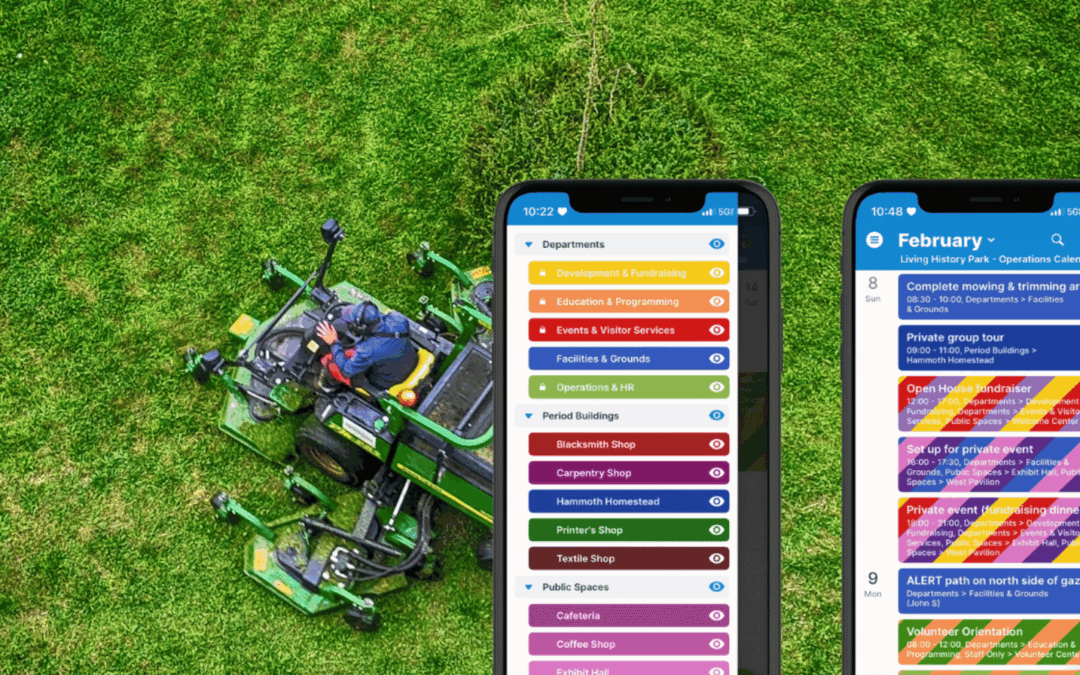
Give Maintenance Staff a Clear Mobile View of Tasks and Site Events
Let facilities and maintenance staff see the big picture of tours, rentals, and special events for better planning. Prioritize maintenance and prep work before events and schedule repairs without disrupting visitors.
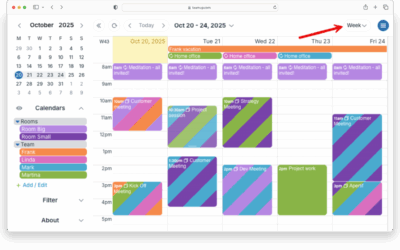
See Only Weekdays On Your Calendar
Set up a weekday-only view in Teamup to hide weekends and keep your work calendar clean and focused.
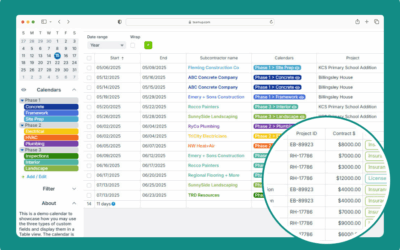
Using Table View
Interactive demo: Use Table view to display calendar events in a spreadsheet-like format. Adjust and sort by columns, filter events, see sums.
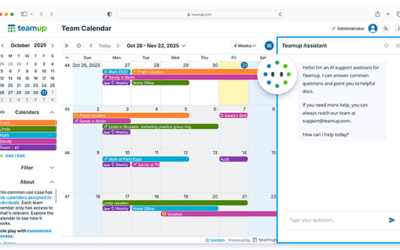
New: AI Support Assistant (Beta)
Try our beta AI support assistant in your calendar for easy access to answers and helpful resources.
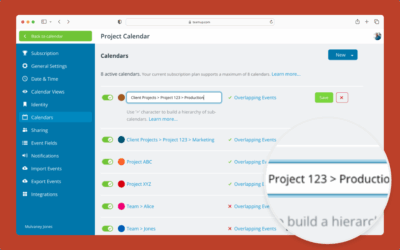
Create and Organize Sub-Calendars
Create and organize new sub-calendars (individual calendars within your master calendar) with folders and color-coding.
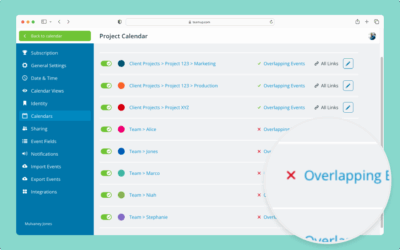
Automatically Prevent Overlapping Events
Avoid scheduling conflicts by preventing overlapping events with Teamup’s simple settings for sub-calendars.
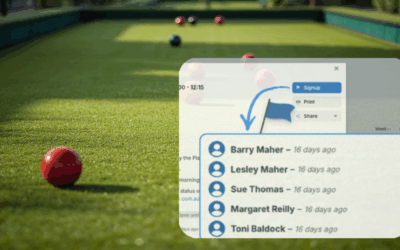
An Easier Way to Coordinate Bowls Club Events
Bowls clubs serve as hubs for competition and social play, but scheduling takes a lot of time and burns out volunteers. A centralized calendar brings clarity and simplifies coordination.
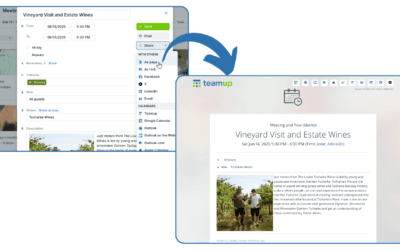
Make Event Promotion Easier with Event Pages
With Teamup, it’s easy to promote events with event pages. Save time and avoid mistakes while promoting events on any platform.
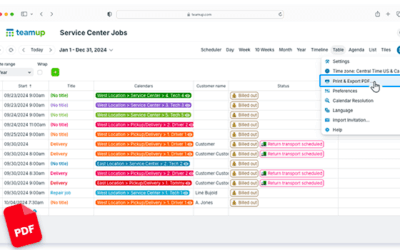
Generate PDF Reports in Table view
Table view gives you the ability to work in a spreadsheet-like view. Filter events, then generate a PDF: It’s an easy way to create and share reports quickly.
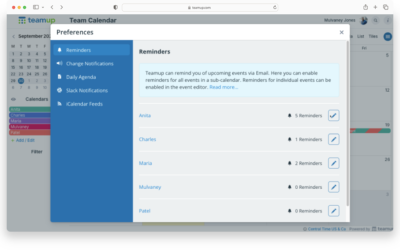
Get Automatic Event Reminders for All Events
To automatically get event reminders instead of setting them up for each individual event, you can set up reminders for all events on a sub-calendar.
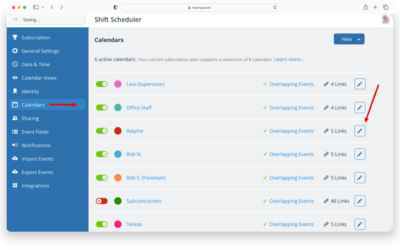
Assign a Calendar to a Different Person or Resource
You can re-assign a particular sub-calendar to a different person, resource, or area: Change the title, color, and update access.
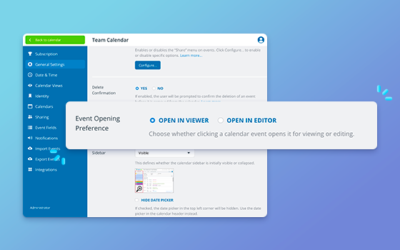
Update: Event Opening Preference
The new event opening preference reduces clutter & prevents mistakes. Choose which approach is best for you & select how events open in the settings.
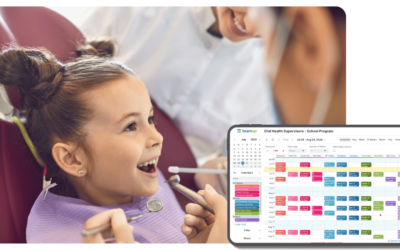
Consolidating 50+ Calendars of Dental Care Providers for Schools
Learn how this team eliminated the nightmare of juggling 50+ provider calendars with Teamup & build a unified calendar for improved efficiency, oversight, and scheduling for school-based dental programs.
TABLE OF CONTENTS