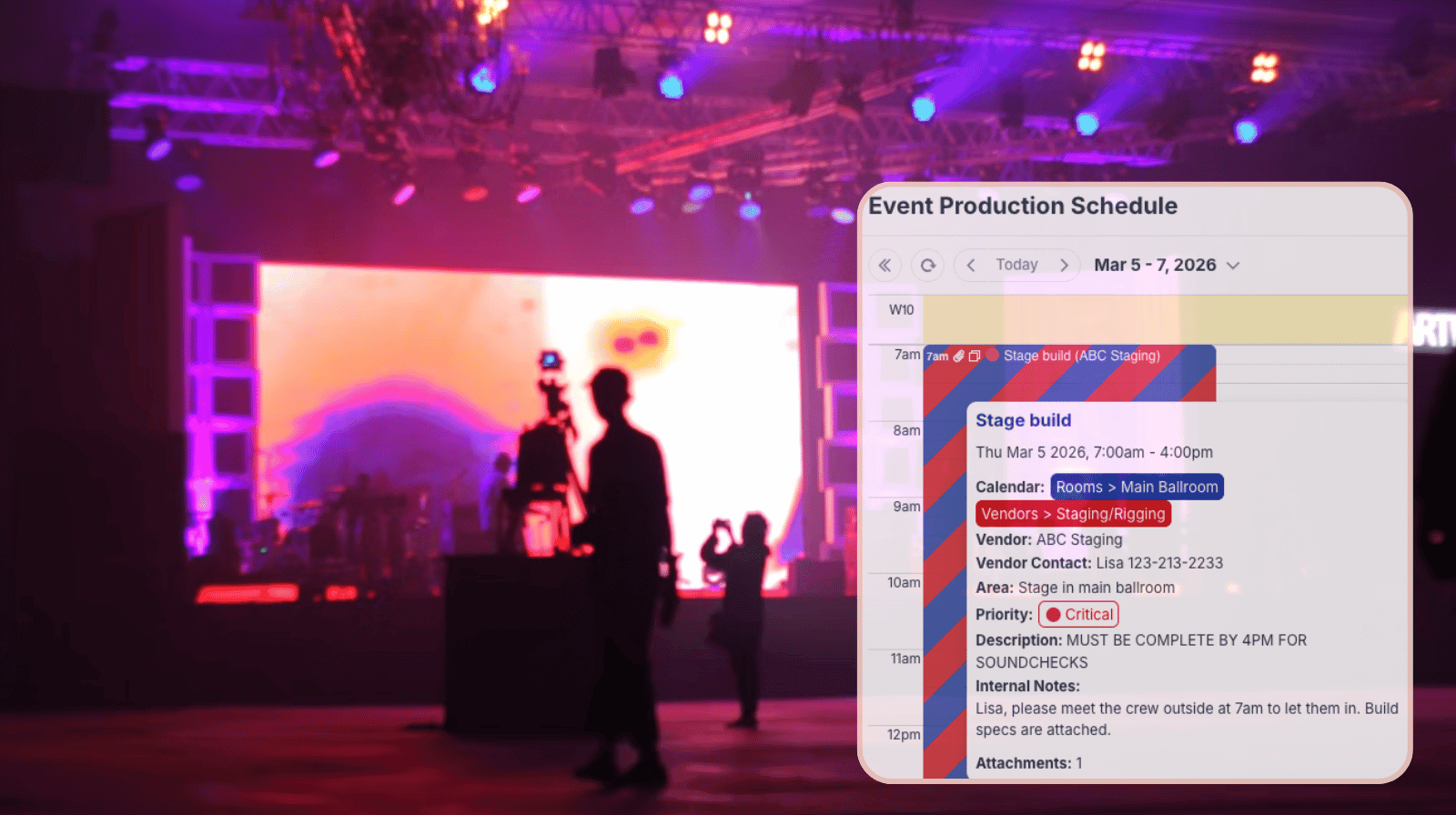
Event planners coordinate multiple vendors, venues, and production teams on tight timelines. The schedule is detailed and accuracy is key. Meanwhile, individual vendors need accurate information about their jobs: Load-in times, rehearsal windows, installation schedules, and breakdown periods. Planners need a way to provide detailed, updated job visibility to vendors without letting them edit the schedule or see info that’s not relevant.
The need: Event planners work with multiple vendors, who all need access to setup and production schedules and their job details. They need updated, accurate info, but they shouldn’t have ability to edit anything on the schedule or see confidential notes.
The Teamup solution: A shared event calendar with read-only access and structured permissions allows vendors to view approved schedules while maintaining centralized editing control and keeping confidential details hidden.
Need: Accurate timing and job details for vendors
On event days, timing is everything. Vendors need to know when they can access the venue, when staging is complete, when AV begins installation, and when rehearsals are scheduled. Clear schedule visibility reduces miscommunication and prevents vendors from arriving too early or too late.
However, the master event schedule is a controlled operational document. It may include draft revisions, internal staffing assignments, special guest details, or contingency plans. Vendors shouldn’t be allowed to edit anything on the schedule, and in some cases they shouldn’t even see certain information. But they need to have real-time access to timing and job details. Otherwise, event planners have to continually provide updates via text or email to each vendor. That’s impractical and often leads to errors: One vendor gets the update, another doesn’t, and there’s no organized way to check who knows what.
Working from different versions of what’s happening is a mess for detailed, timing-specific events. A better way: One shared system that allows the right amount of visibility.
Solution: Controlled access, customized visibility
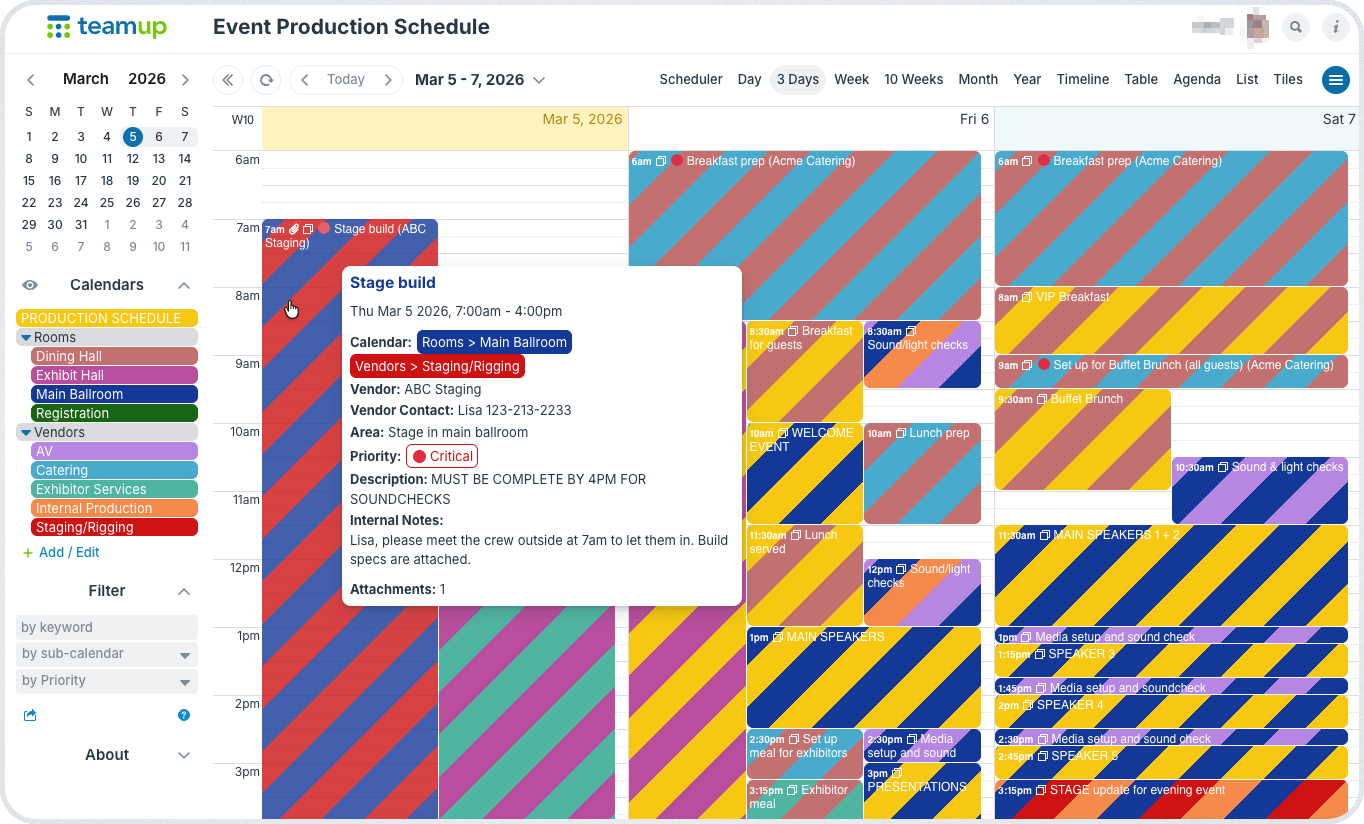
Click to enlarge: Event planning team sees all vendor assignments and details, including internal notes.
A structured event calendar allows planners to centralize updates while giving vendors clear visibility of crucial timing and job details.
How it works
- Use sub-calendars to organize jobs by vendor category (AV, staging, catering, exhibitors).
- Provide customized access to selected sub-calendars for each vendor.
- Read-only permission allows viewing, no edits.
- Share only the relevant sub-calendars for each vendor so they see only events on those calendars.
- Hide internal-only fields by configuring their visibility to modify-only users.
- Fields for special guest arrangements, contingency notes, or budget details can be visible only to the internal team with modify access. Vendors with read-only access won’t see these fields at all.
This approach ensures that all vendors work from the same version of the schedule, and the event planning team only has to make updates in one place. Everyone stays synced automatically, but there’s no risk of accidental edits and confidential info stays limited to the internal team.
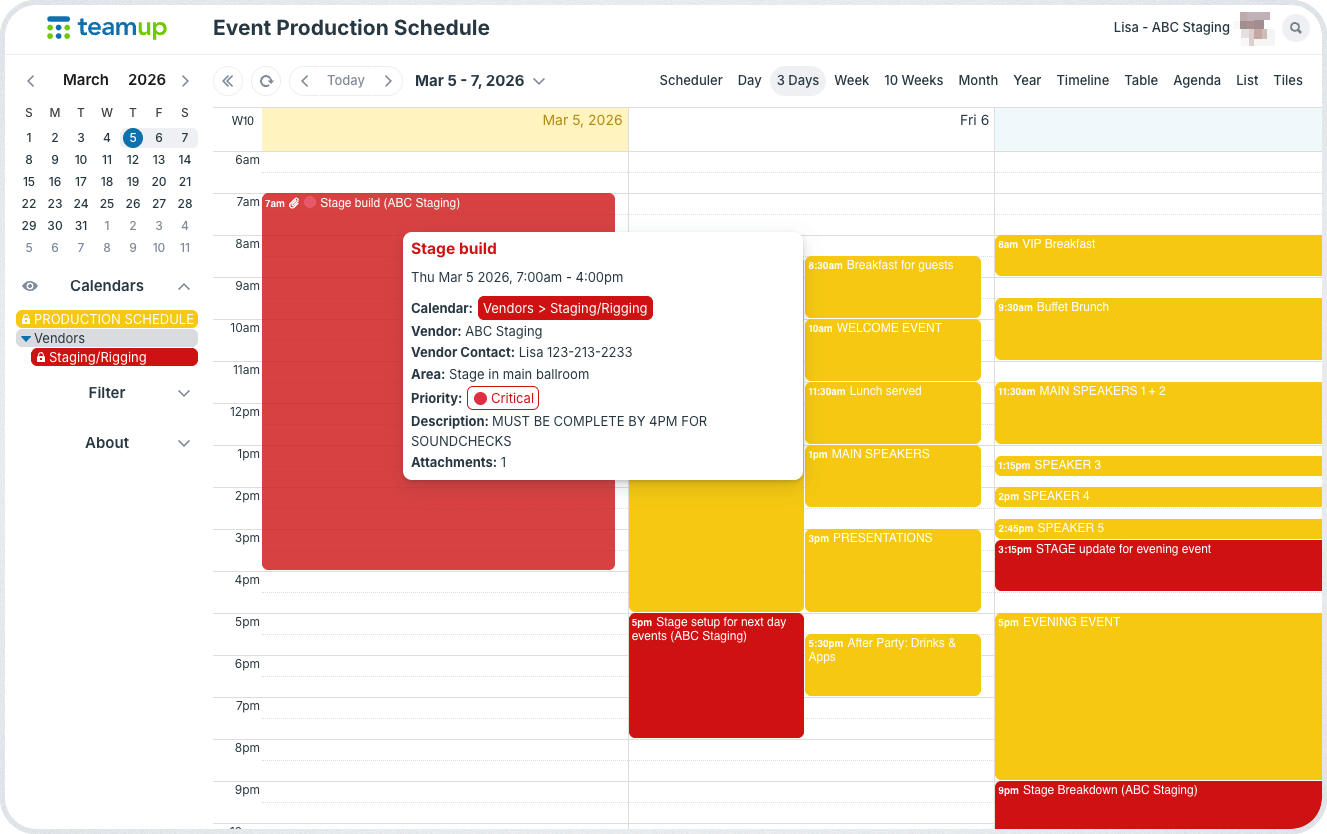
Click to enlarge: The staging vendor sees only their assigned jobs and the main production schedule. Internal only details are hidden.
💡 Make sure all the documentation, layout guides, images, and install specifications are kept with each job: It’s easy with Teamup. Upload images and attach files to each job, so vendors can quickly access the info they need. They can even preview attachments on the Teamup app. Here’s an example.
Maintain control while improving vendor coordination
When vendors can see accurate schedule details in real time, coordination improves immediately. At the same time, centralized editing control protects the integrity of the event timeline. By structuring permission levels intentionally, planners can replace static documents or manual updates with a live schedule that maintains both transparency and authority.
Set up a complete, synced event calendar with read-only vendor access so everyone stays aligned and events can flow smoothly.
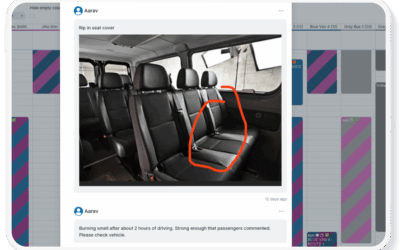
💡 Need to get real-time updates from vendors as they handle their jobs? That’s possible with Teamup, too! You can let vendors use event comments to add notes and upload photos, while still keeping their access limited and secure. Here’s an example of this workflow.
Related resources
- ▶️ Configure visibility for event fields
- Coordinating speakers, rooms, and sessions in one conference schedule
- Share a visual, synced conference agenda
- How to manage workshop registrations in the calendar
- Safely share calendar access with external stakeholders