Interactive Demos, Schedule Work
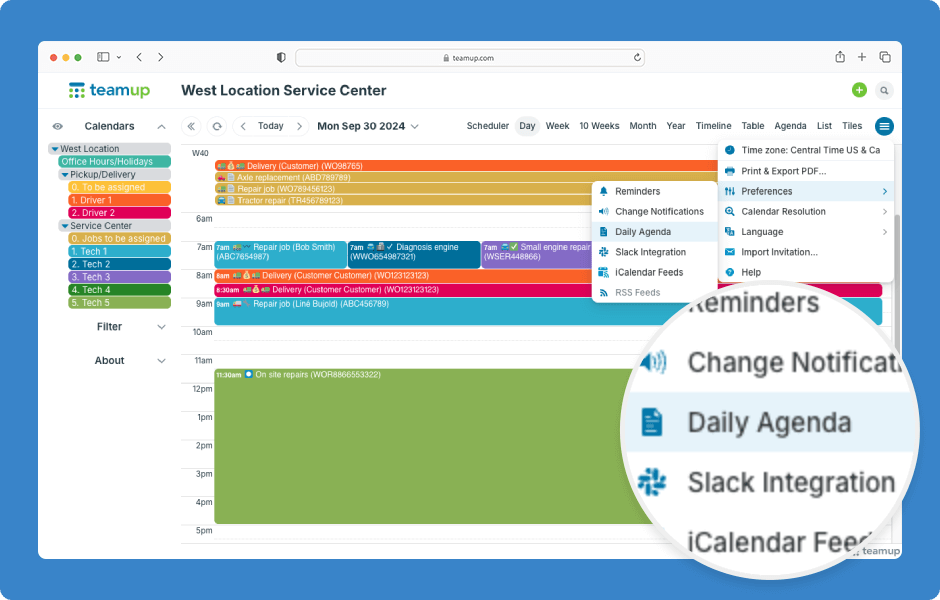
Whatever your role and whatever a “job” is for that role, you need to know what’s on your agenda for each day. Supervisors need to keep an eye on how projects are moving forward. Crew members need to know what’s on their schedule for the day....
Featured, Interactive Demos, Product Tips, Ticker
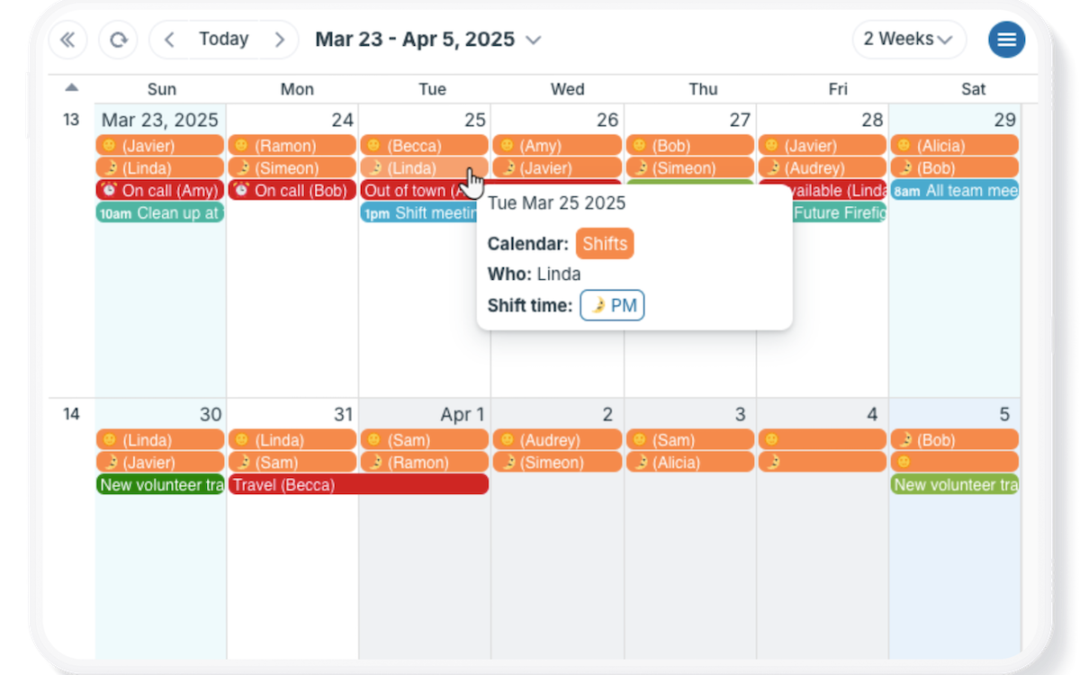
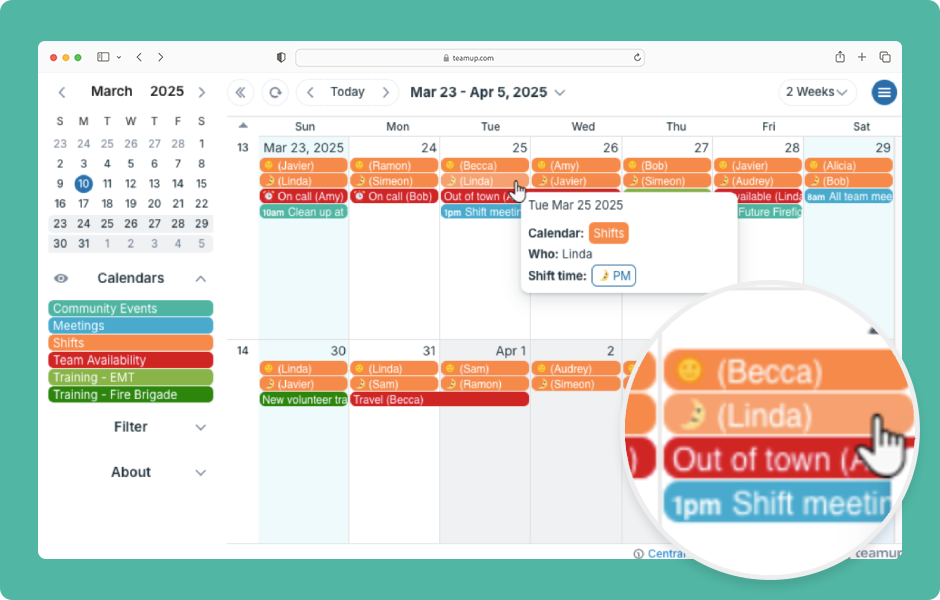
On a regular calendar, you usually see just the title, date, and time of an event. To find the location or description, you have to open the event. Teamup lets you display more information in the event titles so you can see key details from any calendar view....
Information Visibility, Ticker
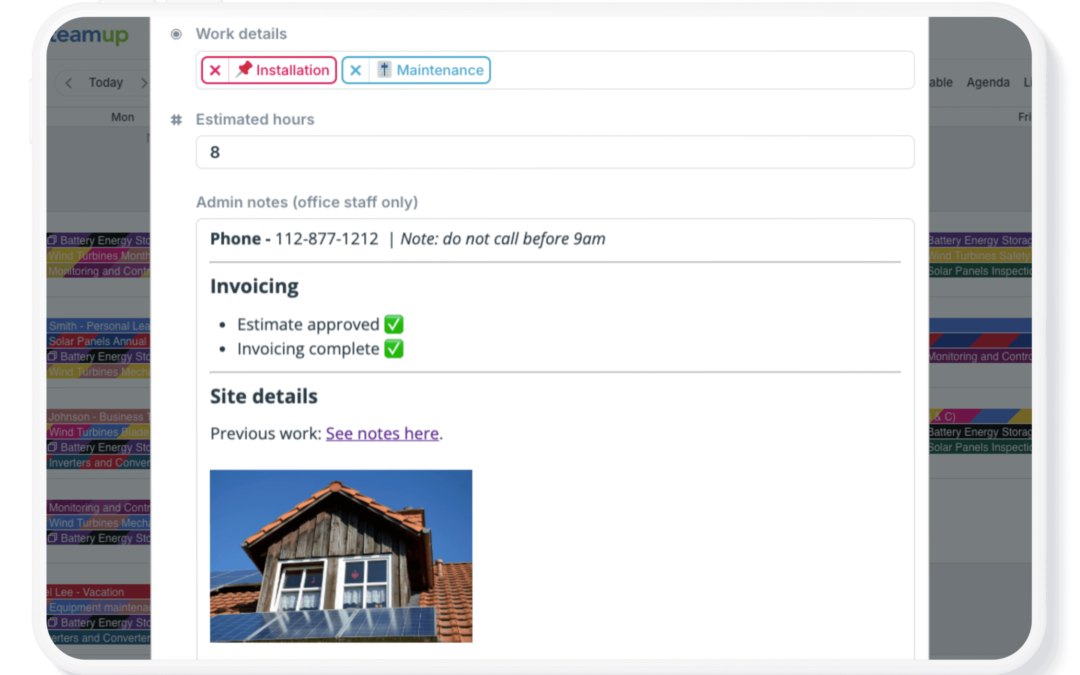
Most calendars offer a few standard input fields: Who, Where, Description. You have to work with those fields even if they don’t quite fit your workflow or provide enough space for all the details. With Teamup, you get more options. You can configure the...
Featured, Working with Events
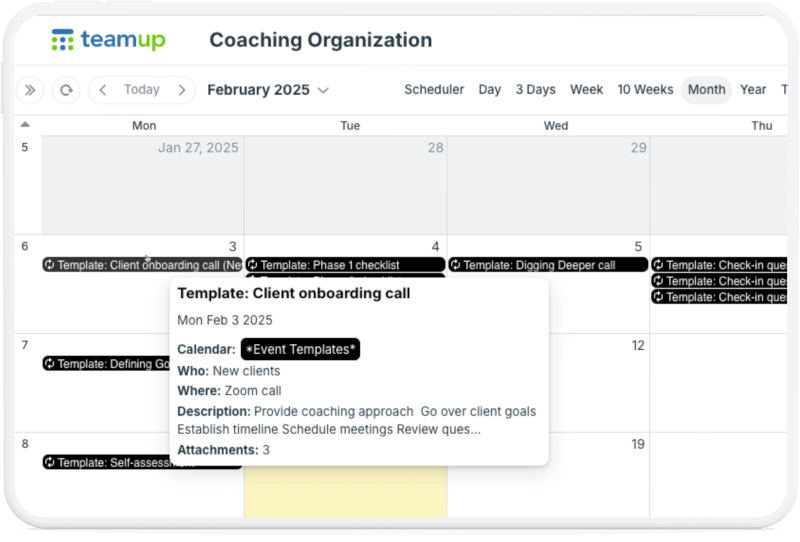
In many work scenarios, you need to create the same type of event repeatedly. For example, you might frequently set up client onboarding calls or service jobs for equipment maintenance. Using a recurring event series for these events doesn’t work: The events...