
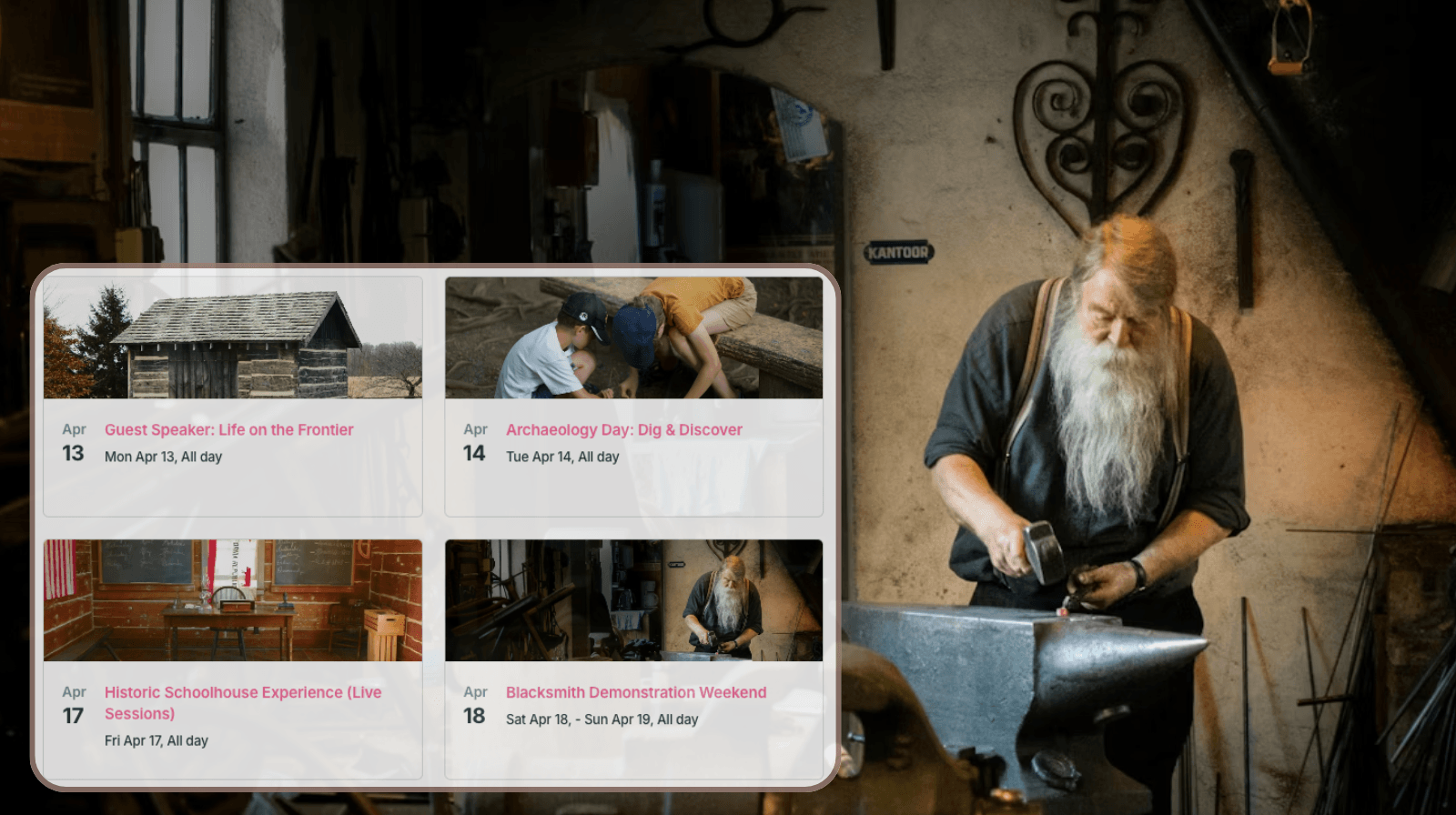
Public-facing educational and historical parks often run two parallel schedules. Internally, staff manage school tours, group bookings, maintenance work, and private events that aren’t visible to the public. At the same time, they host special events meant to attract visitors: seasonal activities, guest speakers, exhibitions, and community days. The challenge is sharing those public events clearly and reliably without creating extra work or exposing internal details.
The need: Share public-facing events clearly and reliably without exposing internal schedules or requiring staff to manually update multiple platforms.
The Teamup solution: A secure, public-facing calendar that displays only selected events, stays automatically updated, and can be embedded in a visually appealing layout.
When public events are hard to share consistently
At public-facing parks and educational centers, special events may be posted on the website, shared on social media, mentioned in newsletters, and promoted through other channels. When updates need to be made in several places, it becomes harder to keep everything accurate and in sync.
Busy staff members have to duplicate work, copying the same information into different places, to make sure visitors get updated event info on all platforms. It’s important to keep these details accurate everywhere, but repetitive, manual updates take a lot of time. Here’s a more efficient approach: Use a Teamup calendar as the source of truth for public events, so staff can share event info on multiple platforms and only have to make updates in one place.
A single, embedded calendar for public events
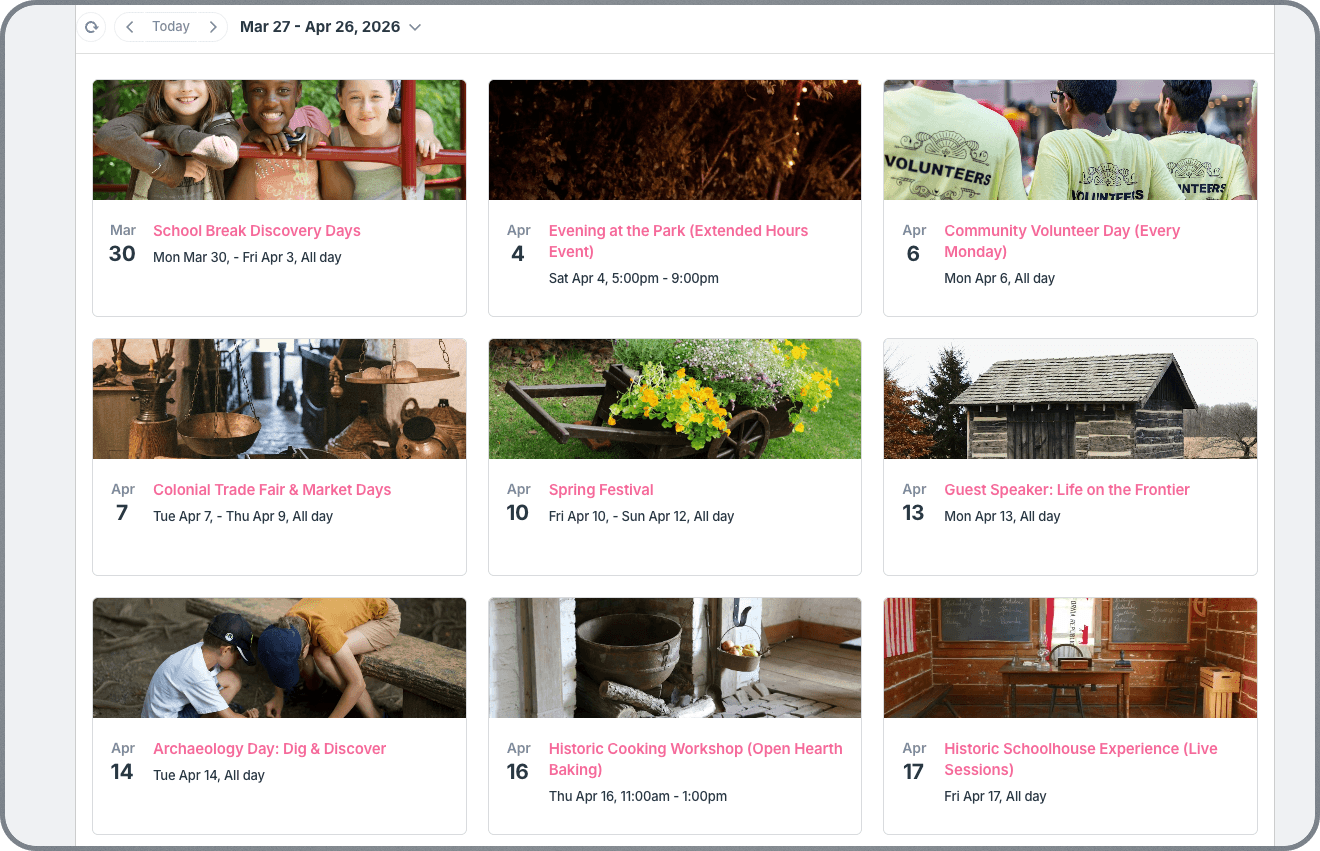
Instead of managing public events separately, the park can use the same Teamup calendar that powers internal operations, with controlled visibility. It’s all managed in one place, but what’s shared publicly is limited to a certain set of events:
- A dedicated sub-calendar (e.g., Public Events) holds only the events meant for visitors.
- A read-only calendar link includes only the public events.
- Internal calendars (school tours, private events, maintenance, staffing) remain hidden from public views.
- The link is used to safely embed a visual public events calendar directly on the park’s website.
With this setup, visitors see upcoming events directly on the website, with no separate link to remember. Tiles view shows all the upcoming events in a visually appealing format, with images and key details that make browsing events feel more like exploring than reading. Staff only have to manage and update events in one place, and changes appear everywhere automatically. There’s no additional workload tied to sharing or promoting events, and visitors always have accurate, updated information about what’s happening at the park.
Share individual events without duplicating work
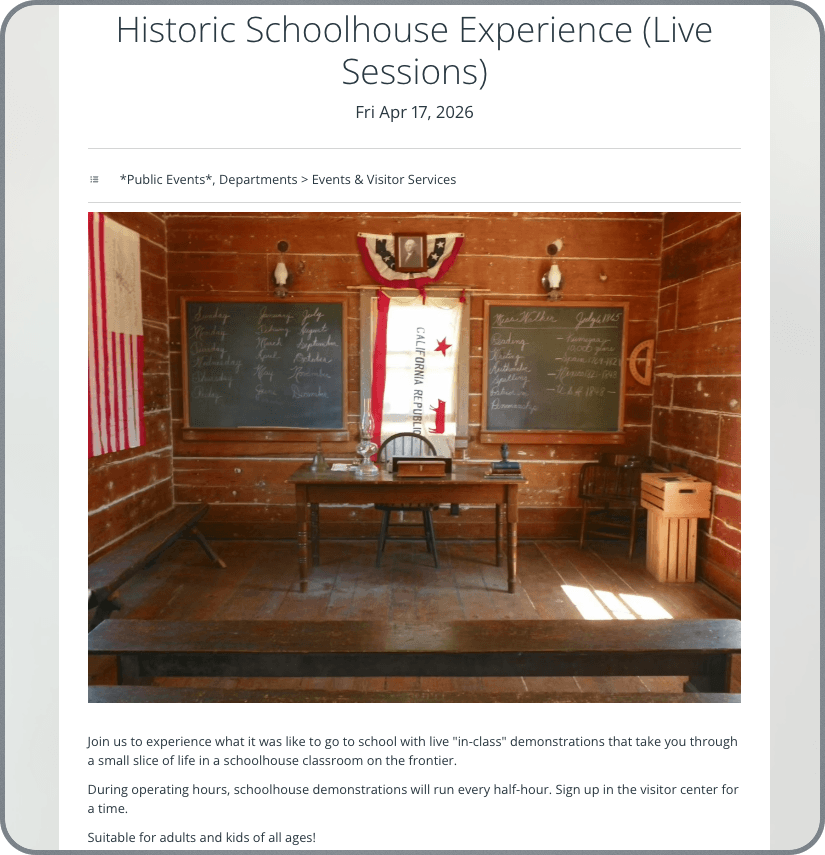
Each event on the calendar can also serve as its own standalone event page, which makes promotion much easier. Any public event can be shared on social media or featured in a newsletter, all without rebuilding the event details somewhere else. Staff simply share the event page from the calendar event. That means the information stays connected to the original event. If the time, location, description, or other details change, those updates appear automatically on the shared event page as well. Instead of copying and pasting information across platforms and worrying about whether every version has been corrected, staff can promote events from one source and trust that visitors are seeing the latest details.
🗓️ Create and promote an event, from start to finish
- The event director creates a new event and assigns it to the appropriate internal sub-calendars (e.g. location, department, etc.)
- The full event information is included: event description, images, location, timing, sign-up info, and any other visitor instructions.
- Once the event details are confirmed internally, the event is also assigned to the Public Events sub-calendar.
- Now the event will automatically show on the embedded Public Events calendar on the park’s website.
- To promote the event, the event director gets the event page link which can be shared on social media, in a newsletter, a blog post, with partners, etc.
- If any details about the event change, it’s updated immediately on the calendar. The embedded Public Events calendar and the event page will sync automatically.
🌎 See a live example of an embedded public events calendar: UN Web TV’s Live Schedule. Their embedded calendar is displayed in Agenda view, with details shown by default. It’s a good display choice for their events, which include multiple custom fields and textual information. Agenda view provides all the details in a scannable way for visitors. For other situations, different calendar views may work better for an embedded display: Tiles view is excellent for a visual events calendar, Scheduler view works well for showing availability of bookable resources, while Multi-day and Multi-week provide more customizable versions of standard calendar views.
Make public events easier to promote and easier to trust
When educational and historical parks use one embedded calendar as the source of truth for public events, visitors get a clearer and more reliable experience. They can find current event information right on the website, discover special programming more easily, and trust that what they are seeing is up to date. Staff benefit just as much. They stop repeating manual updates, avoid missed changes across platforms, and can promote events more confidently without creating extra administrative work.
The result is better visibility for special events, less wasted effort, and a simpler way to keep the public informed. Ready to start sharing public events more clearly and efficiently? Try it out with your own Teamup calendar today.


