
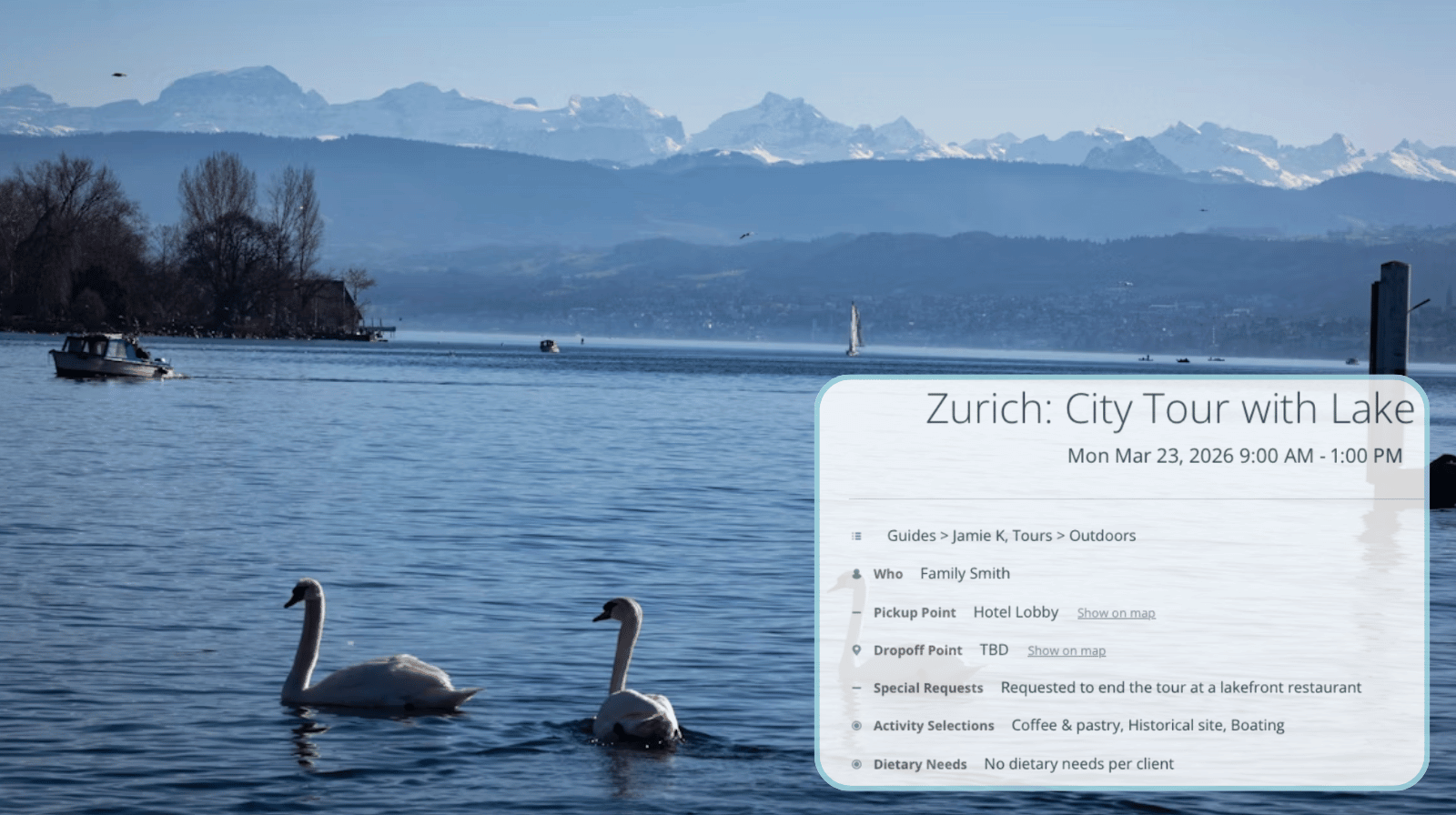
When people join a guided tour, a lot of information goes with it. There are timing, activity options, transportation logistics, and location details. The information helps guests know what to expect and choose what they’ll enjoy most.
But if all those details come from different sources, it’s too much to keep track of. Information becomes overwhelming instead of helpful. A single dedicated place to get tour details and updates improves the experience for tour guests. And it lightens the workload for coordinators and tour guides.
The need: Tour guests need a simple, reliable place to check tour details, updates, and communication without juggling emails, texts, or multiple message threads.
The Teamup solution: Each tour has its own dedicated event page. Guests receive the link and can open it anytime to view the latest tour information, check timing details or prep lists, and see the latest updates from the guide, and, if enabled, participate in comments for questions or shared photos.
Need: Keeping tour guests informed and updated
Tour experiences often include a lot of helpful information. Guests might want to check the full itinerary, view photos of stops, read about landmarks, see packing tips, or prepare for optional activities. When this information is easy to find, it adds to the excitement. Guests can look forward to what’s next, discuss their preferences, plan photos, and ensure they have the right gear.
The issue is that this information is often spread out. When guests must sift through multiple emails or threads, reviewing information becomes a hassle instead of part of the fun.
For tour operators, this disorganized communication means more work. Guests might reach out to ask for the same information again or inquire about details already shared. Keeping all tour information organized in one place allows tour guests to find things easily.
Solution: One place with all the tour details
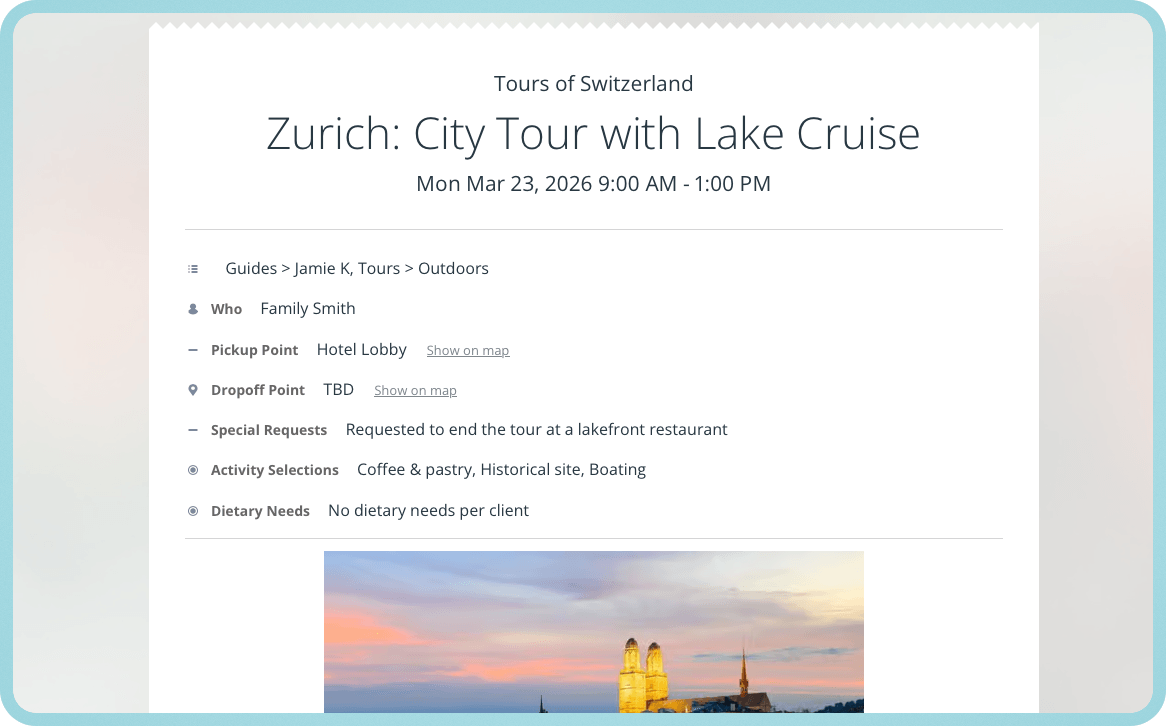
Click to enlarge: An event page contains all the information guests need about the tour and syncs automatically if anything is updated on the calendar.
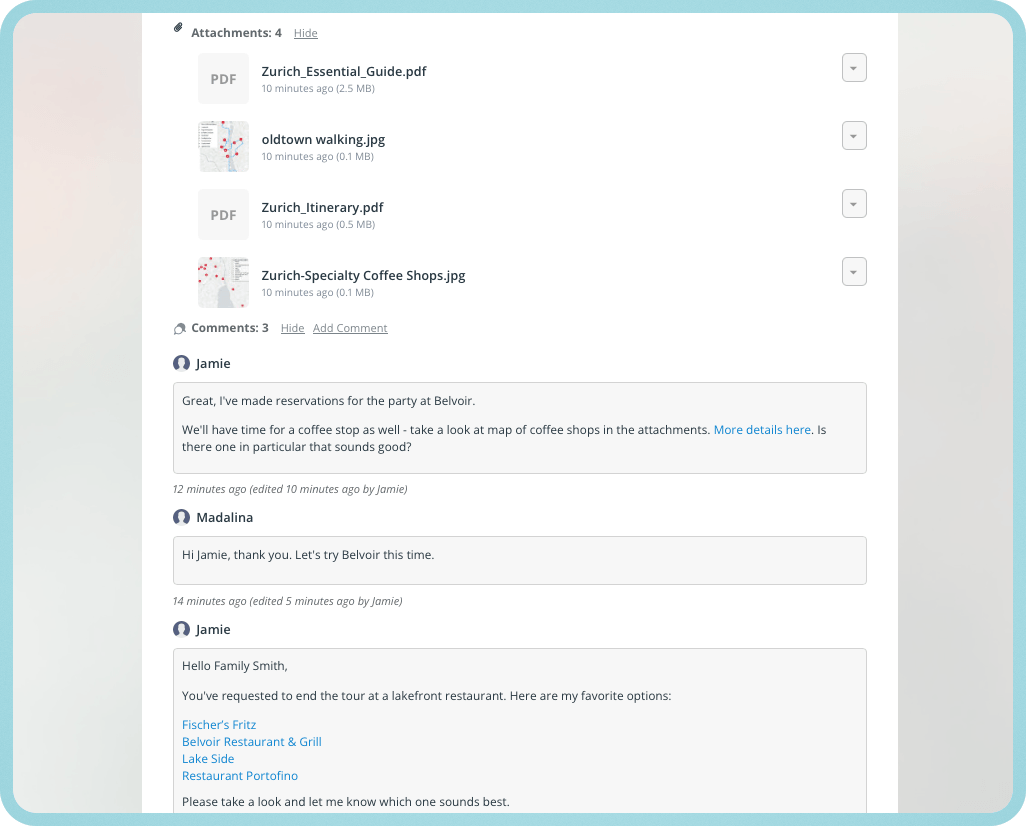
With Teamup, each scheduled tour can have its own dedicated event page. The event page serves as the sole information source, where guests can find everything related to the tour. Guests get a simple event page link which they can open any time to see tour details, view images, maps, lists, flyers or other attachments uploaded by the guide, or check the latest updates.
There are several ways this solution can be set up to ensure that guests get all the information they need, while internal details stay limited to tour operations staff.
Tour guest event pages: Options for setup
- Use the same master tour event: Everyone (tour operators, guides, and guests) sees the same master event. Use visibility control for event fields to ensure that guests see all the details they need, while operational fields remain visible only to users with modify permission.
- Create a separate guest event: Duplicate the event on the master tour operations calendar to create a separate tour event that holds only guest-appropriate tour details. It serves as a clean, friendly, informative event page designed specifically for guest communication.
- Choose how comments work: If event comments are enabled for all users, both guides and guests can use them on the event page for questions, updates, and quick back-and-forth communication. If comments are limited to modify users only, tour guides and operational staff can use them for internal notes and communication.

Click to enlarge: Upload flyers, maps, and info about the tour for guests and finalize tour details right on the event page.
An easier, more connected tour guest experience
An event page not only simplifies tour guest communication, it also becomes a shared experience log. When comments are enabled for guests, participants and guides can add updates, reactions, and photos during the tour. The tour page becomes a collection of moments that would otherwise be hard to capture and share in one place.
Having a shared tour experience log can add value beyond logistics: The event becomes a rich visual record of the tour itself. Those shared moments can easily be revisited, shared with participants afterward, or repurposed for follow-up communication or promotional use.
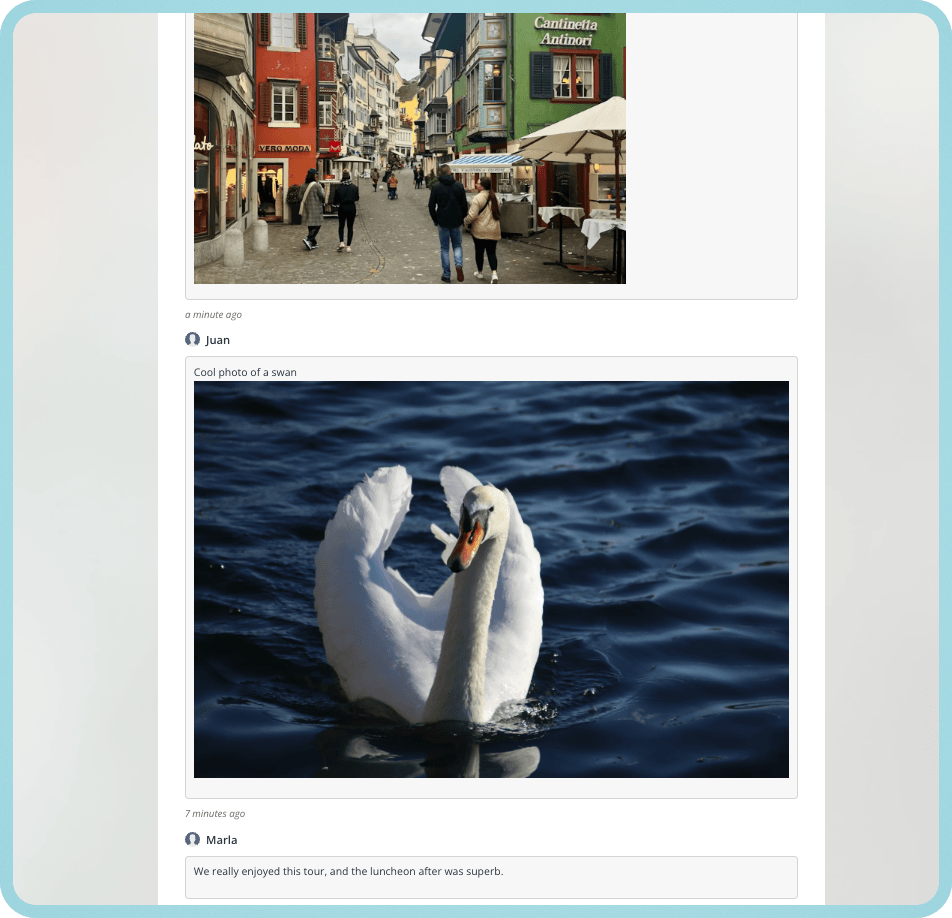
Click to enlarge: With event comments, guides and guests can share photos and memories from the tour.
If it’s important to have a separate space for quick, internal-only notes, simply use separate events: One for the operators/guides, with all the details and internal notes. This event is never seen by guests. The other event, created specifically for guests, can be kept on a separate sub-calendar and shared as the tour event page, with guest-enabled comments.
When guests have one event page for tour details and updates, communication becomes much easier to follow. They know where to check, guides can post updates in one place, and repeated questions are reduced. Instead of relying on scattered emails, texts, and calls, everyone stays connected through a single, organized source of information.
Create your own Teamup calendar to simplify guest communication and keep every tour better connected from start to finish.
Related resources
- See also: A visual, mobile information portal for tour guides
- Share event pages for simple guest access
- Use field visibility to control what different users can see
- Let participants add comments and photos with event comments
- Organize tours with a shared calendar for guides and operators.


