Most teams manage workload week by week. Tasks get assigned, deadlines move, and people stay busy. But problems often start months earlier, when projects are scheduled but the full workload isn’t visible. By the time the pressure is obvious, the schedule is already locked in. A full-year calendar view helps managers spot heavy periods early and adjust before bottlenecks take shape.
The need: Team leads need long-range workload visibility across so they can plan project timelines, catch overload early, avoid schedule conflicts, and keep assignments balanced.
The Teamup solution: Flexible year-level calendar views make workload patterns and potential issues easy to spot. Managers can compare projects and commitments across months at a glance and adjust before the team gets stretched too thin.
Challenge: Invisible workload bottlenecks and conflicts
For teams running several projects at once, the year doesn’t stay evenly paced. Work gets approved in pieces, and the calendar fills up gradually.
For example, a product team mapping out the year may have plans for a major “event” each season:
- Spring: feature release.
- Summer: marketing push.
- Fall: system upgrade.
While each initiative may be well-planned, with fair task distribution, focusing on only one period of time for project plans can lead to issues and conflicts. There are always the ongoing tasks and responsibilities that have to be done, alongside each season’s “big push.” Team members may be contributing to other projects, attending a conference, or have planned vacation at a key time in the project’s development. Plus, project timelines rarely work out exactly as planned, so unexpected overlaps occur and soon the team is stretched thin.
With long-term visibility of team workload, leadership can avoid, or at least minimize, these conflicts and bottlenecks.
Solution: Long-range, organized workload visibility
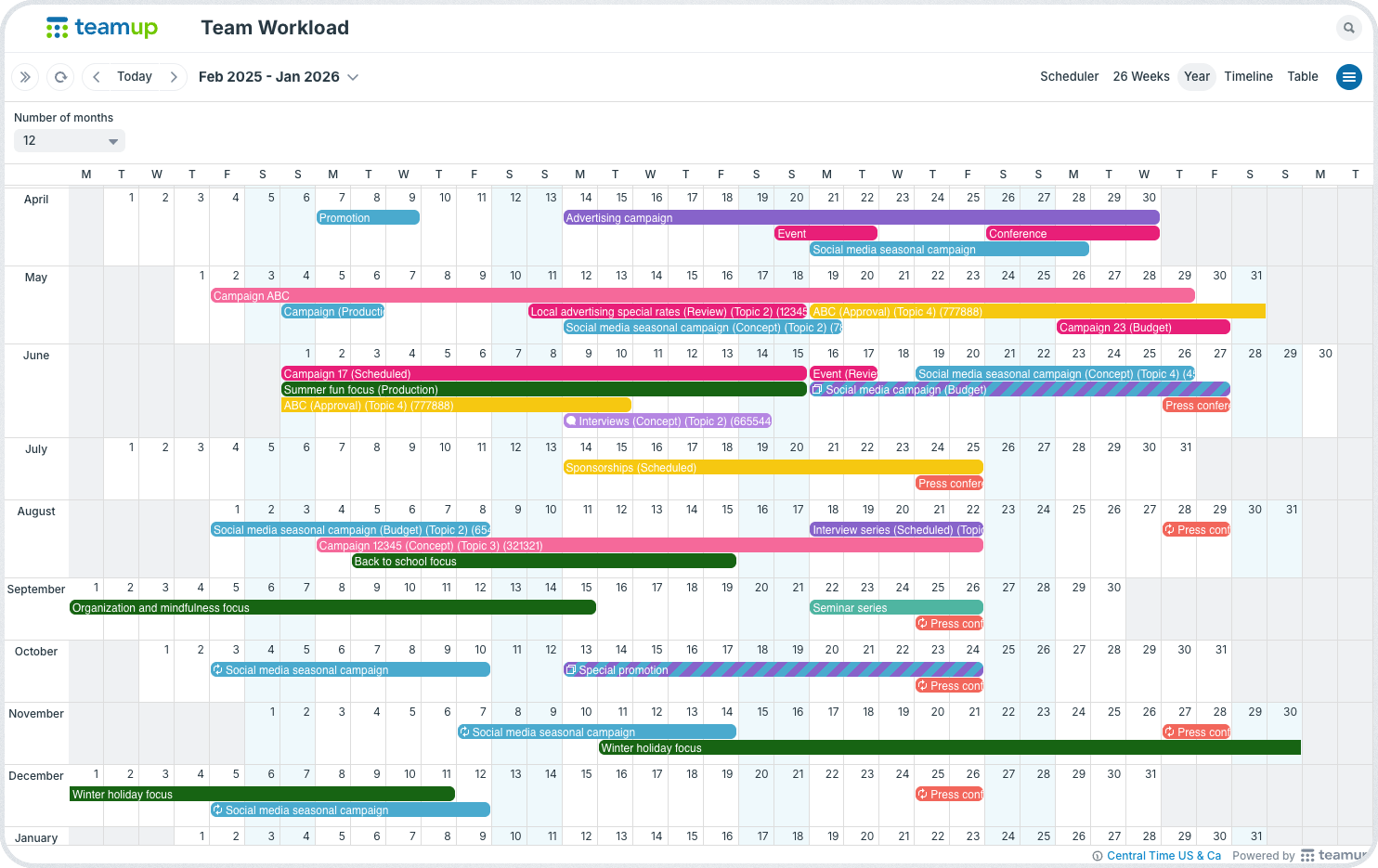
Click to enlarge: See workload visibility across the entire year for better planning and informed decisions.
An organized calendar structure with long-range calendar views creates understandable visibility of workload demands and fluctuations. Managers can review workload across months and quarters, not just days and weeks. Instead of scheduling with tunnel vision, team leaders can see the whole picture, spot concentration points, and redistribute work early.
📈 Getting long-term workload visibility
- Organized, visual structure: Separate projects, teams, or work categories visually with color-coded sub-calendars. Track status changes with custom fields. Use built-in filters to sort and focus as needed.
- Year view: See up to 12 months on one screen with actual events displayed. Managers can scan for clusters of major projects, overlapping deadlines, or resource-heavy periods.
- Multi-week view: Display extended timelines (up to 53 weeks) in a scrollable grid. This helps teams compare quarters and identify workload spikes before they hit.
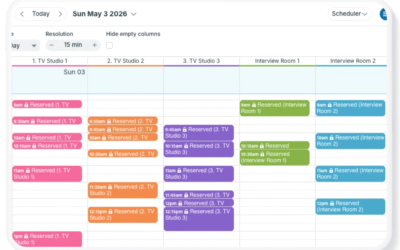
- Scheduler view: Compare individuals, teams, or workstreams side by side in columns. Double-bookings and uneven distribution become immediately visible.
- Table view: Review a year’s worth of initiatives in a sortable grid. Filter by department, project type, or resource owner to analyze who is overloaded and when.
Results: Smart scheduling with capacity insights
When managers see workload clearly over months, quarters, and the whole year, planning becomes smarter and teams work more effectively.
Big projects can be spread out instead of crammed together. Team members who support multiple groups aren’t overbooked. Deadlines include planned time off. If one quarter looks busy, work can shift while plans are still open. This foresight reduces last-minute rescheduling and deadline stress, since the team isn’t rushing to fix issues. Instead, they can follow a plan that considers their real capacity and keeps projects moving.
Weekly planning keeps tasks on track. Yearly workload visibility helps teams stay balanced. Create your own Teamup calendar and start planning team workload with a full-year view.
Frequently Asked Questions
Click a question to see the answer.