
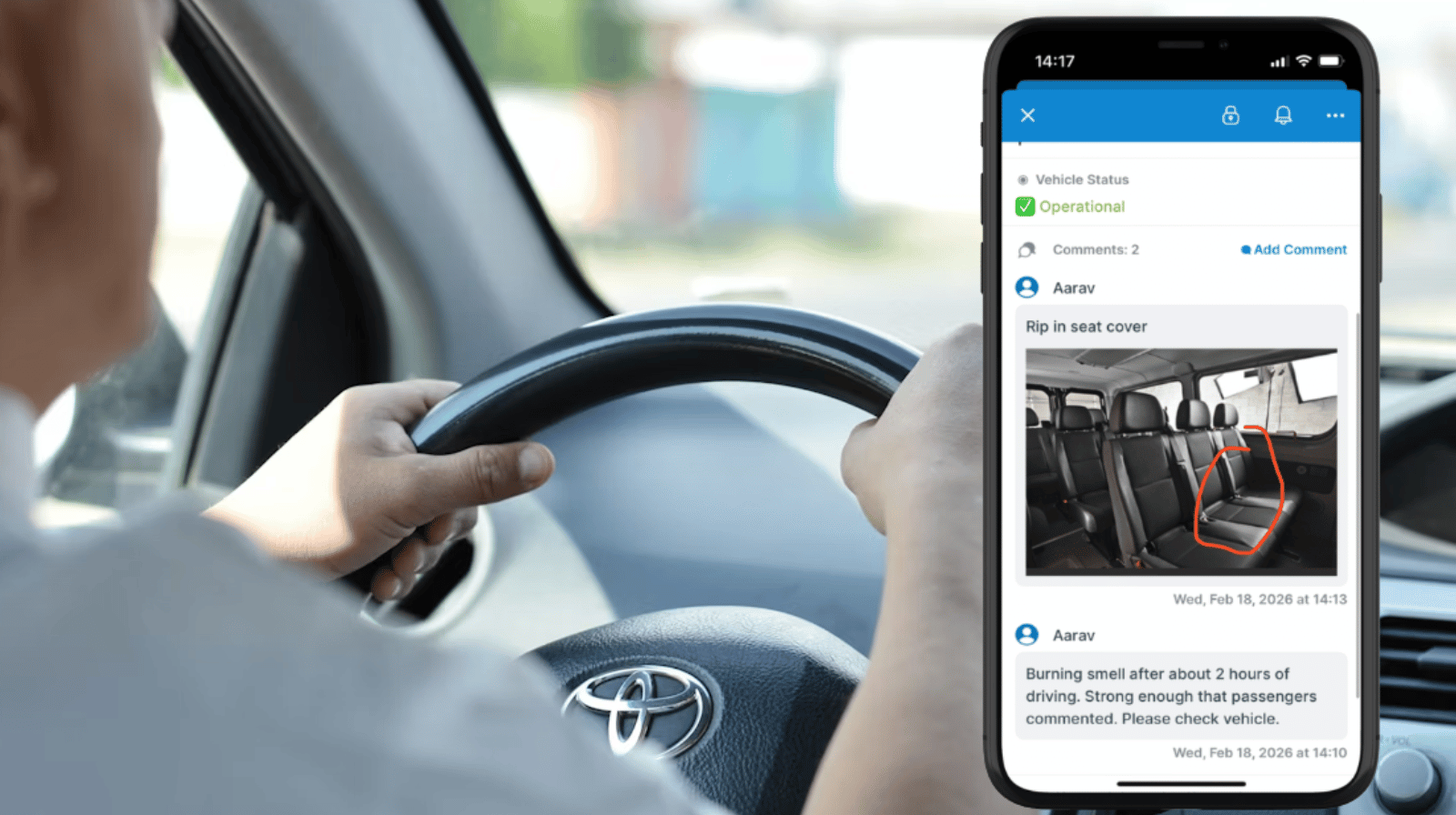
Fleet operations depend on accurate timing and clear communication. Dispatch assigns routes. Maintenance tracks vehicle health. Drivers are out on the road managing real-world conditions, aware of route conditions and vehicle performance. While drivers shouldn’t be editing the fleet schedule, they do need a simple way to share updates and notes.
The Teamup solution: Enable event comments for all users so drivers can add notes that dispatch can access in real-time, without changing the schedule.
Sharing real-time information from the route
In a busy fleet operation, real-time communication is key to keeping the operation on track and avoiding delays. Drivers need updates from dispatch, but they also need a way to send their own notes and updates back. They are the only team members who see wha’s actually happening as they drive the routes. They may encounter unexpected construction or traffic delays, or notice early signs of vehicle trouble that no one else can detect. When drivers can communicate these observations quickly and in context, the entire operation becomes more predictable and easier to manage:
- A driver who notes that construction added 30 minutes to a route gives dispatch the chance to adjust tomorrow’s schedule in advance.
- A comment about a squealing sound when turning alerts maintenance before a minor issue becomes a breakdown.
- A note about a passenger requiring extra assistance helps future drivers prepare properly.
These small observations, tied directly to a specific route, vehicle, and shift, create a steady stream of operational intelligence. When drivers can report information in real-time, dispatch, maintenance, and operations managers can act quickly and make informed decisions without chasing down details later.
Enabling notes and updates from drivers
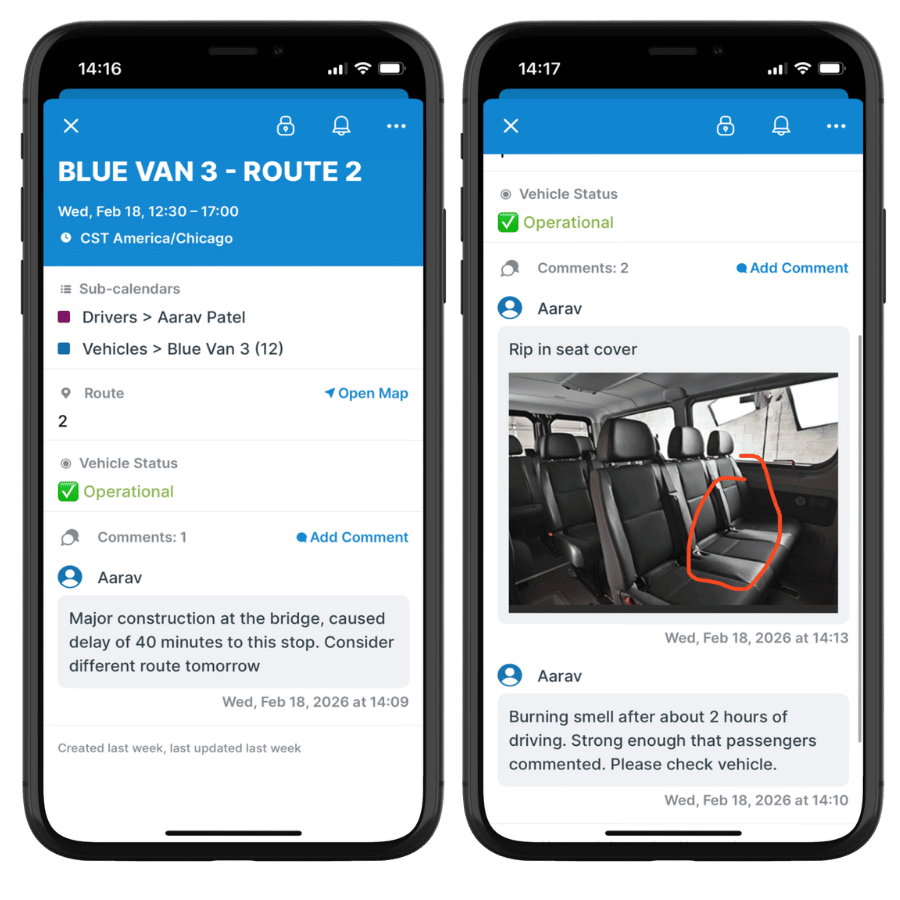
Click to enlarge: Drivers can leave comments on their assignments to note vehicle conditions or route updates.
Teamup provides a structured way for drivers to add notes and share real-time updates, without allowing edits to the official schedule. Event comments can be enabled for all users, on all events. Comments allow drivers to quickly add time-stamped notes, and even upload photos, that are synced immediately.
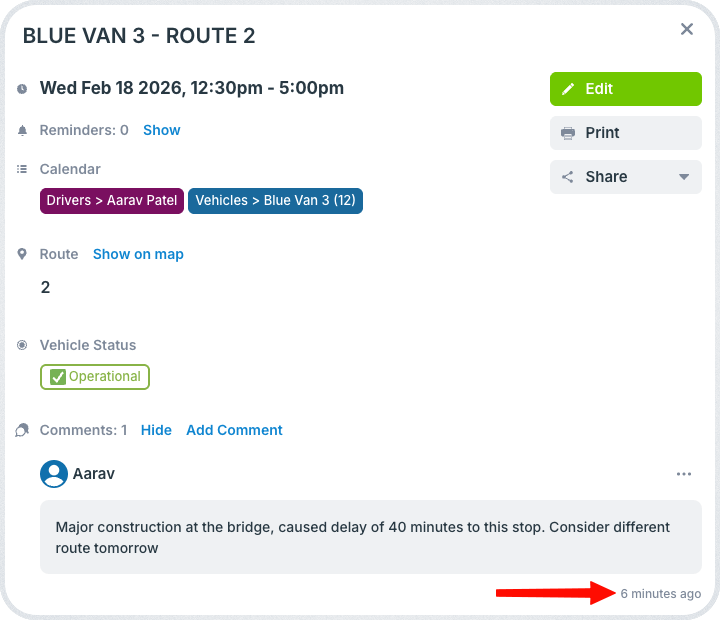
Click to enlarge: Comments sync so dispatch can stay updated in real-time.
Dispatch can see these updates about route conditions or vehicle concerns without waiting until drivers return. Each comment stays attached to the specific scheduled event, so there’s a record of documentation that can be referenced. The schedule itself remains intact and protected from accidental edits.
How to set this up
By allowing drivers to leave comments directly on events, the schedule remains controlled while communication can flow.
🚐 Mini-guide: Enable driver updates using event comments
- Start by setting up a fleet management calendar.
- Go to Settings > Event Fields > Comments.
- Enable event comments for all users.
- Give drivers customized, read-only access to their schedule.
- Drivers can use the Teamup app to check vehicle and route assignments for each shift.
- At stops and on breaks, drivers can use comments to add notes or share updates.
- Dispatch can be notified when a comment is added: They get real-time information to make adjustments as needed and share relevant info with maintenance or operations supervisors.
Enabling smoother operations with full communication
Drivers are closest to what’s actually happening on the road. Giving them a secure way to share updates strengthens the entire operation. With Teamup event comments enabled, fleets can collect real-time notes, improve route planning, and respond to maintenance issues faster, without giving up control of the official schedule.
Create a Teamup calendar to enable full communication and keep your fleet informed, aligned, and moving efficiently.
Related resources
- Coordinate fleet dispatch and vehicle maintenance
- ▶️ Interactive demo: Configure event comments
- Let users add notes without editing events
- Fleet scheduling: Get clarity on available vehicles


