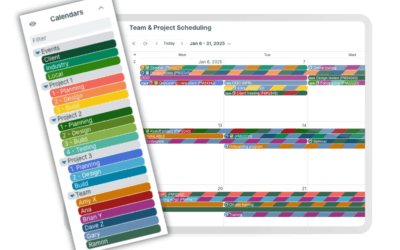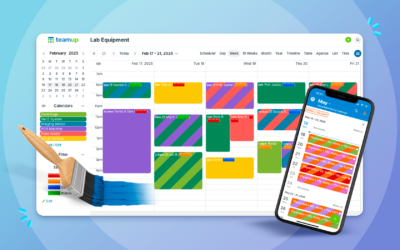
Coordinating work across a small service team can be unexpectedly complex. Jobs arrive throughout the day, schedules shift, technicians need current information on-site, and supervisors must track progress across multiple projects.
Teamup helps small service teams stay organized on all of these fronts. It streamlines scheduling, ensures technicians have accurate job information when they need it, and provides clear oversight of daily operations. In particular, Teamup supports:
- Operations managers and schedulers: Defining and assigning jobs
- Field technicians and engineers: Doing and documenting work
- Supervisors and operations staff: Managing projects and processes
Improve service job scheduling
Scheduling is about assigning the right jobs to the right people at the right time. Teamup makes it easy to:
- See team and project schedules at a glance for better coordination.
- Match the right technician or team to each job.
- Create structured job entries with who, what, when, and where.
- Track job status, priorities, and deadlines across ongoing work.
See what matters
As managers break down a project and define jobs in Teamup, different calendar views help reveal the full picture. Views such as Timeline or Multi-month reveals long-term timelines and deadlines across multiple projects.
For day-to-day scheduling, the Scheduler view displays each team member’s availability side by side. Managers can filter to see only qualified technicians, then quickly match available time slots with open jobs.
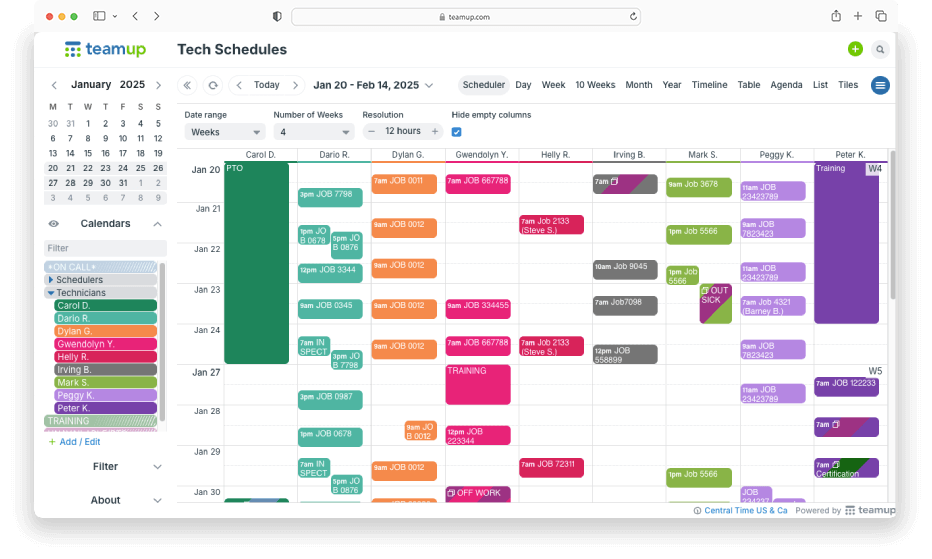
Click to enlarge: The Scheduler view in Teamup gives a clear overview of technician availability, assignments, and workload.
Capture job details
Field work requires accurate, accessible information. An event on a Teamup Calendar is much more than the time and location of an appointment. Each job entry can include all relevant details directly in the calendar:
- Custom event fields for job-specific data such as project lead, site location, or job number.
- Clickable links to open forms, spec sheets, or reference documents instantly.
- Formatted descriptions for detailed notes, steps, or instructions.
- Attachments for photos, drawings, or additional files.
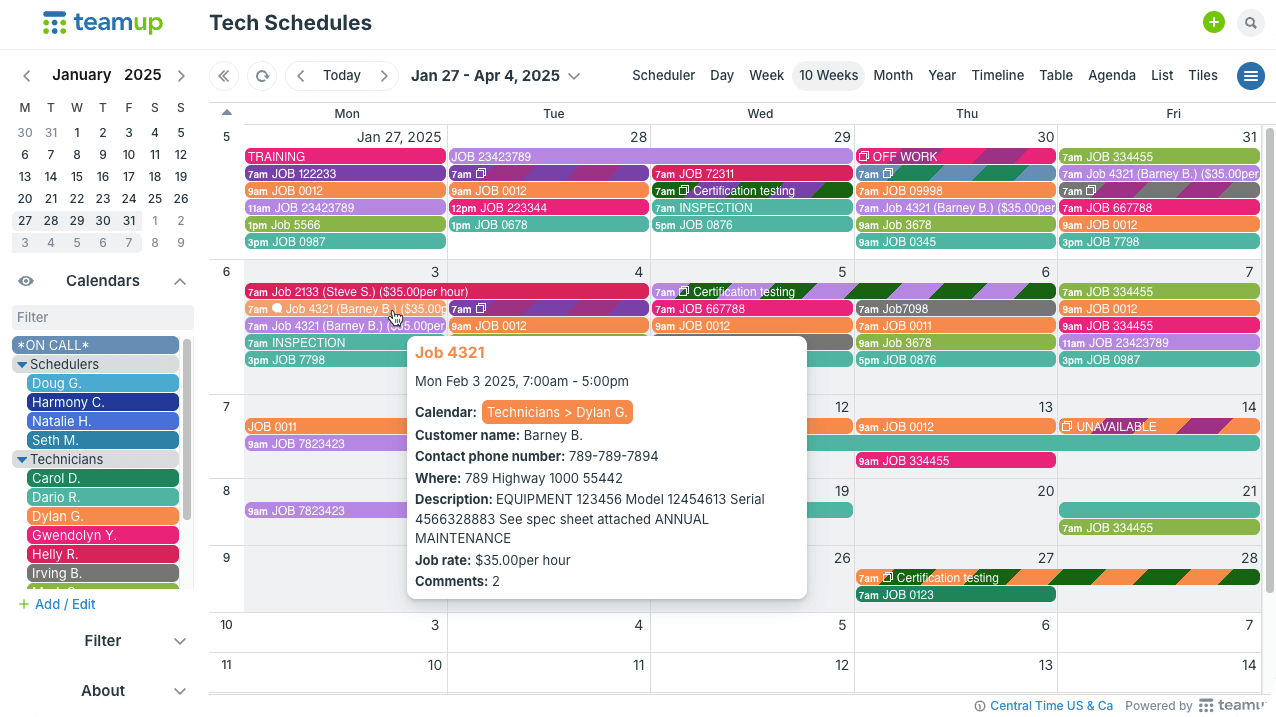
Click to enlarge: Job details expand directly from the calendar, giving schedulers instant access to customer information, instructions, and notes.
Teamup provides us with a sole source for our techs to get all of the information and documents needed to successfully do their job. The techs have read-only access to the calendar which gives them all of the site contact, location and times as well as a few other important details and drawings for the testing they need to perform on any given date. This capability eliminates questions and assists our operations team with tracking project status.
— Mike Kain, Operations Manager
Enable field documentation
Technicians can also keep the job record updated as work progresses. They can upload photos, files, and notes on the fly; record hours, materials, or other job-related details, and see real-time updates or schedule changes as soon as they happen. This continuous flow of information helps maintain accurate records, supports billing and reporting, and ensures that pre- and post-work documentation or proof of delivery is captured and available if questions or disputes arise later. With mobile-friendly access from any device through the Teamup mobile apps, technicians always have up-to-date instructions and documents with them on-site.
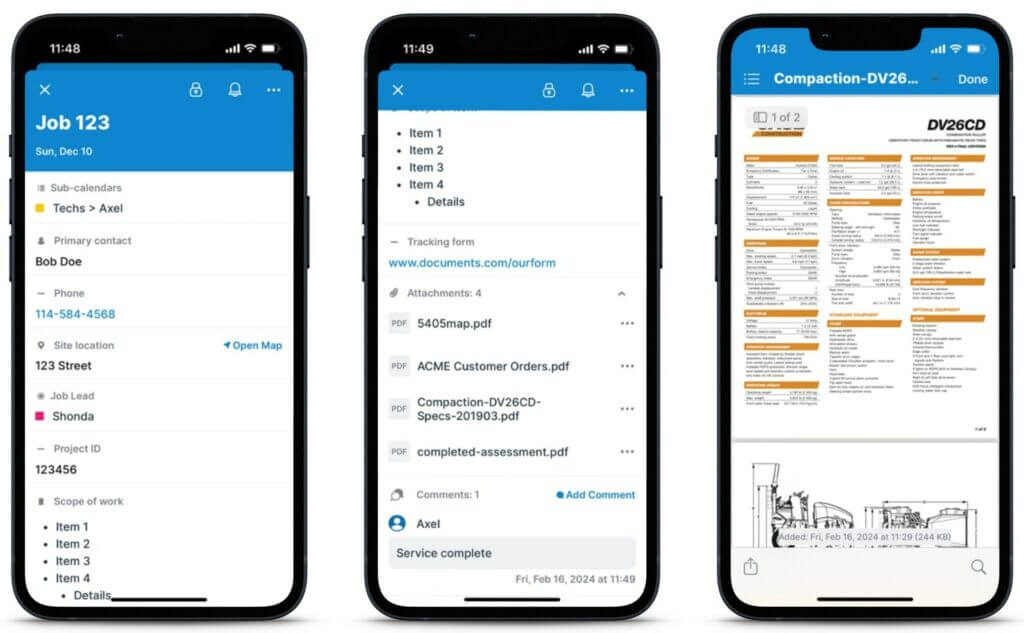
Click to enlarge: Technicians can access job details, documents, and attachments in the Teamup mobile app
Benefit from usable data
A well-organized scheduling system does more than make jobs happen — it feeds data back into your business. You gain visibility into job status, resource usage, project flow, and team performance. Teamup supports operations by enabling to:
- Log hours, materials, miles, and other job-specific costs for better budget tracking and future estimation.
- Improve communication with clients by providing clear, updated job-history and details.
- Use past job data to inform bids and optimize scheduling for maintenance.
We compare our billing info from the calendar with payroll weekly to ensure we’re tracking our hours against jobs accurately. Our Teamup calendar is also a great way for us to look back on past projects. When we have a returning client, we can quickly pull up a previous job we’ve done and offer suggestions/solutions to more effectively perform that work.
— Mike Kain, Operations Manager
With Teamup, everything stays in one place, easy to access and update. This central source of information helps small teams work more efficiently and stay aligned across departments. Sales teams, for example, can track leads and follow-ups in the same calendar.
Simplify scheduling, strengthen operations
For small service teams, Teamup makes scheduling and daily operations simple. From assigning jobs to coordinating field work and tracking progress, it provides the structure needed to keep operations running smoothly. Explore how field professionals use Teamup or create your own calendar today.