
Home > Learn
Learn
Organize teams, schedule work, manage availability, and share events.
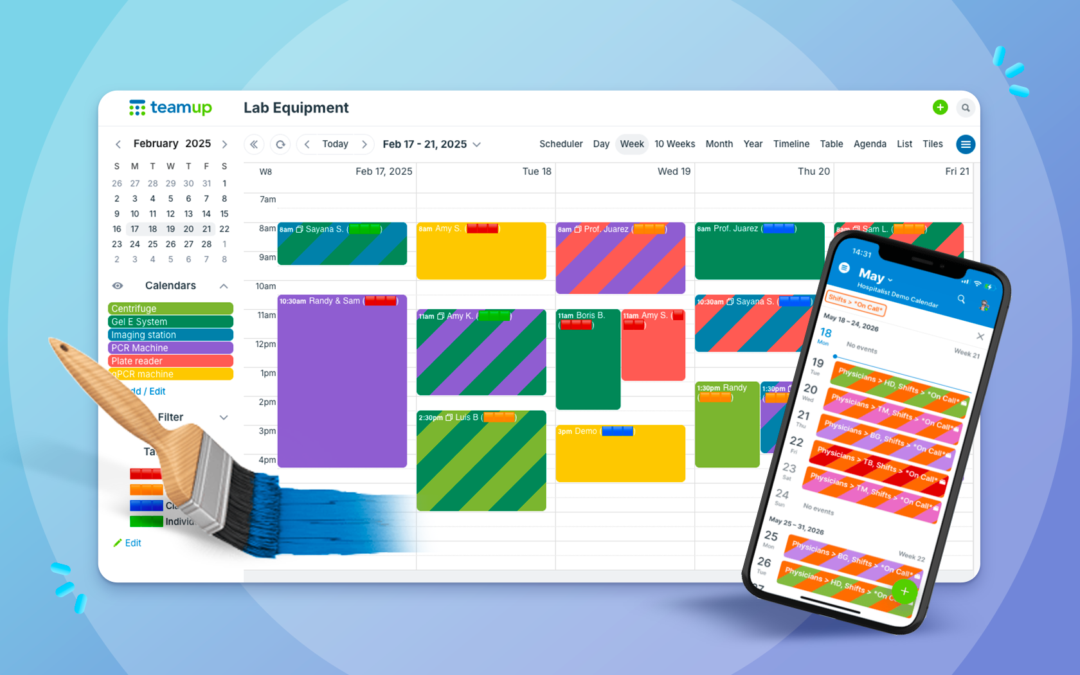
How to Color-Code Your Calendar Like a Pro
Color-coding turns a wall of text into a calendar you can read at a glance. Here’s how to build a color coded calendar system with Teamup’s 48-color palette, from picking contrasting colors to color-coding across two dimensions at once.

August Monthly Roundup: Back-to-school scheduling, task handoffs, and free printables
Our August roundup covers back-to-school scheduling, Scheduler view, task handoffs, Kanban boards, and sub-calendar organization, plus free printable calendars for September and Q4 2026.

Use Your Teamup Calendar as a Kanban Board
Turn your calendar into a Kanban board with Teamup’s Scheduler view. Organize tasks by status, see them next to your meetings and deadlines, and keep your kanban schedule and calendar working as one.
Get Clarity and Visual Organization with Scheduler View
Teamup’s Scheduler view displays sub-calendars side-by-side, making it easy to compare schedules, find availability, manage resource bookings, and coordinate staff shifts.

Make Back-to-School Scheduling Easier with a Family Calendar App
Bring school schedules, activities, appointments, work plans, and family responsibilities together. See how Teamup helps the whole family stay organized and coordinate from anywhere.
5 Practical Tips to Set Up a Shared Team Calendar
Learn how to set up a shared calendar for your team with practical tips for organizing schedules, managing access, keeping things simple, and creating a calendar that can grow with your needs.

Assign Jobs and Hand Off Tasks Without Losing Context
Delegation works if each person has all the information needed for the job. Teamup keeps every task, document, conversation, and update together in one shared calendar event, making collaboration easier and ensuring each handoff includes the full context needed to keep work moving.

July Monthly Roundup: Keep information in context, delegate efficiently, and more
July monthly roundup: how to add images and attach files to events to keep everything in context + share visual schedules. Plus, get insights on how to delegate more efficiently, enable self-managed availability, and manage simple hourly tracking. Download free printable calendars for the upcoming month and quarter to stay organized for the weeks ahead.

Delegate Tasks and Track Progress Without Chasing Down Updates
Learn how to delegate tasks and assign jobs to employees with a shared calendar. Keep work organized, track progress, and maintain oversight without extra administrative effort.
Enable Self-Managed Availability Without Losing Oversight
Stop collecting availability through emails and spreadsheets. Let employees update their own schedules while managers see real-time availability, PTO, and staffing information in one shared Teamup calendar.

Simple, Flexible Employee Hour Tracking with Teamup
Use Teamup as a simple, convenient system for employee timesheets and hour tracking. Employees can enter hours from the app, and managers can view and generate reports right in the calendar.
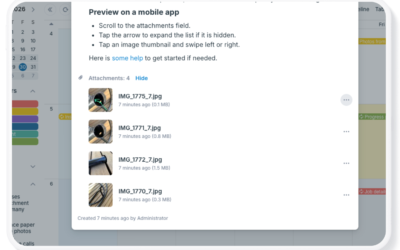
Make Scheduling Visual with Images and Attached Files
Keep photos, documents, and other supporting files connected to your schedule. Learn the different ways to add images and attachments to Teamup events, preview files in the Teamup app, and display image-rich events with Tiles view.

Ensure Staff Coverage with a PTO + Vacation Tracking Calendar
Create a simple vacation tracking calendar to review and manage PTO requests, maintain staff coverage, and keep employee availability organized. Calendar setup options for simplicity, approval, and scaling as teams grow.
TABLE OF CONTENTS