Calendar Visualization, Featured, Product Tips
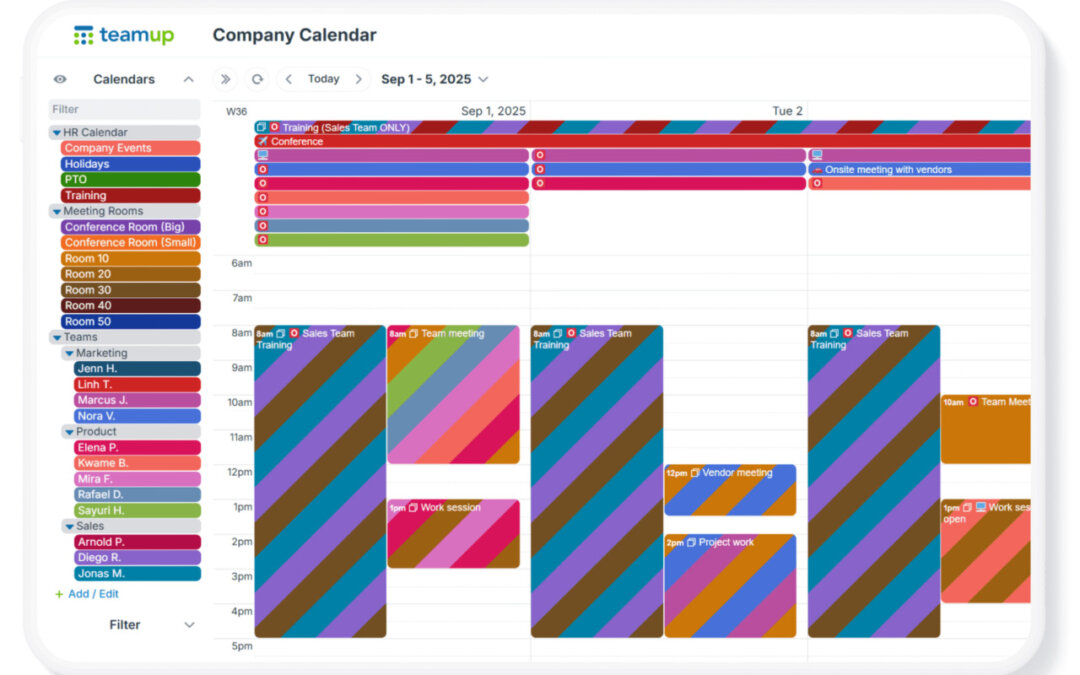
When you create a Teamup calendar, you’re creating a master calendar. That master calendar can contain many sub-calendars. Typically, a bigger or more complex organization (or project) means you’ll need more sub-calendars. Also, as teams grow, scheduling...
Interactive Demos, Product Tips
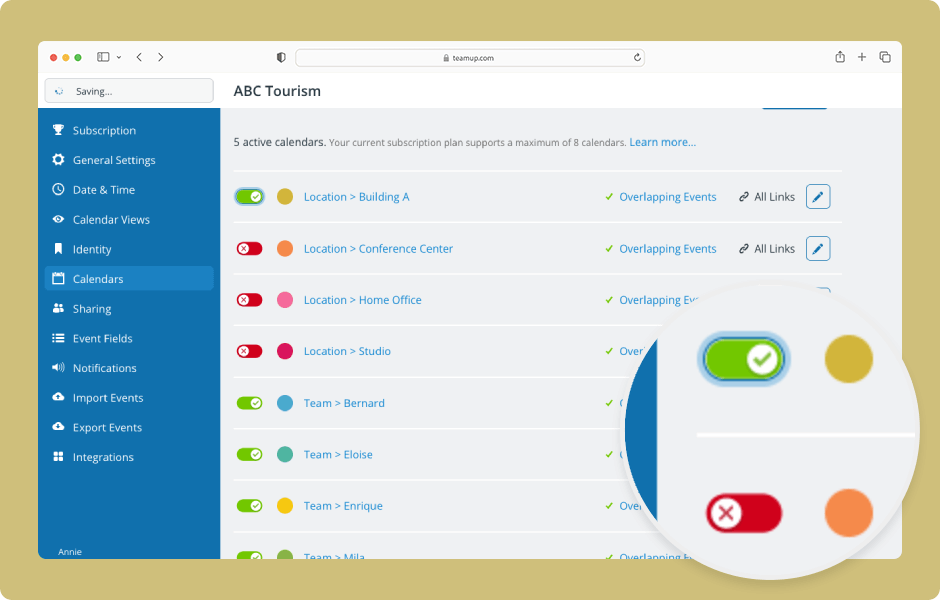
The data on deactivated sub-calendars or event fields is not lost, only archived. To access it, reactivate the sub-calendar or field. ENLARGE DEMO Access level required: Administrator Open your calendar in a browser and click the blue menu (top right). Select...

Featured, Information Visibility, Organize Teams
In large departments, multiple teams run on different rhythms: project planning, meetings, reviews, field activities, and more. Each team is responsible for, and focused on, its own scheduling. But the department manager needs to see all of them together. So...
Featured, Information Visibility, Interactive Demos
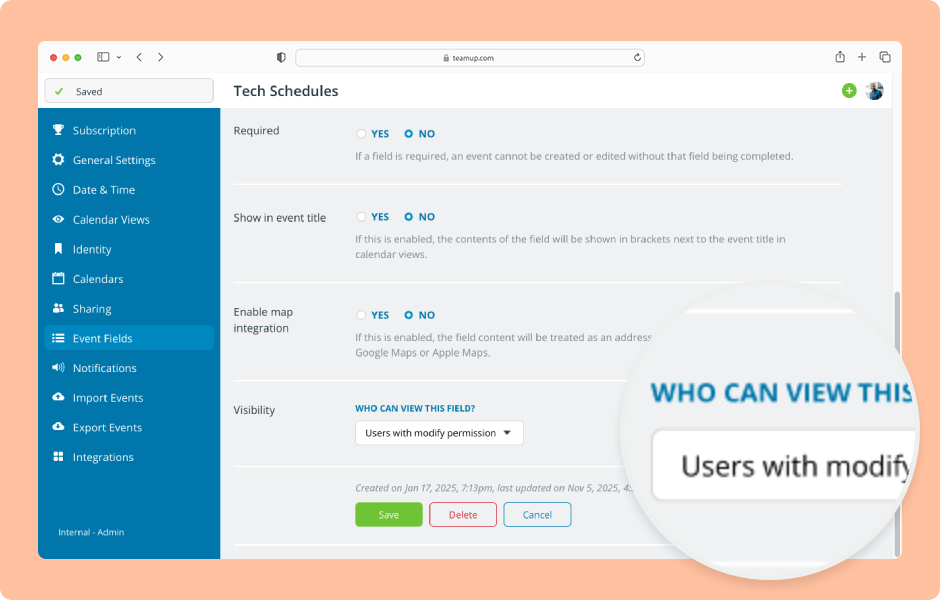
Visibility control allows you to select whether fields are visible to all users or only to users with modify permission. ENLARGE DEMO Access level required: Administrator Open Teamup in a browser. Click the blue menu (top right). Select Settings. Go to the...