Interactive Demos, Product Tips
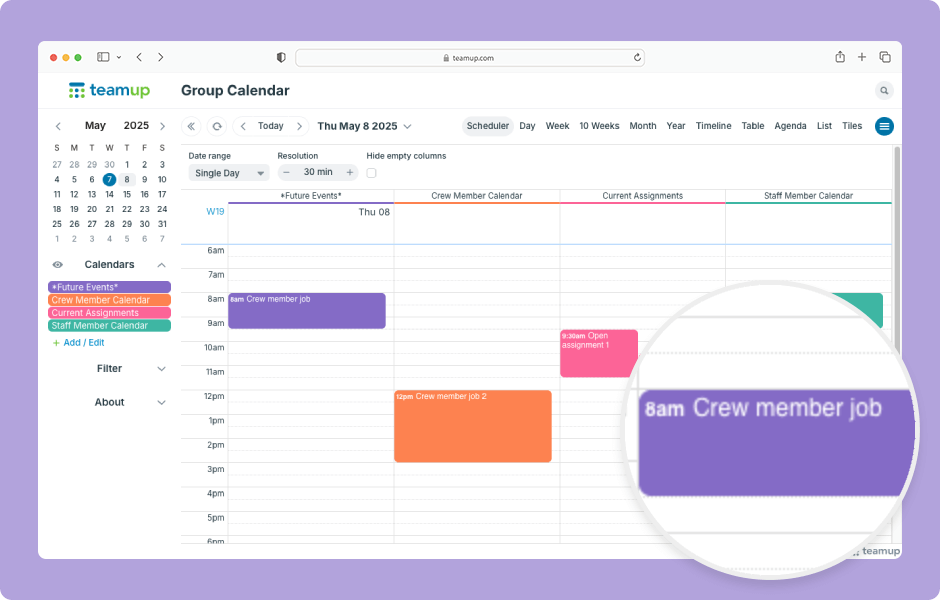
In Scheduler view and Timeline view, you can drag and drop events to quickly assign them to a different sub-calendar. ENLARGE DEMO Open Teamup in a browser. In Scheduler view: Click and hold the mouse button on an event. Drag the event to a different column and...
Featured, Interactive Demos, Product Tips, Ticker
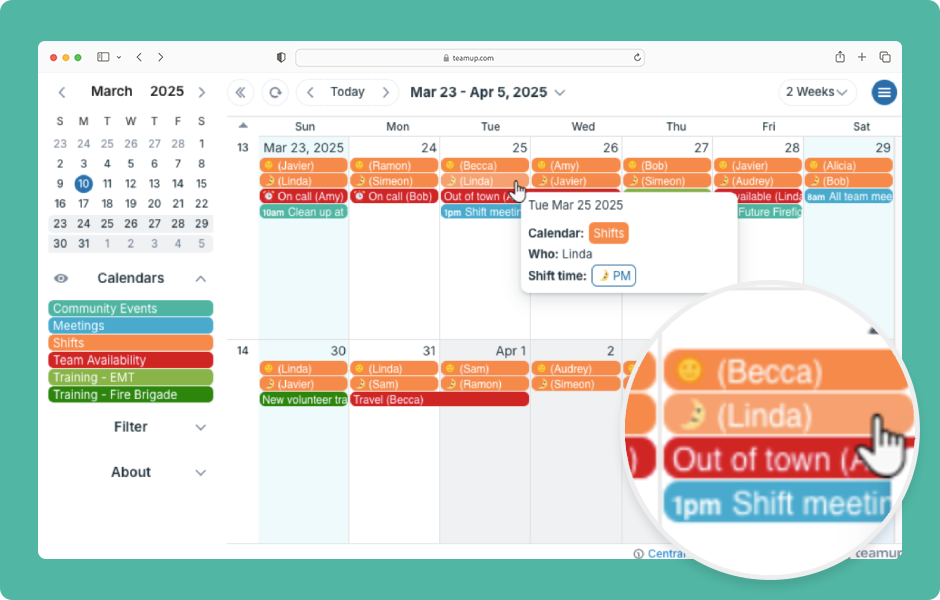
On a regular calendar, you usually see just the title, date, and time of an event. To find the location or description, you have to open the event. Teamup lets you display more information in the event titles so you can see key details from any calendar view....
Product Tips, Working with Events
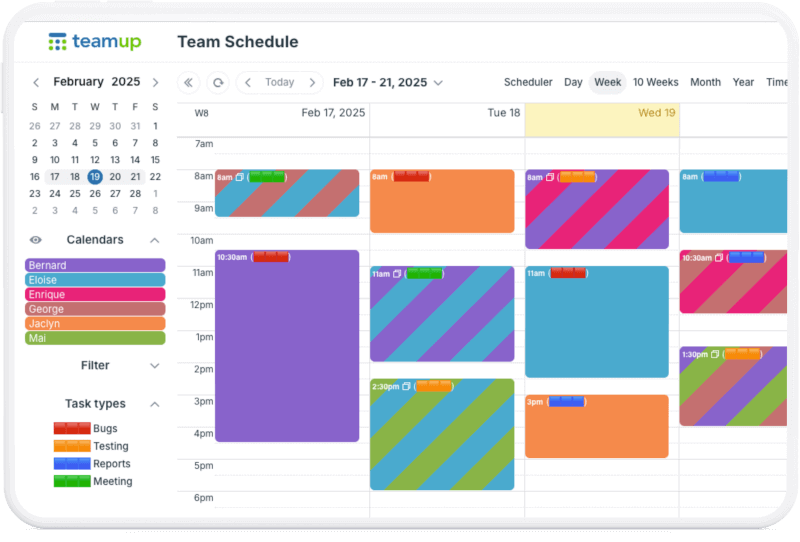
Color-coded sub-calendars work great for identifying and visualizing categories. However, you may need to color-code for more factors, or dimensions, than the sub-calendars represent. For example, the calendars might represent staff members and shared meeting rooms....
Featured, Product Updates, Working with Events
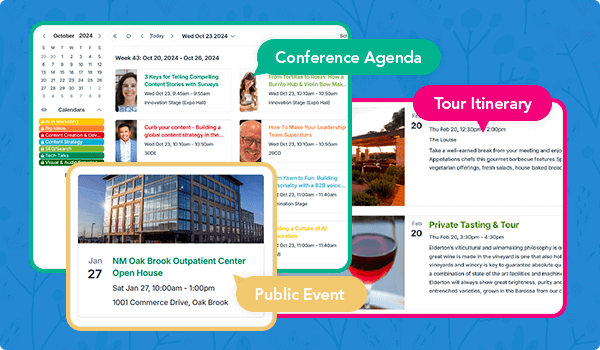
🤩Visually appealing like never before! Tiles view (browser only) is a unique calendar view that shows each event in its own tile. The tile size can be set to small, medium, or large as demonstrated below. Click to see for yourself! Each event tile displays a...
