Calendar Access, Product Tips
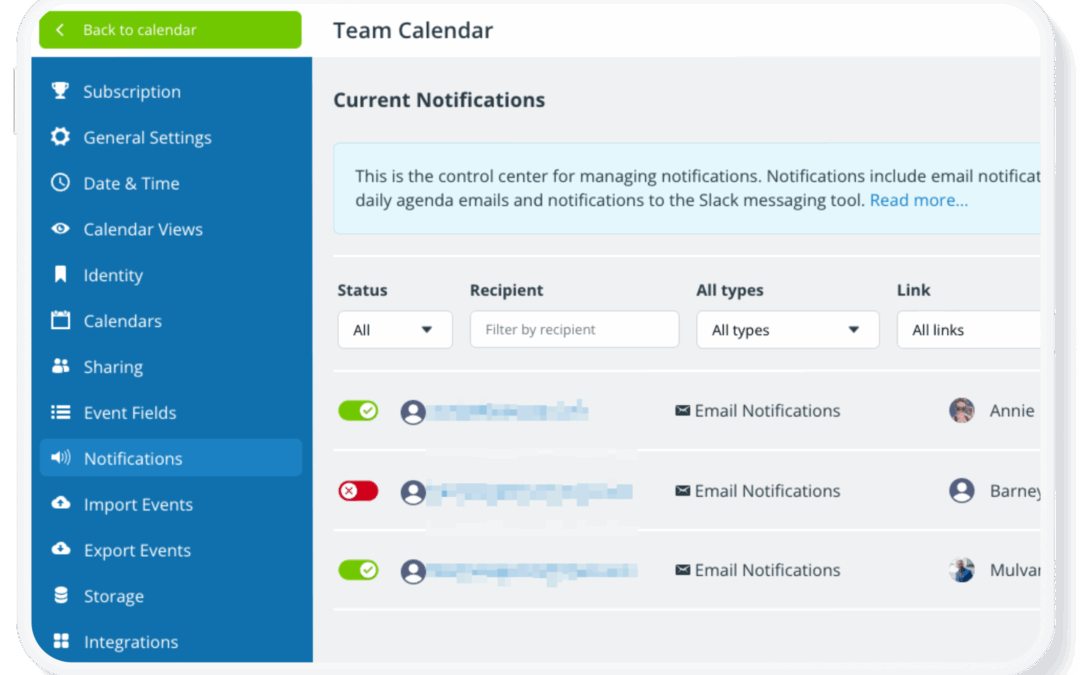
Once a calendar is set up and shared with your team, it often stays in active use for months or years. During that time, people join or leave the team, roles change, and access needs evolve. If your calendar access isn’t reviewed periodically, old user accounts and...
Calendar Access, Product Tips
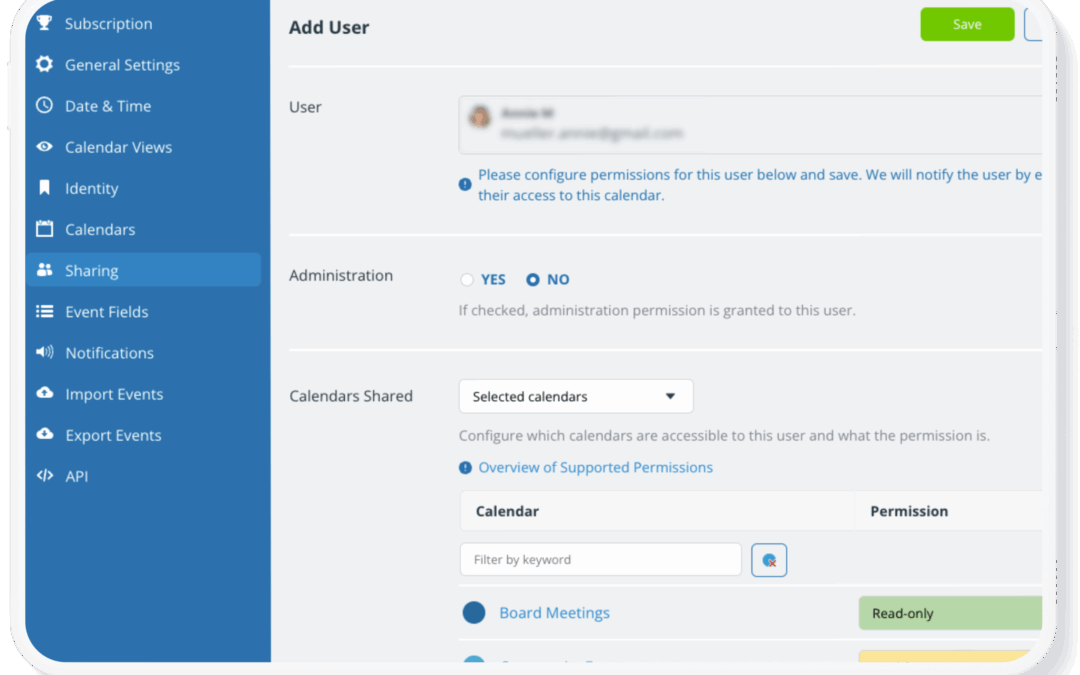
Calendar security usually isn’t about complex technical protections. In most cases, issues happen when access is too broad: Users are given a higher permission than they need, or access to calendars that aren’t relevant to their role. Here’s how to make sure...

Education, Information Visibility, Share Events
Schools manage a wide range of calendar information, from student events and exam schedules to staff meetings and internal planning sessions. Parents need visibility into important dates such as holidays, early dismissals, performances, and testing days. At the same...
Calendar Access, Product Tips
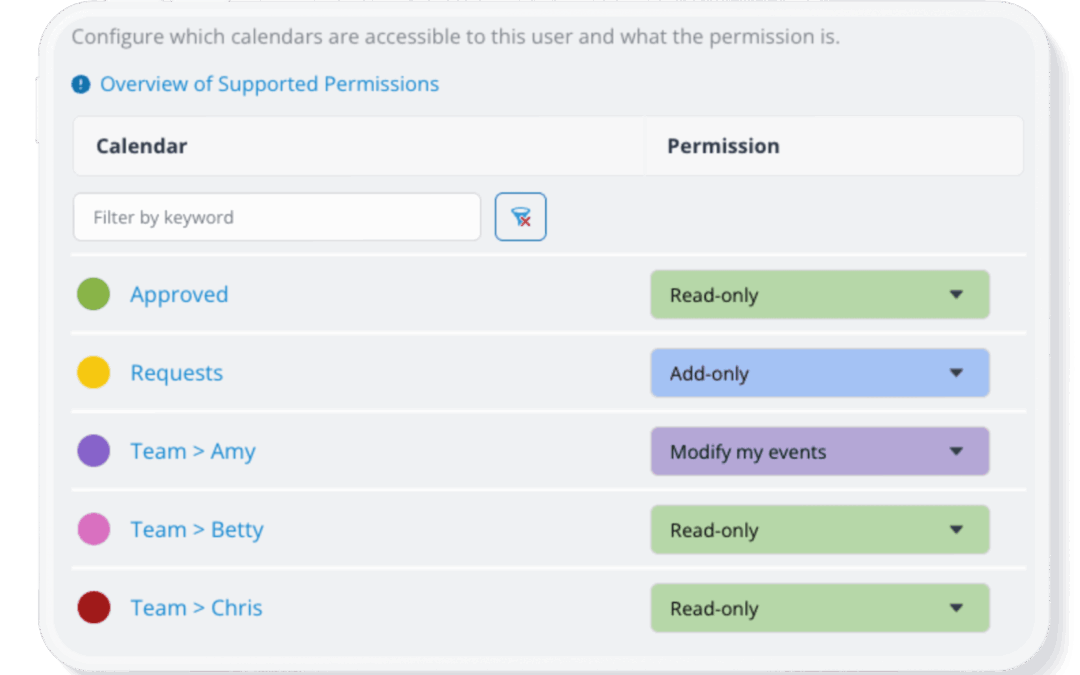
Teamup’s advanced access permissions provide more granular control over users. Add-only permission and modify-my-events permission both provide unique ways to allow users to contribute events to a calendar while limiting what they can edit. Here’s how they differ. Add...

Featured, Information Visibility, Schedule Work
Event planners coordinate multiple vendors, venues, and production teams on tight timelines. The schedule is detailed and accuracy is key. Meanwhile, individual vendors need accurate information about their jobs: Load-in times, rehearsal windows, installation...
