Featured, Information Visibility, Schedule Work
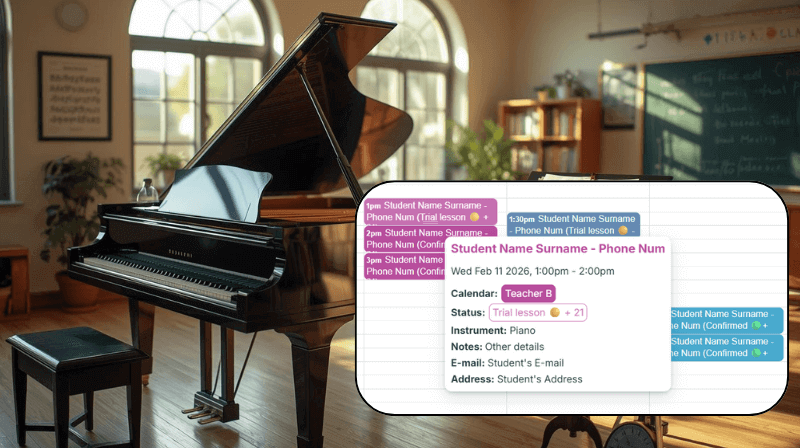
In a music school, scheduling isn’t just about adding lessons, it’s about coordinating across multiple teachers, students, rooms and time slots. Teamup makes it easy to keep everything in one place, so you can see who’s teaching when, avoid conflicts, and update...
Calendar Visualization, Product Tips
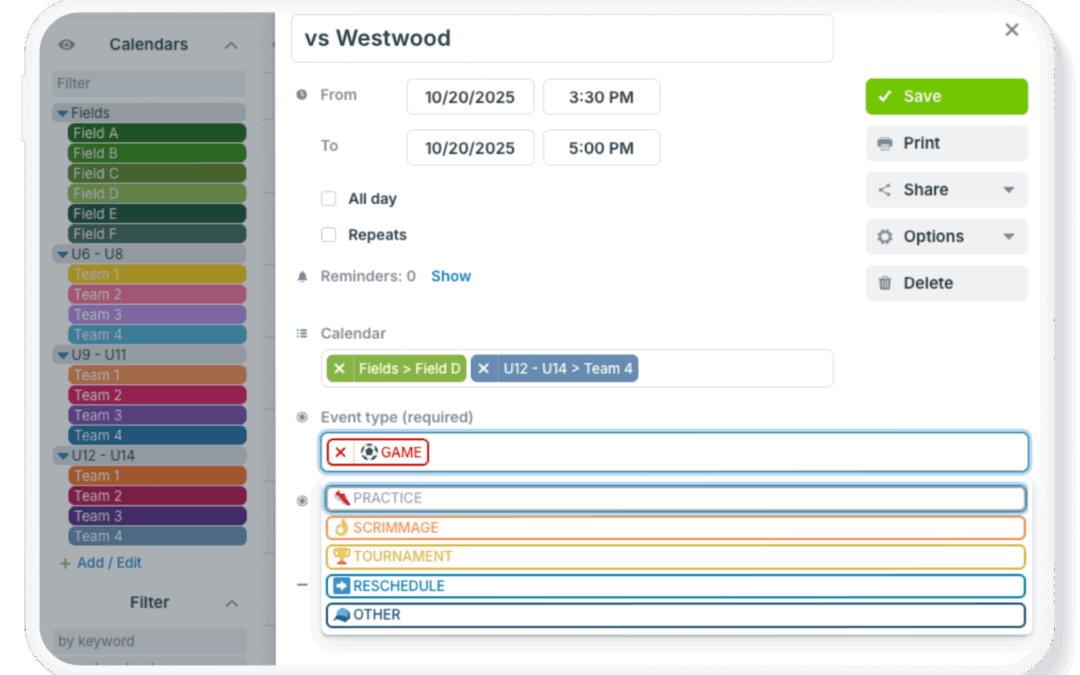
Complex scheduling often means tracking many details for each event. Locations, resources, teams, phases, and event types can all be important. Keeping this information organized and easy to use can be tough in many standard calendars, which don’t provide...
Information Visibility, Product Tips
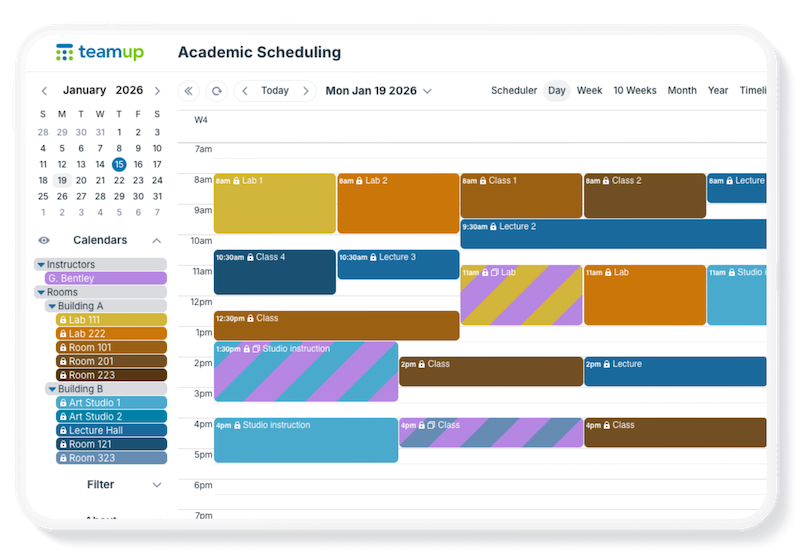
Real-world scheduling is often complex: Locations, resources, teams, phases, and event types can all be important. Standard calendars, however, don’t provide options and flexibility to track all the key details in an organized way. With Teamup, you can combine...
Interactive Demos, Product Tips
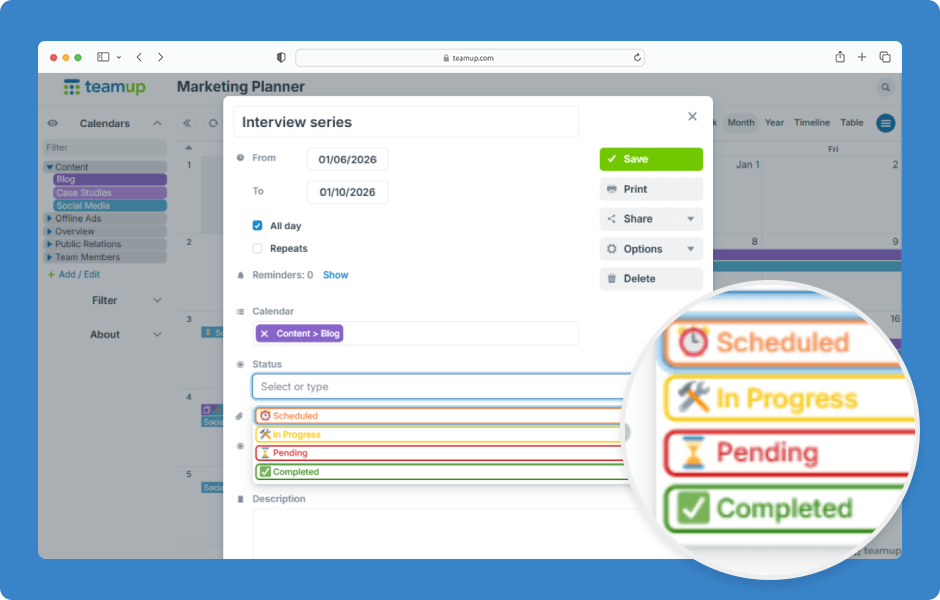
In Teamup, you can create custom event fields to capture structured information for your events. One type of custom field is choice field, which lets you select from predefined options. Choice fields can be set up as single-choice or multiple-choice and are configured...

Featured, Information Visibility, Organize Teams, Schedule Work
Trade shows remain one of the most effective ways for marketing and sales teams to create meaningful connections, accelerate sales conversations, and strengthen brand visibility. They offer something digital channels alone cannot: direct access to decision‑makers,...
