
Home > Learn
Learn
Organize teams, schedule work, manage availability, and share events.

Make Back-to-School Scheduling Easier with a Family Calendar App
Bring school schedules, activities, appointments, work plans, and family responsibilities together. See how Teamup helps the whole family stay organized and coordinate from anywhere.
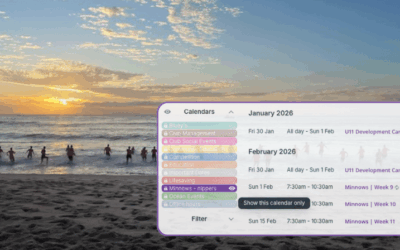
An Embedded Public Calendar for Volunteer-Run Surf Clubs
Volunteer clubs can embed a shared calendar to update class times once and let parents see real-time schedules with no extra links, apps, or email chains needed.

Choose the Best Calendar View
Too often, individuals and teams stay stuck in a familiar view — usually Week or Month — and miss out on the productivity gains that come from using a view designed for their workflow. Choosing the right calendar view matters more than most people realize. The...

Sharing Hundreds of Events with Motorsport Fans
Motorsport events are very popular, but sharing them all with enthusiasts is a big job. Here’s how Motorsport Australia does it with one shared calendar, organized and easy to use.

How to Organize Teams With A Teamup Calendar
As a team leader, you know how much time it takes to keep everyone organized and on the same page. When schedules, tasks, and updates are scattered across different tools, you end up doing more manual coordination than actual work. A shared team calendar can solve...
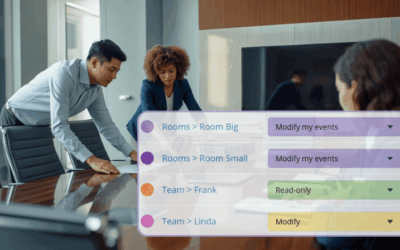
How to Use Teamup for Booking Shared Resources or Spaces
Organize rooms, equipment, and other shared resources in one calendar with real-time visibility, self-booking controls, and safeguards that stop conflicts.

Plan Ahead with Calendar Visibility Built for Annual Operations
See event details for the entire year with a customizable year view that shows the information you need for strategic planning.
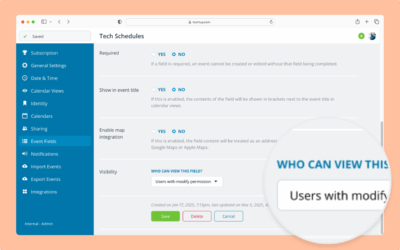
Configure Visibility for Event Fields
Interactive demo: Learn how to configure whether an event field is visible to all users or only to users with modify access.
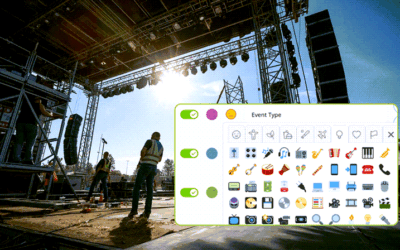
How to Display Emojis in Calendar Event Titles 😀
Emojis are everywhere, but in Teamup they can do more than make your schedule look fun. By pairing emojis with powerful custom event fields, you can build a visual system that makes your calendar more visual, scannable, and intuitive. Temup lets you create a variety...
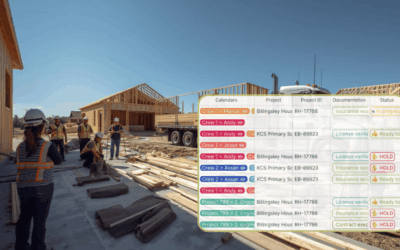
Get Combined Visibility of Separate Schedules for Better Project Management
Stop switching tabs and checking different documents to get a long-range view. Combine all projects into one organized view to plan smarter and prevent costly scheduling conflicts.
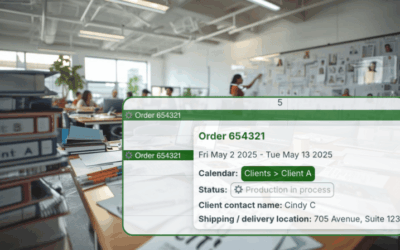
Manage Multiple Client Schedules With Privacy and Control
When you manage multiple clients, visibility and privacy matter. Set up dedicated client calendars to share updates easily while protecting sensitive data.
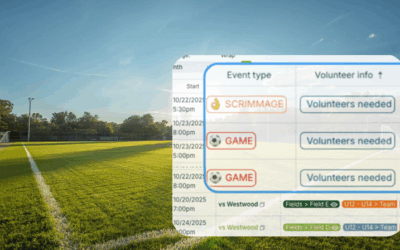
Availability Matching and Volunteer Signups for Youth Soccer Leagues
Coordinating volunteers for youth soccer shouldn’t feel like a guessing game. A shared calendar makes it easy to see who’s available, fill roles, and keep every game covered.
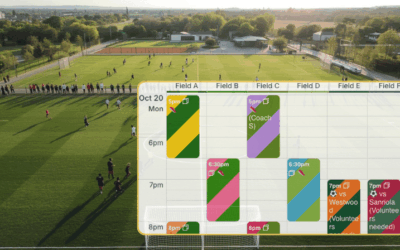
Prevent Field Scheduling Conflicts in Youth Soccer
Stop double-bookings for games and practices with one shared, conflict-proof Teamup calendar. Set up sub-calendars with automatic conflict prevention.
TABLE OF CONTENTS