
Saying goodbye to August: Here’s a Teamup monthly roundup with highlights, great content, tips, and more from the last month. Check out how to make back-to-school coordination easier with a family calendar app, get instant visual clarity with Scheduler view, and set up a shared team calendar the right way. Plus, learn how to hand off tasks without losing context, bring task management and scheduling together with a Kanban board, and keep projects organized with sub-calendars. Download free printable calendars for the upcoming month and quarter to stay organized for the weeks ahead.
Highlights
Back-to-school coordination

Back-to-school season can turn even a manageable family schedule into a complicated mix of school dates, activities, appointments, work commitments, and transportation. A family calendar app gives everyone one reliable place to see what’s happening, coordinate responsibilities, and keep important details from slipping through the cracks.
Read more: Make Back-to-School Scheduling Easier with a Family Calendar App
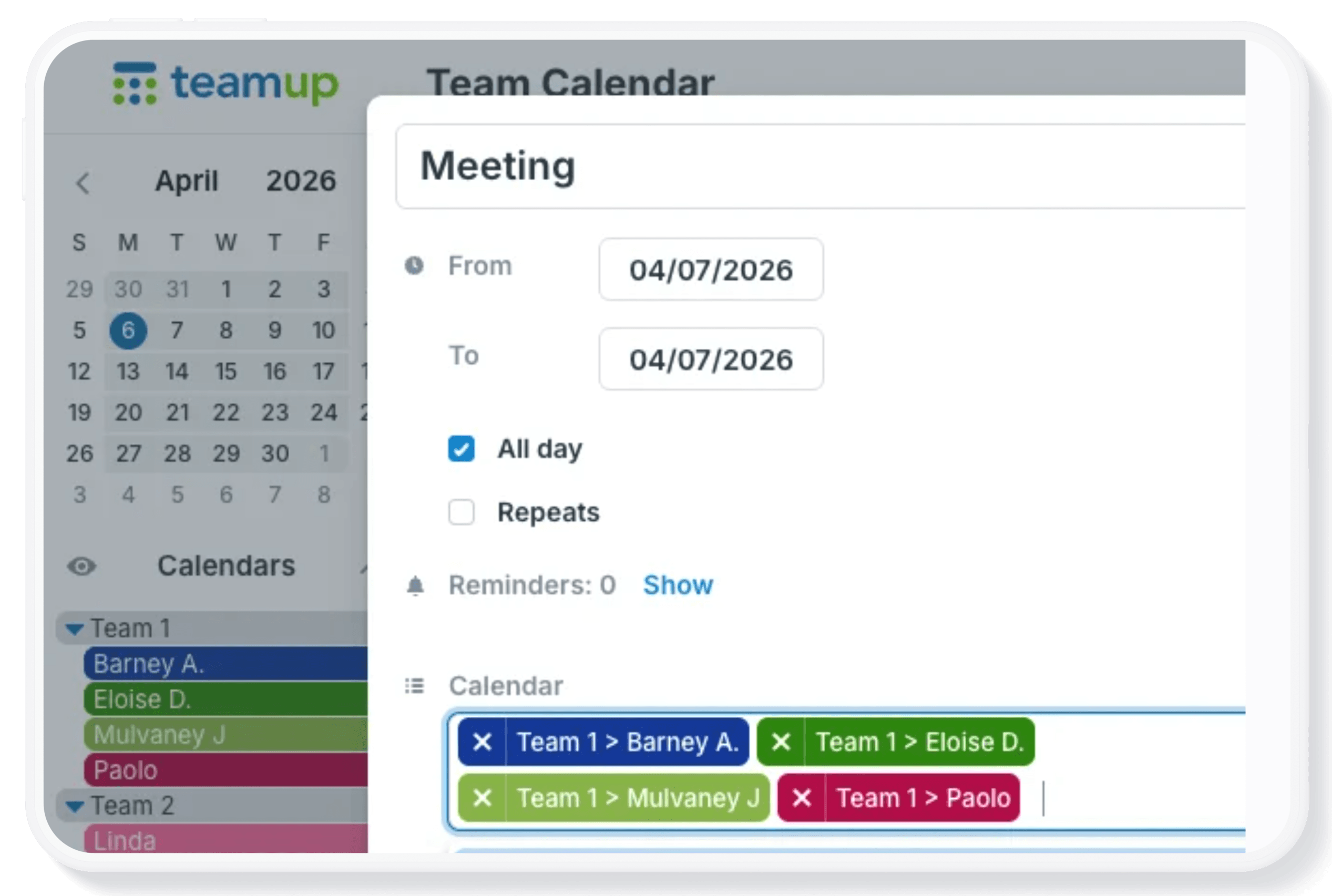
Visual clarity with Scheduler view
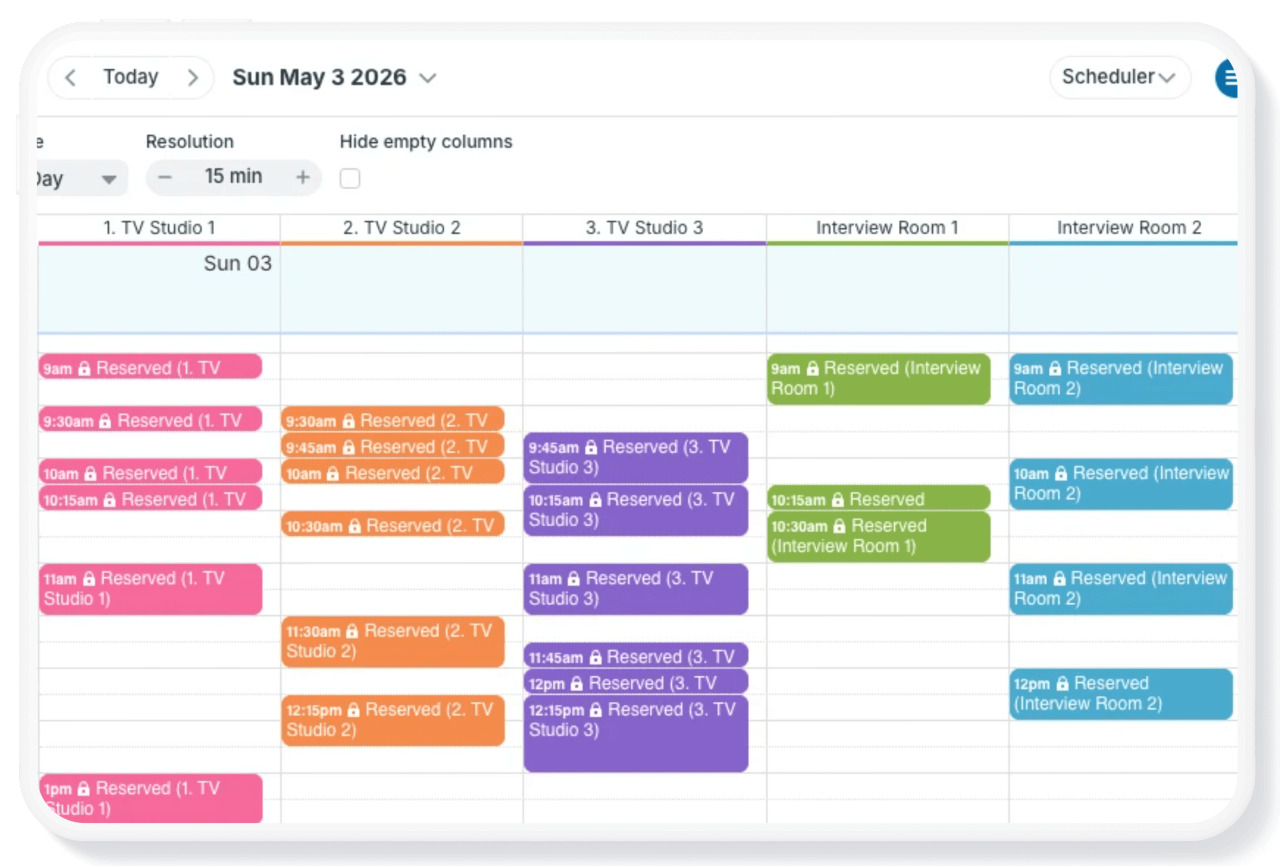
Scheduler view is one of Teamup’s most unique and powerful calendar views. It’s a very different calendar layout than traditional calendar views. Each sub-calendar is displayed in its own column, so events from each calendar are shown side-by-side. Scheduler view can make it easier and faster to compare schedules and find availability. Take a look at what makes Scheduler view special, and how it c
Read more: Get Clarity and Visual Organization with Scheduler View
Product news
Time zone support expanded
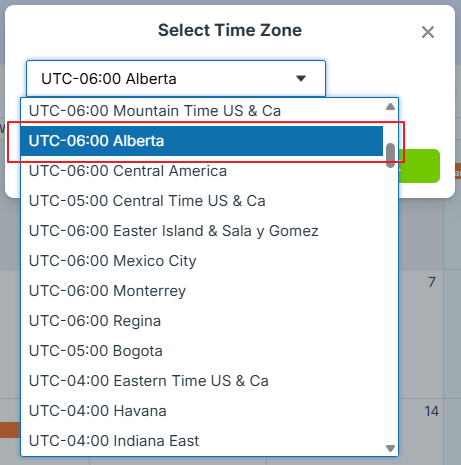
The province of Alberta recently decided to adopt their own permanent time zone and eliminate the practice of switching for Daylight Saving Time. We’ve added the new Alberta Time zone in our system; residents of this province can check the time zone indicator to ensure they’re in the new Alberta time zone. Learn more about how Teamup handles time zone support.
Use cases + stories
Hand off tasks without losing context

Clear delegation makes work more efficient, but assigning tasks is only part of the process. Team members also need full access to instructions, documents, conversations, and updates while they carry out the work. Keeping everything together with the assigned job reduces delays and eliminates unnecessary back-and-forth communication.
Read more: Assign Jobs and Hand Off Tasks Without Losing Context

Set up a Kanban scheduling board
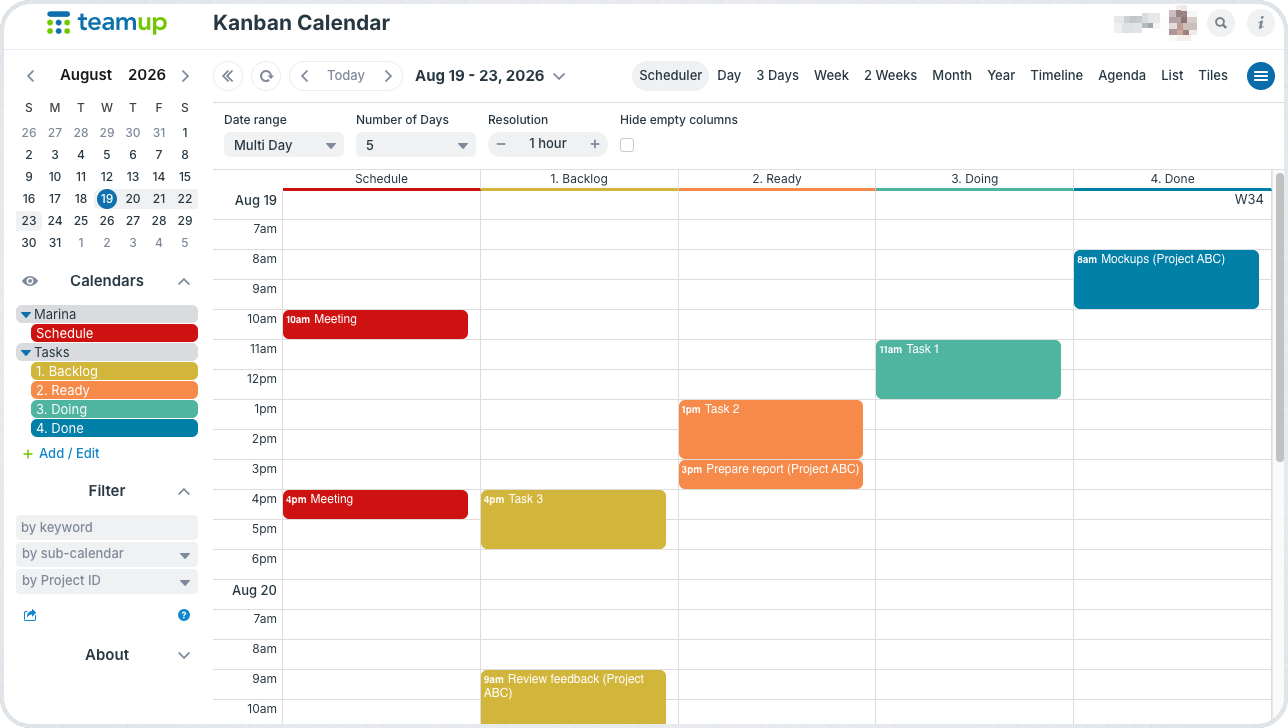
Bring task management and scheduling together in one place. With Teamup, you can create a customizable Kanban board right in your calendar, making it easier to organize work, track progress, and keep your team moving forward. It’s a kanban schedule and a Kanban board calendar in one.
Read more: Use Your Teamup Calendar as a Kanban Board
Interactive demos + power tips
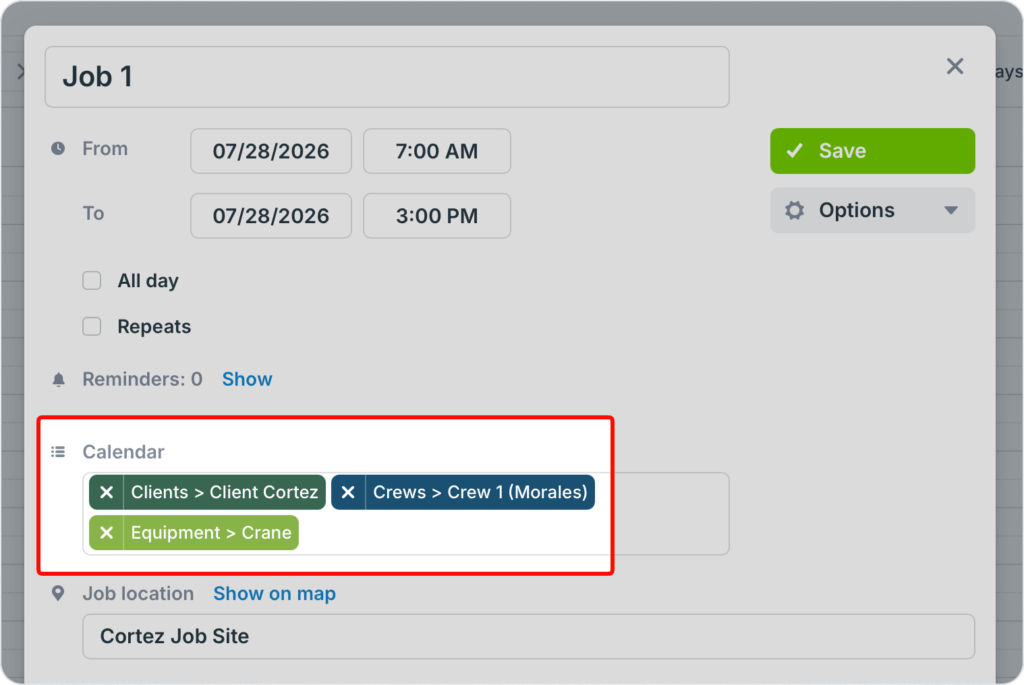
Connect one event to multiple sub-cals
Instead of creating duplicate events for every person, team, or resource involved, assign a single event to multiple calendars. Update the event once, and everyone sees the latest date, time, details, attachments, and changes on their own calendar. 🔗 Learn more
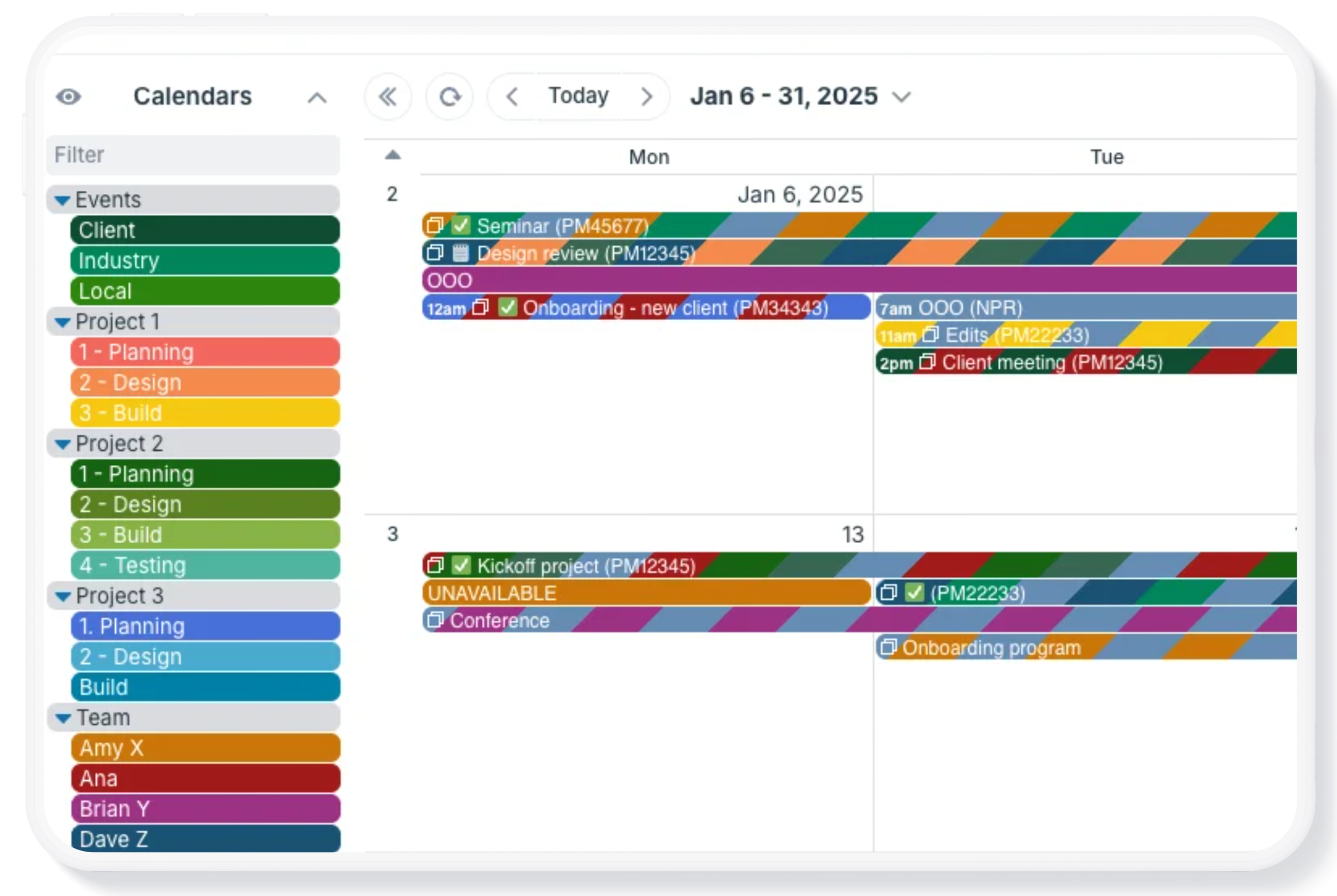
Use sub-calendars to keep projects organized
If you manage projects for yourself, with your team, or for clients, you may find your calendar needs changing. For example, you may have a complex project that requires a lot of calendar space. But once the project is over, you want to clear it off your calendar. You may also want to share events related to the project with your team or set up project updates for a client, but not share the rest of your calendar. Teamup can help in all these situations. 🔗 Learn more
Use your calendar as a template
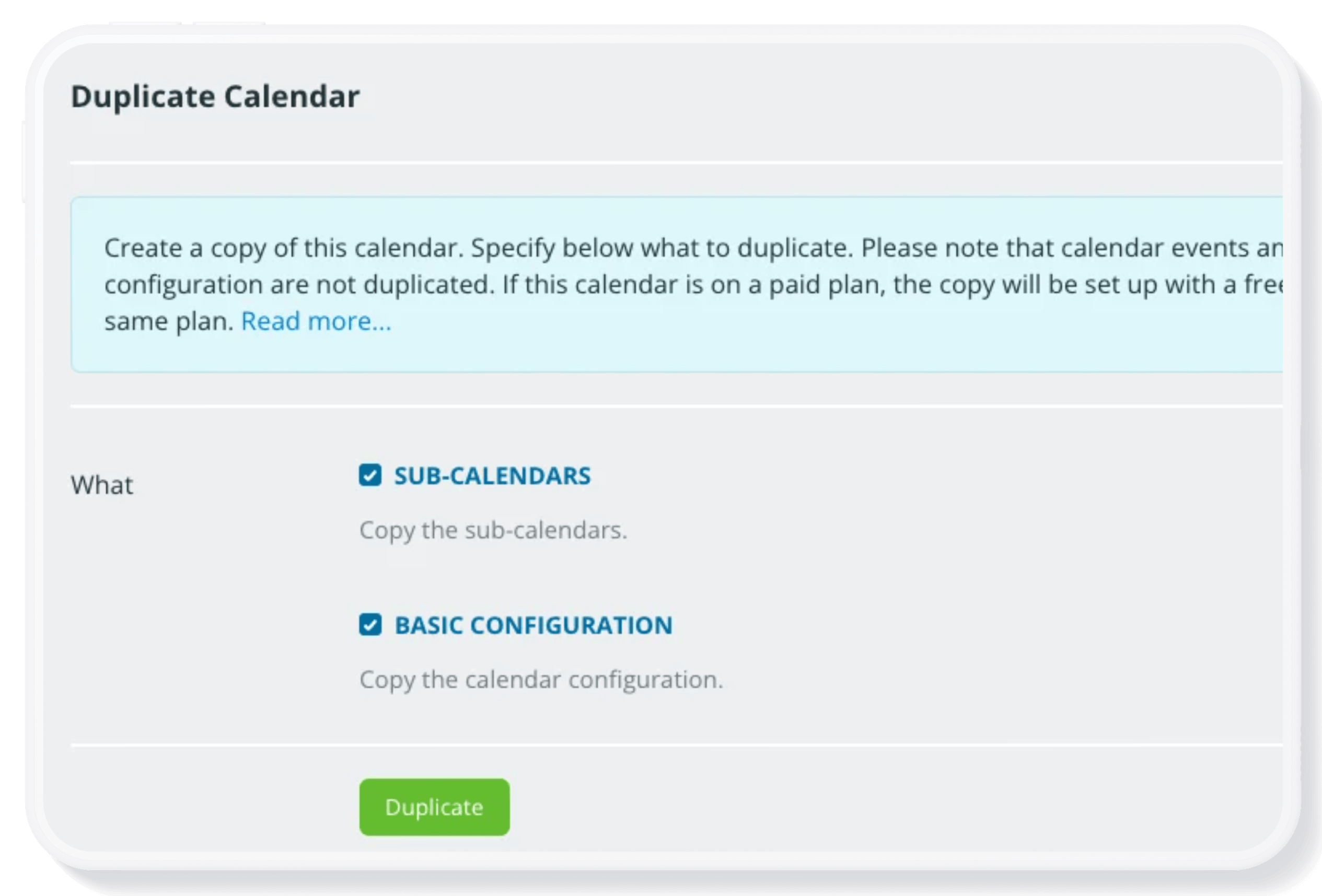
Do you have a Teamup Calendar that works really well for a project, team, group, or other need? With Teamup’s duplication feature, you can use your own calendar as a template to create another calendar with the same basic structure already in place. Then you can adapt and scale the duplicated calendar as needed. 🔗 Learn more
Free calendar printables
September 2026 printables
Click to open, download, and print our free calendar printables for the upcoming month and quarter:
- Daily blank planners for September 2026: Print a single day, selected days, or all days in the entire month.
- Weekly blank calendars for September 2026: W37, W38, W39, W40
- Monthly blank calendar for September 2026
- Custom 3-month blank planner for September – November 2026
- Quarterly planner for Q4: Weeks or Months
- Need a big view of the whole year? Get a 2026 yearly calendar to print (several formats available).
Create a custom printable calendar
Or create your own custom blank calendars: Go to Teamup’s Printables page and scroll to the Create a Customized Blank Calendar section. Use the printable widget to create your own custom calendar printables.
See more Teamup tips from July. New tickers are added regularly, so don’t forget to check in or subscribe via RSS. Subscribe to our newsletter for highlights and news delivered to your inbox.