Running a tour operation means coordinating people as much as routes. Every group needs the best tour, and every tour needs the best guide. Here’s how Teamup gives tour coordinators visibility across all guides for centralized oversight and smooth scheduling.
The need: Tour operator coordinators need to capture guest information and book tours, track guide availability, assign a guide to each tour, ensure guides receive complete trip details, and keep both guests and guides updated with any changes or special instructions.
The Teamup solution: A shared Teamup calendar makes it easy for guides to keep their availability updated and for coordinators to schedule tours with available guides. Each tour is a detailed event with all the information captured in one place. Guides see only their own assigned tours, while coordinators maintain full oversight of all guide scheduling.
The coordination challenge: matching guides to tours
A typical week for a tour operator includes receiving tour requests, checking which guides are available, and assigning tours based on specialty, language skills, or experience. They need to confirm timing, meeting points, and transport logistic. And they need to make sure each guide has complete details about their assigned tours.
After all this is done (for each tour), there are still issues that might need attention:
- Changing tour guide availability: If a guide becomes ill or otherwise unavailable, the tours need to be immediately reassigned to another guide.
- Special requests or group updates: The tour group may want to change the number of people, adjust the logistics or timing, or add special requests. These changes need to be communicated so the assigned guide is always working from the latest update with accurate details.
Keeping all the information in one system is key to making it work. When guide schedules are in one place, tour notes are in another, and special guest requests are separated into emails and text threads, mistakes and misses are inevitable. But when there’s a single, organized system that brings it all together, coordinators can manage the schedule efficiently for all guides and tours.
Booking the tour with complete group details
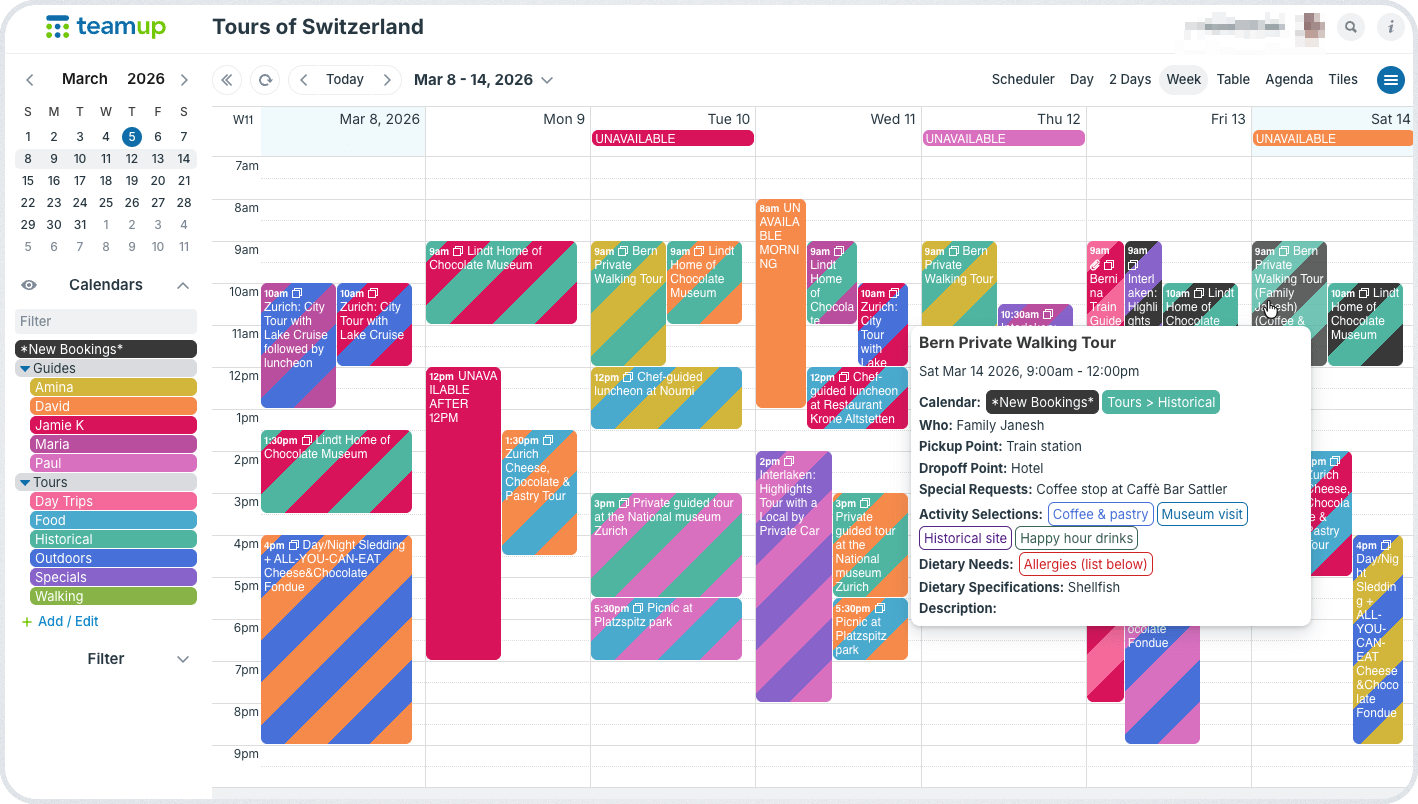
Click to enlarge: The tour coordinator can see all assigned tours as well as new bookings. Custom fields capture all the details.
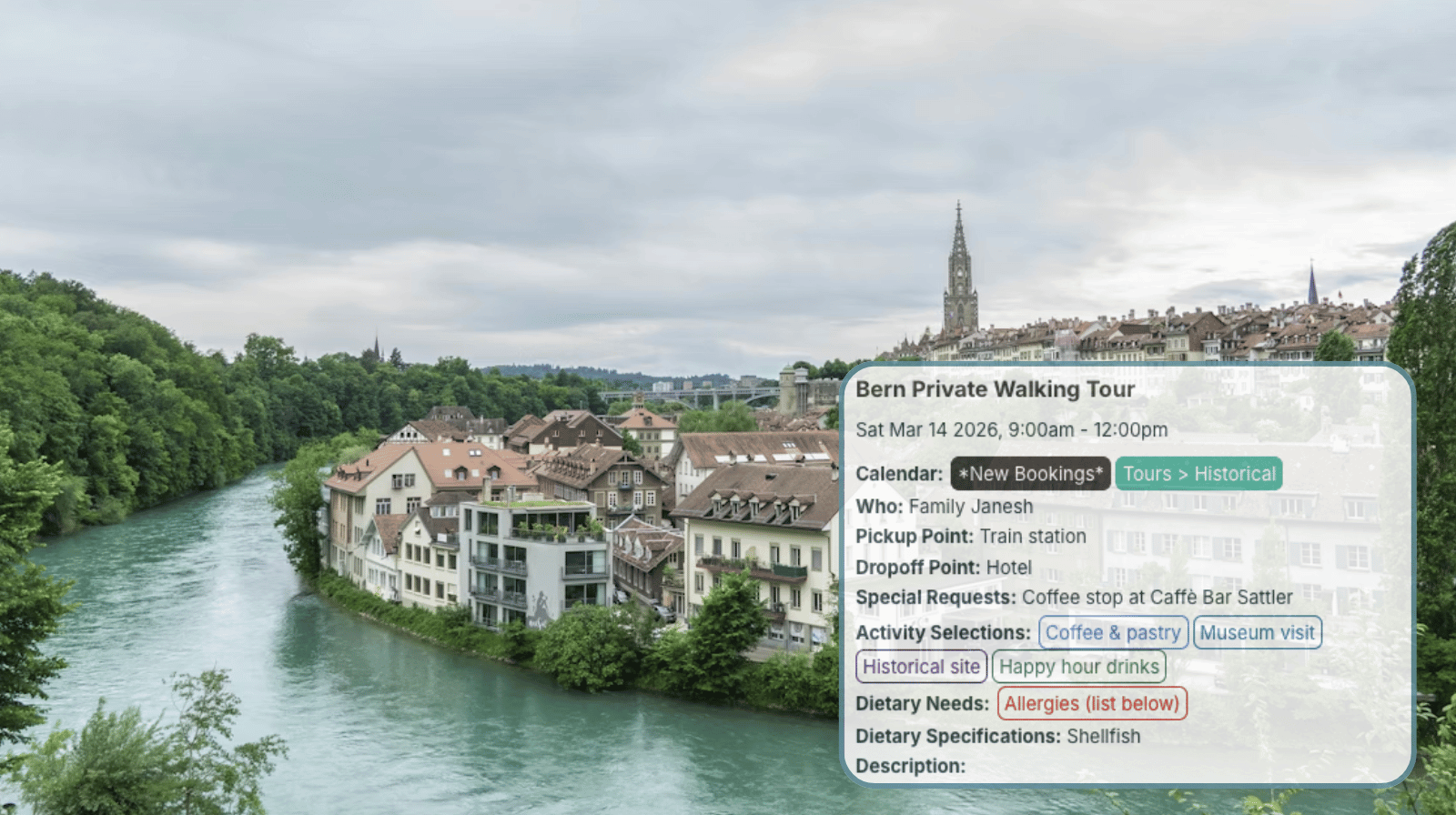
When a group calls or submits a booking request, the coordinator’s first job is to capture the full scope of the tour, not just the date and time.
Custom fields help standardize group needs:
- A custom choice field for selected tour activities.
- A menu selection or dietary preferences field.
- A group category field (corporate, school, VIP, family).
- A status field such as Pending, Confirmed, Assigned, Completed.
- A text field to capture special requests or reminders.
Because these details are built into the calendar structure, it’s easy to ensure that all the information is captured when the booking is made. Any fields can be set to required, so they can’t be skipped. You can also enable comments by default which allows all guides and other staff members to add notes that may not fall into those structured fields.
The coordinator adds new bookings to the appropriate tour sub-calendar, as well as a “New Bookings” sub-calendar indicating that the tour is not yet assigned. At this stage, the coordinator can glance at guide availability to confirm there are guides free at that time. But they don’t need to decide immediately who will be assigned. The tour is secured on the schedule first, organized under the correct tour category with color-coded stripes to indicate its New status.
Assigning tours to available guides
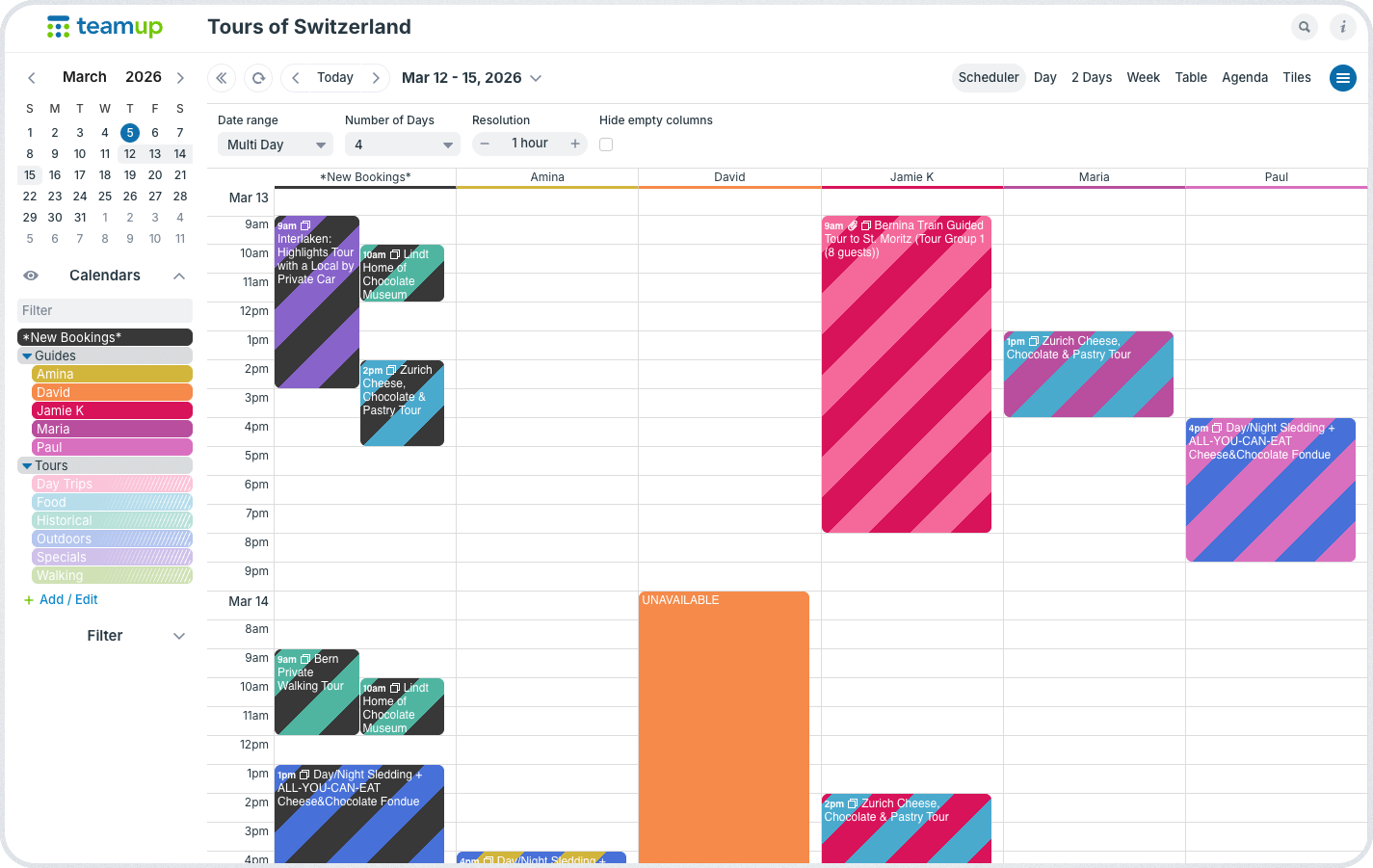
Click to enlarge: Folders are toggled to show only Guide calendars and New Bookings; Scheduler view shows guide availability side-by-side.
Each guide has their own sub-calendar. They can schedule their availability directly: Block off unavailable days, mark partial availability, or note preferred working hours. Coordinators get a live view of real availability for all the guides. And since each sub-calendar automatically prevents overlapping events, they don’t have to worry about accidentally double-booking a guide when they assign tours.
To assign a tour to a guide, the coordinator moves it from the New Bookings calendar to the assigned guide’s calendar, while also keeping it assigned to the tour category calendar. This accomplishes two things:
- The guide now sees this tour on their own schedule and can modify it with their own notes, images, uploaded files, and so on in preparation for the tour.
- If the coordinator updates any detail or adds information to the tour, the guide’s schedule is synced automatically. Everyone is working from the latest version at all times.
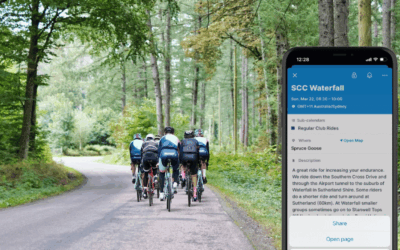
This workflow keeps bookings organized by tour category, ensures group details are fully captured, and keeps each guide informed about their assignments. Guides can use the Teamup app as a mobile information portal for their tour info, with assignments in a clear visual layout.
Build the calendar structure
- Create one sub-calendar per guide, organized in a folder.
- Set each guide’s calendar to prevent overlapping events.
- Create one sub-calendar for each type of tour and one New Bookings sub-calendar.
- Add custom fields for activity choices, meeting points, special requirements, etc.
Set up customized access
- Give coordinators modify access to all sub-calendars.
- Add each guide as a user with these permissions:
- modify permission to their own sub-calendar.
- modify permission to the tour sub-calendars.
- all other sub-calendars are set to Not Shared.
- Guides will be able to modify their assigned tours. They will not be able to modify tours on the New Bookings calendar or on other guides’ sub-calendars.
One calendar for availability, details, and documentation
For tour operator coordinators, the goal is control without micromanagement.
With a shared Teamup calendar:
- Guide availability is visible and accurate.
- Tour assignments are clear and accessible anywhere.
- Trip details are structured and searchable.
- Updates are synced for everyone.
- Every tour has a complete record.
Instead of juggling spreadsheets, messages, and separate notes, coordination happens in one connected system. Each tour lives as a single event that holds all operational information in one place. If a guide becomes ill and has to cancel, the coordinator can quickly find another available guide and re-assign the tour with all the information intact.
Each tour remains organized, up-to-date, and fully documented in one place.
If you manage multiple guides and need a structured way to assign tours, track availability, and keep trip details organized, create a Teamup calendar. It’s a practical way to keep tour operations clear and accountable.
Related resources
- A visual, mobile information portal for tour guides
- How to set up an organized, flexible calendar structure
- More about secure, customized calendar access
- How to automatically prevent overlapping events
- Add images and attach files to events