See how site managers and supervisors can share real-time progress and issues from the field, so project managers stay informed and projects stay on track.
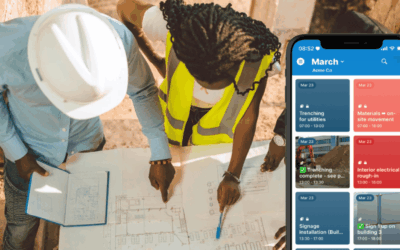

See how site managers and supervisors can share real-time progress and issues from the field, so project managers stay informed and projects stay on track.
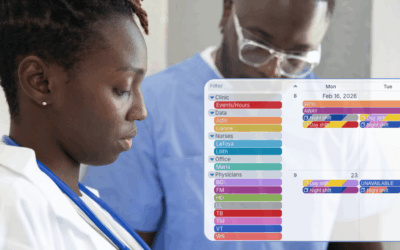
Streamline clinic scheduling and manage staff absences in real time with a unified calendar that keeps patient care running smoothly.

See how educational coordinators can use Teamup to manage programs across multiple schools and partner organizations with one clear district-wide calendar.
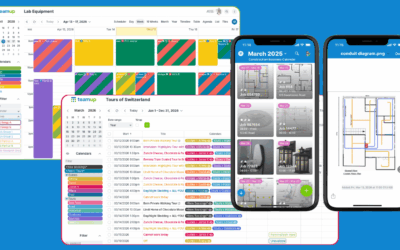
Spreadsheets work for some tasks, but not for time-based planning, scheduling, and real-time collaboration. See when a shared Teamup calendar is the better fit.
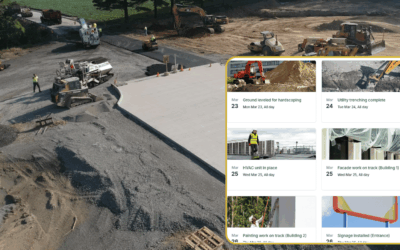
Provide construction clients with a visual, always-updated view of project progress using a shared calendar. Improve transparency and reduce communication overhead.
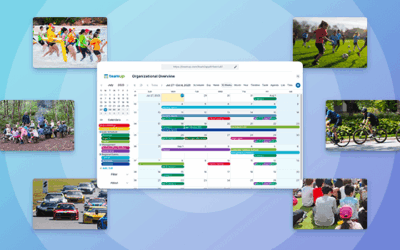
Learn how to manage and share community event calendars using one central system. Explore setup tips, sharing methods, and real examples.
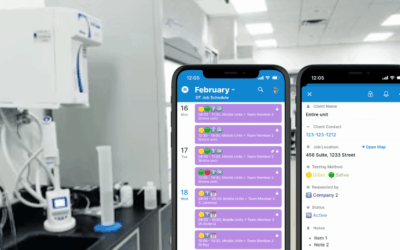
Learn how a workplace drug testing provider schedules three offices and five mobile vans in one Teamup calendar, with complete booking details and attachments organized and accessible where they’re needed.

Keep events organized, share them anywhere, and improve participation with a community calendar that updates in real time.
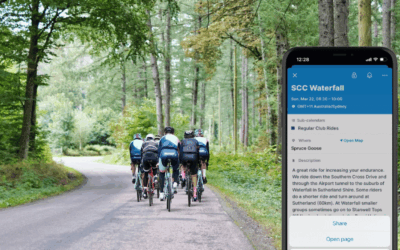
Promote community events where people are active. Share events in WhatsApp, Telegram, and group chats without duplicating work or missing updates.

Use an organized calendar to book use of cranes, lifts, excavators, and other shared equipment so construction crews can plan ahead and avoid delays.

Coordinate construction site deliveries with a shared calendar. Let trade partners schedule their own deliveries while preventing conflicts and giving project leads full visibility.

Learn how agencies can share campaign timelines with clients while keeping internal task management and coordination private.