Featured, Monthly Updates
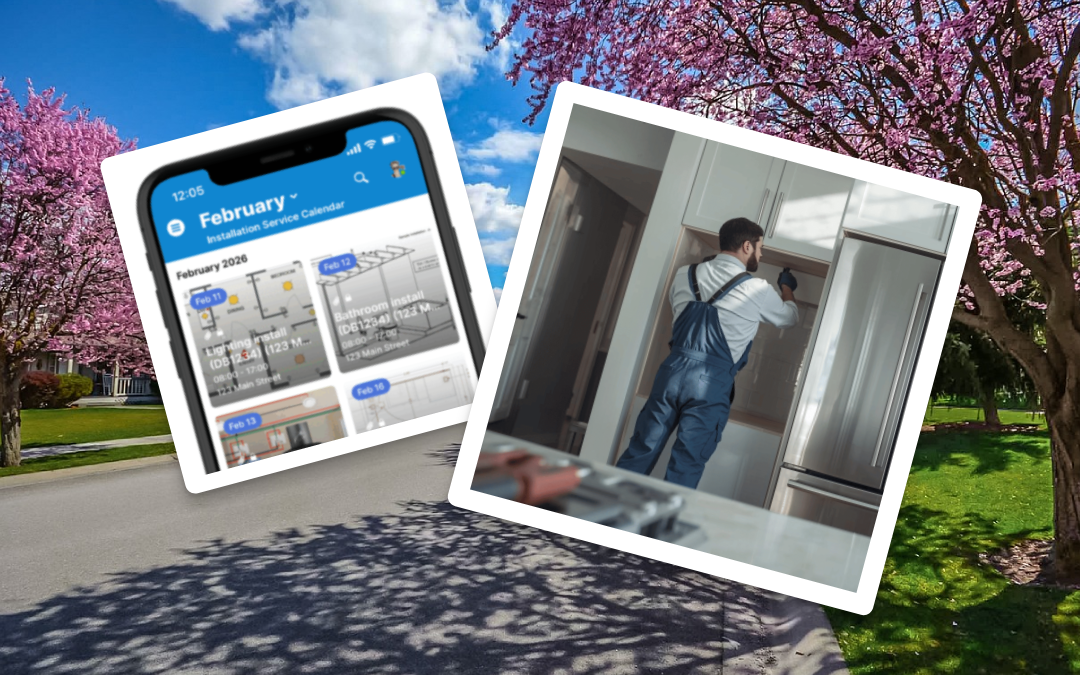
What’s new with Teamup, February 2026: Find out how a vibrant city coordinates events across 60+ parks. Bring visual scheduling to the field with Tiles view on the Teamup app, plus create an organized, visual property showing schedule for real estate clients. Get your...

Featured, Field Services, Manage Availability
Field service teams juggle many jobs at once. Work is spread across regions. Technicians have different skills and availability. Dispatchers need to see everything that’s happening, without losing track of who is working where. The need: Dispatchers need a single view...
Featured, Information Visibility, Product Tips
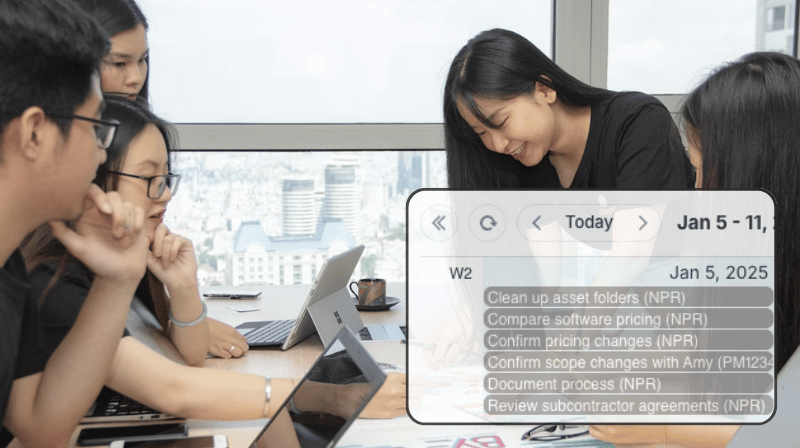
Some work needs to get done by a certain time, but it doesn’t belong on a specific day or hour: A facilities manager needs to replace exit signs sometime this month. A marketing lead needs to review campaign copy before the end of the week. An operations team needs to...
Featured, Manage Availability
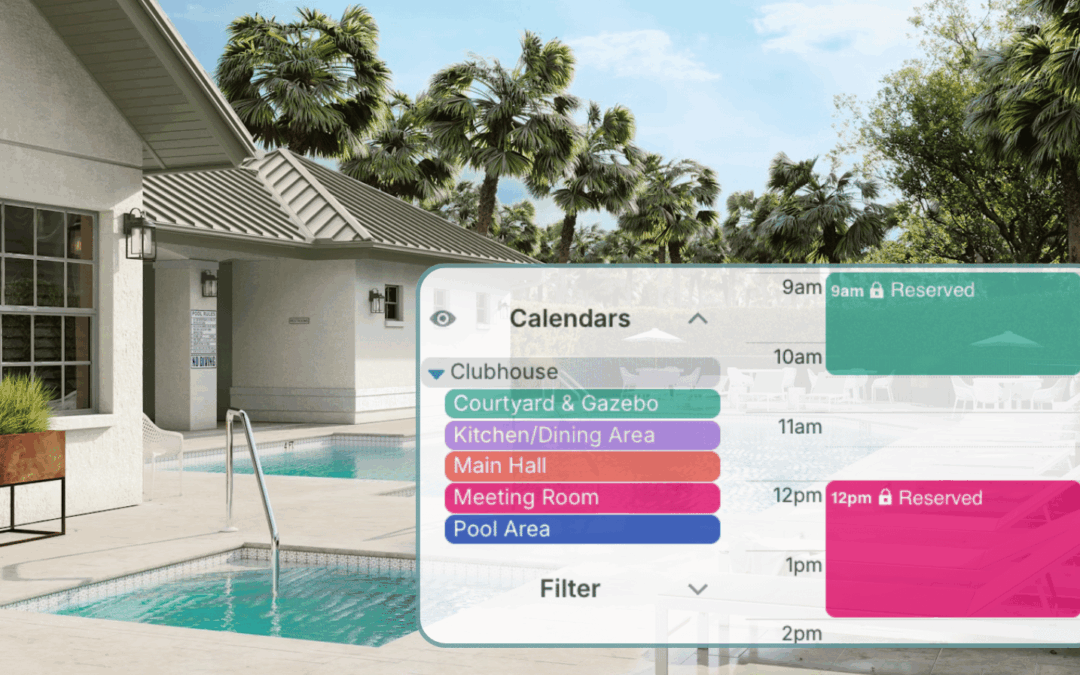
In many neighborhoods, the HOA manages a shared clubhouse or community center that residents can reserve for birthday parties, meetings, or small events. The demand is steady, especially on weekends. Without a clear system, availability questions turn into...