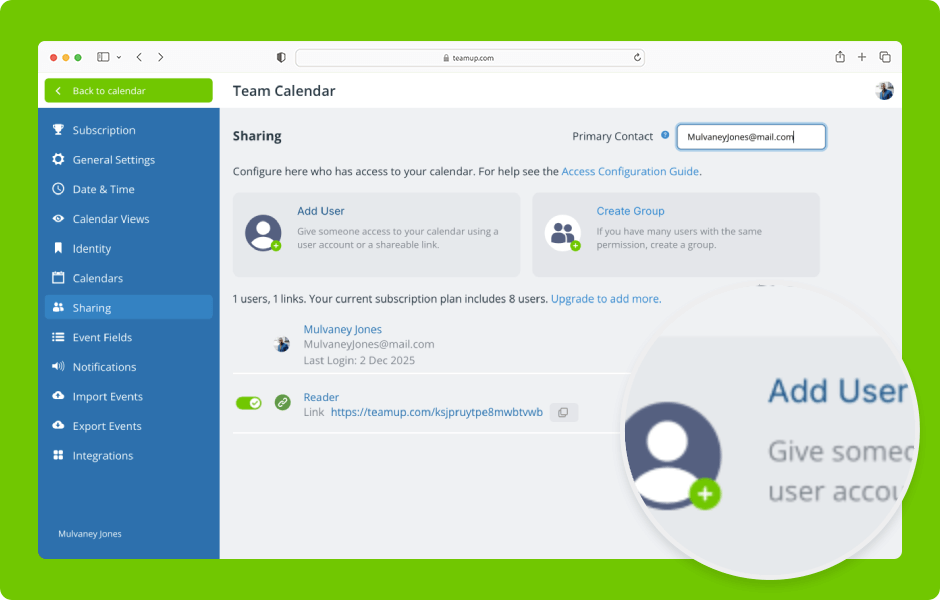
Interactive Demos, Organize Teams
Set up secure, customized access by selecting which sub-calendars to share and assigning the appropriate permission levels. ENLARGE DEMO Access level required: Administrator Add a user by email Open Teamup in a browser. Click the blue menu (top right). Select...
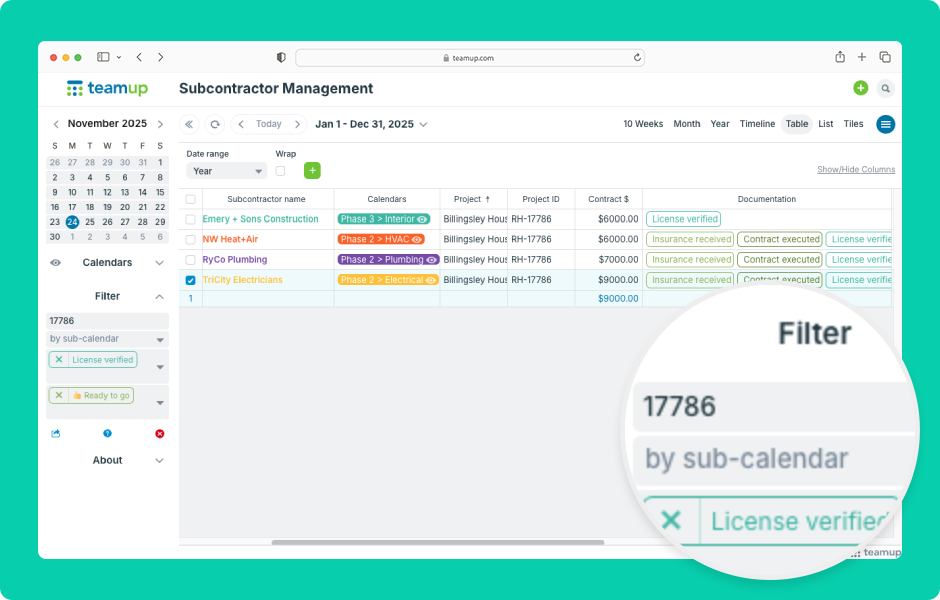
Interactive Demos, Working with Events
Built-in filters are tools which allow you to view events that match certain criteria. Teamup supports filtering by keywords, by sub-calendars, and by custom event fields. Event filters work in a browser and the Teamup app. ENLARGE DEMO Access level required:...

Featured, Information Visibility, Organize Teams
In large departments, multiple teams run on different rhythms: project planning, meetings, reviews, field activities, and more. Each team is responsible for, and focused on, its own scheduling. But the department manager needs to see all of them together. So...
