
TEAMUP FOR HEALTHCARE & LIFE SCIENCES
Lab equipment scheduling without the sign-up sheets
Lab equipment scheduling software for research groups and core facilities that share instruments. Each instrument has its own calendar, so lab members can check availability, book time, and avoid conflicts in one place.
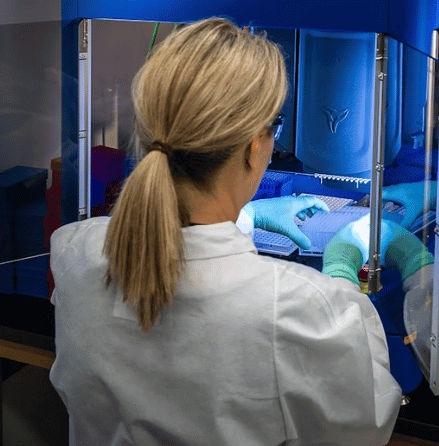
A lab equipment booking system the whole group can use
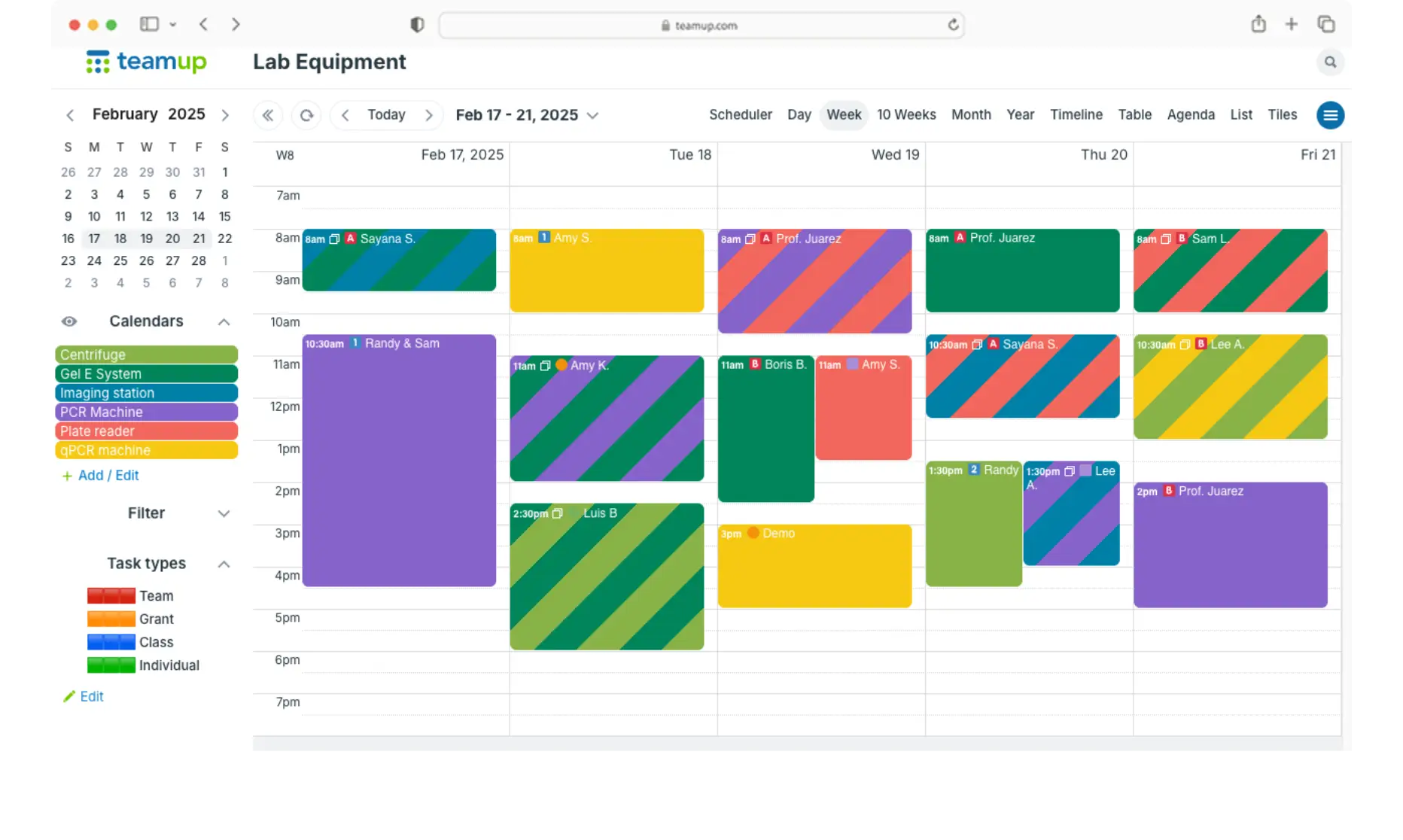
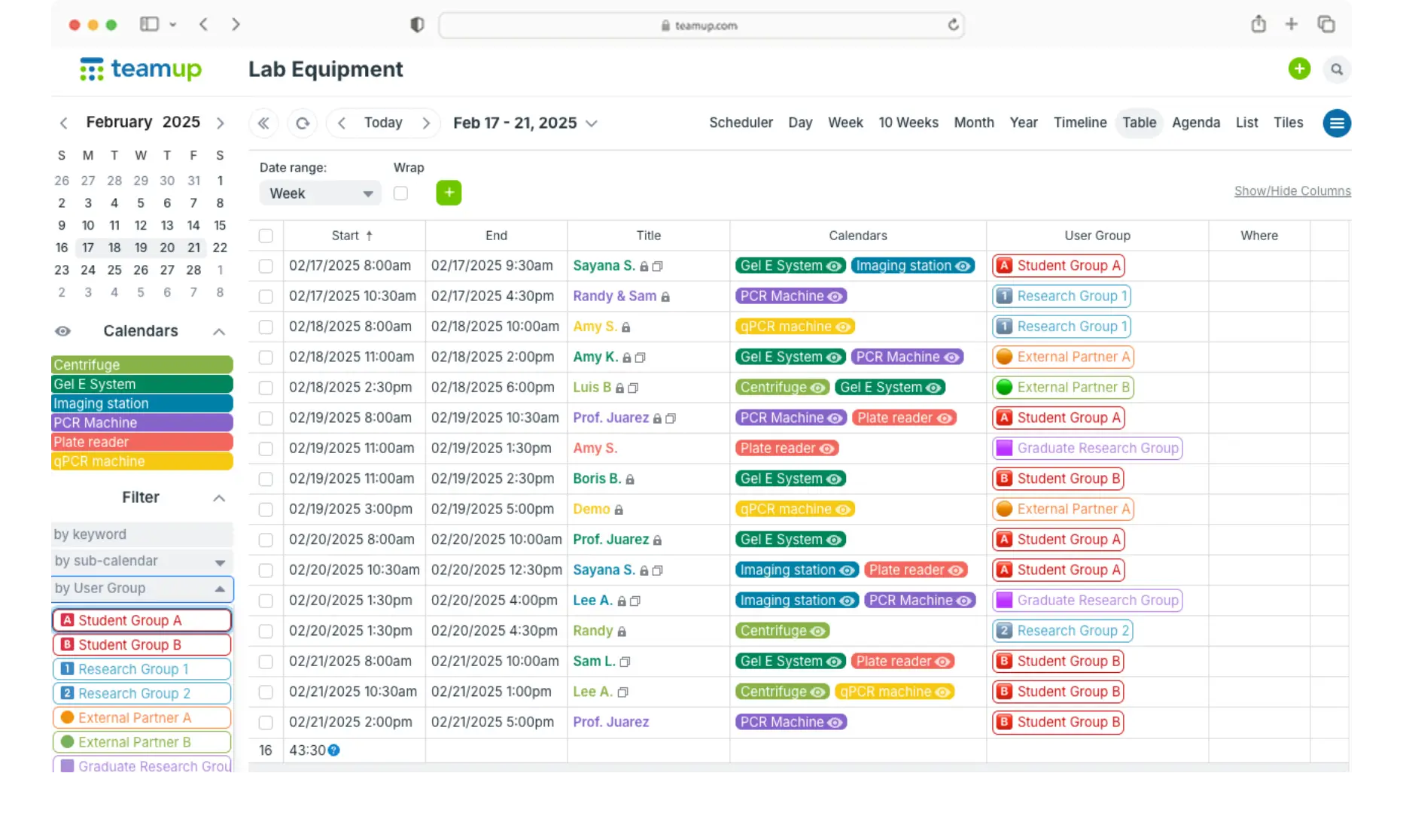
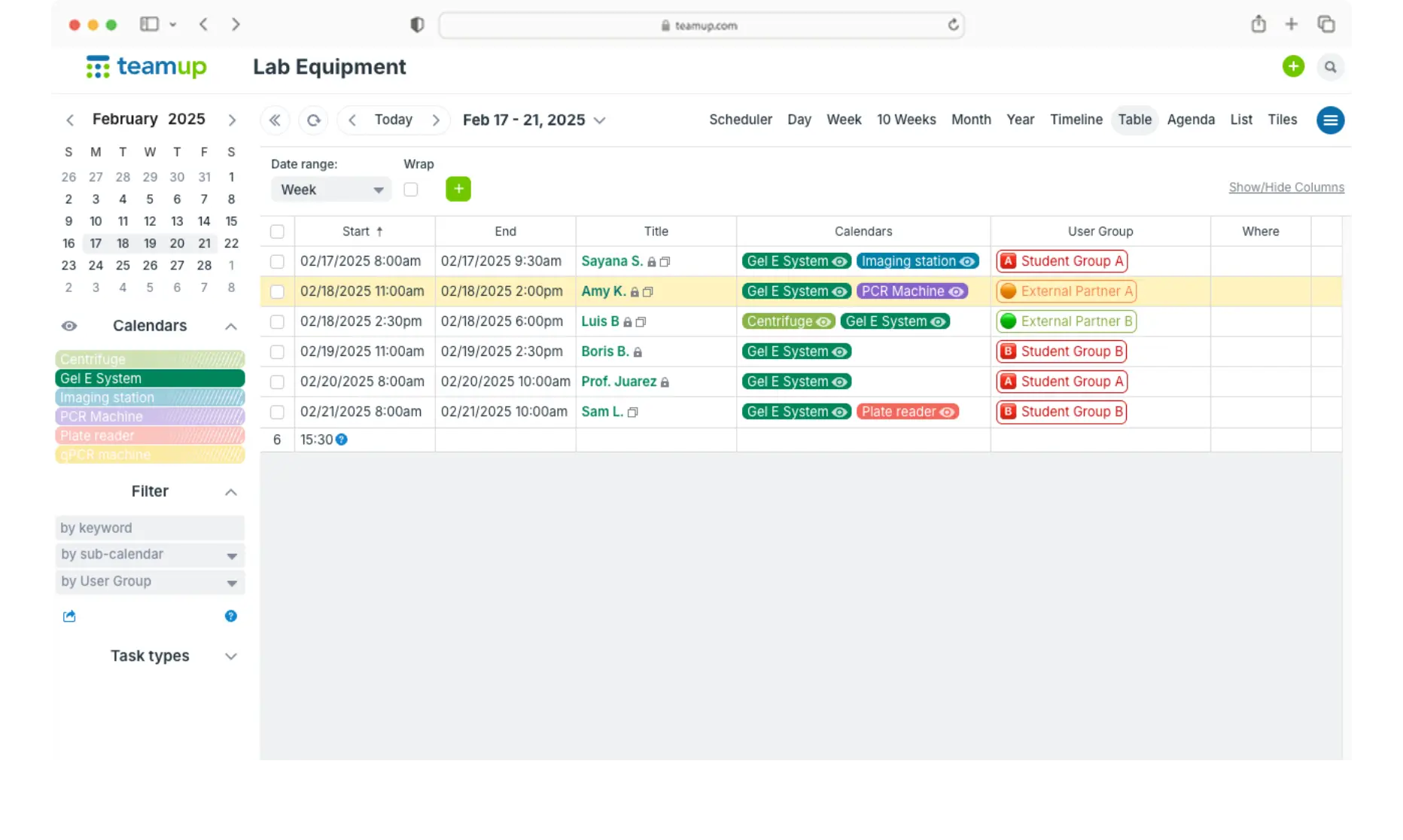
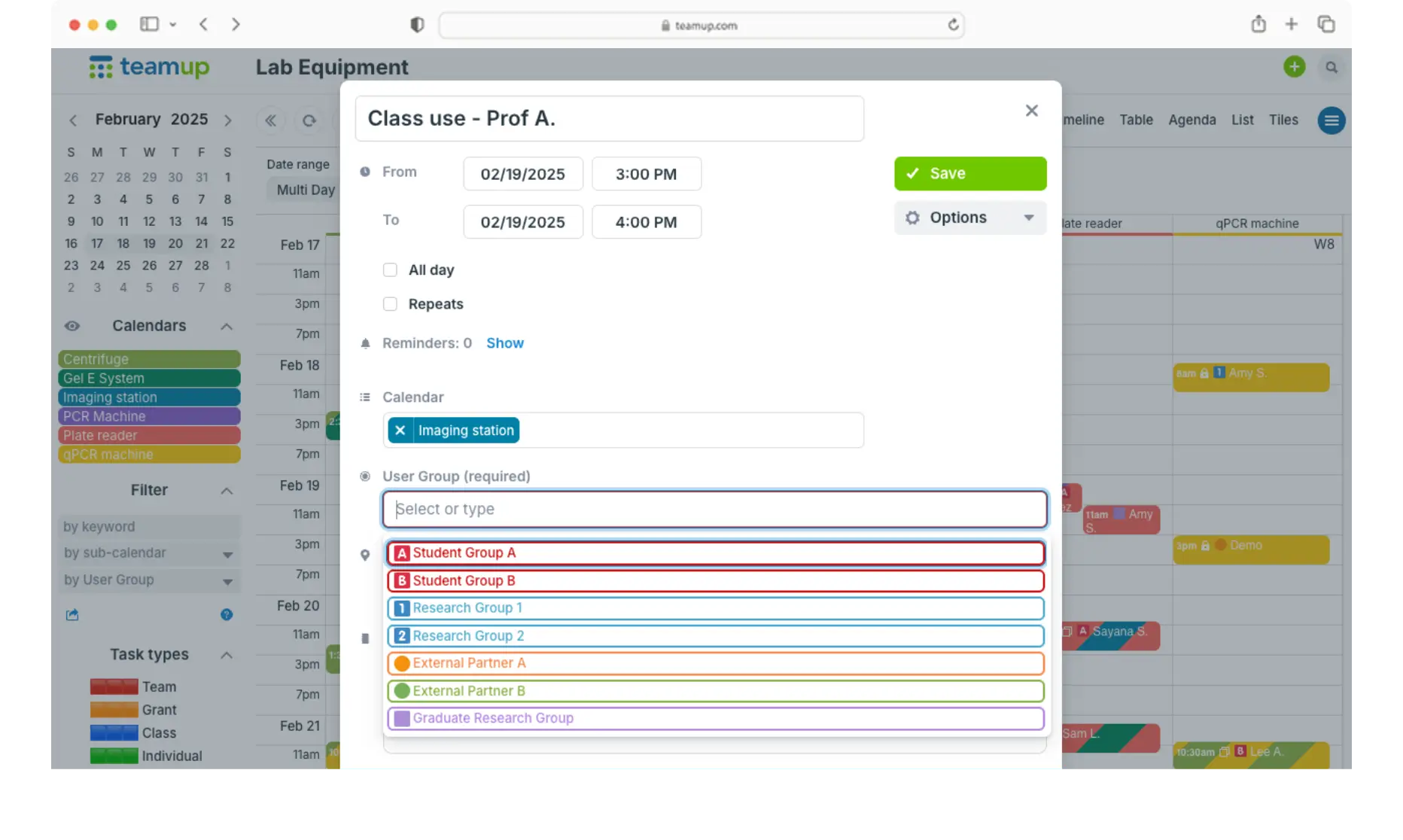
See availability by instrument
Each instrument, room, or bench is its own sub-calendar. Unique calendar views and filters make it easy to find open slots.
Prevent double bookings
Turn on overlap prevention for any instrument. Once a slot is taken, no one else can book it.
Control who can book what
Customize access for each user per instrument or across all equipment. Granular permissions let people book without editing anyone else’s reservation.
Log project and grant details
Custom event fields capture what matters for each booking: project, grant code, PI, sample count, or notes. Filter and export bookings for reports.
Block time for maintenance
Add maintenance, calibration, and service windows on the calendar. Keep manuals and checklists attached directly to events.
Reminders and mobile access
Event reminders keep users on time. iOS and Android apps let researchers check and book from anywhere. Calendar feeds sync bookings to Google Calendar or Outlook.
Simple, clear lab equipment scheduling
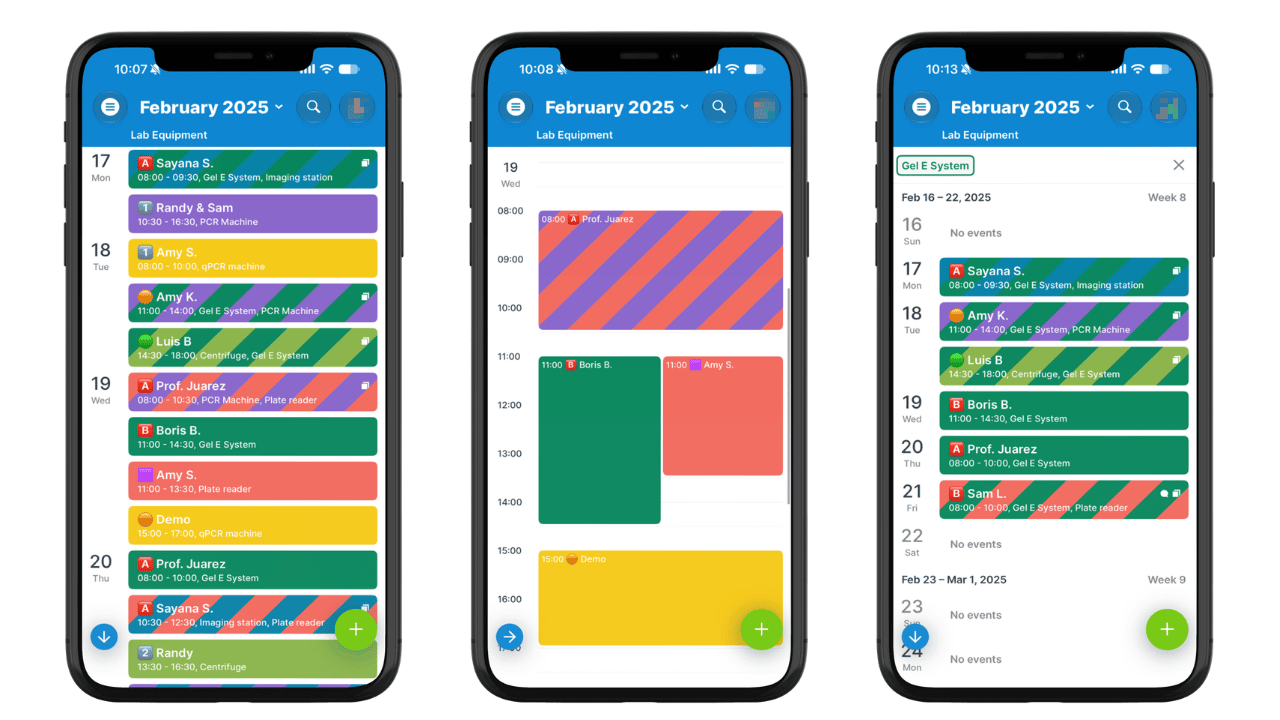
Teamup Calendar works well for labs that need simple, visual equipment booking without a full lab management system:
- Replace paper sign-up sheets or spreadsheets.
- Share instruments across groups or departments.
- Set up quickly with little training.
Consider a dedicated lab management system if you need automated billing, instrument lockouts, or tracking of actual run time.
Get started quickly with simple, efficient equipment booking. Scale as needed.
- Add your instruments. Create one sub-calendar per instrument, room, or bench.
- Configure fields. Add and arrange event fields to capture the key details.
- Set up access. Add users for individualized access, or create a shareable link for the group.
Ready to get started?
Get started in minutes with simple, clear lab equipment scheduling the whole team can use.
“We are using Teamup to help students across our soil science department to schedule shared equipment that they can use for their research projects. We are finding that the calendar is working really well.”
“We are currently using Teamup in our lab to manage the booking of equipment that had to become paperless due to the pandemic. I found yours to be the most user-friendly and functional for what we need.”
“The ability of all users to both view and book their own time reduces the burden of any one person needing to take on this additional scheduling work and will allow all to be more productive.”
Frequently asked questions
Can Teamup prevent double bookings of lab equipment?
Yes. Overlap prevention can be turned on for any instrument’s sub-calendar, so a time slot can only be booked once.
Can I limit who books a specific instrument?
Yes. Add each team member as a user and customize their access, with permissions set per sub-calendar. Control which users can book, and what they can book.
Can bookings be tracked by project or grant?
Yes. Use custom fields to add project, grant, PI, or other details to each booking. Bookings can be filtered and exported. Fields can be required so the details don’t get missed.
Does it work on phones?
Yes. Teamup Calendar has a free, fully functional mobile app (iOS and Android).
Can bookings sync with Google Calendar or Outlook?
Yes. Calendar feeds provide a one-way sync to show Teamup bookings in Google Calendar, Outlook, and Apple Calendar.
How much does it cost?
Teamup Calendar has a free plan. Paid plans add more sub-calendars, users, and features. See pricing.
TABLE OF CONTENTS