
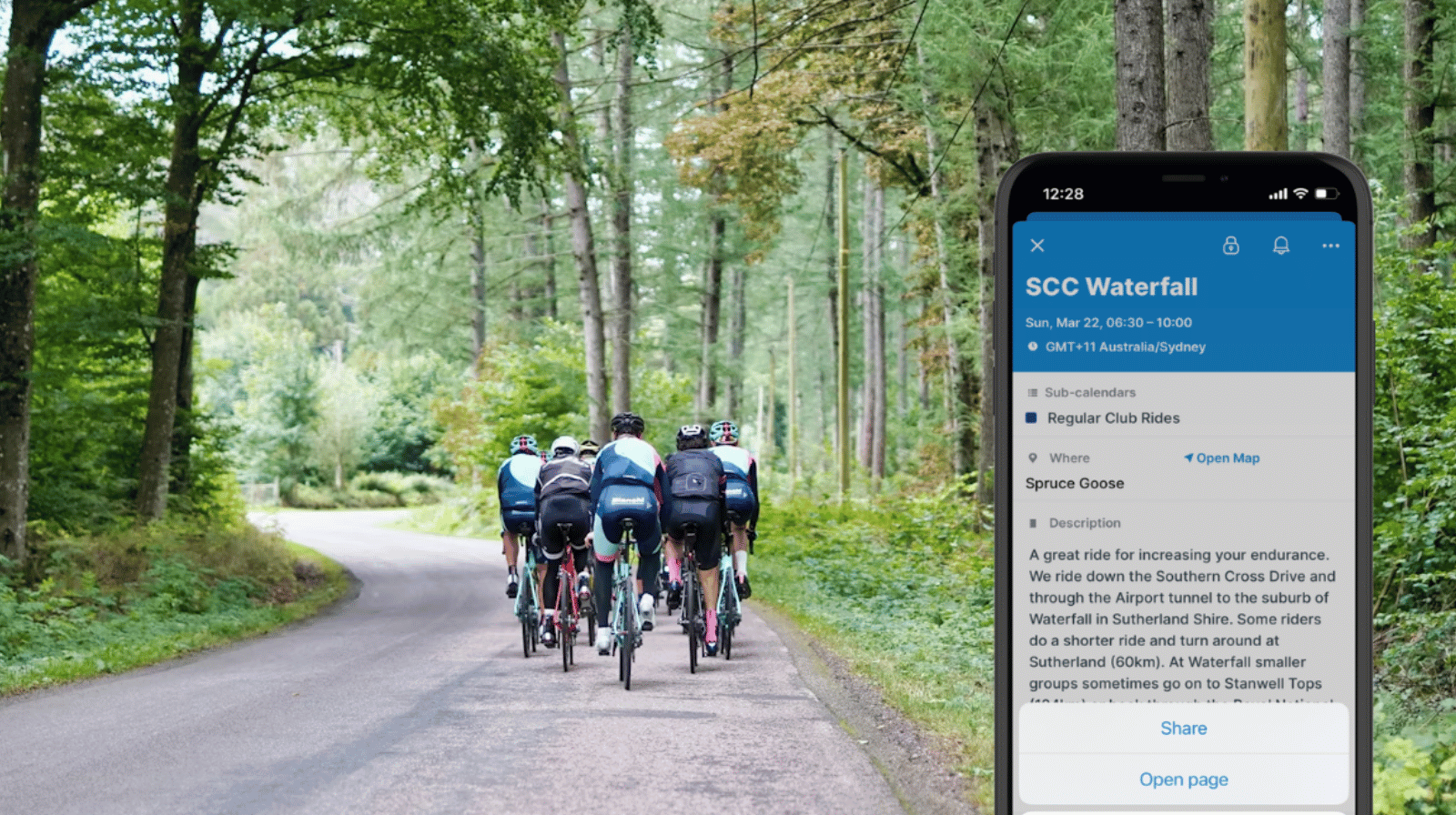
Community organizations often have a website, a calendar, and multiple ways to “stay connected” through social media, messaging platforms, and so on. Sharing events directly into those spaces makes it much easier for people to see, access, and act on what’s happening.
The need: Community organizers need a simple way to share event details where their audience is already active, without rewriting or duplicating information across platforms.
The Teamup solution: Each calendar event can be shared as a standalone event page directly into WhatsApp, Telegram, or other group chats, giving participants instant access to complete, up-to-date event details.
Bring events into everyday conversations
Most community groups use a mix of tools to stay connected. There’s usually a website or shared calendar where events are organized, along with messaging platforms like WhatsApp or Telegram where people actually talk, share updates, and stay engaged day to day. Keeping a central calendar is important so everyone can check what’s coming up. But promotion and reminders need to happen in those active spaces where people will actually see them.
Excellent. Unlike other calendars, I can share events via WhatsApp, Telegram, and other platforms (not just email).
With Teamup, organizers can do both: keep all events organized and up to date in one place, and easily share them into group chats and other platforms without duplicating work.
Share events where people are
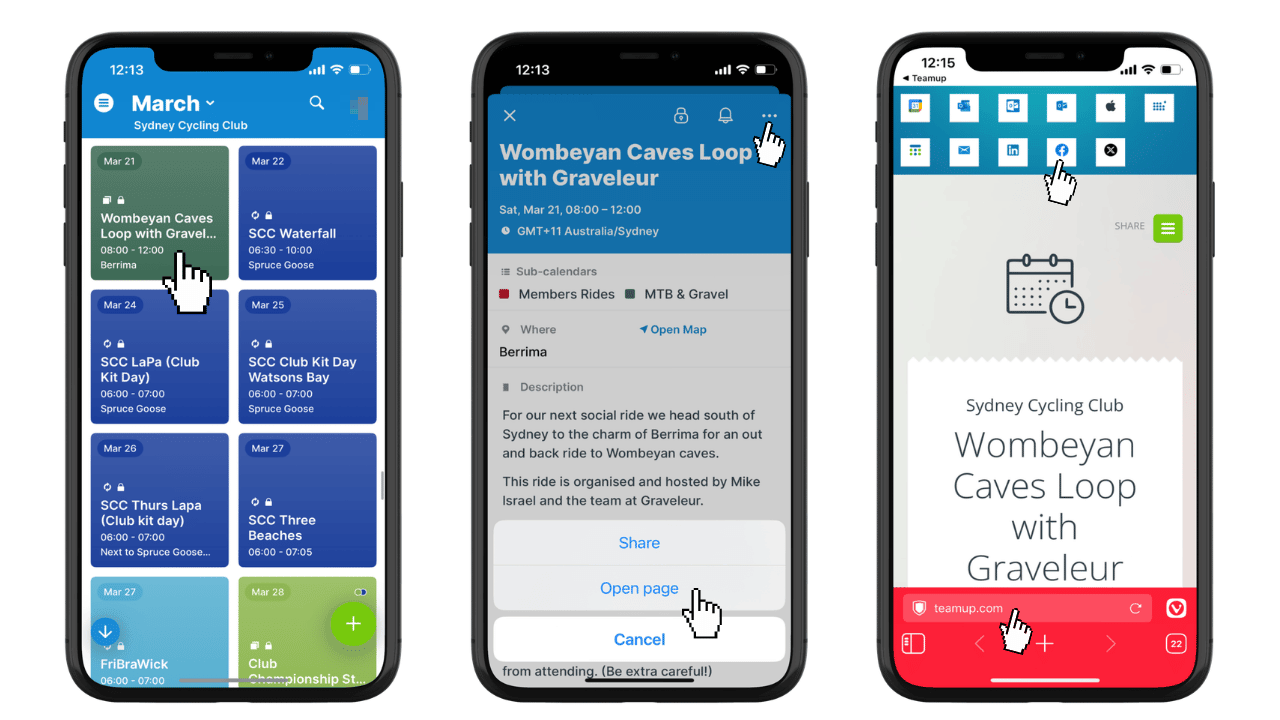
Click to enlarge: From the app, it’s easy to open and share an event page to any social media platform or messaging app.
Instead of adapting events to fit each communication channel, organizers can share the event itself.
With Teamup, every event has its own dedicated page with all relevant details: date, time, location, description, materials, and updates. That event page can be shared easily into WhatsApp groups, Telegram channels, SMS messages, and social media posts.
Participants see the post or message and have an instant reminder of the event. They can click the link to view the event page with all the details, and easily send it to their own calendar or share with others.
If organizers change anything on the event itself, the event page updates automatically. There’s no need to resend corrected information or post follow-ups.
Mini-guide
- Create a calendar with color-coded sub-calendars you can organize in folders.
- Add complete details to each event: date, time, location, description, and any materials or notes.
- To share an event:
- On a browser, open the event, click Share, then click As Page.
- On the app, open an event, tap the three-dots, then tap Open page.
- Copy the event page link and paste it directly into WhatsApp groups, Telegram channels, or messages.
- You can also use the sharing options built into the event page.
- Encourage participants to open and bookmark the event for quick reference.
- Update event details as needed. Any changes are synced automatically to the event page, therefore the participants always see the latest info.
Keep events easy to access and share
When events are shared in the same spaces where conversations already happen, participation becomes more natural.
People don’t need to check a separate newsletter or search through emails. They see the event in their daily communication flow, open it instantly, and can share it with others just as easily.
For organizers, this removes repetitive work and reduces the risk of outdated information. Each event lives in one place and stays accurate everywhere it’s shared.
Create your own Teamup calendar and start reaching your community where they already are.
Related resources
- Make event promotion easier with individual event pages
- ▶️ Create and share an event page
- ▶️ How to use event signups to manage registrations
- Share a visual calendar of athletic events
- Simplify club scheduling with an embedded calendar


