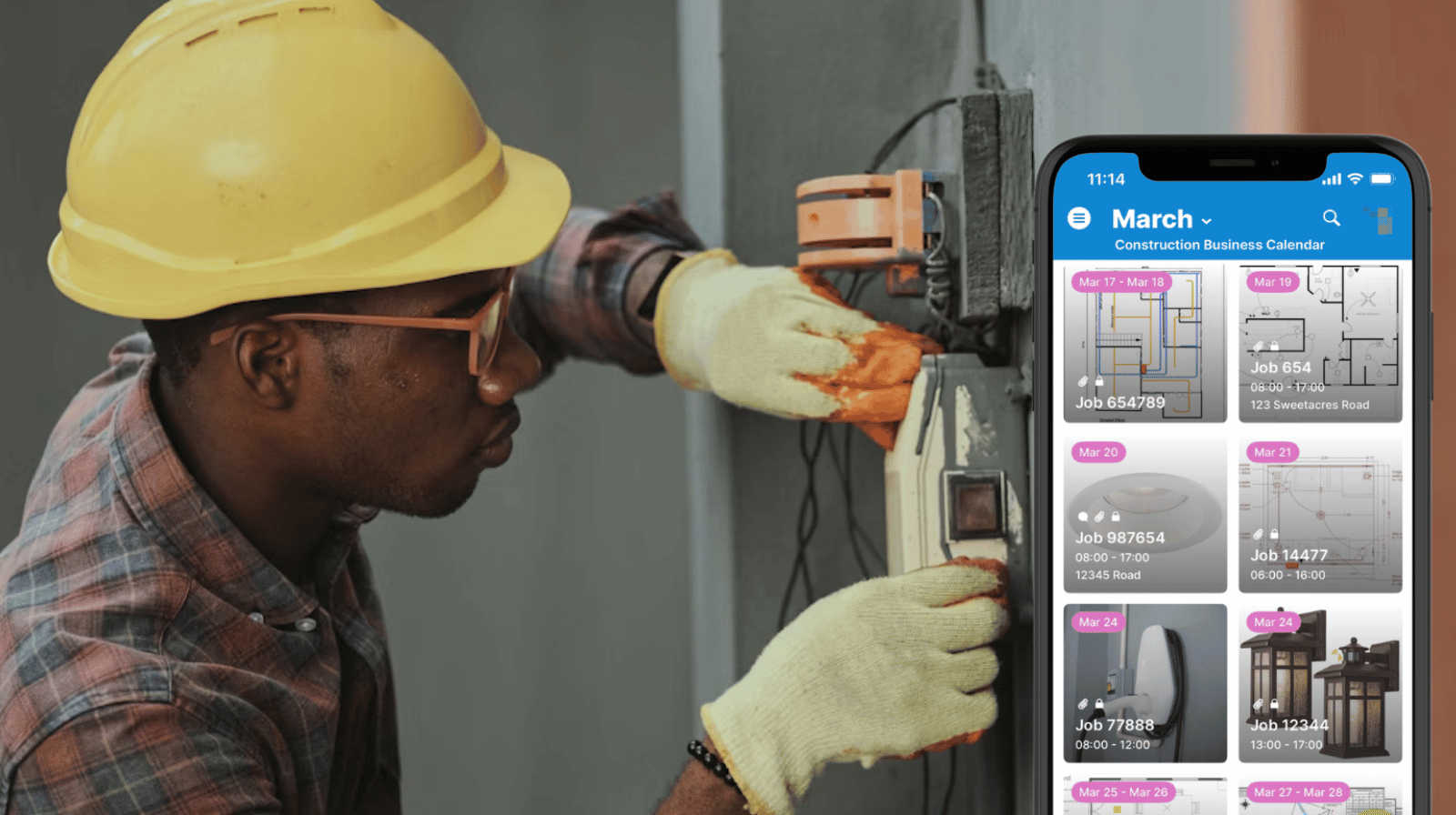
Construction projects involve many professionals working on different parts of the same project. Contractors need a practical way to give each subcontractor clear instructions, visual context, and exact specifications. With Teamup, each job can be scheduled on a shared calendar with attachments, notes, and visual previews, so subcontractors can quickly see what the work should look like and review the details on mobile before they begin.
The need: Contractors must give subcontractors precise job instructions, including measurements, material specifications, and layout diagrams, so work can proceed correctly even when supervisors are not on-site.
The Teamup solution: A shared project calendar where each job includes visual plans, instructions, and attachments. Subcontractors access only their assigned work, and Tiles view provides a clear visual layout of upcoming jobs and details they can review instantly on mobile.
Need: Clear job details for subcontractors on-site
Many construction projects involve multiple subcontractors responsible for a specific part of the work. Each one needs clear direction with enough context of the larger project to get in and complete their part of the work according to plan. The contractor or project manager oversees the project and assigns jobs, but they’re not always on-site to provide directions or answer questions. They need a reliable system to ensure each subcontractor has complete understanding of their job.
Otherwise, the whole project can be delayed if subcontractors have to stop and search for information or wait on a call to get clarification. Worse yet, subcontractors move ahead without clarity, which can lead to bigger issues that have to be undone. Imprecise measurements, wrong materials, or incorrect installs create rework and delays for the next crew, which affects the entire project timeline and budget.
Solution: A visual job schedule with all the information
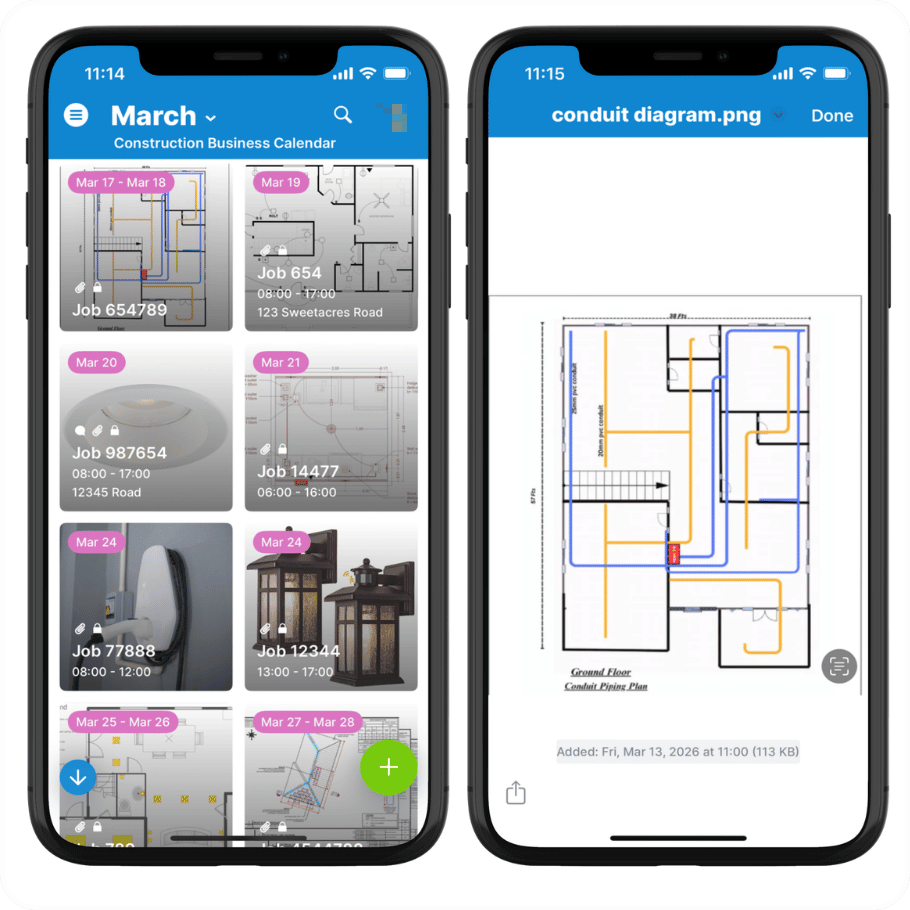
Click to enlarge: Tiles view on the Teamup app shows each job in an organized visual grid. Preview images and attachments easily.
Instead of relying on long written instructions and scattered files, contractors can use Teamup to provide each subcontractor with a visual work schedule that has all the information attached. In the Teamup app, Tiles view displays jobs as clean, scannable cards that are easy to recognize and process. And each job contains all the documents, notes, and specs needed to answer any question. A subcontractor can glance at the schedule for instant visual context about the job, then open it to access all the docs and details.
That combination is what makes the system practical in the field:
- A visual tile makes each assigned job easy to recognize at a glance. One tile = one job.
- Customized sharing ensures each subcontractor sees only their own assigned jobs. They can check each day’s schedule to see where they’re schedule, go to the site, and see a visual layout of the jobs to be done on site that day.
- Each job has all the details, including notes, measurements, specifications, and file attachments. No need to dig through email or call the office for the info needed.
- Plans, diagrams, and spec sheets can be previewed directly in the Teamup app, so it’s easy to quickly check a single detail or locate the document that contains the needed info without having to open each one separately.
- The Teamup mobile app syncs automatically with changes from the office so everyone is working from the same version.
💡 See also how subcontractors can use event comments to make their own notes, upload photos, ask questions, and provide documentation. They don’t need edit access to the schedule, so everything stays secure.
🛠️ Mini-guide
- Create a separate sub-calendar for each subcontractor.
- Add each job to the assigned subcontractor’s calendar with the site location, date, and all the job details: add notes, upload visuals and files like layout plans, diagrams, and spec sheets.
- Add each subcontractor as a user with customized, read-only access to only their own sub-calendar.
- Enable event comments for all users to let subcontractors document work from the field.
- Subcontractors can login to the Teamup mobile app to see their work schedule.
- Site locations are automatically mapped.
- Tiles view provides an organized, visual grid of the jobs for each day.
- On-site, subcontractors can tap to open any job tile and preview files, check notes, and confirm details.
Clear instructions keep projects moving
With visual instructions, plans, and specifications for each job, subcontractors are better prepared. They can see what’s assigned, understand the context quickly, and confirm the exact details of each job as they move through the day’s work.
For contractors and project managers, Teamup provides a secure, central place to coordinate the project and communicate expectations clearly. Each crew sees only the work assigned to them, while the full job record stays organized in one system. Create your own Teamup calendar to simplify subcontractor coordination and keep project details clear from start to finish.
Related resources
- Get started with combined visibility for better project management
- Learn how to create a visual install and delivery schedule
- Set up field crew scheduling by region
- Preview attachments on the Teamup mobile app
- Customize calendar access for each subcontractor
- Use Tiles view for visual job schedules
- Attach documents and plans directly to calendar events