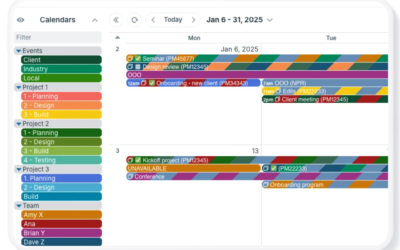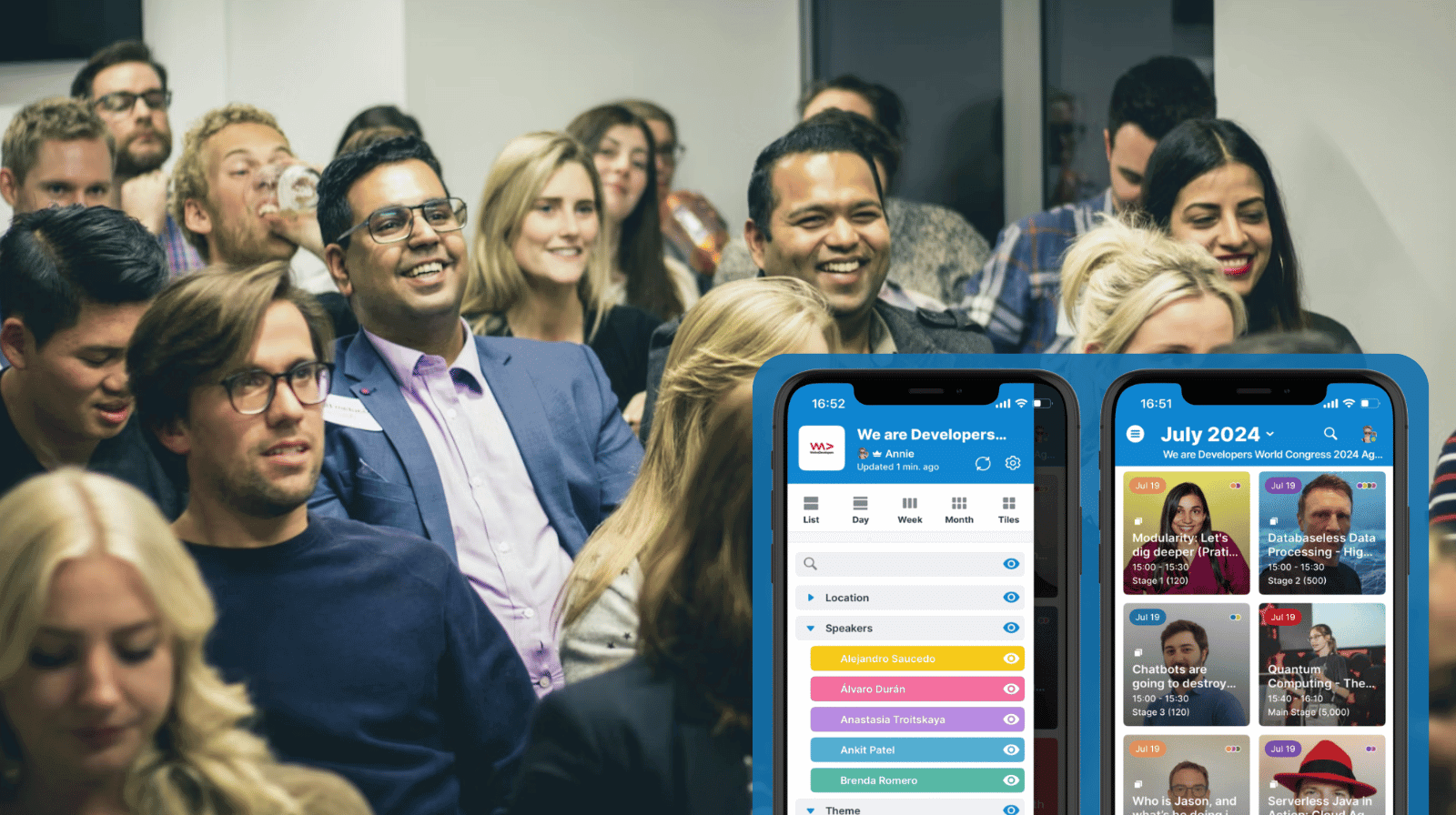
Conferences are complex. They have many tracks, sessions, and options for attendees. To maximize their time, attendees need a clear view of what’s happening and when. For organizers, the schedule is a key communication tool. Printed programs and static PDFs can be tough to scan. They also get outdated quickly. A clear, visual, and always-current agenda reduces confusion. It helps attendees make confident choices and feel satisfied with how they spend their time at the conference.
The need: Conference attendees have a lot of choices. They need an accurate, accessible conference agenda to check on-the-go, so they can quickly scan the options and make the best decisions about what to attend.
The Teamup solution: A visual conference agenda shows each item in a format that’s easy to understand. The visual schedule stays synced automatically when updates are made, has all the details, and is made for mobile.
What attendees need from a conference schedule
Many conferences rely on a static schedule: An emailed or printed agenda that has all the details, but isn’t easy to scan and doesn’t get updated if something changes. Or, there’s a conference schedule but it’s only available on the conference website. In either case, it’s not a great solution. It’s a pain for conference organizers to update, and for attendees to check.
A useful conference schedule, on the other hand, does a few things well:
- Accuracy: Attendees need to trust that what they see reflects the current plan.
- Easy access: The schedule should work on any device, without logins required.
- Clear details: Each event should include all the relevant info: time, location, duration, session type, topic.
- Visual structure: A visual layout, with color-coding and images, helps people understand the options quickly.
- Filtering: Attendees should be able to narrow events down to see only what matters to them.
When those needs are met, people can make better choices in the moment and get more out of each opportunity.
The solution: An accurate, visual agenda on the go
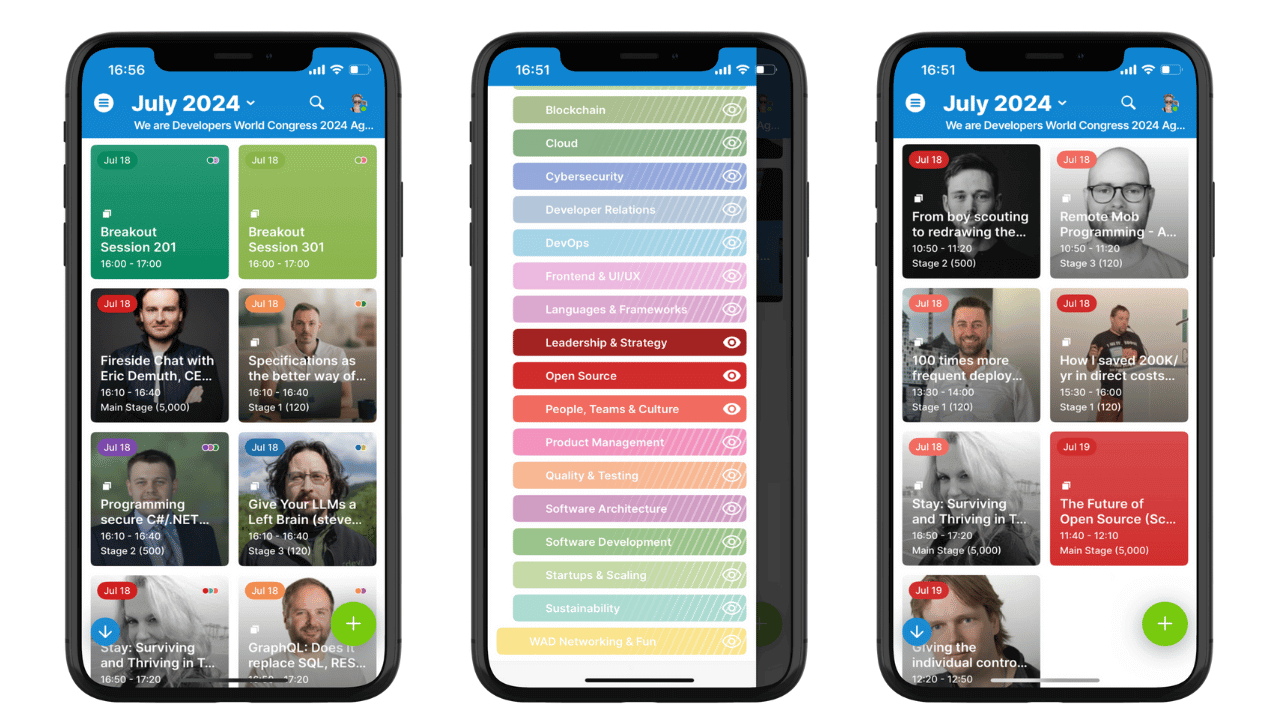
Click to enlarge: A color-coded, visual grid of event tiles is easy to scan. Attendees can toggle calendars to see only certain categories.
Teamup makes it easy to publish a clear, mobile-friendly conference agenda.
Tiles view in the Teamup app shows a visual grid of events. It’s easy to scan. Each tile represents a session, workshop, or event. Attendees can open any tile to see full details, including attachments.
Organizers can use color-coding to indicate tracks, session types, or locations. Images added to the event will show in the event tile. These visual cues help attendees spot their favorite speakers or identify sessions for a particular track.
Toggles and filters let attendees see only what they care about. They can toggle calendars on and off to control which events are visible. They can also filter by keywords or choice fields to find specific sessions quickly.
Access is simple and secure. Attendees download the Teamup app and paste in a secure, read-only calendar link. There’s no account or login to figure out. After the conference, organizers can deactivate the link while keeping the calendar for internal records.
Automatic syncing keeps everything accurate with zero additional effort from organizers. Any updates to the conference calendar are synced in real-time to the visual agenda.
How to set it up
⚙️ Setup
- Plan the conference schedule in Teamup using color-coded calendars and folders for clear organization.
- Add images such as speaker photos or graphics to indicate event type (e.g. social event, workshop).
- Include all the details for each event: description, time, location, links, even attachments.
- Create a secure read-only link that includes only the sub-calendars attendees should see.
- Share the link in registration materials, emails, and on the conference website.
📱In action
- Attendees download the Teamup app and enter the link for instant access to the agenda.
- They can toggle calendars, use the filters, and tap any event tile to view the details.
- Conference organizers can make updates as needed to the conference schedule. Changes sync automatically so attendees always have accurate information.
The result: Confidence, clarity, and a good experience
Conferences work best when attendees feel informed and in control of their time. A visual agenda with real-time updates provides all the information without confusion. Everyone can find the sessions they care about and feel confident they’re not missing key opportunities. It’s a better approach lets attendees focus and get the most value, so they leave satisfied with the experience.
Related resources
Give it a try with no risk using a live demo calendar. Create test events and explore all the features to see how Teamup can make conference organizing and agendas better for everyone.