Calendar Visualization, Featured, Product Tips
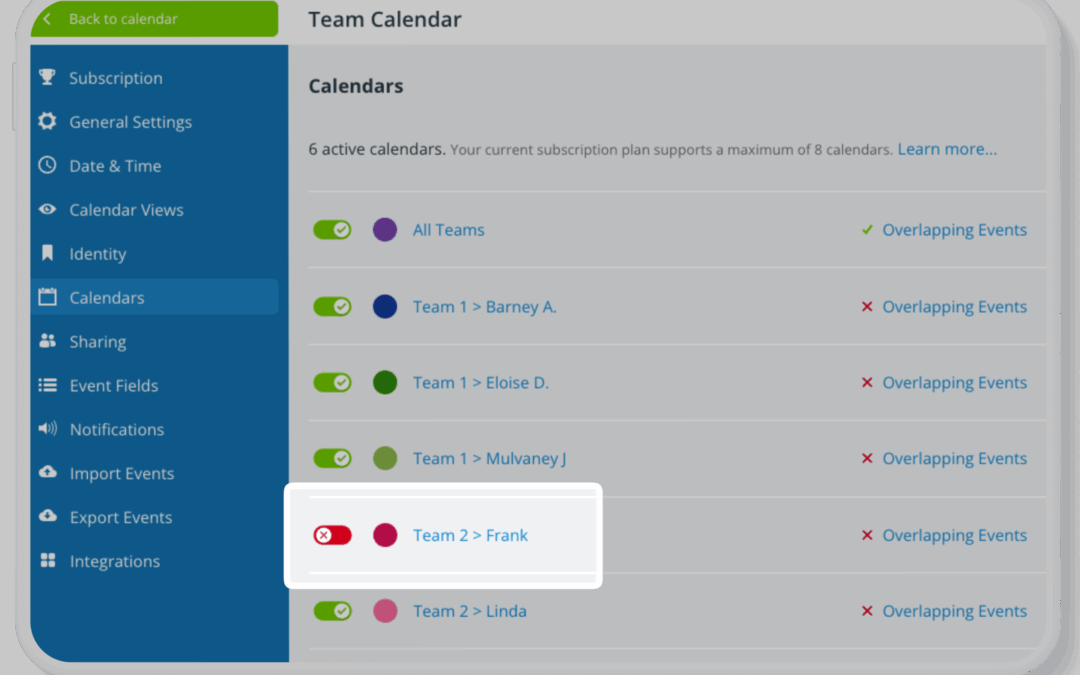
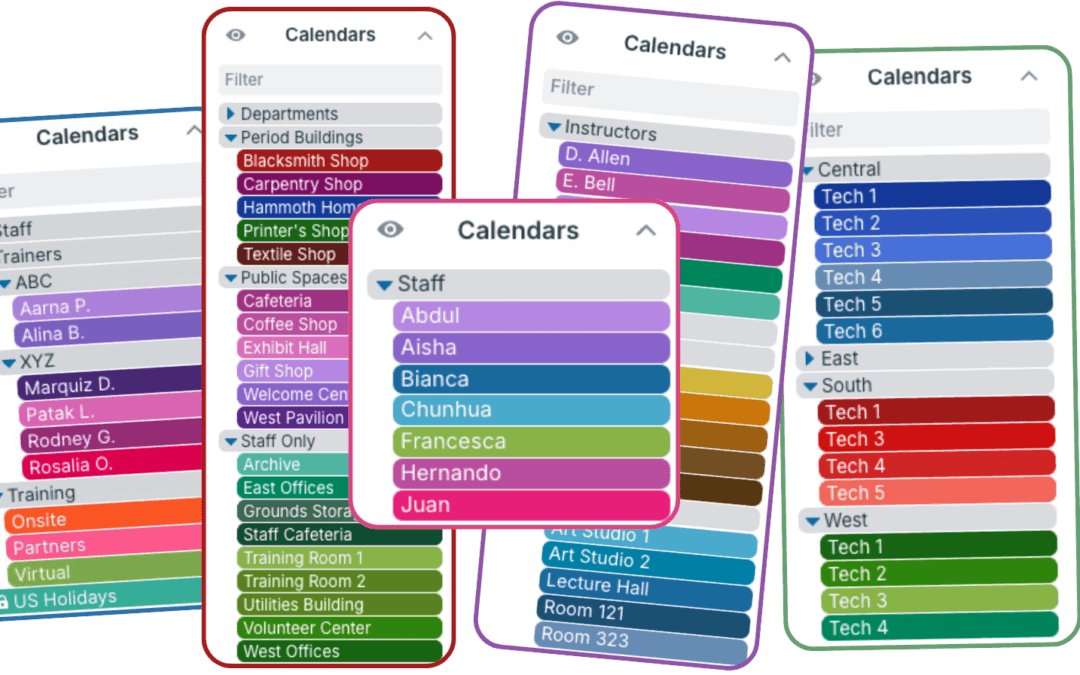
Sub-calendars are the heart of a Teamup calendar. They work as individual calendars, but are contained within your master calendar. They allow you to sort and organize all the information you need to keep on the calendar in a color-coded, visual structure. What are...
Product Tips, Working with Events
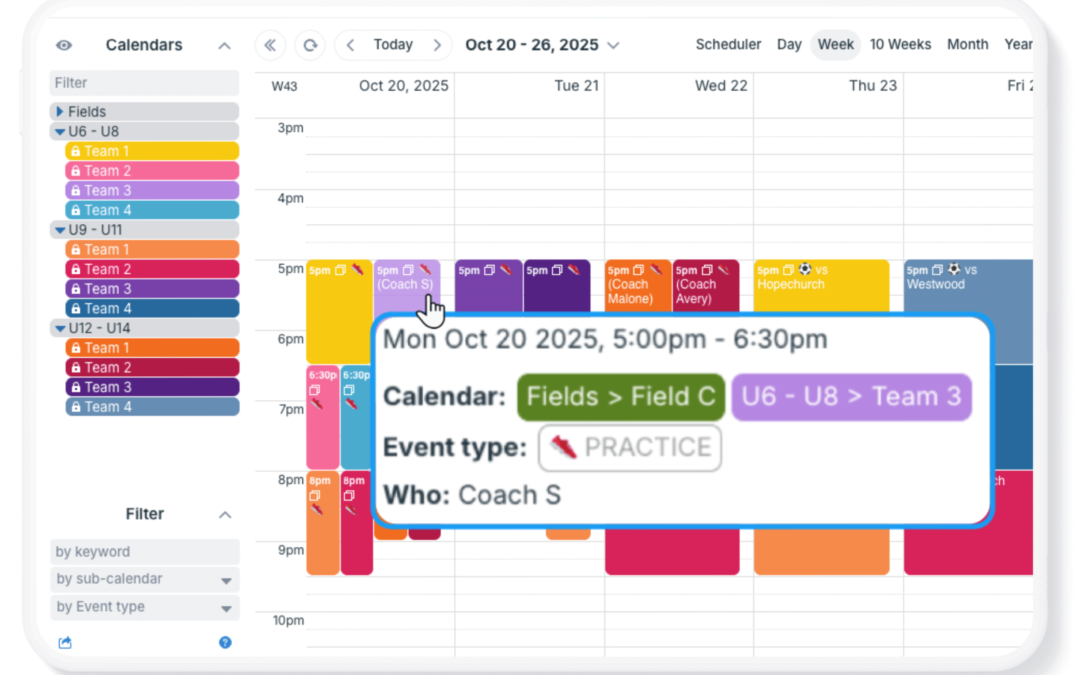
On a shared calendar, one of the first questions that comes up in day-to-day work is simple: Who is involved with this event? The question might be slightly different depending on the context: Who am I working with on this assignment? Who is the project leader for...
Featured, Organize Teams, Schedule Work
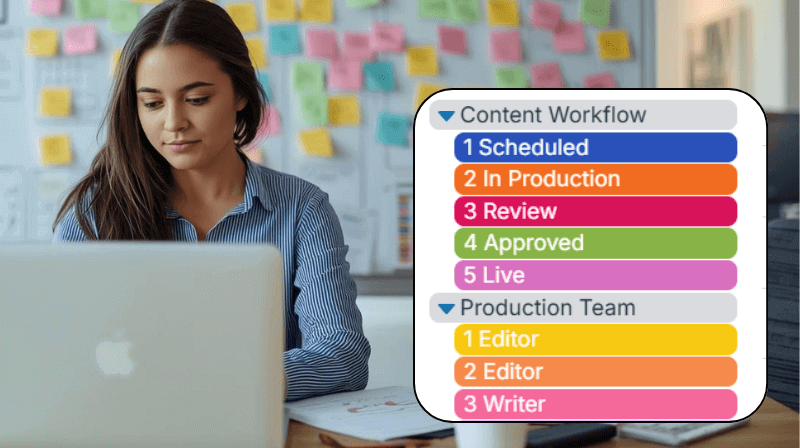
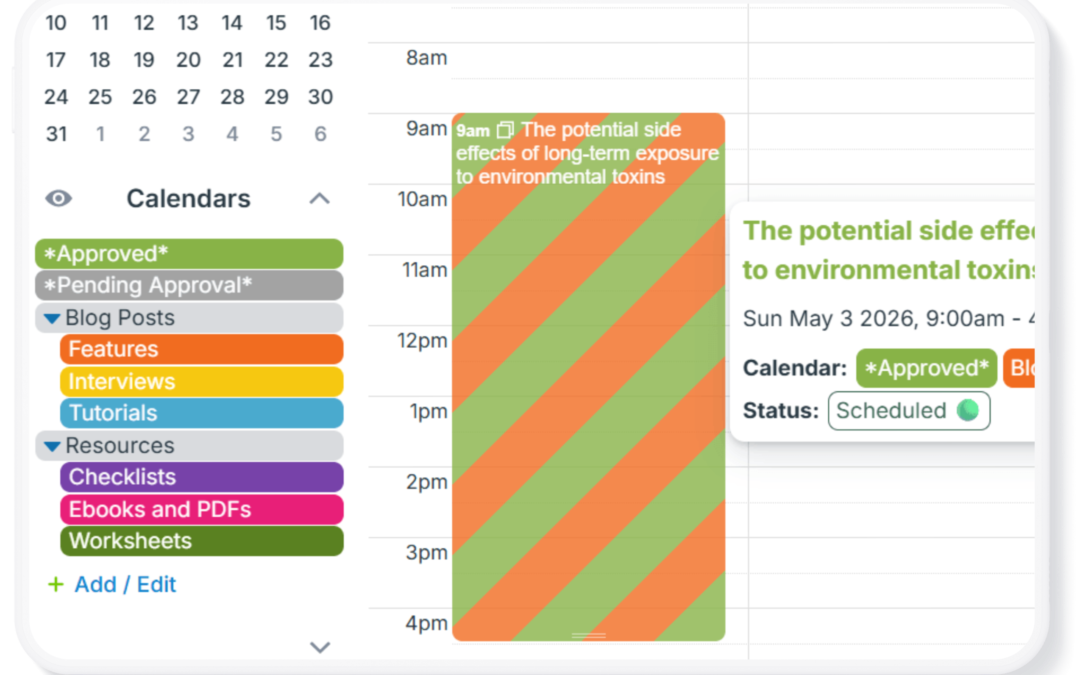
Managing content across multiple channels isn’t just about publishing, it’s about developing content, planning timelines, and coordinating work across a team. The need: When you manage content ideas, drafts, deadlines, and multiple publishing channels you need a...
Calendar Access, Product Tips
In some scenarios, teams or community members benefit from having a simple approval system in place, where users can submit requests, and a supervisor reviews and approves (or denies) them before anything is finalized. This is common for time-off requests, event...