Featured, Information Visibility, Organize Teams, Schedule Work
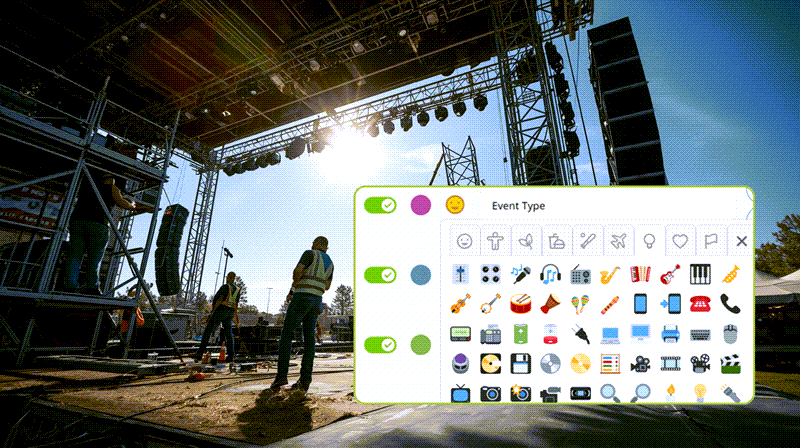
Trade shows remain one of the most effective ways for marketing and sales teams to create meaningful connections, accelerate sales conversations, and strengthen brand visibility. They offer something digital channels alone cannot: direct access to decision‑makers,...
Information Visibility, Product Tips
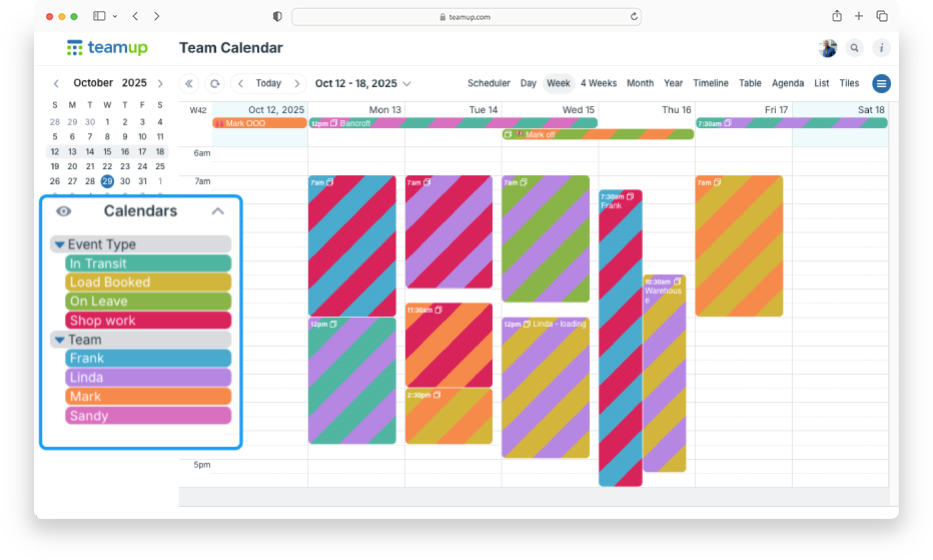
You might start with a simple setup in Teamup: each team member gets their own calendar so you can assign jobs and see everyone’s workload. It’s a logical, color-coded structure that works well. You may also want another layer of information, like task category,...

Product Tips, Working with Events
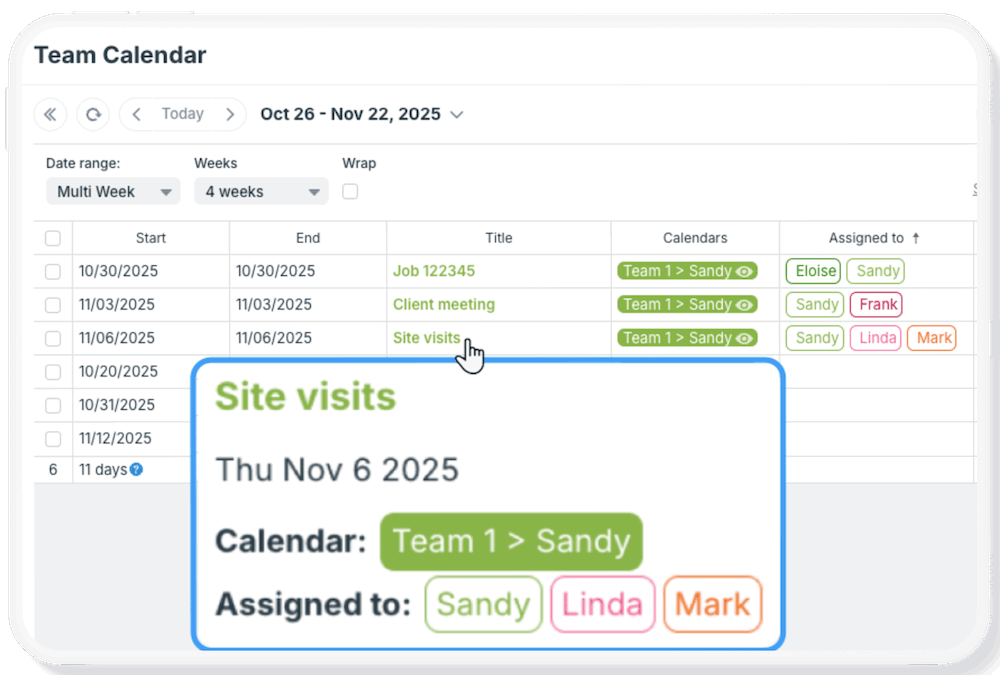
Many types of jobs and tasks involve numerical data, from hours to pricing to part numbers or project IDs. While these numbers need to be captured, it’s often not appropriate to share them with every single person involved in the job. Here’s how you can...